

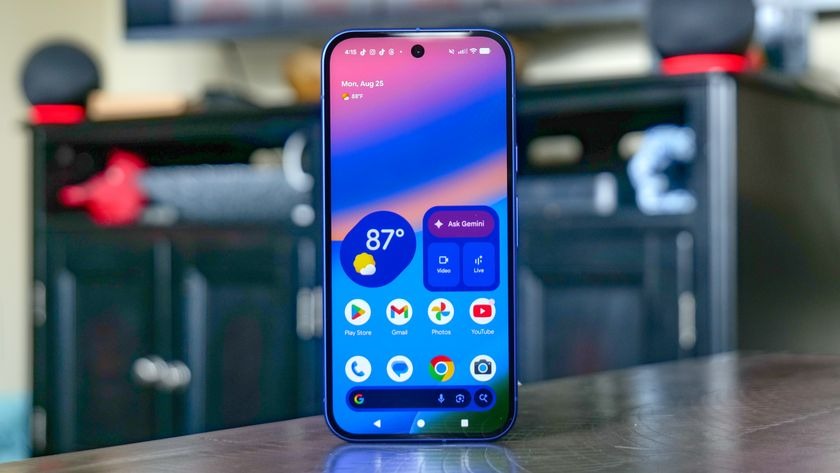
The Pixel experience has evolved from simple “Android” to an AI-first ecosystem. The latest Google Pixel AI features, powered by the introduction of the Tensor G5 chip and Gemini Nano, mean your phone is now capable of processing complex tasks right on the device. Indeed, these features are designed to save you time and clear the digital clutter from your life. Let’s dive into the secret settings that will turn you into a power user.
1. Magic Cue: The Proactive Personal Assistant
One of the most impressive additions in 2026 is Magic Cue. Unlike standard notifications, Magic Cue proactively surfaces information based on your current context. Specifically, if you are on a phone call with an airline, it will automatically pull up your flight itinerary from your Gmail and display it on the dialer screen. It “connects the dots” across your apps so you don’t have to go digging through your inbox while you’re busy.
2. Voice Translate: Your Voice, Their Language
We’ve had real-time translation for a while, but the latest Pixel update adds a sci-fi twist. Furthermore, the new Voice Translate feature doesn’t just translate your words during a call; it synthesizes them in your own voice. When you speak to someone in Tokyo or Berlin, the AI translates your speech while retaining your unique tone and cadence, making the conversation feel much more natural and human.
3. Camera Coach: Your Personal Photography Tutor
Ever wonder why your sunset photos don’t look as good as the ones on Instagram? Instead of just letting you snap a mediocre shot, Camera Coach uses AI to analyze your viewfinder in real-time. It will suggest a better angle, tell you to adjust your lighting, or even offer a “Get Inspired” button that generates example shots of your subject to help you find the perfect composition.
4. AI Notification Summaries for Google Pixel AI features
If you are tired of waking up to a wall of 50 notifications, this feature is a life-saver. As a result of the new Notification Intelligence, your Pixel now groups low-importance alerts and provides a single, concise AI summary of your threads. You get the “gist” of your WhatsApp groups or news alerts without having to scroll through every single message.
5. Audio Magic Eraser for Video
Most people know about removing people from photos, but Audio Magic Eraser is the hidden gem for video. If you recorded a video at a windy Dubai beach, you can use AI to identify and isolate specific sounds. You can “dial down” the wind or traffic noise and “dial up” your voice, making your home movies sound like they were recorded in a professional studio.
6. Sketch-to-Image (Creative Canvas)
Have a rough idea for a logo or a piece of art? With Sketch-to-Image, you can draw a basic doodle in the Google Keep or Journal app, and the on-device AI will transform it into a high-fidelity, photorealistic image. Indeed, it’s a fantastic way to brainstorm visual ideas without needing any actual drawing skills.
7. Take a Message: The New Era of Voicemail
Traditional voicemail is dead in 2026. Specifically, “Take a Message” answers missed calls for you, asks the caller for details, and transcribes the conversation live on your screen. If the caller mentions a specific date or time, Magic Cue will even suggest a calendar invite automatically.
8. Parallel Module Loading
This is a “under-the-hood” AI feature that most people miss. Ideally, your Pixel uses machine learning to predict which apps you’re about to open based on your routine. Consequently, it pre-loads those specific modules in the background, allowing your phone to start up and launch apps up to 30% faster than previous models.
9. Real-Time Relighting for Google Pixel AI features
Located within the Magic Editor, Real-Time Relighting allows you to change the light source of a photo after it’s been taken. If you took a portrait in harsh sunlight, you can use the AI to “move” the sun or soften the shadows on your face, giving you studio-quality lighting on a casual selfie.
10. Adaptive Battery 2.0 for Google Pixel AI features
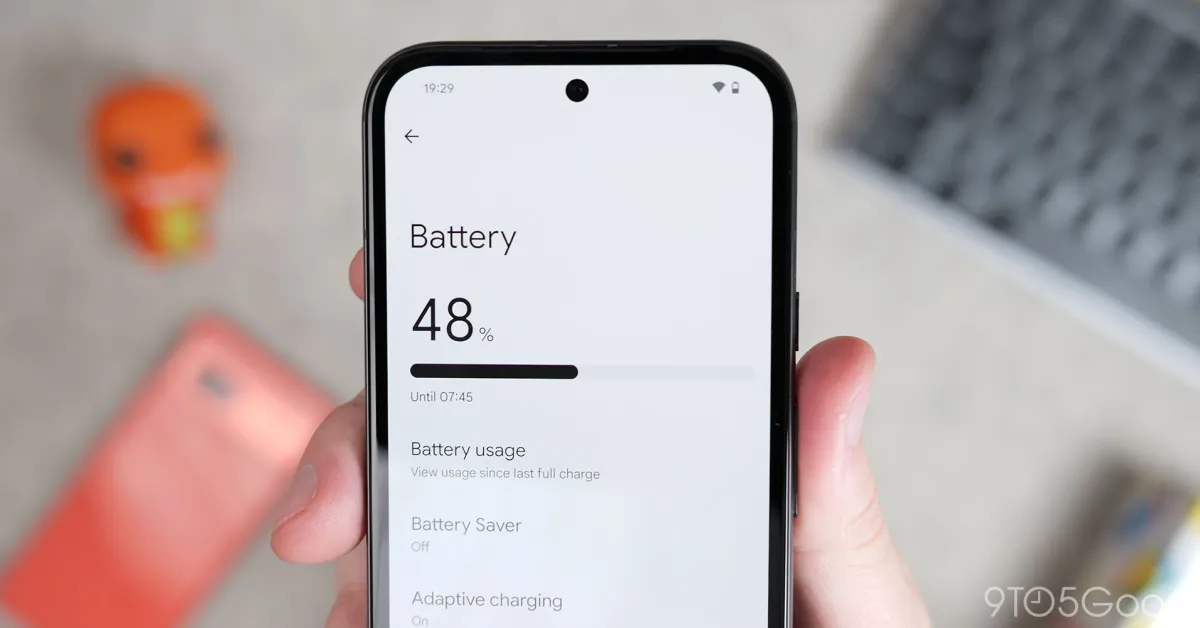
Currently, the Pixel’s AI learns your usage patterns to a granular level. It doesn’t just “save battery”; it predicts exactly when you’ll need a performance boost and when it can put background apps into a deep “sleep.” As a result, many users are seeing an extra 2-3 hours of screen-on time without changing a single setting.
Milaaj Mobile and Laptop Repair Al Barsha: Your Pixel Specialists for Google Pixel AI features
Even the smartest AI can’t fix a shattered screen or a worn-out charging port. If your Google Pixel is acting up, or if you’ve noticed it getting too hot while using these intensive AI features, the experts at Milaaj mobile and laptop repair Al Barsha are here to help.
Located conveniently in the heart of Al Barsha, we provide a premium service experience:
- Low Price: We offer competitive, transparent pricing on all Pixel repairs, from screen replacements to motherboard diagnostics.
- Speed Repairing: We understand your phone is your life; most Pixel repairs are completed on the same day.
- Convenience: Our Al Barsha location is easy to access, and we offer a “Repair at Your Doorstep” service for maximum ease.
- Part Quality: We use only original or high-grade OEM parts to ensure your AI features and sensors work exactly as intended.
FAQ: Google Pixel AI features
1. Do these AI features require an internet connection?
Actually, one of the biggest upgrades in 2026 is that most of these features run “on-device” via Gemini Nano. This means things like Magic Cue and Notification Summaries work even when you’re offline, which is better for both speed and privacy.
2. Will my older Pixel get these “Hidden” features?
Technically, it depends on the chip. While some photo editing tools are back-ported to the Pixel 8 and 9, features like Magic Cue and Parallel Module Loading require the specific processing power of the Tensor G5 found in the Pixel 10 series.
3. Does using AI drain my battery faster?
Indeed, processing AI tasks on-device can be demanding. However, the Tensor G5 is built on a high-efficiency 3nm process. Furthermore, the “Adaptive Battery” feature usually offsets the power used by these AI tasks by optimizing other background processes.
4. Is my data safe when using these AI tools?
Specifically, yes. Because the Pixel 10 focuses on “On-Device AI,” your transcripts, summaries, and flight details are processed locally and are not sent to the cloud, ensuring your personal information stays on your phone.
5. How do I turn on “Camera Coach”?
You can find this in your Camera Settings under the “AI Lab” or “Photography Tools” section. Once enabled, it will provide subtle on-screen prompts whenever it detects a way to improve your shot.
Final Thoughts: Google Pixel AI features
In conclusion, your Google Pixel is far more than a phone it’s an evolving AI partner. By mastering these 10 hidden features, you can reclaim your time and take better photos than ever before. As a result of these technological leaps, the “AI-first” world is already in your pocket. Therefore, take a few minutes today to explore your settings and let your Pixel start working for you.
Other Services:
- Need other iPhone repairs? Check out Milaaj’s iPhone repair services in Dubai.
- Looking to upgrade? Learn about selling your used iPhone in Dubai.
- Data loss concerns? Visit Milaaj’s data recovery services.
- For Apple users, check Apple trade-in options in Dubai.
📍 Visit Any Milaaj Branch in Dubai
🔹 Bur Dubai
Milaaj Mobile and Laptop Repair Dubai
📞 055 258 8477
🔗 Google Maps
🔹 Al Barsha
Milaaj Mobiles and Laptop Repair Al Barsha
📞 052 596 2846
🔗 Google Maps
🔹 Al Barsha 3
Milaaj Mobiles and Gaming Store
📞 052 3405 814
🔗 Google Maps
🔹 Al Nuaimiya
Milaaj Mobiles and Laptops Ajman
📞 055 788 9654
🔗 Google Maps
Shop Locations: Al Barsha | Bur Dubai | Reef Mall, Salah Al Din | Al Nuaimiya, Ajman
Email: support@milaaj.com
Operating Hours: Monday – Sunday


Leave a Reply