

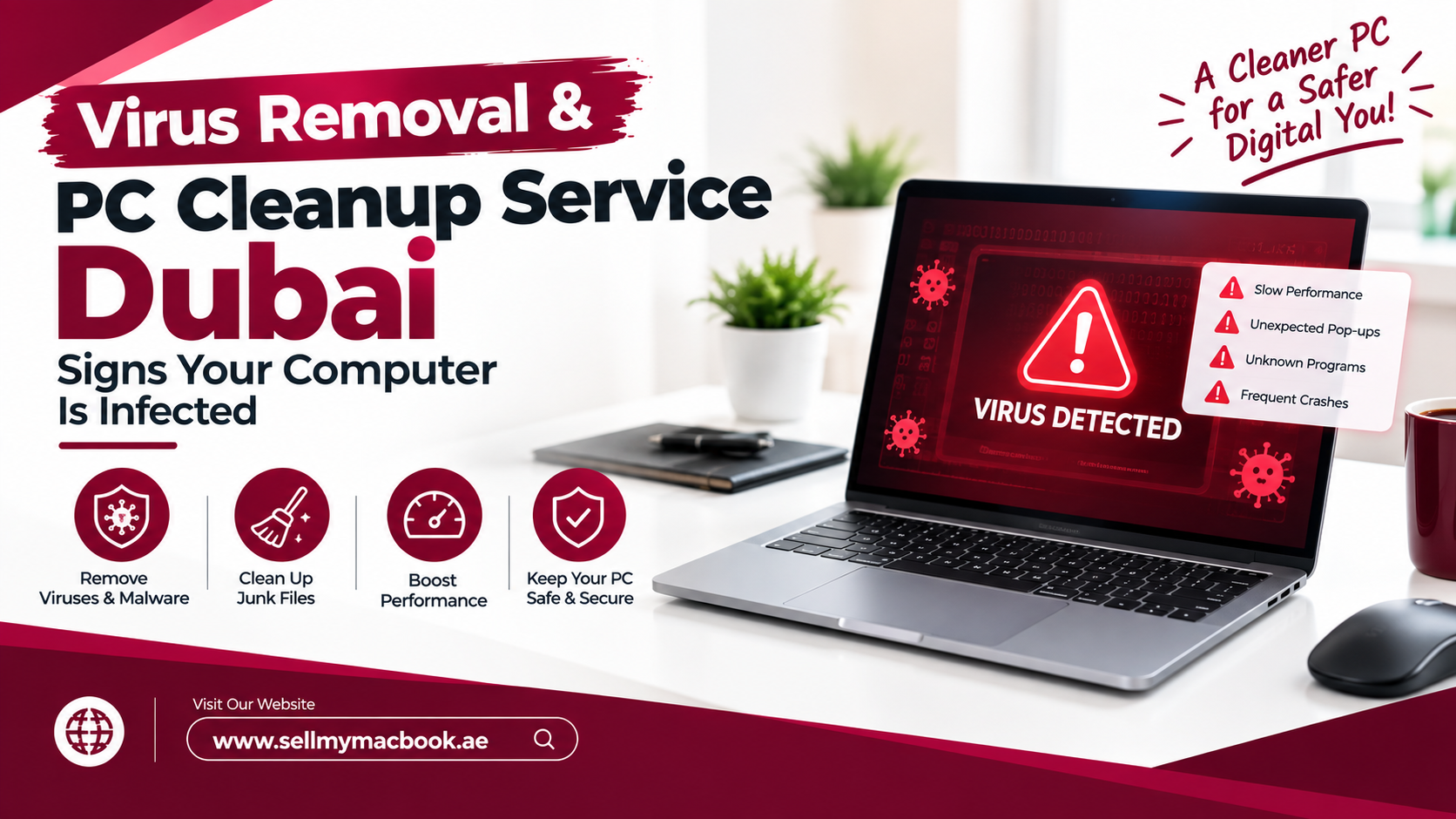
It usually starts small. Your laptop takes a little longer to boot. A strange pop-up appears while you’re checking emails. Your browser suddenly opens a search page you’ve never seen before. At first, you shrug it off. But then the fan starts roaring even when you’re doing nothing, and you begin to wonder: is something living inside my computer?
Quite possibly, yes. Malware has become smarter and sneakier, and many infections hide in plain sight for weeks. The good news is that most of them leave clues. In this guide, we’ll walk you through the clearest signs your computer is infected, what to do right away, and when it makes sense to call a professional virus removal and PC cleanup service Dubai residents can trust.
What Counts as a Computer Virus in 2026?
People use “virus” as a catch-all word, and honestly, that’s fine for everyday conversation. Technically, though, a virus is just one type of malware, short for malicious software. Today, the threats you’re more likely to meet include trojans that pretend to be useful programs, adware that floods you with pop-ups, spyware and keyloggers that quietly record what you type, and ransomware that locks your files and demands payment.
On top of that, cryptojackers secretly use your computer’s power to mine cryptocurrency, while rootkits bury themselves deep in the system to avoid detection. Each one behaves differently. As a result, the symptoms you notice can tell a technician a lot about what they’re dealing with.
What Are the Most Common Signs Your Computer Is Infected?
Let’s get to the heart of it. If you notice two or more of the following signs together, it’s time to take the problem seriously.
Your Computer Suddenly Feels Painfully Slow
Every computer slows down with age, but malware causes a different kind of slowdown. Programs freeze, files take ages to open, and even simple tasks feel sluggish. Open Task Manager on Windows or Activity Monitor on a Mac, and you may spot unfamiliar processes eating up your CPU or memory.
Pop-Ups Appear Everywhere
Occasional ads on websites are normal. However, pop-ups that appear on your desktop, even when your browser is closed, strongly suggest adware. Be especially wary of alarming messages claiming “Your PC has 5 viruses!” that push you to download a tool or call a number. Those fake security alerts are a classic tech support scam.
Your Browser Has a Mind of Its Own
Did your homepage change without your permission? Do searches redirect to strange websites? Have new toolbars or extensions appeared overnight? These are hallmark signs of a browser hijacker, one of the most common infections technicians remove.
The Fan Runs Loud and the Laptop Feels Hot
If your laptop sounds like a jet engine while sitting idle, something may be working it hard in the background. Cryptojacking malware is a frequent culprit. That said, in Dubai, dust buildup inside the cooling system causes similar symptoms, which is exactly why a proper checkup looks at both software and hardware.
Your Antivirus Is Switched Off
Many types of malware try to disable Microsoft Defender or third-party antivirus software so they can operate undisturbed. If your security software is turned off and you didn’t do it, treat that as a red flag.
Friends Receive Strange Messages From You
When contacts start asking why you sent them odd links through email, WhatsApp Web, or social media, your accounts or your device may be compromised. Similarly, unexpected password reset emails or login alerts deserve immediate attention.
Files Go Missing or Get Locked
Finally, the most serious sign of all: files that suddenly have strange extensions, won’t open, or come with a ransom note. That points to ransomware, and it needs urgent professional help.
Why Do Computers Get Infected So Easily?
Most infections don’t break in. Instead, we accidentally invite them. Phishing messages remain the number one entry point, and here in the UAE, fake delivery notifications, fake traffic fine alerts, and bogus bank messages are common tricks. One click on the wrong link can install malware or steal your login details.
In addition, pirated software and “free” cracked apps often carry hidden trojans. Outdated operating systems leave security holes wide open, and infected USB drives passed between colleagues can spread malware across an entire office. Even Macs aren’t immune, since malicious installers disguised as video players or software updates regularly target macOS users.
What Should You Do the Moment You Suspect an Infection?
Acting quickly limits the damage, so here’s a simple emergency plan.
Step 1: Disconnect From the Internet
First, turn off Wi-Fi or unplug the network cable. This cuts off the malware’s connection to its controller and stops it from sending your data out or spreading to other devices on your network.
Step 2: Don’t Enter Any Passwords or Payment Details
Next, avoid logging into banking apps, email, or shopping sites on the affected computer. If a keylogger is running, anything you type could end up in the wrong hands.
Step 3: Change Passwords From a Clean Device
Using your phone or another trusted computer, change passwords for your email, banking, and social media accounts. Then, turn on two-factor authentication wherever possible.
Step 4: Run a Trusted Security Scan
If you feel comfortable, run a full scan with Microsoft Defender, including the Microsoft Defender Offline scan, which checks the system before Windows fully loads. Avoid downloading random “PC cleaner” tools from pop-ups, because many of them are malware themselves.
Step 5: Never Pay a Ransom
If ransomware locks your files, don’t pay. Payment doesn’t guarantee you’ll get your files back, and it funds more attacks. Instead, disconnect the device and get expert help straight away.
Can You Remove a Virus Yourself or Do You Need a Professional?
For simple adware or a browser hijacker, a careful scan and removing suspicious extensions may solve the problem. However, modern malware often survives basic cleanups. Rootkits hide from antivirus software, some trojans reinstall themselves after deletion, and ransomware demands careful handling to avoid losing files permanently.
That’s where a professional virus removal and PC cleanup service Dubai offers real value. A technician can scan in Safe Mode, check startup entries and scheduled tasks, inspect browser settings, and confirm the system is genuinely clean rather than just looking clean. Moreover, they can safely back up your personal files before any deep repair, so you don’t lose important documents in the process.
What Does a Professional PC Cleanup Include?
A proper cleanup goes further than deleting a few infected files. Typically, a thorough virus removal and PC cleanup service Dubai technicians provide covers several layers.
Deep Malware Scanning and Removal
Technicians use multiple scanning tools to catch threats that a single antivirus might miss. They then remove the infection, repair damaged system settings, and reset hijacked browsers.
Performance Optimization
Next comes the cleanup side. This usually includes removing bloatware, disabling unnecessary startup programs, clearing temporary files, installing pending Windows or macOS updates, and updating drivers. Many customers are surprised by how much faster their computer feels afterward.
Hardware Cleaning for Dubai Conditions
Dust is a constant in the UAE, and it clogs laptop fans and heat sinks over time. A physical cleaning of the cooling system, and fresh thermal paste where needed, helps the computer run cooler, quieter, and longer.
Security Setup for the Future
Finally, a good technician leaves you protected, with antivirus properly configured, automatic updates switched on, and a simple backup plan in place.
How Much Does It Cost?
Prices depend on how severe the infection is and whether a system reinstall is needed. As a general guide, a virus removal and PC cleanup service Dubai customers use commonly ranges from around AED 100 to AED 350 (about USD 27 to USD 95). Always ask for a clear quote after the initial check.
Where Can You Get Fast Virus Removal and PC Cleanup in Al Barsha?
If your computer is showing any of these warning signs, Milaaj mobile and laptop repair Al Barsha makes the fix simple. Our technicians diagnose the problem, remove the infection properly, clean up performance issues, and explain everything in plain language. You can explore our laptop and PC repair services or visit our homepage for directions and contact details.
Low, transparent pricing: You get an honest quote after diagnosis, with no hidden charges and rates that stay competitive across Dubai.
Speedy turnaround: Most virus removal and cleanup jobs finish quickly, so you get back to work, study, or streaming without a long wait.
Real convenience: Our Al Barsha location is easy to reach from across the city, and we also have branches in Sharjah and Ajman.
Quality parts: If your checkup reveals a failing hard drive, weak battery, or worn fan, we use high-quality replacement parts that keep your laptop running reliably.
Data privacy: Your personal and business files stay confidential throughout the entire process.
And if your old computer simply isn’t worth fixing anymore, you can sell or trade it in and put the value toward something new.
Frequently Asked Questions
How do I know if my computer has a virus?
Common signs include sudden slowness, unexplained pop-ups, browser redirects, a noisy fan while idle, disabled antivirus, and strange messages sent from your accounts. Two or more signs together usually point to an infection.
Is Microsoft Defender enough to protect my PC?
For most home users, Microsoft Defender offers solid built-in protection when kept updated. However, it can’t stop you from clicking phishing links, so safe browsing habits still matter.
Can a virus damage my computer hardware?
Rarely directly. However, malware like cryptojackers can overwork your processor and cause excess heat, which shortens component life over time.
Will virus removal delete my files?
A professional service backs up your personal files first whenever possible. In severe cases, a system reinstall may be needed, but your documents are saved beforehand.
Can Macs get viruses?
Yes. While macOS includes built-in protections like XProtect, Mac users still face adware, fake installers, and phishing attacks.
How long does professional virus removal take?
Simple infections often take a few hours. Severe infections or full system reinstalls may take one to two days, depending on the amount of data involved.
For more simple ways to keep your devices safe, visit our tech tips blog.
Final Thoughts: Don’t Wait for It to Get Worse
A computer virus rarely fixes itself. In fact, the longer it runs, the more data it can steal, the more files it can damage, and the harder it becomes to remove. So if your computer is acting strangely, trust your instincts. Disconnect, protect your accounts, and get it checked by a reliable virus removal and PC cleanup service Dubai professionals offer. A quick cleanup today can save you from a much bigger headache tomorrow.
Other Services:
- Need other laptop repairs? Check out Milaaj’s laptop repair services in Dubai.
- Overheating issues? Explore MacBook repair in Dubai for similar cooling solutions.
- Looking to upgrade? Learn about selling your used laptop in Dubai.
- Data loss concerns? Visit Milaaj’s data recovery services.
- For Apple users, check Apple trade-in options in Dubai.
📍 Visit Any Milaaj Branch in Dubai
🔹 Bur Dubai
Milaaj Mobile and Laptop Repair Dubai
📞 055 258 8477
🔗 Google Maps
🔹 Al Barsha
Milaaj Mobiles and Laptop Repair Al Barsha
📞 052 596 2846
🔗 Google Maps
🔹 Reef Mall (Salah Al Din)
Milaaj Service Center Reef Mall
📞 052 3405 814
📍 1st Floor, Shop 16, Deira
🔗 Google Maps
🔹 Al Nuaimiya
Milaaj Mobiles and Laptops Ajman
📞 055 788 9654
🔗 Google Maps
Shop Locations: Al Barsha | Bur Dubai | Reef Mall, Salah Al Din | Al Nuaimiya, Ajman
Email: support@milaaj.com
Operating Hours: Monday – Sunday
Leave a Reply