

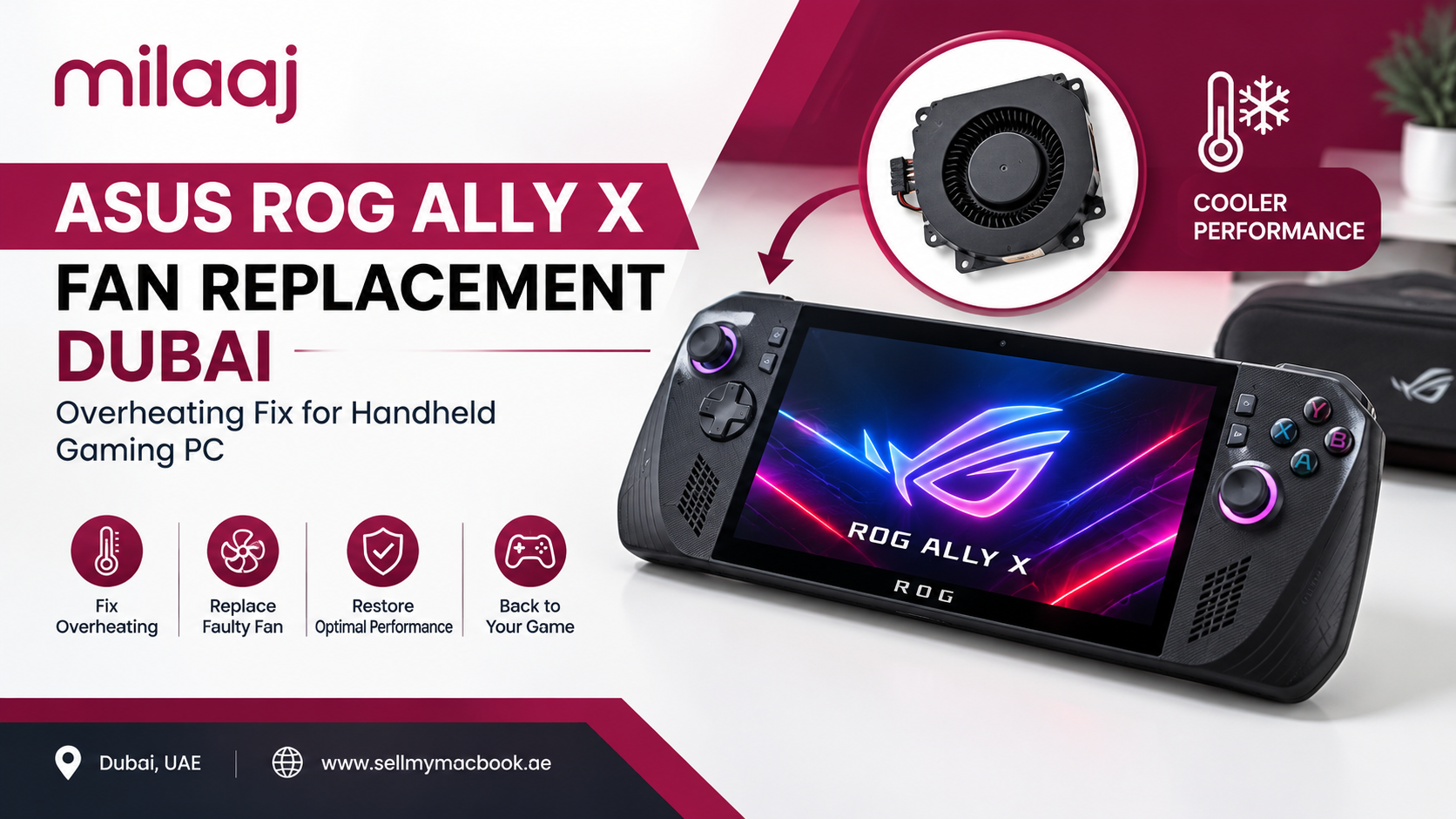
Your ROG Ally X was fine last month. Now the fan screams during a simple game, the back feels like a hot plate, and your frame rate drops every few minutes. Sound familiar? You are not alone, and the good news is that this problem is very fixable. This guide explains why the handheld overheats, how to spot a dying fan, and what to expect from an ASUS ROG Ally X fan replacement Dubai gamers can actually rely on.
Why Is My ASUS ROG Ally X Overheating?
The ROG Ally X packs a Ryzen Z1 Extreme chip, 24GB of LPDDR5X memory, and a bigger 80Wh battery into a body you hold with both hands. All of that heat has to leave through a small fan and a thin heat pipe assembly. When any part of that cooling path struggles, temperatures climb fast.
Dubai makes the situation tougher. Summer rooms are warm, cars get hot, and many gamers play in cafes or on balconies. Dust also drifts in more than people expect. Over time, fine particles collect on the fan blades and clog the heatsink fins, so the airflow weakens a little more each week.
Several things usually cause the heat. A worn fan bearing slows the blades. Dried thermal paste stops the chip from passing heat to the heatsink. Dust packs the exhaust vents. Sometimes a mix of all three is at work, which is why a proper inspection matters before anyone swaps a part.
What Are the Signs of a Failing ROG Ally X Fan?
Most fans do not die overnight. They give you warnings first, and catching them early saves money. Watch for these signals.
First, listen for noise. A healthy fan produces a steady whoosh. A failing one grinds, rattles, or makes a high-pitched whine that rises and falls. Next, look at performance. If your games stutter after ten minutes, the chip is probably throttling to protect itself.
Then pay attention to touch. The back panel and the grips near the vents should feel warm, not painful. If the console shuts down suddenly during play, the temperature has likely crossed a safety limit. Finally, check whether the fan sometimes refuses to spin at all. A silent fan under load is an emergency, so stop playing right away.
If you notice two or more of these signs, book a diagnosis soon. Playing on a weak fan can damage the APU, the battery, and the motherboard, and those repairs cost far more than a fan.
Can You Fix ROG Ally X Overheating Without Replacing the Fan?
Sometimes, yes. Before you spend money, try the simple steps below. They solve a surprising number of cases.
Start with the software side. Update Armoury Crate SE and your BIOS, because ASUS has released thermal and fan curve improvements through updates. Then switch from Turbo mode to Performance mode for lighter games. Turbo pushes 25W on battery and 30W when plugged in, which is great for demanding titles but unnecessary for indie games and emulators.
Next, lower the in-game settings. Cap the frame rate at 60 FPS, reduce shadows, and turn on FSR upscaling. Moreover, play on a hard, flat surface so the vents can breathe. A pillow or blanket blocks the intake and makes everything worse.
However, software tweaks cannot repair physical wear. If the fan still rattles, the vents are choked with dust, or the temperatures stay high at idle, you need hands-on service. At that point, an ASUS ROG Ally X fan replacement Dubai technicians perform with proper tools is the right move.
How Does a Professional ROG Ally X Fan Replacement Work?
Opening a handheld is not like opening a laptop. The Ally X uses tiny screws of different lengths, delicate ribbon cables, and adhesive in places. One wrong move can tear a connector or scratch the board. That is why most people leave this job to a trained technician.
Here is how the process usually goes. The technician powers down the unit, disconnects the battery, and removes the back cover with plastic pry tools. After that, they lift out the cooling assembly, inspect the fan blades and bearing, and clean the heatsink fins and exhaust vents with precision tools.
Then comes the important part. The old thermal paste is cleaned off the chip, fresh high-quality paste is applied in the correct amount, and a new fan goes in. Afterward, the unit is reassembled and stress tested with a demanding game for a set period while temperatures are logged. If the numbers look healthy, the repair is complete.
This extra step matters. A fan swap with no thermal paste refresh is only half a fix, because old paste keeps blocking heat transfer. Always ask whether the shop includes both.
How Much Does ROG Ally X Fan Replacement Cost in Dubai?
Pricing depends on the part and on how much work your handheld needs. As a general guide, a fan replacement with thermal paste refresh usually falls between AED 250 and AED 450 (about USD 68 to USD 122). A basic internal cleaning with new paste is cheaper, often AED 120 to AED 200 (about USD 33 to USD 55). These figures are estimates, so always request a firm quote after inspection.
Be careful with suspiciously cheap offers. A very low price often means a generic fan with a weak bearing or a quick wipe with poor quality paste. You may save a little today and pay again in two months. The better question is not “who is cheapest” but “who uses reliable parts and tests the result.”
Warranty is another thing to check. If your Ally X is still covered by ASUS, opening it yourself or through an unauthorized shop may affect that coverage. Ask the shop plainly how they handle this so you can decide with full information.
Where Can You Get an ASUS ROG Ally X Fan Replacement in Dubai?
Look for a repair center that works on handhelds, not only phones. The Steam Deck, Lenovo Legion Go, and ROG Ally family share similar cooling designs, so a shop with handheld experience will move faster and make fewer mistakes. Also look for transparent pricing, a clear warranty on parts and labor, and reviews from real gamers.
Location matters too. Dubai traffic can eat half your day, so a convenient service point saves you real time. For gamers in Al Barsha, Al Quoz, Barsha Heights, and the surrounding neighborhoods, a local specialist beats sending your device across the city.
If you want to compare options, read our guide on [link to Milaaj blog post on gaming console and handheld repair] for tips on choosing a reliable shop.
Why Choose Milaaj for Your Handheld Gaming PC Repair?
Here is where we make it easy. Milaaj mobile and laptop repair Al Barsha handles handheld gaming PCs, laptops, phones, and tablets under one roof, and our technicians treat your Ally X with the same care as their own device. You can read more on our [link to milaaj.ae homepage] and see every [link to repair services page] we offer.
Low price. We keep repair costs fair and clear. You get a quote before any work begins, with no hidden charges added at the counter. That honest pricing is a big reason customers come back and recommend us to friends.
Speed repairing. Most fan replacements and thermal service jobs finish the same day, and often within a few hours when the part is in stock. You will not wait weeks without your console.
Convenience. Our Al Barsha location is easy to reach from Dubai Marina, Al Quoz, Barsha Heights, and Umm Suqeim. Additionally, we serve customers through our branches in Sharjah and Ajman, so you can pick whichever location suits your day.
Part quality. We use reliable replacement fans and premium thermal paste, then test every unit under load before handing it back. Quality parts mean a quieter console, cooler temperatures, and a repair that lasts.
Clear communication. We explain what failed, what we replaced, and how to keep it healthy. Therefore, you leave with a working device and the knowledge to protect it.
Thinking of upgrading instead of repairing? You can also check our [link to sell/trade-in page] to see what your current handheld or laptop is worth.
How Can You Prevent Your ROG Ally X From Overheating Again?
A repair works best when paired with good habits. Fortunately, the habits are easy.
Clean the vents every few weeks with a soft brush or a small blast of air from a distance, never from up close. Keep the console off soft surfaces like beds and sofas while gaming. Additionally, avoid leaving it in a parked car, because Dubai heat can reach levels that stress the battery and chip even when the device is off.
Use the right power mode for the game. Silent or Performance mode handles most titles with ease, so reserve Turbo for demanding sessions. Also consider a small cooling stand for long sessions at home. And finally, plan a yearly cooling check. Fresh paste and clean vents every twelve months keep temperatures steady and extend the life of the whole machine.
Frequently Asked Questions About ASUS ROG Ally X Fan Replacement Dubai
How long does an ROG Ally X fan replacement take?
Most repairs take a few hours to one day, depending on parts availability and testing time. Same-day service is common when the fan is in stock.
Is it safe to keep gaming with a noisy fan?
It is not a good idea. A noisy fan means airflow is already dropping, and continued use can cause throttling, shutdowns, or long-term damage to the processor and battery. Get it checked quickly.
Will fan replacement stop my ROG Ally X from throttling?
In most cases, yes, provided the fan or paste was the problem. After a proper replacement and paste refresh, temperatures drop and the chip holds higher clocks for longer. Software settings still play a part, so use sensible power modes.
Can I replace the ROG Ally X fan myself?
Technically you can, but it is risky. The internals are tight, the connectors are fragile, and mistakes can turn a small repair into a motherboard problem. Professional service is safer, and it keeps your handheld free from avoidable damage.
How often should I clean my ROG Ally X?
Light vent cleaning every month and a full internal service once a year works well for most players. Dusty homes or heavy daily use may call for more frequent checks.
Does a fan replacement void my ASUS warranty?
It can, if the device is still under official warranty and the repair is done outside an authorized channel. Ask your repair shop and review your warranty terms before booking.
How much is an ROG Ally X fan replacement in Dubai?
Expect roughly AED 250 to AED 450 (about USD 68 to USD 122) including thermal paste, although the final price depends on inspection. Always request a written quote first.
What if my ROG Ally X overheats after the repair?
Reputable shops test the unit before returning it and stand behind their work. If problems return, bring it back for a recheck under the repair warranty.
Final Thoughts
An overheating handheld ruins the fun fast, but it rarely means the end of your device. Learn the warning signs, try the quick software fixes, and do not wait too long if the fan keeps grinding. A quality ASUS ROG Ally X fan replacement Dubai gamers can trust brings back quiet cooling, steady frame rates, and peace of mind.
Ready to cool things down? Visit us in Al Barsha or https://milaaj.ae/contact-us/ to get a free diagnosis and a clear quote today.
Other Services:
- Need other laptop repairs? Check out Milaaj’s laptop repair services in Dubai.
- Overheating issues? Explore MacBook repair in Dubai for similar cooling solutions.
- Looking to upgrade? Learn about selling your used laptop in Dubai.
- Data loss concerns? Visit Milaaj’s data recovery services.
- For Apple users, check Apple trade-in options in Dubai.
📍 Visit Any Milaaj Branch in Dubai
🔹 Bur Dubai
Milaaj Mobile and Laptop Repair Dubai
📞 055 258 8477
🔗 Google Maps
🔹 Al Barsha
Milaaj Mobiles and Laptop Repair Al Barsha
📞 052 596 2846
🔗 Google Maps
🔹 Reef Mall (Salah Al Din)
Milaaj Service Center Reef Mall
📞 052 3405 814
📍 1st Floor, Shop 16, Deira
🔗 Google Maps
🔹 Al Nuaimiya
Milaaj Mobiles and Laptops Ajman
📞 055 788 9654
🔗 Google Maps
Shop Locations: Al Barsha | Bur Dubai | Reef Mall, Salah Al Din | Al Nuaimiya, Ajman
Email: support@milaaj.com
Operating Hours: Monday – Sunday



Leave a Reply