
iPhone 17 Pro Max repair Al Barsha
Plan your iPhone 17 Pro Max repair in Al Barsha
Choose between Milaaj’s Al Barsha HQ at The Iridium, Al Barsha 1, and its Al Barsha 3 branch on Hessa Street. Before setting out with your iPhone 17 Pro Max, confirm which branch can assess the fault and whether the required part is available. Prefer collection? Share your building, contact number and preferred handover time so the team can discuss a pickup and return arrangement.
Repair services
Prepare for an Al Barsha repair visit
Two local branches give you a choice of handover point. Use the branch address, the condition of your phone and the proposed repair to plan the visit.
Choose the receiving branch
Al Barsha HQ and Al Barsha 3 are separate addresses. Tell the team which is convenient before arranging your iPhone 17 Pro Max assessment.
- HQ: The Iridium, Al Barsha 1.
- Al Barsha 3: Hessa Street, Al Barsha Third.
- Confirm the branch that will receive the phone.
Check parts before travelling
A model name alone is not enough to select a replacement. Describe the affected function and any previous repair when asking about availability.
- State iPhone 17 Pro Max as the exact device model.
- Mention cracks, swelling or impact damage.
- Ask whether inspection is needed before a part can be confirmed.
Bring charging accessories
If power or connection is the problem, a description of the charger and cable can help the branch reproduce the fault.
- Explain whether wired charging, wireless charging or both fail.
- Bring the cable or adapter if the team requests it.
- Mention any liquid-detection warning.
Describe an intermittent fault
A phone can appear normal during a brief check-in. Explain the task or setting that triggers the problem so assessment follows your experience.
- Identify the failing app, camera view or touch area.
- Record when the symptom started.
- Describe any drop, update or earlier repair.
Agree on the assessment
Ask the receiving branch how diagnosis, the repair quote and approval will be handled. Timing depends on the findings and part availability.
- Confirm any assessment charges before handover.
- Request the proposed part option and total repair charge.
- Approve additional work only after it is explained.
Choose a collection plan
Decide whether you will return to the branch or request delivery. Put a reliable contact number on the booking so the team can discuss the result.
- Confirm the collection branch.
- Ask when a completion estimate will be available.
- Keep the receipt and repair terms.
Know your model
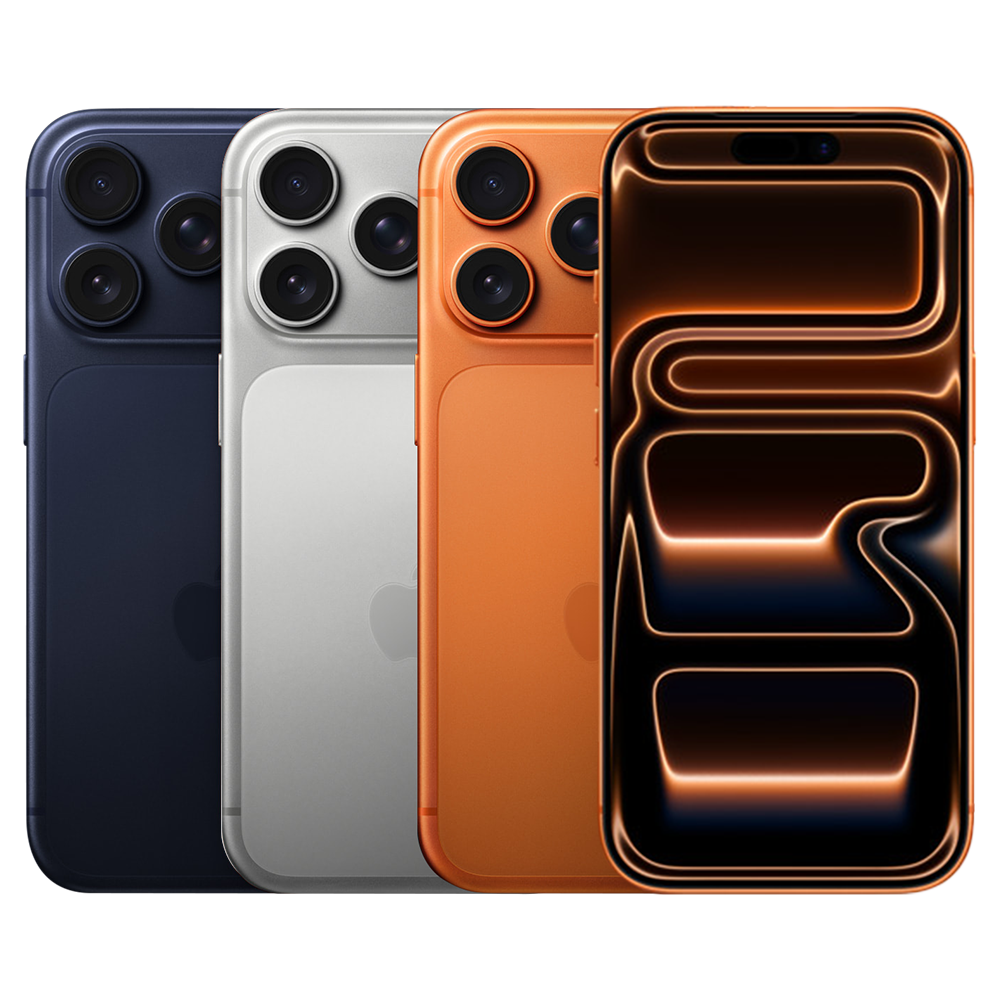
Built for the iPhone 17 Pro Max, not a generic iPhone
The correct parts and final checks depend on the model. These are the iPhone 17 Pro Max features that matter when diagnosing your device.
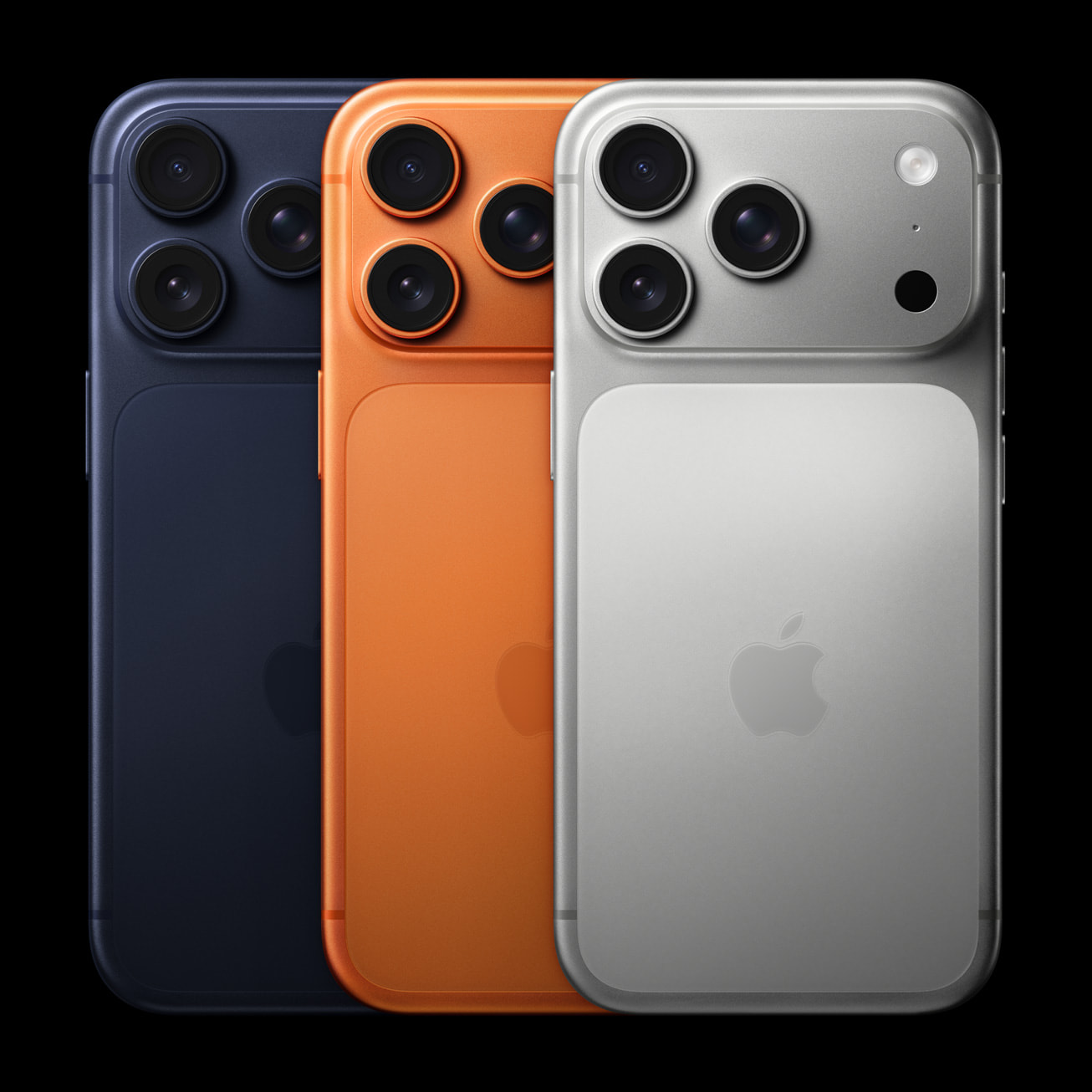
6.9-inch ProMotion display
The larger Super Retina XDR OLED panel needs Pro Max-specific parts. Check touch, brightness, scrolling and Always-On behavior, and inspect the frame if the phone has taken a hard drop.
A19 Pro & model-specific parts
The aluminum unibody and thermal design matter when heat or restarts follow an impact. The battery and screen must match the Pro Max; Pro parts are not interchangeable substitutes.
Three 48MP Fusion cameras
Test Main, Ultra Wide and Telephoto views independently. Focus, stabilization and video checks should cover each affected module rather than only a quick photo in the default camera view.
18MP Center Stage front camera
Assess front-camera images and framing separately from Face ID. Explain when the fault began, and ask how compatible parts, calibration and final owner checks will be handled.
Diagnosis before replacement
Al Barsha addresses and handover options
Use the exact receiving address for your visit. Milaaj publishes the same opening hours for these two branches; confirm your visit and part availability with the team.
| Handover route | Local details | Confirm when booking |
|---|---|---|
| Al Barsha HQ | The Iridium, Al Barsha 1, Dubai | Confirm that HQ will assess your iPhone 17 Pro Max. |
| Al Barsha 3 | Hessa Street, Al Barsha Third, Dubai | Ask whether this branch can receive the device and required accessories. |
| Published branch hours | Monday to Sunday, 9:00 AM to 11:30 PM | Agree on a suitable handover time before travelling. |
| Home or workplace pickup | Your building and an agreed collection point | Provide a contact number and any reception or access instructions. |
| Collection after repair | The agreed branch or return-delivery address | Confirm the repaired function and keep the receipt. |
How repair works
Your Al Barsha visit, from booking to collection
Agree on the receiving branch, assessment, repair approval and return arrangements before handing over your iPhone 17 Pro Max.
1
Select HQ or Al Barsha 3
Give the exact model and fault, then agree on which local branch will receive your phone. Use that branch’s address for the visit.
2
Check in for assessment
Describe the symptom, previous repairs and any data priorities. Ask how the inspection findings and estimate will be communicated.
3
Approve the repair scope
Review the part option, charge and expected completion time. Discuss calibration or data implications before approving the proposed work.
4
Collect from the agreed point
Ask to see the repaired function and any remaining service messages. Confirm your collection branch or delivery arrangement and retain the repair terms.
Your repair checklist
What to prepare for your Al Barsha handover
Prepare the phone, contact details and access arrangements for the handover you have agreed with the team.
Before a branch visit
Back up a working iPhone 17 Pro Max and write down the fault. A screenshot or short description of an intermittent issue can make check-in clearer.
- Check that your backup completed.
- Remove accessories that are not needed for diagnosis.
- Keep your Apple Account password private.
For building collection
Agree on a reachable handover point rather than assuming the driver can enter an apartment or office. Give instructions when booking.
- Share the building name and contact number.
- Confirm reception access and the person handing over the phone.
- Keep the agreed pickup and return details.
When you return to the branch
Plan time to review the result with the team. If you requested several repairs, check each agreed function before leaving.
- Test the reported fault with the owner present.
- Review the receipt, warranty period and exclusions.
- Ask how to report an intermittent problem that returns.
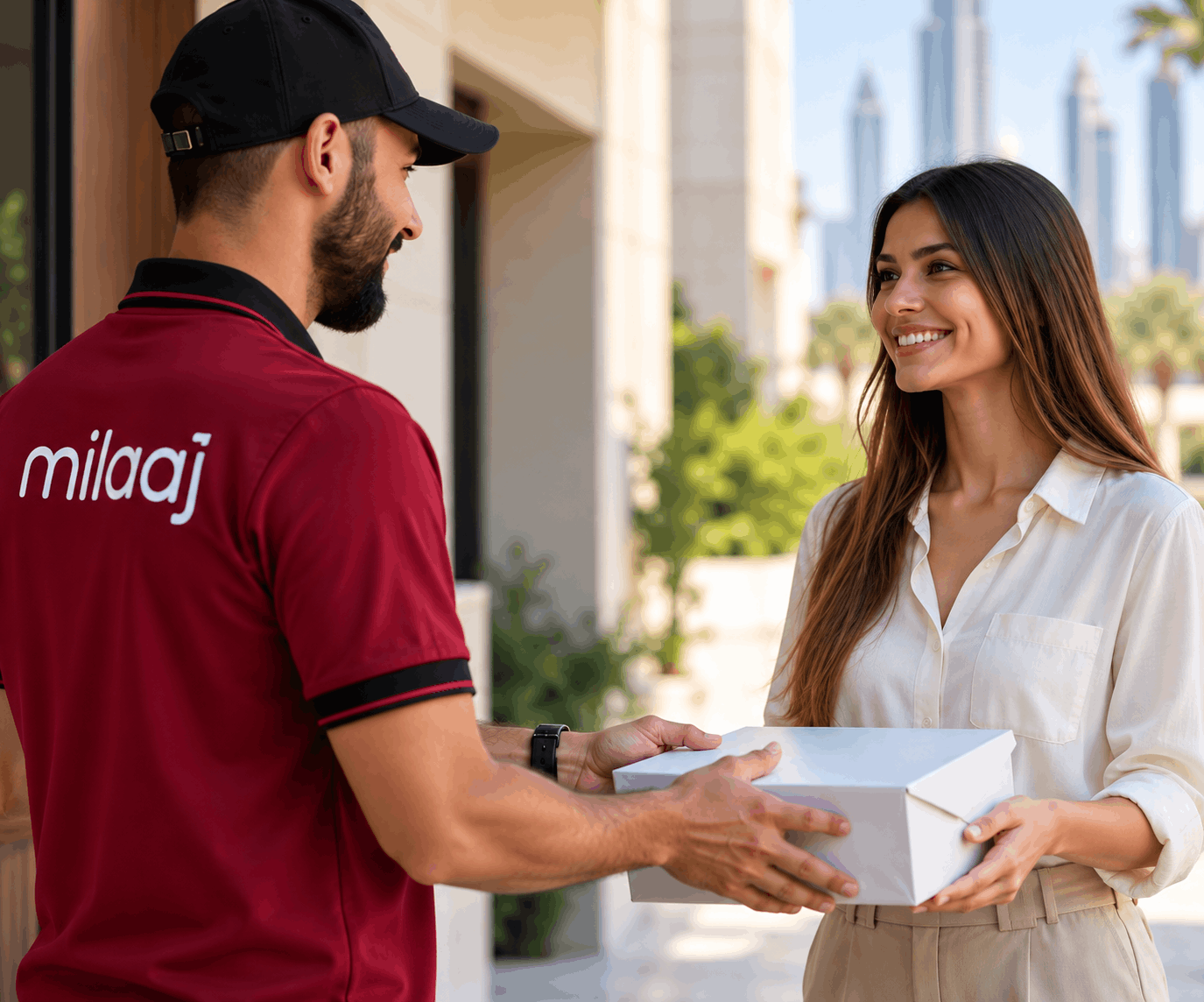
Al Barsha pickup & delivery
Al Barsha collection and return arrangements
For Al Barsha collection, say whether the phone is at a home, office or another agreed handover point. Share the building name, contact number and a suitable time window. Confirm which branch will receive your iPhone 17 Pro Max and where it should be returned. If your plans change and you want to collect at the other Al Barsha branch, ask the team to confirm that arrangement before travelling.
Find Milaaj
Al Barsha HQ and Al Barsha 3
HQ is at The Iridium in Al Barsha 1; the Al Barsha 3 branch is on Hessa Street in Al Barsha Third. Contact Milaaj on +971 52 524 4884 to confirm the receiving branch, your iPhone 17 Pro Max fault and part availability.
Al Barsha HQ
The Iridium, Al Barsha 1, Dubai. Monday to Sunday, 9:00 AM to 11:30 PM.
Al Barsha 3
Hessa Street, Ground Floor, Gate 1 to 20, Al Barsha Third, Dubai. Monday to Sunday, 9:00 AM to 11:30 PM.
Confirm the branch before you set out
Use the receiving branch agreed during booking. Ask the team about building access or parking arrangements if you need them, and confirm the collection point again when the repair is ready.
FAQs
iPhone 17 Pro Max Al Barsha repair: local questions
Which Al Barsha branch should I visit for iPhone 17 Pro Max repair?
Milaaj lists Al Barsha HQ at The Iridium, Al Barsha 1, and Al Barsha 3 on Hessa Street in Al Barsha Third. Contact the team with your model and fault to confirm which branch can accept the assessment and whether the required part is available.
What are the published Al Barsha opening hours?
Milaaj lists both Al Barsha branches as open Monday to Sunday, 9:00 AM to 11:30 PM. Agree on a suitable visit time when booking, especially if you need the phone assessed while you wait or are asking about a replacement part.
What information is needed for Al Barsha pickup?
Provide your building name, contact number and preferred handover window. Explain whether collection is from a home or workplace and whether reception access needs to be arranged. Confirm the receiving branch and the return address before handing over your phone.
How is an Al Barsha repair quote confirmed?
Ask the receiving branch for the proposed repair, part option, total charge and completion estimate after assessment. Describe previous repairs or additional faults at check-in. If inspection reveals more work, discuss the revised scope before approving it.
What should I bring to an Al Barsha assessment?
Bring the phone and any accessory the team asks to test, such as a cable or adapter for a charging fault. Back up a working device first. If the fault is intermittent, describe how to reproduce it and mention whether preserving stored files is your priority.
Can I collect from the other Al Barsha branch?
Agree on the collection branch when approving the repair. If you prefer HQ instead of Al Barsha 3, or the reverse, ask the team to confirm the transfer and timing. Keep the collection details with your receipt rather than assuming the phone will be at both locations.
Book your repair
Book an Al Barsha iPhone 17 Pro Max assessment
Tell Milaaj whether you prefer Al Barsha HQ, Al Barsha 3 or building collection. Share the fault, ask about part availability and confirm the receiving address before arranging your handover.