
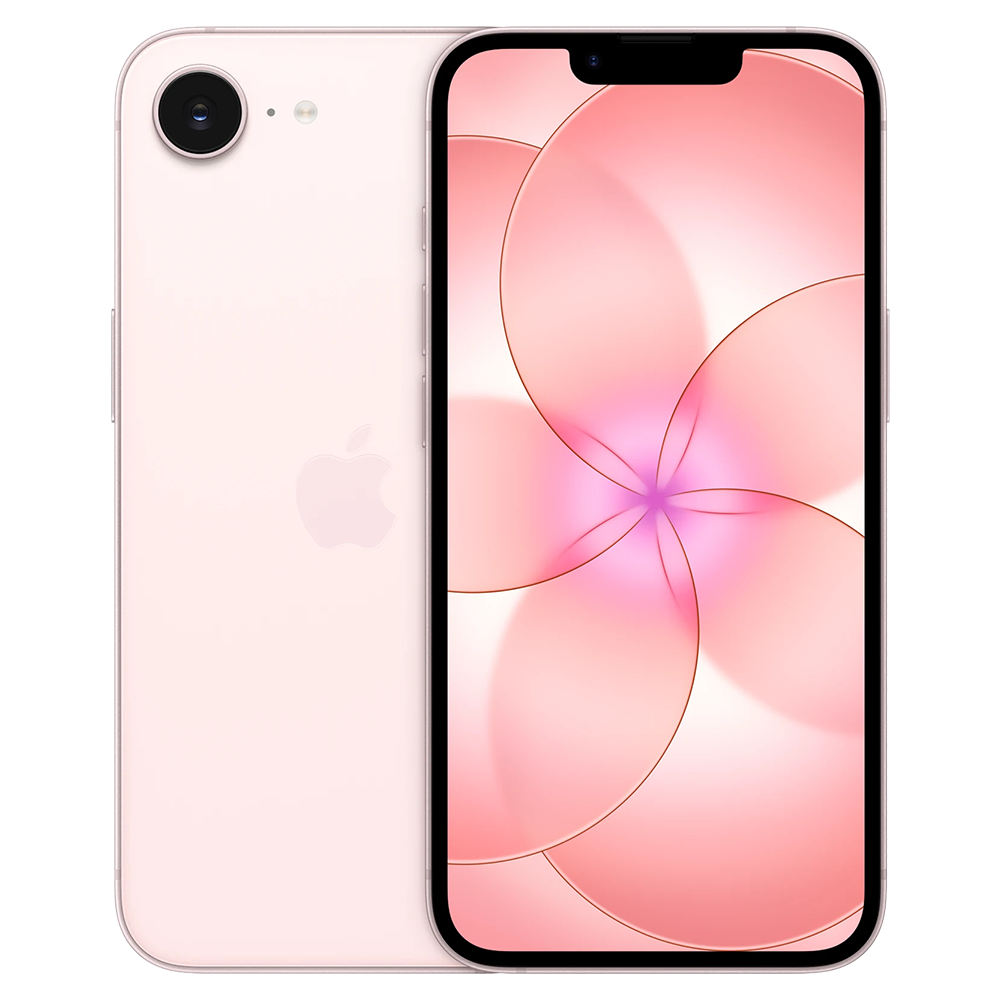
iPhone 17e repair Bur Dubai
Arrange your iPhone 17e repair in Bur Dubai
Milaaj’s Bur Dubai address is Shop No. 2, 37D Street, Al Souq Al Kabeer, Dubai. Contact the team with your iPhone 17e fault before visiting so the receiving branch and part availability can be confirmed. If you are handing over from a home or business instead, agree on a collection point and return address. Keep the exact shop address with your booking details.
Repair services
Plan a Bur Dubai shop visit or collection
Start with the 37D Street shop address and the fault you need assessed. These handover details help you choose between visiting the branch and requesting collection.
Use the exact shop address
The listed branch is Shop No. 2 on 37D Street in Al Souq Al Kabeer. Confirm that this shop will receive your iPhone 17e before setting out.
- Keep the shop number and street name together.
- Use the Bur Dubai branch direction link.
- Ask the team about access details if needed.
Check the required part
Tell the branch whether the problem concerns the screen, battery, charging, camera or another function. Ask how part availability is confirmed for your model.
- Mention any earlier component replacement.
- Describe impact or liquid exposure.
- Request the part option after diagnosis.
Reproduce a charging fault
If the fault depends on a particular cable or charger, describe it when booking the shop assessment. This helps distinguish an accessory problem from a port fault.
- Say whether the cable feels loose.
- Mention failed computer connections.
- Bring accessories if requested for testing.
Choose a business handover
For collection from a business, agree on the person and place where the phone will be handed over. Provide a contact number for that arrangement.
- Name the handover contact.
- Explain shop or reception access.
- Confirm the return address separately.
Review the shop assessment
A visible crack, restart problem and liquid-exposed device can need different work. Ask the branch to explain the findings before choosing the repair.
- Confirm assessment charges and repair scope.
- Discuss stored-file priorities before a restore.
- Ask for the estimated completion time after inspection.
Check the device at collection
Review the agreed repair when collecting from Bur Dubai. If the symptom was intermittent, explain the test that previously triggered it.
- Check the repaired function with the team.
- Ask about calibration or remaining service messages.
- Retain the receipt and applicable warranty terms.
Know your model
Built for the iPhone 17e, not a generic iPhone
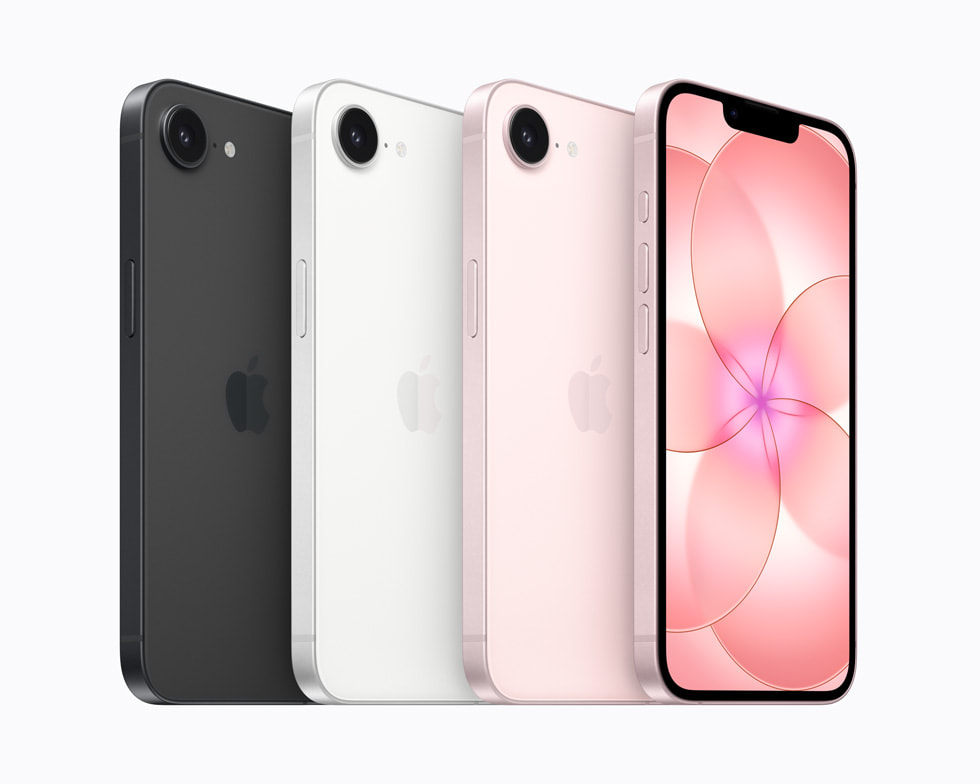
The correct parts and final checks depend on the model. These are the iPhone 17e features that matter when diagnosing your device.
6.1-inch OLED display
The Super Retina XDR screen needs checks for touch response, color and automatic brightness. Inspect the frame after a drop and choose a display assembly intended for the 17e.
A19 performance
Apps, storage and iOS can cause slowdowns or freezing too. Explain when the problem started and whether it happens in one app or across the phone before choosing a repair or restore.
Single 48MP Fusion camera
Check rear-camera focus, photos, video and its available zoom settings. If the fault appears at a particular zoom setting, describe how to reproduce it so diagnosis focuses on that camera.
12MP TrueDepth front camera
Front-camera photos, video and Face ID need their own checks. Ask about compatible parts and calibration, and verify the repaired function with the owner before collection.
Diagnosis before replacement
Bur Dubai visit and collection details
The Bur Dubai shop and an agreed pickup address are different handover routes. Confirm where the phone will be received and how it will return to you.
| Handover route | Local details | Confirm when booking |
|---|---|---|
| Bur Dubai shop | Shop No. 2, 37D Street, Al Souq Al Kabeer, Dubai | Confirm that the branch can assess your iPhone 17e fault. |
| Published shop hours | Monday to Sunday, 9:00 AM to 11:30 PM | Agree on the visit time and ask about part availability. |
| Home collection | Your address and an accessible handover point | Give a contact number and confirm the pickup window. |
| Business collection | The named business contact and collection point | Explain access arrangements and specify the return address. |
| Repair collection | Bur Dubai shop or the agreed return route | Review the repaired function and the receipt before handover is completed. |
How repair works
From Bur Dubai check-in to repair collection
Agree on the receiving branch, assessment, repair approval and return arrangements before handing over your iPhone 17e.
1
Confirm the 37D Street branch
Share iPhone 17e and the fault with Milaaj. Ask whether the Bur Dubai shop can accept the assessment or whether collection should be arranged.
2
Describe the device history
At handover, explain previous repairs, damage and the symptom you want checked. Make any stored-file priorities clear before a reset or restore is considered.
3
Review findings and parts
Discuss the diagnosis, replacement option, total charge and expected completion time. Confirm the scope of work before giving approval.
4
Check and collect
Test the repaired function, review any service messages and retain the repair terms. Collect at the shop or follow the return arrangement agreed with the team.
Your repair checklist
Your Bur Dubai handover checklist
Prepare the phone, contact details and access arrangements for the handover you have agreed with the team.
Before travelling to 37D Street
Check the receiving address, suitable visit time and the model information needed for assessment. Have a current backup if the phone works.
- Keep Shop No. 2 and Al Souq Al Kabeer in your directions.
- Record the fault and when it started.
- Confirm which accessories the branch needs.
For a home or business pickup
Use a named contact who can complete the handover at the agreed point. Discuss collection and return arrangements as separate parts of the booking.
- Share a reachable contact number.
- Confirm the business or building access instructions.
- Keep the handover and return details in writing.
When collecting your phone
Ask to see the result of each agreed repair. A quick power-on check alone may not reproduce a charging, camera or restart problem.
- Test the symptom that led to the repair.
- Review the part details and any calibration status.
- Keep the receipt and explain how to contact you if further checks are needed.
Bur Dubai pickup & delivery
Bur Dubai collection and return arrangements
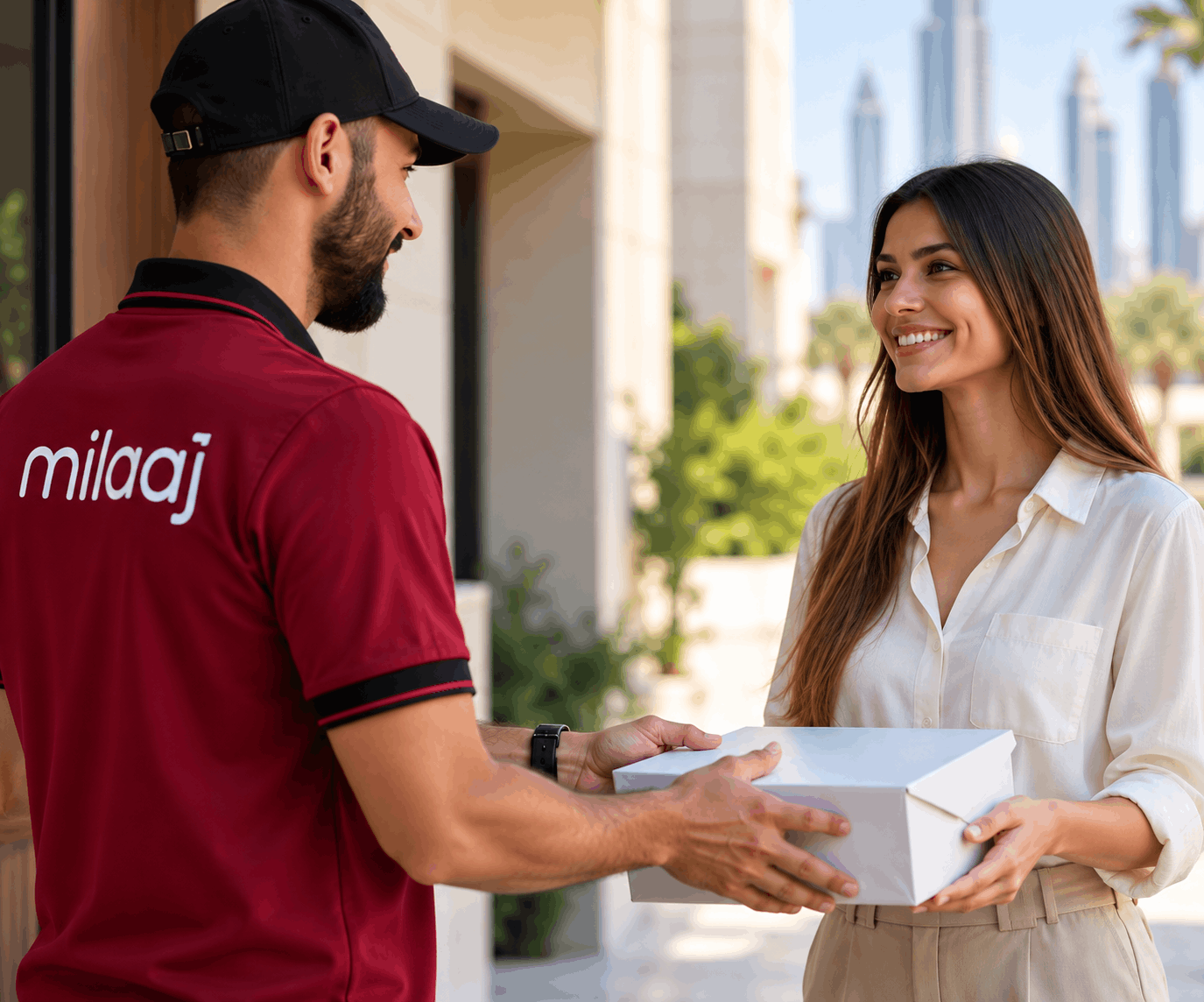
For Bur Dubai pickup, provide the full collection address and the person who will hand over the phone. If collection is from a business, agree on access to the premises and a suitable contact time. Ask whether the Bur Dubai shop will assess your iPhone 17e and confirm the return address when approving the repair. If you plan to collect at 37D Street instead of receiving delivery, confirm that choice with the team.
Find Milaaj
The Bur Dubai shop and an alternative receiving branch
The Bur Dubai address is Shop No. 2, 37D Street, Al Souq Al Kabeer. Milaaj also lists Al Barsha HQ at The Iridium, Al Barsha 1. Ask which branch should receive your iPhone 17e; choose the address agreed during booking.
Bur Dubai
Shop No. 2, 37D Street, Al Souq Al Kabeer, Dubai. Monday to Sunday, 9:00 AM to 11:30 PM.
Al Barsha HQ
The Iridium, Al Barsha 1, Dubai. Monday to Sunday, 9:00 AM to 11:30 PM.
Confirm where your phone will be returned
Ask whether collection will be at the Bur Dubai shop or another agreed location. If your plans change after the assessment, confirm the new handover point and timing before travelling.
FAQs
iPhone 17e Bur Dubai repair: local questions
Where is the Bur Dubai branch for iPhone 17e repair?
Milaaj lists its Bur Dubai shop at Shop No. 2, 37D Street, Al Souq Al Kabeer, Dubai. Contact the team with your model and the fault before travelling to confirm that the branch can accept the assessment and discuss the required part.
What are the Bur Dubai shop opening hours?
The published Bur Dubai hours are Monday to Sunday, 9:00 AM to 11:30 PM. Ask the team to confirm a suitable assessment time and part availability. Opening hours alone do not establish the completion time for an individual repair.
Should I bring my charging cable to the Bur Dubai shop?
Describe the charging fault when booking. If it happens with a particular cable, adapter or computer connection, tell the team and bring the accessory if requested. Testing the accessory as well as the phone helps identify the proposed repair.
Can Milaaj collect from my Bur Dubai business?
Ask about collection from the business address and agree on a named handover contact. Explain access to the premises, provide a contact number and confirm the return address. The collection window and receiving branch should be agreed before handing over the device.
When should I approve the Bur Dubai repair quote?
Review the inspection findings, replacement option, charge and expected completion time before approving the work. Mention any other faults or earlier repairs at check-in. If preserving stored files matters, discuss that before authorizing a restore or another action that could affect data.
What should I check when collecting from 37D Street?
Ask the team to show the repaired function and explain any remaining limitations or service messages. Test the original symptom where possible, including the cable, camera setting or app that triggered it. Keep the repair receipt and warranty details.
Book your repair
Contact the Bur Dubai team about your iPhone 17e
Share the fault and ask about assessment at Shop No. 2, 37D Street. Confirm the receiving branch, part availability and whether you will visit the shop or request collection.