

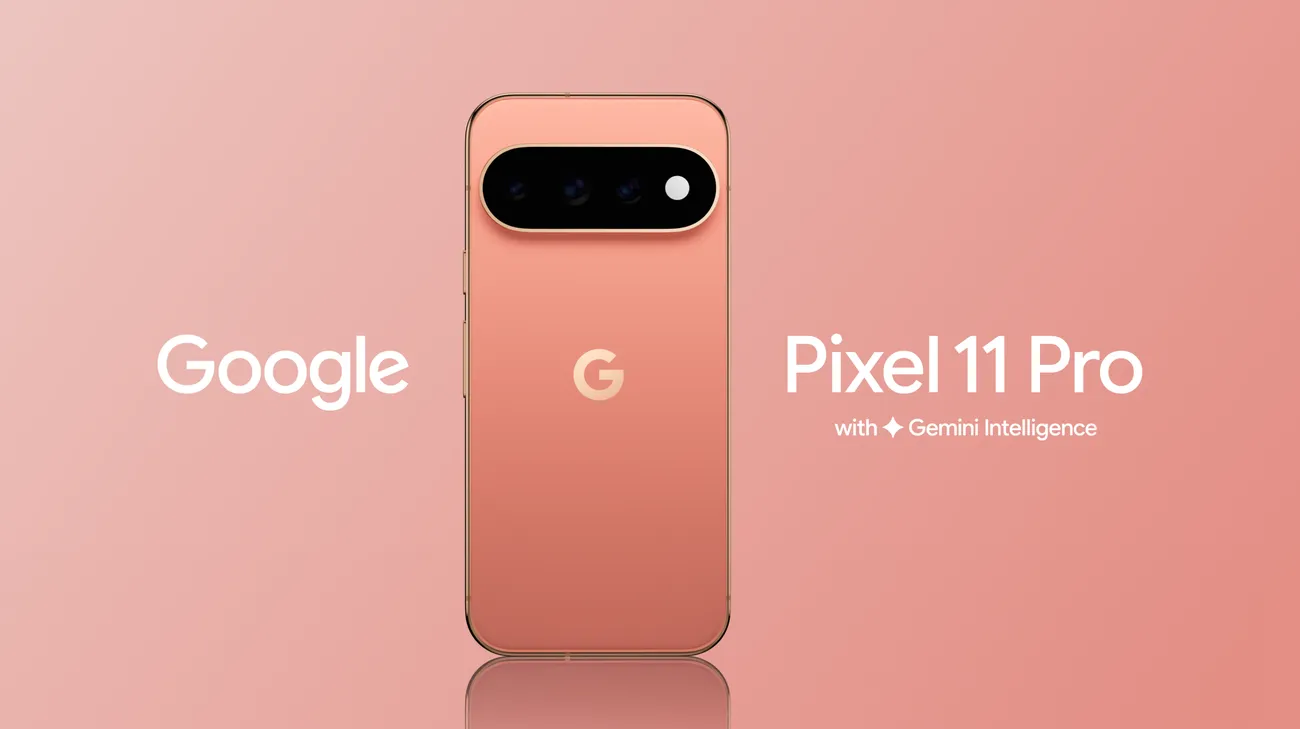
Quick Answer
The Pixel 11 is a strong phone, but early owners have reported a familiar set of issues: heat under load, battery drain, display flicker, connectivity drops, and occasional lag. Most of these trace back to software or settings, not a failed phone. Start with the basics: update Android and your apps, restart, check which apps drain power, and adjust display and connectivity settings. If problems persist, especially overheating at idle or sudden shutdowns, get the phone inspected. This guide covers the main Pixel 11 problems and fixes in plain language.
Key Takeaways
- Early reports focus on overheating, battery drain, display stutter, and network drops, and many look software-related.
- Some Japanese owners reported temperature warnings and shutdowns during Pixel 11 Pro setup, even in cool rooms, which suggests a sensor or power-management bug, not real heat.
- Google’s Tensor chips have a history of running warm, and a leaked Google document previously named overheating as the top reason for Pixel returns.
- Updates, a restart, and a few settings changes fix a large share of problems.
- Google has no official UAE launch for the Pixel 11, so warranty service may mean shipping abroad.
- Persistent heat, rapid drain, swelling, or damage deserve a professional check.
You unbox your shiny new Pixel 11, set everything up, and then something feels off. The back gets warm, the battery drops faster than you expected, or the screen flickers for a second. Don’t panic. Every new phone launch brings early bugs, and the good news is that many fixes take only a few minutes. So, let’s walk through the most commonly reported Pixel 11 problems and fixes, separating what’s likely software from what may need a repair shop.
A Quick Reality Check Before You Panic
The Pixel 11 series launched in August 2026 with Google’s Tensor G6 chip and Android 17. New chips and new operating systems almost always bring teething problems. Plus, Pixel owners have dealt with heat and battery complaints for several generations, and a leaked Google document previously described overheating as a leading reason for Pixel returns.
Still, I haven’t found evidence of a confirmed, widespread hardware defect in the Pixel 11. Many reports are early user complaints that vary from phone to phone, and several online “problem roundups” repeat each other without clear sourcing. So, treat every issue as something to test and fix, not a reason to assume your phone is faulty.
Problem 1: Pixel 11 Overheating
What Owners Report
Some users say the phone gets hot during gaming, navigation, video recording, and charging. Reporting from Japan also noted that Tensor G6 heats up faster under load than the Pixel 10 series, though that’s different from the setup-time warnings covered below.
Why It Happens
Powerful chips generate heat, especially during AI tasks, 5G use, and fast charging. A hot Dubai afternoon makes everything worse. Software bugs can also keep processes running in the background and raise temperatures unnecessarily.
Fixes to Try
- Stop and cool the phone. Remove the case, move to a cool shaded spot, and let it rest.
- Avoid using the phone while charging. Gaming plus charging multiplies heat.
- Update Android and apps. Google patches thermal and background bugs through updates.
- Check battery usage. Go to Settings, Battery, and look for apps using unusual power.
- Reduce brightness and refresh rate. Lower settings reduce heat.
- Turn off 5G temporarily when you don’t need it, especially in weak-signal areas.
- Keep it out of cars and direct sun.
Problem 2: Temperature Warnings and Shutdowns During Setup
What Owners Report
Several Pixel 11 Pro owners in Japan posted that their phones showed temperature warnings and shut down repeatedly during first boot or setup, even in air-conditioned rooms and before any heavy use. Analysts suggested a temperature sensor or power-management issue, not actual overheating.
Fixes to Try
- Let the phone cool and restart. Power it off for a few minutes.
- Connect to Wi-Fi and update immediately if the phone stays on long enough.
- Avoid restoring huge backups in one go if the phone keeps shutting down.
- Contact your seller or support if the problem repeats, since it may need a software patch or replacement.
Problem 3: Battery Drain
What Owners Report
Users describe faster-than-expected drain, including idle drain overnight. Pixel battery complaints have appeared in earlier generations too, and PhoneArena covered a long-running background drain bug on Pixels.
Fixes to Try
- Wait a few days. New phones index photos and restore apps in the background, which drains power temporarily.
- Check Settings, Battery, Battery usage to find power-hungry apps, then update or uninstall them.
- Turn on Adaptive Battery and Battery Saver to limit background activity.
- Turn off Always-On Display to test whether it affects drain.
- Limit location access. Set apps to While Using the App.
- Disable features you don’t use, like constant AI ambient features, and reduce notifications.
- Restart the phone after big updates.
- Check battery health if your phone shows that option, since a faulty battery needs service.
Problem 4: Display Flicker, Stutter, or Refresh Rate Glitches
What Owners Report
Some users report occasional flicker or stutter, especially with adaptive refresh rates. The Pixel 11’s display adjusts its refresh rate dynamically, and bugs in that switching can show up as brief stutters.
Fixes to Try
- Update software. Display bugs often get patched quickly.
- Lock the refresh rate temporarily. Set the display to a fixed rate, like 60Hz, to see whether the issue stops.
- Turn off adaptive brightness for a test.
- Restart in safe mode to rule out third-party apps.
- Check for screen damage. Pressure marks or cracks can cause flicker, and that needs a repair.
Problem 5: Network and Connectivity Drops
What Owners Report
Some owners describe 5G drops, Wi-Fi disconnections, or Bluetooth hiccups, especially in busy areas where networks switch bands.
Fixes to Try
- Toggle Airplane mode to refresh connections.
- Switch network mode from 5G to LTE temporarily and compare stability.
- Reset network settings. Go to Settings, System, Reset options, then Reset Wi-Fi, mobile and Bluetooth.
- Update carrier and system software.
- Check eSIM or SIM setup. Reseat the SIM or reactivate the eSIM with your carrier.
- Test on another network to see whether the issue follows the phone or the carrier.
Problem 6: Lag, App Crashes, and System UI Glitches
What Owners Report
Some people see gesture lag, crashing apps, or occasional system UI hiccups, which often point to early Android 17 bugs.
Fixes to Try
- Restart the phone. It clears many temporary glitches.
- Update apps and Android. Developers often release patches within days.
- Clear cache for misbehaving apps. Go to Settings, Apps, then Storage and cache.
- Boot into safe mode to see whether a third-party app causes the problem.
- Free up storage. Full storage slows everything down.
- Factory reset as a last resort. Back up first, and restore only essential apps.
Problem 7: Charging Issues
Fixes to Try
- Use a quality charger and cable. The Pixel 11 supports fast wired charging and Qi2 wireless charging, but poor accessories cause slow or interrupted charging.
- Clean the USB-C port. Lint can block the connection, so use a wooden toothpick or soft brush carefully.
- Try another outlet and adapter.
- Avoid charging in hot places. Heat slows charging down.
- Remove thick cases during wireless charging.
- Update software.
The UAE Warranty Problem
Here’s something specific to the UAE. Google doesn’t officially sell the Pixel 11 here, so phones usually arrive through grey-market imports or third-party listings, and there’s no local Google warranty. A faulty phone might need shipping abroad for service. Therefore, test your Pixel thoroughly in the first few days, keep your receipt, and ask your seller about their return and warranty terms before you buy.
When It’s More Than Software
Contact a professional if you notice any of these:
- The phone overheats even when idle, with nothing running
- Rapid battery drain, sudden shutdowns, or the percentage jumping around
- The back or screen bulges, which suggests a swollen battery
- A burning smell, smoke, or a phone too hot to hold
- Persistent flicker, lines, or dead zones on the display
- Charging fails with several known-good chargers and cables
- The phone suffered a drop or liquid exposure before problems started
In those cases, stop charging, power the phone off, and don’t use it until it’s checked.
How to Prevent Problems Going Forward
- Keep Android and apps updated. Pixel owners get fixes quickly through monthly patches.
- Avoid heat. Don’t leave the phone in a hot car or direct sun.
- Use quality accessories. Cheap chargers cause trouble.
- Review app permissions. Limit background activity and location access.
- Back up regularly. A recent backup makes resets painless.
- Use a good case and screen protector.
A Quick Word From Milaaj Mobile and Laptop Repair Al Barsha
If your phone still misbehaves after these fixes, Milaaj Mobile and Laptop Repair Al Barsha can inspect it honestly and tell you whether the problem is software, battery, or hardware. For a closer look at the services they offer, visit Milaaj’s website.
Here’s why customers across Al Barsha keep choosing Milaaj:
- Low Price: Transparent, budget-friendly pricing with no hidden charges.
- Speed Repairing: Fast turnaround, so you aren’t left without your phone for days.
- Convenience: Easy walk-in service and flexible scheduling that fits your day.
- Part Quality: Genuine or premium-grade parts for lasting repairs.
- Skilled Technicians: Experienced professionals who diagnose heat, battery, and display issues accurately.
Whether it’s a cracked screen, a weak battery, or a slow laptop, Milaaj Mobile and Laptop Repair Al Barsha treats every device with expert care. You can also explore their repair services, ask about battery replacement, or book a diagnosis before you decide.
Final Thoughts
At the end of the day, early Pixel 11 problems and fixes follow a familiar pattern: heat under load, battery drain, display quirks, and connectivity hiccups, most of them fixable with updates and a few settings changes. Give your phone a few days to settle, update everything, and test each fix one at a time. If problems persist, especially anything involving swelling, shutdowns, or extreme heat, get it checked quickly. Your Pixel should feel smooth again before long.
Frequently Asked Questions (FAQs)
1. Is the Pixel 11 prone to overheating?
Some owners report heat under heavy load, and Tensor chips have a history of running warm, but updates and settings changes often reduce it, and I haven’t found confirmation of a widespread hardware defect.
2. Why is my Pixel 11 battery draining so fast?
New phones index data and restore apps in the background, which drains power for a few days. Check battery usage, update apps, and test turning off Always-On Display.
3. What should I do if my Pixel 11 shuts down with a temperature warning?
Let it cool, restart, connect to Wi-Fi, and install updates. If it repeats in a cool room, contact your seller or support, since it may be a software or sensor fault.
4. Does Google offer an official Pixel 11 warranty in the UAE?
No. Google has no official UAE launch for the Pixel 11, so warranty service often means shipping the phone abroad, so check your seller’s return policy.
5. When should I take my Pixel 11 to a repair shop?
Go if it overheats at idle, drains rapidly, swells, shows persistent screen problems, or fails to charge with known-good accessories.
Other Services:
- Need other laptop repairs? Check out Milaaj’s iPhone repair services in Dubai.
- Overheating issues? Explore MacBook repair in Dubai for similar cooling solutions.
- Looking to upgrade? Learn about selling your used laptop in Dubai.
- Data loss concerns? Visit Milaaj’s data recovery services.
- For Apple users, check Apple trade-in options in Dubai.
📍 Visit Any Milaaj Branch in Dubai
🔹 Bur Dubai
Milaaj Mobile and Laptop Repair Dubai
📞 055 258 8477
🔗 Google Maps
🔹 Al Barsha
Milaaj Mobiles and Laptop Repair Al Barsha
📞 052 596 2846
🔗 Google Maps
🔹 Al Nuaimiya
Milaaj Mobiles and Laptops Ajman
📞 055 788 9654
🔗 Google Maps
Shop Locations: Al Barsha | Bur Dubai | Reef Mall, Salah Al Din | Al Nuaimiya, Ajman
Email: support@milaaj.com
Operating Hours: Monday – Sunday


Leave a Reply