

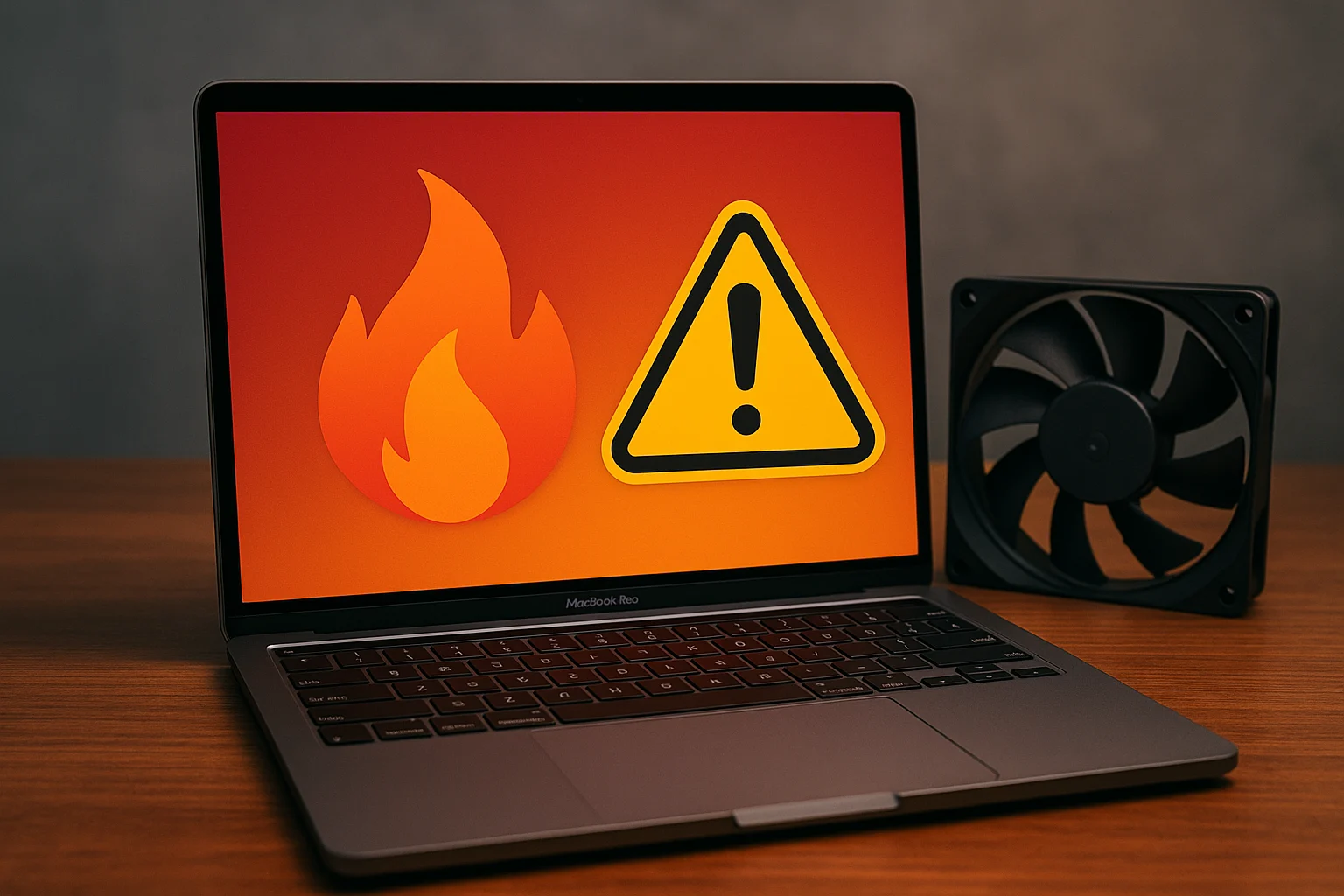
Quick Answer
Most M3 MacBook Pro heat problems are fixed with a few changes: quit the app causing the load, give the Mac airflow, and work in a cooler place. If it still runs hot at idle, the fans are loud during light use, or it shuts down, a technician should check the fans, battery, and internals.
Key Takeaways
- A warm Mac under heavy load is normal. A hot Mac at idle is not.
- Room temperature and airflow matter more than most gadgets.
- Never use ice, cooling sprays, or blasts of compressed air.
- Battery, fan, and dust problems are the most common hardware causes.
- Persistent heat, shutdowns, or swelling need a professional check.
Why Does a MacBook Pro M3 Overheat in Dubai?
The M3 generates heat when it works hard, and Dubai makes everything harder to cool.
- Hot surroundings: Terraces, cars, and sunny windows push far above comfortable operating temperatures.
- Heavy tasks: Video exports, 3D work, development builds, and gaming.
- Blocked airflow: Soft surfaces, thick cases, and cramped bags.
- Charging while working: Charging adds heat on top of the workload.
- Extra load: Multiple displays, docks, and apps running in the background.
- Older apps: Apps built for Intel Macs run through Rosetta and often work harder.
- Dust or a worn battery: More common after a year or two of use.
Apple’s stated operating range for Mac notebooks is about 10 to 35°C (see [EXTERNAL LINK: Apple Support’s tech specs page, anchor text “Apple’s recommended operating temperature”. Add the URL before publishing]). A Dubai summer can easily exceed that outdoors.
What Is the Best Fix for an Overheating MacBook Pro M3?
The best fix starts with software: find the heavy app in Activity Monitor, restart, and update macOS. Then improve cooling by raising the Mac on a hard surface, keeping vents clear, and working in air conditioning. If it still runs hot at idle or shuts down, a technician should check the fans, battery, and internals.
Which Cooling Tips Work Best?
Not every cooling idea is equal. Here’s how they compare:
| Method | Impact | Notes |
|---|---|---|
| Work in air conditioning | High | The single biggest improvement in Dubai |
| Quit heavy apps | High | Fixes heat at its source |
| Hard, flat surface or stand | Medium to high | Lets the vents breathe |
| Lower brightness and unplug extras | Medium | Reduces total load |
| Cooling pad | Varies | Helps some setups, weak in others |
| Compressed air in vents | Not advised | Can spin fans and push dust deeper |
| Ice packs or freezer | Never | Condensation can destroy the board |
1. Change where you work
If you can, work indoors in air conditioning. If you must work outside, stay in the shade and avoid direct sun on the Mac. A parked car in summer is the worst place for a laptop.
2. Lift the Mac
A simple laptop stand or even a hard, flat desk improves airflow. Avoid beds, sofas, and laps, which block the vents.
3. Cut the load
Close apps you aren’t using, remove browser extensions you don’t recognize, and take breaks during long exports. If you use external displays, unplug the ones you don’t need.
4. Check your Energy Mode
Open System Settings, then Battery. On some models, an Energy Mode option lets you choose between Automatic, Low Power, and High Power. High Power runs the Mac harder and warmer, so switch to Automatic unless you need maximum speed.
5. Separate charging from heavy work
When possible, charge in a cool spot and avoid heavy tasks at the same time. Optimized Battery Charging in Battery settings also reduces time spent at full charge.
6. Try a cooling pad with realistic expectations
Some people find a pad helps, especially with a stand-style design that lifts the Mac. Results vary, so use it as a bonus, not a cure.
How Do You Check the Software Side?
- Open Activity Monitor from Applications, then Utilities.
- Sort the CPU tab by % CPU and look for an app using a huge share.
- Check the Kind column for Intel apps and look for updated versions.
- Open the Energy tab to see which apps use the most power.
- Restart, then update macOS under System Settings, then General, then Software Update.
For a longer list of speed fixes that also reduce heat, see [BLOG LINK: “MacBook Pro M4 Overheating Fix: Troubleshooting and Preventive Measures”], which walks through ten troubleshooting steps in detail.
What Are Common Overheating Myths?
- “A hot Mac is broken.” Not necessarily. Heat under heavy load is normal.
- “Ice cools it down fast.” It can cause condensation and permanent damage.
- “Compressed air is the best way to clean vents.” It can spin the fans too hard and push dust further in.
- “Max-out fan apps fix everything.” Running fans hard doesn’t fix a software or battery cause.
- “A new Mac can’t overheat.” Dubai’s heat challenges any laptop.
What Signs Mean You Need a Repair?
Don’t wait if you notice any of these:
- Hot even when idle for a long time.
- Fans loud at idle, or silent when the Mac is clearly hot.
- Frequent shutdowns or restarts from heat.
- A burning smell or sparks. Unplug immediately.
- A swollen battery, such as a bulging case or lifted trackpad. This is a safety risk. See [BLOG LINK: “Apple MacBook Pro Battery Replacement in Dubai: Free Pickup Available”].
- Heat after a liquid spill or a drop.
- Apple Diagnostics errors. Shut down, hold the power button until startup options appear, then press Command-D.
What Overheating Repairs Are Available in Dubai?
Depending on the cause, a technician may offer:
- Full diagnosis: Find out whether heat comes from software, airflow, the battery, or a component.
- Internal cleaning and fan check: Remove dust and confirm the fans work properly. A regular check-up through MacBook maintenance services in Dubai can catch this early.
- Fan repair or replacement: If a fan is failing or noisy.
- Battery replacement: A worn or swollen battery can add heat and is a safety issue, so a technician offering MacBook battery replacement in Dubai can test it and fit a new one.
- Software clean-up: Remove runaway processes or reinstall macOS.
- Board-level checks: Where power or sensor faults are suspected.
A team offering MacBook Pro service in Dubai can inspect cooling, battery, and hardware together and tell you plainly what’s causing the heat.
How Do You Choose a Reliable Repair Service?
Ask these questions:
- How do you find the cause? Good shops test, not guess.
- Will you check the battery and fans together?
- What part quality do you use?
- Is there a warranty on the parts and the work?
- Is the quote clear before work begins?
- How long will it take?
A confident service answers these without fuss.
What Is a Good Dubai Summer Routine?
- Work indoors during peak afternoon heat.
- Never leave the Mac in a parked car.
- Use a hard surface or stand for long sessions.
- Restart weekly and keep macOS updated.
- Check Battery Health every few months.
- Book a check-up once a year or after any spill or drop.
Frequently Asked Questions
Is it normal for a MacBook Pro M3 to get hot?
Yes, under heavy load, while charging, or after an update. It’s not normal if it’s hot at idle, the fans are loud during light use, or the Mac slows and shuts down.
Does a cooling pad help a MacBook Pro M3?
It can help some setups by improving airflow, but results vary. Fix software load, airflow, and room temperature first.
Can overheating damage my MacBook Pro?
Prolonged heat can wear the battery and other components faster. The Mac slows itself to protect against damage, but it’s best to fix the cause.
Can dust cause overheating on an M3 MacBook Pro?
It can, especially after a year or two of use, because fans pull air in and dust can build up. A technician can check and clean it safely.
What repairs fix overheating?
It depends on the cause. Common ones are cleaning and fan checks, fan replacement, battery replacement, and software clean-up. A diagnosis tells you which one applies.
Beat the Dubai Heat
An overheating MacBook Pro M3 isn’t a lost cause. In most cases, a few changes to where and how you work cut the heat dramatically, and a technician can handle the rest.
Start with the software, improve airflow, and cool the room, not just the laptop. If your MacBook Pro M3 is still overheating after that, don’t wait for it to get worse.
If you’re in Dubai, a quick professional check can give you a clear answer and protect your Mac through the summer.
Other Services:
- Need other laptop repairs? Check out Milaaj’s laptop repair services in Dubai.
- Overheating issues? Explore MacBook repair in Dubai for similar cooling solutions.
- Looking to upgrade? Learn about selling your used laptop in Dubai.
- Data loss concerns? Visit Milaaj’s data recovery services.
- For Apple users, check Apple trade-in options in Dubai.
📍 Visit Any Milaaj Branch in Dubai
🔹 Bur Dubai
Milaaj Mobile and Laptop Repair Dubai
📞 055 258 8477
🔗 Google Maps
🔹 Al Barsha
Milaaj Mobiles and Laptop Repair Al Barsha
📞 052 596 2846
🔗 Google Maps
🔹 Reef Mall (Salah Al Din)
Milaaj Service Center Reef Mall
📞 052 3405 814
📍 1st Floor, Shop 16, Deira
🔗 Google Maps
🔹 Al Nuaimiya
Milaaj Mobiles and Laptops Ajman
📞 055 788 9654
🔗 Google Maps
Shop Locations: Al Barsha | Bur Dubai | Reef Mall, Salah Al Din | Al Nuaimiya, Ajman
Email: support@milaaj.com
Operating Hours: Monday – Sunday



Leave a Reply