

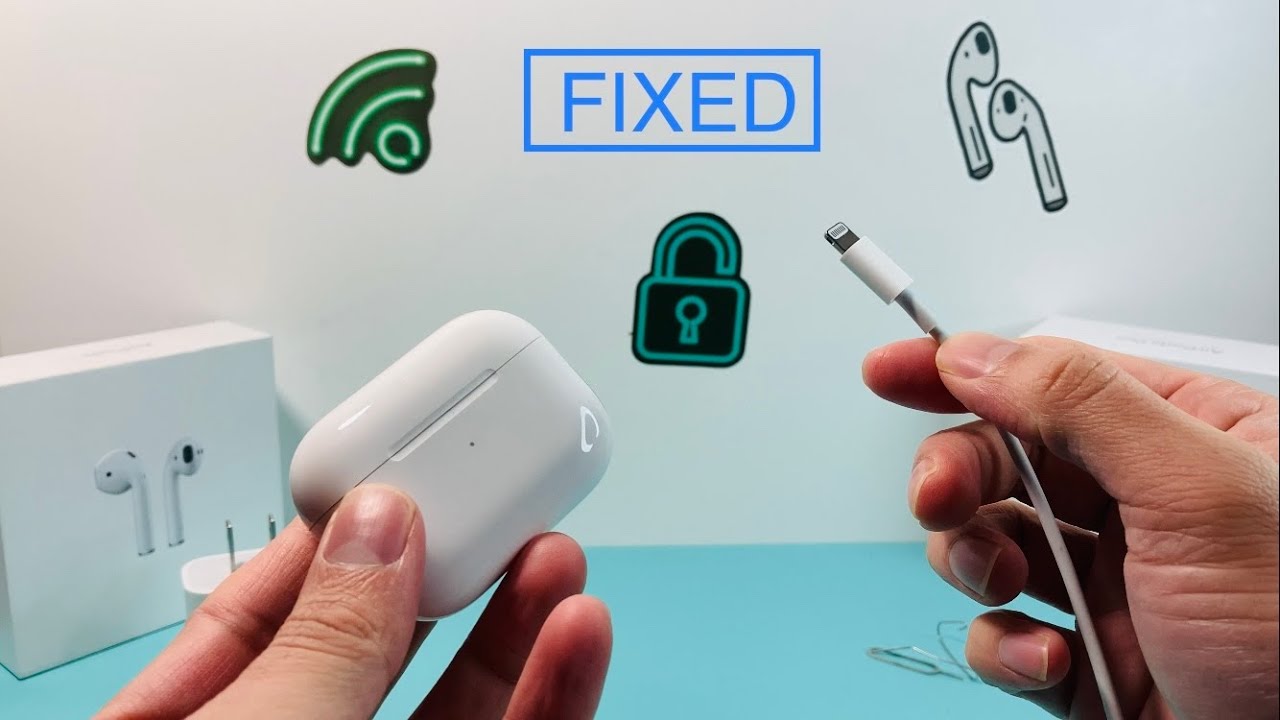
Apple AirPods are designed for convenience, portability, and seamless wireless audio. However, when your AirPods charging case suddenly stops charging, the entire experience can become frustrating. If you’re facing an Apple AirPods case not charging issue in Ajman, you’re not alone. This is one of the most common AirPods problems reported by users, affecting AirPods, AirPods Pro, and AirPods Pro 2 charging cases.
The good news is that many charging issues can be fixed without replacing the entire case. In some situations, a simple cleaning or reset solves the problem, while more serious issues may require professional diagnostics and battery replacement.
This guide explains the most common reasons why an AirPods case won’t charge, practical troubleshooting steps, warning signs of hardware failure, and when it’s time to seek professional repair in Ajman.
Quick Answer
If your Apple AirPods case is not charging in Ajman, first check the charging cable, adapter, charging port, and battery status. Clean the charging port, reset the AirPods, and test with another charger. If the case still won’t charge, the issue may involve battery degradation, water damage, charging circuit failure, or internal hardware damage that requires professional repair.
Key Takeaways
- Dirty charging ports are one of the most common causes of AirPods charging problems.
- Faulty Lightning cables or charging adapters can prevent charging.
- Battery degradation can cause AirPods cases to stop holding charge.
- Water exposure may damage charging circuits and connectors.
- Resetting AirPods often resolves firmware-related charging issues.
- Professional diagnostics help identify battery and motherboard faults.
- Early repairs can prevent complete charging case failure.
Why Is My Apple AirPods Case Not Charging?
When an AirPods charging case refuses to charge, there are usually several possible explanations.
The most common causes include:
- Dirty charging port
- Damaged Lightning cable
- Faulty charging adapter
- Battery wear and degradation
- Charging contact damage
- Firmware glitches
- Water or moisture exposure
- Internal charging circuit failure
- Physical impact damage
Understanding the root cause helps determine whether the problem can be fixed at home or requires professional repair.
Common Signs Your AirPods Case Has a Charging Problem
Charging issues don’t always appear suddenly.
Watch for these warning signs:
Charging Indicator Not Lighting Up
The LED status light remains off when connected to power.
AirPods Not Charging Inside the Case
The earbuds themselves remain low on battery even while stored inside the case.
Charging Stops Intermittently
The case charges sometimes but disconnects unexpectedly.
Battery Percentage Not Increasing
The charging case shows the same battery percentage for extended periods.
Excessive Heat During Charging
The case becomes unusually warm while connected to power.
Slow Charging Performance
The case takes much longer than normal to reach full charge.
Common Causes of Apple AirPods Case Not Charging in Ajman
Dust and Debris Inside the Charging Port
Over time, pocket lint, dust, and dirt accumulate inside the Lightning port.
This can:
- Block electrical contact
- Interrupt charging
- Cause intermittent charging failures
A blocked charging port is one of the easiest issues to fix.
Faulty Charging Cable or Adapter
A damaged cable can mimic more serious AirPods problems.
Try:
- Another Apple-certified cable
- A different charging adapter
- Another wall outlet
Always use genuine or certified charging accessories whenever possible.
Battery Degradation
Like all rechargeable batteries, AirPods case batteries degrade over time.
Common signs include:
- Short battery life
- Failure to reach 100%
- Random shutdowns
- No charging response
Older AirPods cases may eventually require battery replacement.
Water or Moisture Damage
Ajman’s humidity and accidental liquid exposure can damage sensitive charging components.
Even small amounts of moisture may cause:
- Corrosion
- Charging failures
- Battery damage
- Circuit board issues
Physical Damage
Drops and impacts can affect:
- Charging connectors
- Internal battery connections
- Charging ports
- Motherboard components
Damage may not always be visible externally.
How to Fix an Apple AirPods Case That Isn’t Charging
1. Inspect the Charging Cable
Begin with the simplest solution.
Check for:
- Frayed cables
- Bent connectors
- Loose connections
Test another cable to rule out charger failure.
2. Clean the Charging Port
A dirty charging port can completely block charging.
Use:
- Soft brush
- Wooden toothpick
- Compressed air
Avoid:
- Metal tools
- Liquids
- Excessive force
Clean gently to avoid damaging internal pins.
3. Charge Using a Different Power Source
Sometimes the issue isn’t the AirPods case at all.
Test:
- Another wall outlet
- Different charging adapter
- USB port on a computer
This helps identify external charging problems.
4. Reset Your AirPods
Firmware glitches occasionally interfere with charging behavior.
How to Reset AirPods
- Place both AirPods in the case.
- Close the lid for 30 seconds.
- Open the lid.
- Press and hold the setup button.
- Wait until the LED flashes amber and then white.
Reconnect your AirPods and test charging again.
5. Update Your iPhone and AirPods Firmware
Software updates improve battery management and charging stability.
Check for:
- Latest iOS version
- Updated AirPods firmware
Keeping devices updated helps eliminate software-related charging issues.
Signs You Need Professional AirPods Repair
Some charging issues require specialized tools and diagnostics.
Seek professional repair if:
- The case won’t charge after troubleshooting
- The charging port is physically damaged
- The battery drains unusually fast
- The LED indicator never lights up
- The case overheats during charging
- Water damage is suspected
Professional technicians can identify problems that are impossible to diagnose externally.
Professional Repair Options for AirPods Charging Cases
Depending on the diagnosis, repair solutions may include:
Charging Port Repair
Damaged charging connectors can often be repaired or replaced.
Battery Replacement
A degraded battery may need replacement to restore normal charging performance.
Water Damage Treatment
Specialized cleaning removes corrosion and prevents further damage.
Circuit Board Repair
Board-level repairs address charging controller failures and power management issues.
For professional support, you can visit Milaaj Repairs for AirPods diagnostics and repair services.
If your Apple accessories need expert attention, you can also explore Apple AirPods repair services in Dubai.
How to Prevent AirPods Charging Problems
Preventive maintenance can significantly extend the lifespan of your AirPods charging case.
Keep the Charging Port Clean
Regular cleaning prevents dust accumulation.
Use Genuine Charging Accessories
Low-quality chargers may damage charging circuits over time.
Avoid Excessive Heat
High temperatures accelerate battery degradation.
Protect Against Moisture
Store AirPods away from humid environments and liquids.
Charge Properly
Avoid leaving the charging case connected to power for extended periods unnecessarily.
Should You Repair or Replace Your AirPods Case?
The answer depends on:
- AirPods model
- Battery condition
- Repair cost
- Overall device age
In many situations, repairing the charging case is significantly more affordable than replacing the entire AirPods set.
A professional inspection can help determine the most cost-effective solution.
Thinking About Upgrading Your Apple Devices?
If you’re planning to upgrade your Apple ecosystem, older devices still hold value.
You can recover value through Apple device trade-in and buyback services and use that toward newer Apple products.
FAQs About Apple AirPods Case Not Charging in Ajman
Why is my AirPods case not charging even with the original charger?
This may be caused by dirt inside the charging port, battery failure, charging circuit damage, or a faulty adapter.
Can an AirPods charging case battery be replaced?
Yes. In many cases, technicians can replace the internal battery and restore charging performance.
How do I know if my AirPods case battery is bad?
Common signs include rapid battery drain, failure to charge fully, overheating, and inconsistent charging behavior.
Can water damage stop an AirPods case from charging?
Yes. Moisture can damage internal charging circuits and battery components.
How long does AirPods charging case repair take?
Most charging-related repairs can often be completed within the same day, depending on the issue.
Is it worth repairing an AirPods charging case?
If the AirPods themselves are functioning properly, repairing the charging case is often more economical than buying a replacement set.
Why is the AirPods case light not turning on?
This could indicate a dead battery, charging failure, damaged charging port, or internal board issue.
Final Thoughts
An Apple AirPods case not charging in Ajman can be frustrating, but many charging issues have simple solutions. Cleaning the charging port, testing another charger, resetting the AirPods, and updating software often resolve common problems without needing repairs.
However, if the issue persists, battery failure, water damage, or charging circuit faults may be involved. Professional diagnostics can quickly identify the problem and help restore your AirPods charging case to full working condition, saving you the cost of unnecessary replacement.




Leave a Reply