

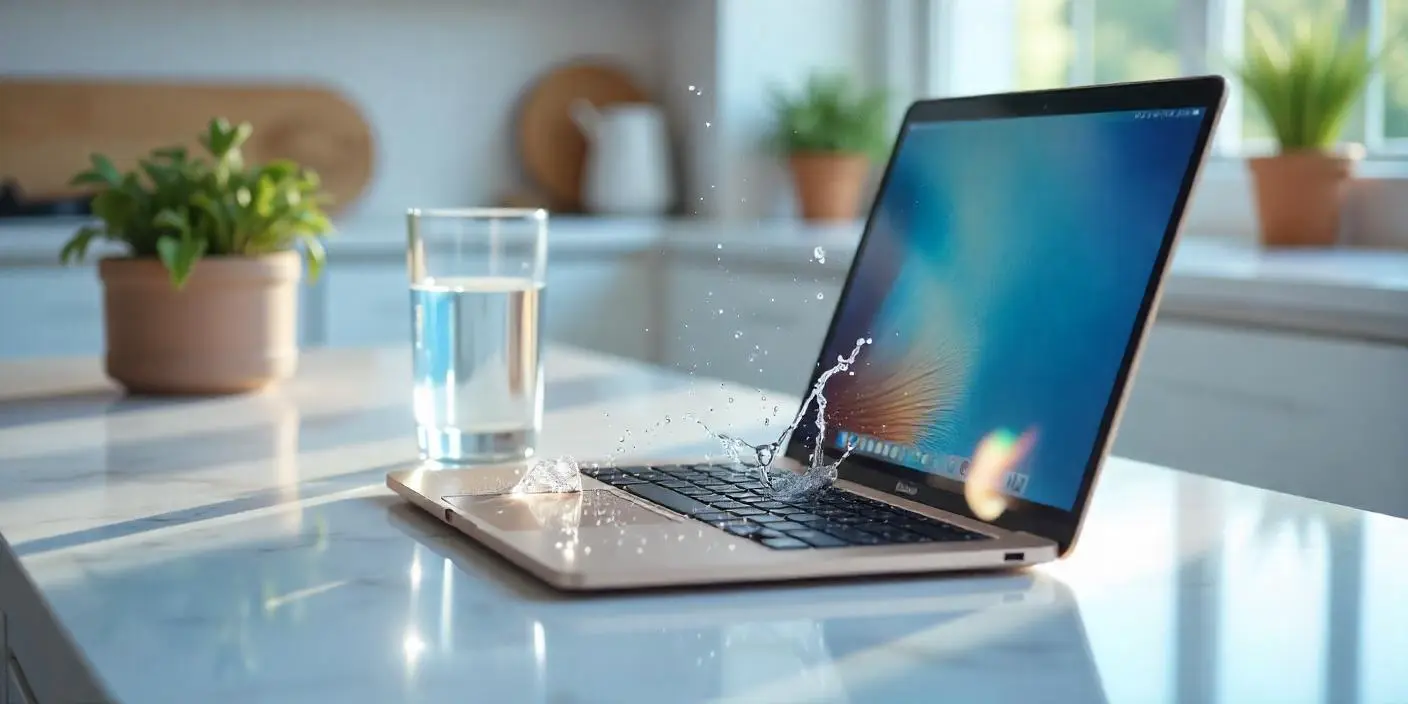
Liquid spills are among the most serious threats to MacBook devices. While many users worry about keyboard damage, MacBook liquid damage under the screen is often more dangerous and far less noticeable at first. Even a small amount of moisture can seep behind the display; as a result, hidden corrosion may develop and eventually lead to long-term failure.
However, all hope is not lost. With timely action and expert repair, MacBook liquid damage under the screen can often be repaired without permanent data loss. Therefore, in this detailed guide, we explain the causes, symptoms, risks, and professional repair methods that restore MacBooks safely and effectively.
What Is MacBook Liquid Damage Under the Screen?
MacBook liquid damage under the screen occurs when moisture enters the display assembly or internal components behind the screen panel. This damage is harder to detect than keyboard spills because the liquid travels internally.
Why Screen-Area Liquid Damage Is So Serious
- Display cables are exposed
- Backlight circuits are sensitive
- Corrosion spreads silently
- Screen replacement costs are high
Therefore, early detection is critical.
Common Causes of MacBook Liquid Damage Under the Screen
Liquid does not always enter directly through the screen. Often, it travels from other areas.
Typical Causes of Screen-Area Liquid Damage
- Coffee, tea, or water spills
- Condensation from humid environments
- Accidental cleaning spray exposure
- Rain or travel moisture
- Internal vapor buildup
Moreover, gravity causes liquid to settle behind the display over time.
Symptoms of MacBook Liquid Damage Under the Screen
Recognizing the warning signs early can save your MacBook.
Visual and Functional Symptoms
- Dark spots or stains on display
- Flickering or dim screen
- Vertical or horizontal lines
- Uneven brightness
- Screen not turning on
As a result, many users mistake the issue for a software or GPU problem.
MacBook Liquid Damage Under the Screen vs Normal Display Issues
Not all display problems are liquid-related.
Key Differences to Watch For
- Liquid damage worsens gradually
- Discoloration spreads over time
- Heat increases screen distortion
- External monitor works normally
Therefore, professional inspection confirms the true cause.
Why Liquid Behind the MacBook Screen Is Dangerous
Liquid under the screen affects more than just visuals.
Internal Risks Caused by Liquid Exposure
- Backlight circuit failure
- Display connector corrosion
- Logic board damage near hinges
- Short circuits during power use
Consequently, delaying repair increases overall damage.
What to Do Immediately After Liquid Exposure
Your actions in the first hour matter greatly.
Immediate Safety Steps
- Power off the MacBook immediately
- Disconnect charger and accessories
- Keep the device upright
- Avoid turning it back on
Additionally, never attempt to dry the screen with heat.
What NOT to Do If MacBook Has Liquid Under the Screen
Many common reactions make the damage worse.
Mistakes to Avoid
- Using a hair dryer
- Shaking the MacBook
- Pressing on the screen
- Continuing to use the device
- Waiting days before repair
As a result, corrosion spreads faster and deeper.
Can MacBook Liquid Damage Under the Screen Be Repaired?
Yes, in many cases.
Factors That Affect Repair Success
- Type of liquid spilled
- Time since exposure
- Amount of corrosion
- MacBook model and age
Fortunately, early professional repair often prevents full screen replacement.
Professional Repair Methods for Liquid Under MacBook Screen
Expert technicians follow a step-by-step process.
How Professionals Fix Screen Liquid Damage
- Full display assembly inspection
- Internal cleaning with anti-corrosion solution
- Connector and cable repair
- Backlight circuit testing
- Screen replacement if necessary
Therefore, professional tools are essential for safe repair.
When Screen Replacement Is Required
Sometimes damage is too severe.
Signs Screen Replacement Is Necessary
- Permanent dark patches
- No backlight function
- Severe corrosion on display layers
- Visible liquid stains inside panel
However, replacing only required components reduces costs.
Logic Board Risks From Screen Liquid Damage
Liquid often travels through the hinge area.
Why Logic Board Damage Happens
- Screen cables connect directly to board
- Moisture reaches power lines
- Short circuits occur during startup
As a result, timely repair prevents expensive logic board failure.
Milaaj Mobile Repair: Experts in MacBook Liquid Damage
Milaaj mobiles and laptop repair Al Barsha specializes in diagnosing and repairing MacBook liquid damage under the screen using professional tools and component-level techniques.
Why Choose Professional MacBook Repair?
- Low-price repair solutions compared to full replacement
- Fast repairing speed to reduce downtime
- Convenient walk-in service
- High-quality replacement parts
- Experienced Apple-trained technicians
Moreover, every device undergoes detailed testing before return.
Benefits of Professional Liquid Damage Repair
Cost-Effective Repairs
Early repair avoids costly screen and logic board replacement.
Faster Turnaround
Most liquid damage repairs are completed within 24–48 hours.
Data Safety
Professional handling protects your files and system.
Long-Term Reliability
Proper cleaning prevents future corrosion.
DIY Repair Risks for Liquid Under MacBook Screen
Trying to fix liquid damage at home is risky.
Why DIY Repairs Fail
- Display layers are sealed
- Screen cables are fragile
- Incorrect chemicals cause damage
- No corrosion protection applied
Therefore, DIY attempts often worsen the problem.
How Long Does MacBook Liquid Damage Repair Take?
Repair time varies by severity.
Estimated Repair Timeline
- Inspection and cleaning: Same day
- Cable or connector repair: 1–2 days
- Screen replacement: 2–3 days
Nevertheless, speed never compromises repair quality.
Preventing MacBook Liquid Damage in the Future
Prevention is always better than repair.
Expert Prevention Tips
- Keep drinks away from your MacBook
- Use keyboard and screen protectors
- Avoid cleaning sprays near screen
- Store device in dry environments
- Use protective cases while traveling
As a result, the risk of liquid damage drops significantly.
Frequently Asked Questions
Is MacBook liquid damage under the screen repairable?
Yes, especially when addressed early by professionals.
Can liquid damage spread over time?
Yes, corrosion worsens if untreated.
Will liquid damage affect my data?
Not always, but delays increase data risk.
Final Thoughts: MacBook Liquid Damage Under the Screen Needs Fast Action
MacBook liquid damage under the screen is a serious issue, but it does not automatically mean permanent damage. With early detection, expert repair, and professional handling, most MacBooks can be restored safely and affordably.
Instead of risking further damage through DIY methods or delays, choosing professional repair ensures convenience, reliability, and long-lasting results.
Other Services:
- Need other Mac Book repairs? Check out Milaaj’s MacBook repair services in Dubai.
- Overheating issues? Explore MacBook repair in Dubai for similar cooling solutions.
- Looking to upgrade? Learn about selling your used laptop in Dubai.
- Data loss concerns? Visit Milaaj’s data recovery services.
- For Apple users, check Apple trade-in options in Dubai.
📍 Visit Any Milaaj Branch in Dubai
🔹 Bur Dubai
Milaaj Mobile and Laptop Repair Dubai
📞 055 258 8477
🔗 Google Maps
🔹 Al Barsha
Milaaj Mobiles and Laptop Repair Al Barsha
📞 052 596 2846
🔗 Google Maps
🔹 Al Barsha 3
Milaaj Mobiles and Gaming Store
📞 052 3405 814
🔗 Google Maps
🔹 Al Nuaimiya
Milaaj Mobiles and Laptops Ajman
📞 055 788 9654
🔗 Google Maps
Shop Locations: Al Barsha | Bur Dubai | Reef Mall, Salah Al Din | Al Nuaimiya, Ajman
Email: support@milaaj.com
Operating Hours: Monday – Sunday




Leave a Reply