

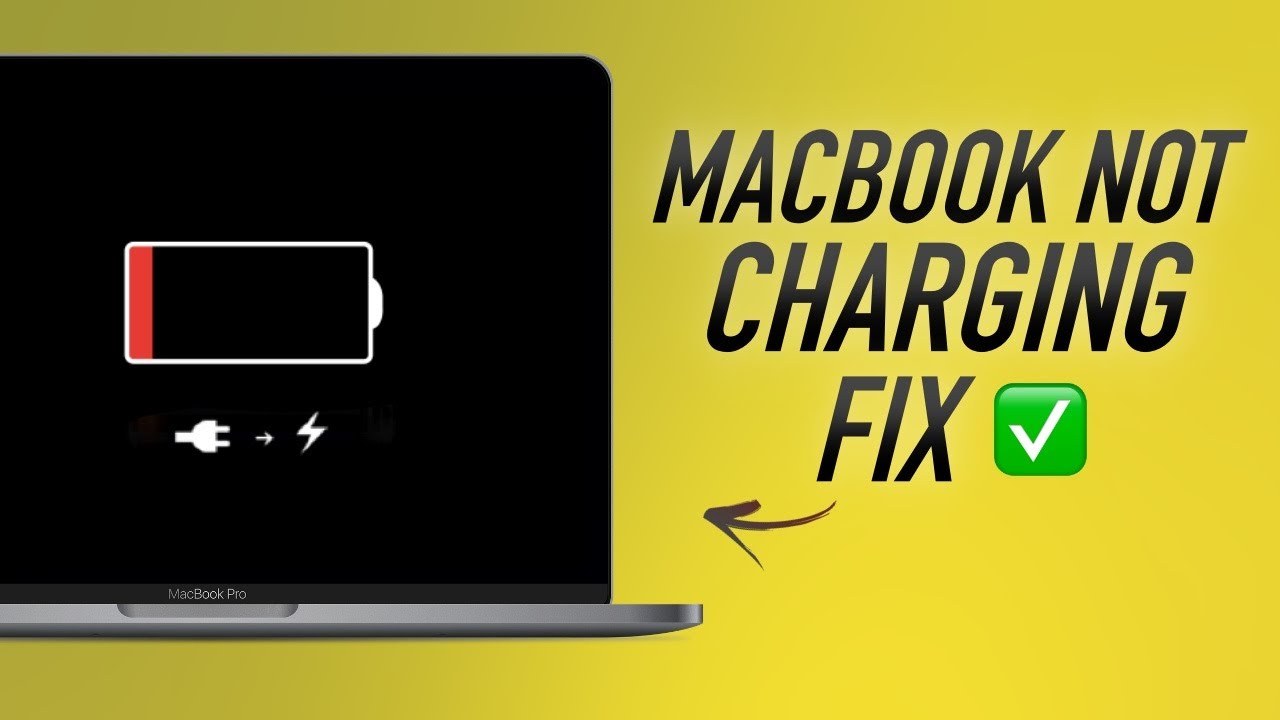
Apple MacBooks are known for their premium build quality and reliable performance. However, many users suddenly face a frustrating alert: MacBook says “Not Charging” even when the charger is connected. As a result, productivity slows down, battery anxiety increases, and long-term damage may occur if the issue is ignored.
Fortunately, when your MacBook says “Not Charging,” the problem is often fixable with the right steps. Therefore, this in-depth guide explains why the issue happens, what safe solutions actually work, and when professional repair is the smartest option. Moreover, you’ll learn how to prevent future charging problems and keep your MacBook healthy.
Why Does a MacBook Say “Not Charging”?
First and foremost, understanding why your MacBook says “Not Charging” is essential before attempting any fix. In most cases, the issue is caused by macOS power management, battery health protection, or hardware faults.
Common Reasons MacBook Says “Not Charging”
- Battery health management limiting charging
- macOS software glitches
- Faulty charging cable or adapter
- Dirty or damaged charging port
- Overheating or power regulation issues
As a result, your MacBook may run on power without actually charging the battery.
MacBook Battery Health Management Explained
Since recent macOS updates, Apple introduced Battery Health Management, which is often the main reason a MacBook says “Not Charging.”
How Battery Optimization Affects Charging
- macOS pauses charging at 80% to extend battery lifespan
- Charging resumes automatically later
- The “Not Charging” message appears temporarily
Therefore, if your MacBook battery is near 80% and plugged in, this behavior is normal. However, if the message persists for hours, further investigation is required.
Software Reasons MacBook Shows “Not Charging”
Sometimes, the problem is not hardware-related at all. Instead, software conflicts can trigger charging errors.
macOS Glitches and Power Management Bugs
- Incomplete macOS updates
- Corrupted system settings
- Power management errors
Consequently, macOS may misread the charging status even when everything is connected correctly.
Fix: Restart and Reset Power Settings
- Restart your MacBook
- Reset SMC (System Management Controller)
- Update macOS to the latest version
In many cases, these steps immediately resolve the issue.
Check the Charger and Power Adapter First
Before assuming internal damage, always inspect external components. Quite often, the reason your MacBook says “Not Charging” is a faulty charger.
Common Charger Issues
- Frayed or damaged cable
- Non-certified third-party adapters
- Loose MagSafe or USB-C connection
As a result, power delivery becomes unstable.
Recommended Solution
- Use an original Apple charger
- Try another power outlet
- Test with a different cable
If charging resumes normally, the issue is resolved.
Dirty or Damaged Charging Port Problems
Over time, dust and debris accumulate inside the charging port. Consequently, power pins fail to make proper contact.
Signs of Charging Port Issues
- Charging only at certain angles
- Frequent disconnects
- MacBook says “Not Charging” intermittently
Therefore, even a small blockage can cause big problems.
⚠️ Important: Never use sharp objects to clean the port, as this can cause permanent damage.
Overheating Can Stop Charging Automatically
MacBooks are designed with safety mechanisms. As a result, if your MacBook overheats, charging may stop to protect internal components.
Overheating Triggers
- Heavy applications running
- Hot environment
- Blocked ventilation
When temperatures normalize, charging usually resumes automatically.
How to Reduce Heat
- Close unused apps
- Place MacBook on a flat surface
- Avoid charging on soft materials
Battery Health and Aging Issues
As MacBooks age, battery performance declines naturally. Therefore, if your MacBook says “Not Charging” and the battery drains quickly, battery health may be the issue.
Signs of Battery Degradation
- Rapid battery percentage drop
- Charging stops at low percentages
- “Service Recommended” warning
In such cases, software fixes will not help.
Advanced Hardware Issues That Stop Charging
If all basic solutions fail, internal hardware problems may be responsible.
Possible Internal Causes
- Faulty battery
- Damaged charging IC
- Logic board power circuit failure
Consequently, the MacBook may detect power but refuse to charge.
⚠️ Attempting DIY hardware repairs can worsen damage and increase costs.
Step-by-Step Fixes When MacBook Says “Not Charging”
To summarize, follow these steps in order:
- Restart MacBook
- Check battery health settings
- Inspect charger and cable
- Try a different power outlet
- Let MacBook cool down
- Reset SMC
- Seek professional diagnosis
By following these steps, most charging issues are resolved safely.
When to Choose Professional MacBook Charging Repair
If your MacBook still says “Not Charging” after troubleshooting, professional repair becomes the safest option.
Why Expert Repair Matters
- Accurate diagnosis
- No data loss
- Genuine or high-quality parts
- Long-term reliability
Moreover, professionals can identify hidden issues that software fixes cannot.
Why Choose Milaaj Mobile Repair for MacBook Charging Issues
For users in Al Barsha, Milaaj mobiles and laptop repair Al Barsha provides trusted MacBook charging solutions with a strong focus on quality and affordability.
What Makes Milaaj Different
- Low-cost pricing without hidden charges
- Fast repairs, often completed the same day
- Convenient service for busy users
- High-quality replacement parts
- Professional technicians with Apple repair expertise
As a result, your MacBook is restored safely and efficiently.
Prevent Future “Not Charging” Problems
Prevention is just as important as repair. Therefore, adopting good habits can extend your MacBook’s lifespan.
Best Practices
- Use original or certified chargers
- Avoid overheating
- Keep charging port clean
- Update macOS regularly
- Monitor battery health
By doing so, you reduce the risk of recurring charging issues.
FAQs About MacBook says “Not Charging”
Why does my MacBook say “Not Charging” even when plugged in?
Usually due to battery health management, overheating, or charger issues. However, persistent problems may indicate hardware faults.
Is it safe to keep using a MacBook that says “Not Charging”?
Temporarily yes, but long-term use without fixing the issue can damage the battery or logic board.
How long does MacBook charging repair take?
Most charging repairs are completed within a few hours, depending on the issue.
Will charging repair cause data loss?
No. Professional repair methods protect your data completely.
Conclusion: MacBook says “Not Charging”
In conclusion, when your MacBook says “Not Charging”, it does not always mean serious damage. In fact, many issues are caused by software settings, chargers, or overheating. However, ignoring the problem can lead to battery failure or internal damage over time.
Therefore, early diagnosis, safe troubleshooting, and expert repair are the best ways to restore charging performance. With the right approach, your MacBook can return to reliable, smooth operation without unnecessary risks or expenses.
Other Services:
- Need other Mac Book repairs? Check out Milaaj’s MacBook repair services in Dubai.
- Overheating issues? Explore MacBook repair in Dubai for similar cooling solutions.
- Looking to upgrade? Learn about selling your used laptop in Dubai.
- Data loss concerns? Visit Milaaj’s data recovery services.
- For Apple users, check Apple trade-in options in Dubai.
📍 Visit Any Milaaj Branch in Dubai
🔹 Bur Dubai
Milaaj Mobile and Laptop Repair Dubai
📞 055 258 8477
🔗 Google Maps
🔹 Al Barsha
Milaaj Mobiles and Laptop Repair Al Barsha
📞 052 596 2846
🔗 Google Maps
🔹 Al Barsha 3
Milaaj Mobiles and Gaming Store
📞 052 3405 814
🔗 Google Maps
🔹 Al Nuaimiya
Milaaj Mobiles and Laptops Ajman
📞 055 788 9654
🔗 Google Maps
Shop Locations: Al Barsha | Bur Dubai | Reef Mall, Salah Al Din | Al Nuaimiya, Ajman
Email: support@milaaj.com
Operating Hours: Monday – Sunday




Leave a Reply