

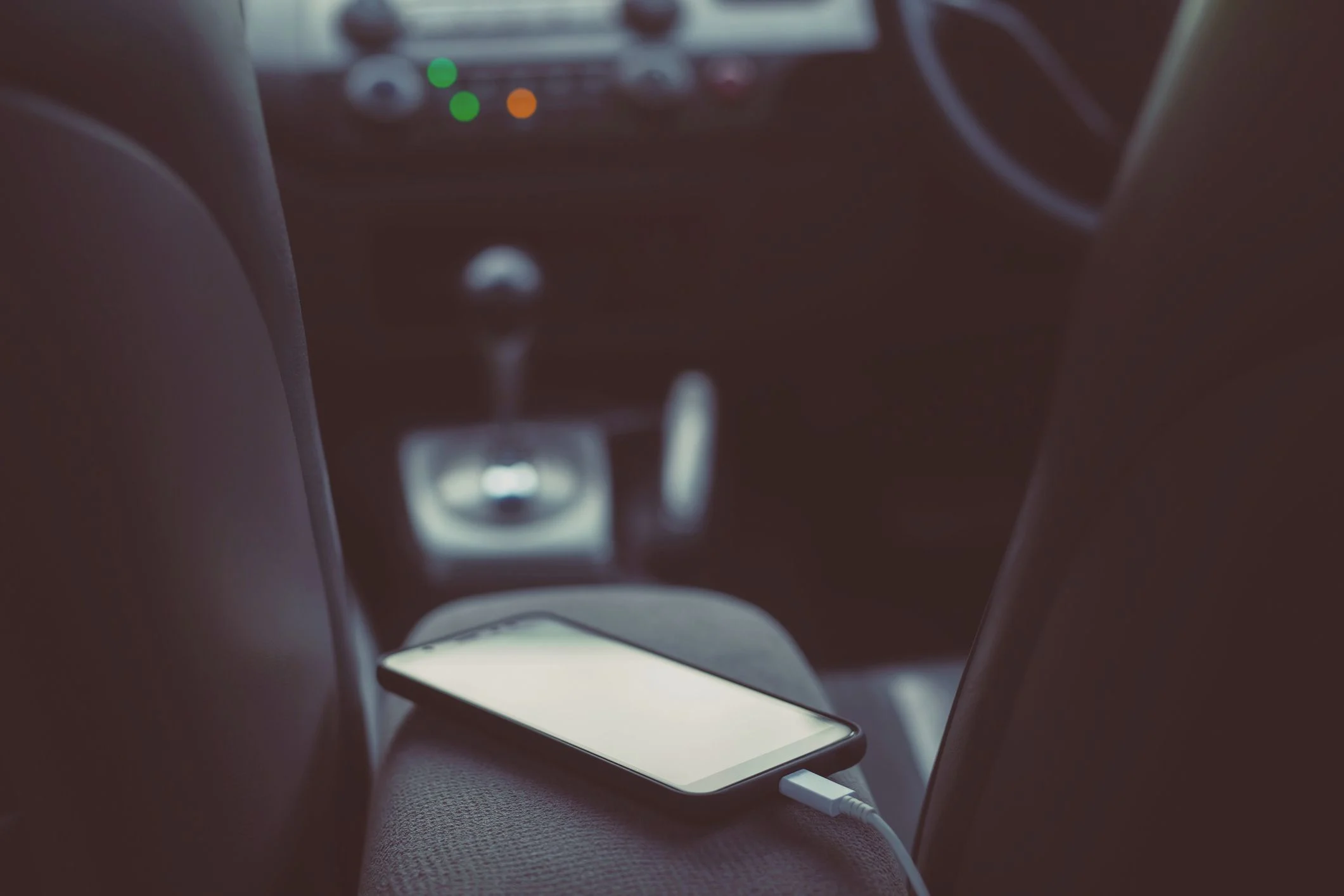
We have all been there. You are driving through the heart of Dubai, the sun is blazing through the windshield, and you are relying on your phone for navigation to your next meeting. Suddenly, the screen goes black, replaced by a stark, clinical message: Phone Temperature Warning in Car. In a city where the mercury regularly climbs toward 50°C, this isn’t just a minor glitch; it is a critical safety intervention by your device.
When your phone displays the “Temperature Warning” in your car, it is essentially telling you that its internal components are reaching a “danger zone” that could lead to permanent hardware failure. Understanding how to react in these first few minutes is the difference between a minor delay and a very expensive repair bill. This guide will walk you through the emergency steps to cool your device safely and effectively while keeping your tech healthy in the intense UAE heat.
Why Your Car Is a “Heat Trap” for Modern Smartphones
Before we dive into the fixes, it’s important to understand why this happens so frequently inside a vehicle. Your car acts like a greenhouse, trapping infrared radiation and spiking the internal temperature far beyond the ambient air outside.
1. Direct Sunlight and High Nits
Modern displays, like those on the iPhone 17 or Samsung S26, are designed to be incredibly bright (often over 2000-3000 nits). To maintain this brightness in direct sunlight, the screen generates a massive amount of internal heat. When you pair this with the sun hitting the black glass of the device through a windshield, the thermal ceiling is reached in minutes.
2. High-Performance Processing
If you are running GPS navigation, streaming high-quality audio, and charging your phone simultaneously, your processor (like the A19 Pro chip) is working at maximum capacity. This “triple threat” of activity generates internal heat that simply has nowhere to go if the ambient air in the car is already warm.
3. The Dashboard Effect
The top of your dashboard is one of the hottest places in any vehicle. Resting your phone there, even for a moment, subjects the Lithium-ion battery to extreme thermal stress.
Emergency Steps: Immediate Actions to Cool Your Phone
If you see that warning, do not panic, but act quickly. Here are the immediate emergency steps: what to do when your phone displays the “Temperature Warning” in your car.
1. Disconnect the Charger Immediately for Phone Temperature Warning in Car
Charging a battery is a chemical process that generates its own heat. If your phone is already struggling with the external temperature, the “charging heat” is often the final straw. Unplug the cable right away, even if you are low on battery.
2. Move It Out of Direct Sunlight for Phone Temperature Warning in Car
The very first physical move should be to get the phone into the shade. Slide it under your seat, put it in the center console (if it isn’t too hot), or simply hold it in the footwell area where the air is naturally cooler.
3. Remove the Protective Case for Phone Temperature Warning in Car
Most modern phone cases are made of silicone, plastic, or leather materials that act as insulators. By removing the case, you allow the aluminum or titanium frame of the phone to dissipate heat into the air more efficiently.
4. Turn Off the Device (If Possible) for Phone Temperature Warning in Car
If you don’t absolutely need the phone for the next ten minutes, power it down completely. This stops all electrical current from flowing through the motherboard, allowing the internal temperature to drop much faster.
5. Use the A/C Vent (With Caution) for Phone Temperature Warning in Car
Hold your phone in front of one of your car’s air conditioning vents. However, do not blast it with freezing air if the phone is extremely hot. A sudden, drastic change in temperature can cause condensation to form inside the device, which is just as dangerous as the heat itself. Aim for a steady, cool airflow.
What NEVER to Do With an Overheated Phone
In a moment of frustration, it’s easy to make a mistake that could “brick” your device. Avoid these common pitfalls:
- Do Not Put It in the Freezer: As tempting as it sounds, the rapid contraction of internal components and the high risk of moisture entry can kill your phone instantly.
- Do Not Leave It in a Parked Car: Even with the windows cracked, the interior temperature of a car in Al Barsha can hit 60°C in under 20 minutes. If you are leaving the car, the phone must come with you.
- Do Not Force Use It: If the warning goes away but the phone still feels like a hot plate, give it another 5 minutes. Using the camera or a game while the internals are still “simmering” can lead to Silicon-Anode battery degradation.
Milaaj Mobile and Laptop Repair Al Barsha: Your Heat Damage Experts
Sometimes, despite your best efforts, the heat wins. Frequent overheating can cause your battery to swell, your screen to delaminate, or your Motherboard ICs to fail. When the UAE summer takes a toll on your tech, Milaaj mobile and laptop repair Al Barsha is your first line of defense.
Why Milaaj is the Trusted Choice in Al Barsha:
- Speed Repairing for Hot Days: We understand that a dead phone in the summer is a major hassle. Our speed repairing protocol ensures that heat-related diagnostics and battery replacements are often handled on the same day.
- Low Price & High Integrity: We offer a low price guarantee on thermal diagnostics. We won’t charge you for a new motherboard if a simple battery replacement or a specialized cleaning of the internal thermal paste is all you need.
- Ultimate Convenience: Located in the heart of Al Barsha 1, we are easy to find. If your phone has shut down and won’t restart, call us for our Smart Phone pickup and delivery service. We’ll handle the logistics while you stay cool.
- Superior Part Quality: If your battery has expanded due to heat, we replace it with Original-grade components that meet strict safety standards, ensuring your phone can handle the heat better in the future.
- Expert Advice: Our technicians don’t just fix your phone; they’ll help you optimize your settings to prevent future “Temperature Warning” incidents.
FAQs: Phone Temperature Warning in Car
1. Does the “Temperature Warning” mean my battery is damaged?
Not necessarily. It means the safety sensors worked correctly to prevent damage. However, if this happens daily, the repeated thermal stress will eventually lower your battery’s maximum capacity.
2. Can I use my phone while it’s in front of the A/C vent?
It is better to let it sit idle. Using the processor while trying to cool the exterior creates a “thermal tug-of-war” that isn’t good for the internal circuitry.
3. Why does my phone get hot even when it’s not in the sun?
In 2026, many background AI processes and 5G signal hunting can generate heat. If you are in an area with a poor signal, your phone works harder to stay connected, which generates internal warmth.
4. Is the iPhone 17 better at handling heat than older models?
While newer models have better thermal management like vapor chambers, their brighter screens and more powerful chips also generate more heat. The physical limits of the Lithium-ion battery remain the same.
5. My phone cooled down but now the screen is dim. Why?
This is a secondary safety measure. Even after the warning disappears, the OS may limit the screen brightness to ensure the temperature doesn’t spike again immediately. It should return to normal within 10-15 minutes.
Summary: Phone Temperature Warning in Car
Seeing the “Temperature Warning” in your car is a clear signal that your device is under extreme stress. By following these emergency steps: what to do when your phone displays the “Temperature Warning” in your car, you can mitigate the risk of permanent hardware failure. Remember: shade, air, and patience are your three best friends in this situation.
Dubai’s heat is relentless, but your technology is built to protect itself if you give it a chance. Treat your phone with the same care you treat yourself during the summer stay hydrated (with power), stay in the shade, and avoid overexertion.
Did the heat leave your phone with a flickering screen or a battery that won’t hold a charge? Don’t wait for the problem to get worse! Contact Milaaj today for a professional heat-damage diagnostic and expert repair service!
Other Services:
- Need other iPhone repairs? Check out Milaaj’s iPhone repair services in Dubai.
- Looking to upgrade? Learn about selling your used iPhone in Dubai.
- Data loss concerns? Visit Milaaj’s data recovery services.
- For Apple users, check Apple trade-in options in Dubai.
📍 Visit Any Milaaj Branch in Dubai
🔹 Bur Dubai
Milaaj Mobile and Laptop Repair Dubai
📞 055 258 8477
🔗 Google Maps
🔹 Al Barsha
Milaaj Mobiles and Laptop Repair Al Barsha
📞 052 596 2846
🔗 Google Maps
🔹 Al Barsha 3
Milaaj Mobiles and Gaming Store
📞 052 3405 814
🔗 Google Maps
🔹 Al Nuaimiya
Milaaj Mobiles and Laptops Ajman
📞 055 788 9654
🔗 Google Maps
Shop Locations: Al Barsha | Bur Dubai | Reef Mall, Salah Al Din | Al Nuaimiya, Ajman
Email: support@milaaj.com
Operating Hours: Monday – Sunday




Leave a Reply