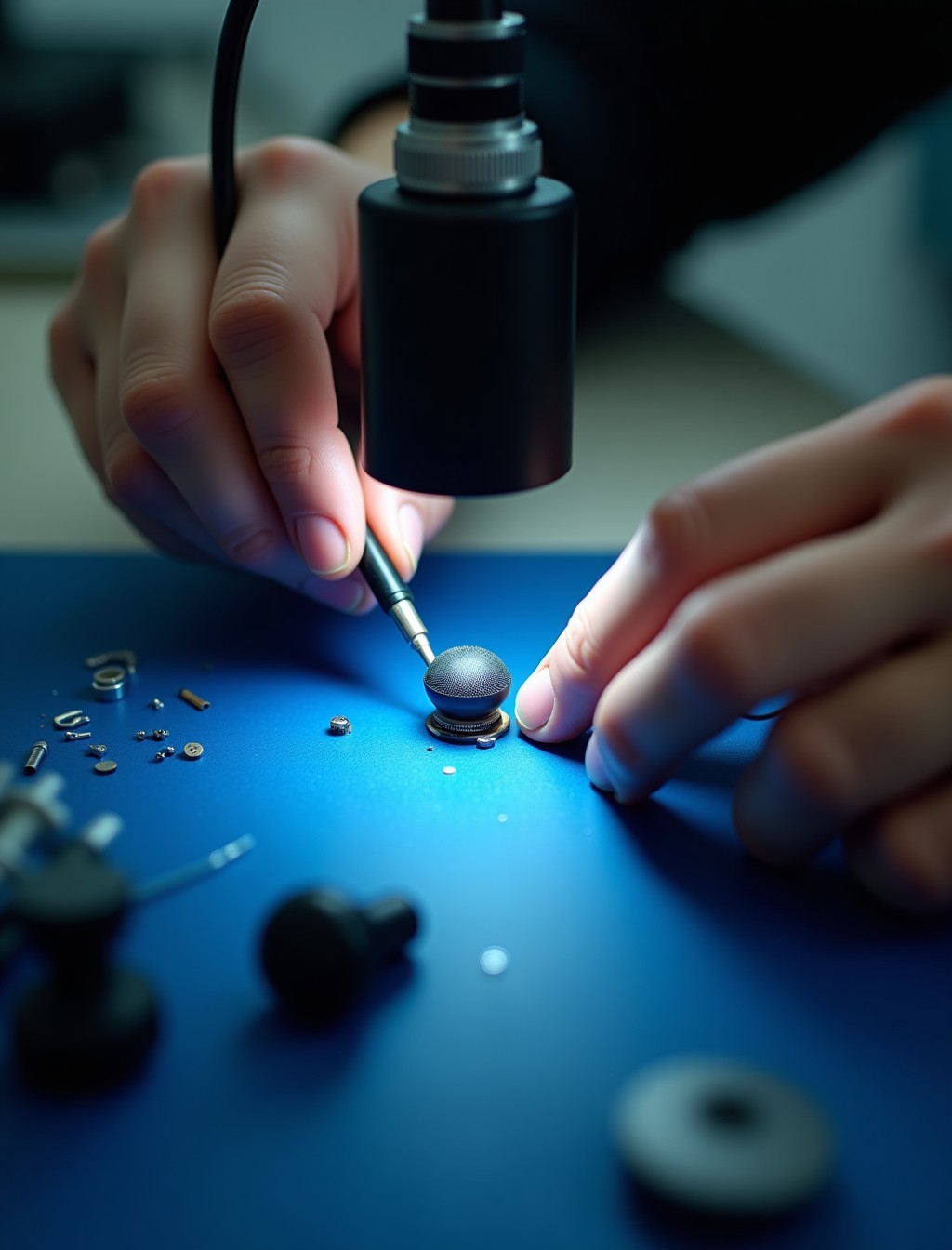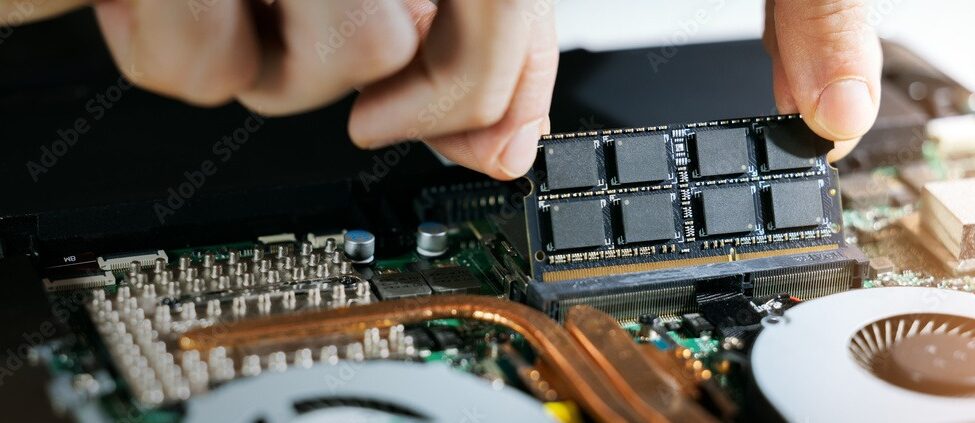
Being told the other person cannot hear you, sounding muffled on calls, or Siri not picking up your voice usually points to a microphone issue, though it is worth ruling out a few simple causes first. AirPods use tiny microphones positioned at the bottom of each earbud, and several models use more than one microphone working together to isolate your voice from background noise. This design makes the microphone effective at cutting background noise, but it also means several small components can each play a part when something goes wrong. At Milaaj, our technicians confirm whether the fault is genuinely hardware before recommending a repair, since a surprising number of microphone complaints trace back to something else entirely.
Microphone problems on AirPods often get confused with a Bluetooth issue, a wrong input setting, or a temporary software glitch, and each of these looks identical from your end since you cannot hear a problem with your own microphone. Getting the diagnosis right matters, since the fix for a setting is free while a genuine repair is not, and confusing the two wastes time.
Whether the issue developed gradually, appeared after an update, or showed up out of nowhere, we can identify the cause before any work begins.
Signs Your AirPods Microphone Needs Attention
These are the symptoms our technicians see most often when the microphone hardware, rather than a setting or connection issue, is genuinely at fault.
- The other person on a call consistently says they cannot hear you at all. This is one of the clearest signs of a genuine microphone fault, especially if it happens across multiple calls and devices.
- Your voice sounds muffled, distorted, or breaking up to the person you are speaking with. This can point to debris blocking the microphone opening or, if cleaning does not help, a damaged microphone.
- Siri or voice commands consistently fail to register what you say. If this happens even when you are speaking clearly and close to the microphone, hardware may be involved.
- The issue only affects one AirPod’s microphone while the other works fine. This points to a specific fault in one earbud rather than a broader connection or software issue.
- Microphone problems that persist across multiple different devices. If the same issue happens whether you are connected to your iPhone, iPad, or Mac, the fault is more likely in the AirPods themselves.
Quick Checks Before Booking a Repair
A few simple checks can rule out the most common non-hardware causes before assuming a repair is needed.
- Make sure your AirPods are sufficiently charged. A low battery can affect microphone performance before it affects anything else you would notice..
- Inspect and clean the microphone openings at the bottom of each AirPod. Debris blocking these small openings is one of the most common causes of muffled or missing microphone input..
- Check which microphone your device is actually using. Some apps default to your phone’s built in microphone even while AirPods are connected, which can look exactly like an AirPods microphone fault..
- Turn off any Live Listen or similar audio features that may be active. These features occasionally interfere with normal microphone routing until they are turned off..
- Reset your AirPods and re-pair them with your device. Place both AirPods in the case, close the lid for about 30 seconds, then reopen and reconnect them together..
If none of these steps resolve the issue, the fault is more likely to be hardware related, and a proper diagnostic is the next step.
Is It the Microphone, Bluetooth, or a Setting? What’s Actually Wrong
Microphone complaints can come from several different sources, and it helps to narrow things down before booking a repair.
- If the issue happens consistently across every app and every paired device, this points toward a genuine hardware fault in the microphone itself.
- If the issue only happens in one specific app, this often points to that app defaulting to the wrong microphone input rather than an AirPods fault.
- If the issue is intermittent and comes with dropped audio or connection glitches, this usually points to a Bluetooth issue rather than the microphone hardware.
- If switching to a different device resolves the problem entirely, the original device’s settings or pairing were the likely cause rather than the AirPods themselves.
Our technicians confirm which category applies during the free diagnostic, so you are never paying for a microphone repair when the real cause was a setting or connection issue.
Common Causes of AirPods Microphone Faults in Dubai
Understanding what caused the fault helps explain why some fixes are quick and others need genuine repair work.
- Debris blocking the microphone opening. Dust, lint, and skin oils can gradually block the tiny microphone openings, muffling or completely blocking your voice.
- Water or sweat exposure. Moisture that reaches the internal microphone components can affect performance even without visible external damage.
- Physical damage from a drop. An impact can dislodge or damage the microphone component even if the AirPod looks completely fine from the outside.
- Wear on the microphone component from years of use. Like any small electronic component, the microphone can degrade gradually after years of regular daily use.
- A damaged internal connection. In some cases the microphone itself is fine but the connection linking it to the rest of the AirPod has come loose.
all models
AirPods Microphone Replacement for Every Model in Dubai
Microphone design and configuration vary across the AirPods range, and repair parts are matched specifically to each model.
- AirPods (2nd, 3rd, and 4th generation): a standard microphone setup designed for calls, Siri, and voice commands.
- AirPods Pro (1st and 2nd generation): uses multiple microphones per earbud working together with beamforming technology to isolate your voice from background noise, which means more components that can potentially need attention.
- AirPods Max: features an array of microphones across the ear cups, designed for both call quality and the active noise cancellation system.
- Regardless of model, microphone parts are matched precisely to the generation you have, since components are not interchangeable across versions.
step by step process
Our AirPods Mic Repair Process in Dubai
Every microphone repair follows the same careful sequence, given how compact AirPods internals are.
1
Free diagnostic check. We confirm whether the fault sits in the microphone itself, a connection, or elsewhere before quoting anything.
2
Careful disassembly. AirPods are opened using tools built for their small size and tight tolerances to access the affected component.
3
Component repair or replacement. The microphone unit or its connection is cleaned, repaired, or replaced with a genuine or premium grade part matched to your exact model.
4
Call quality testing. Voice clarity is tested across calls and voice commands to confirm the other side can hear you clearly before reassembly is finished.
5
Final quality check. We confirm consistent microphone performance under normal use before handing the AirPods back to you.
why milaaj
Why Choose Milaaj for AirPods Call Quality Repair in Dubai
Microphone faults are easy to misdiagnose between a blockage, a setting, and a genuine hardware issue, so getting it right the first time matters.
- 35,000+ customers served across the UAE, with AirPods and iPhone audio repairs handled regularly.
- Certified technicians experienced with microphone repair across every AirPods generation, including Pro and Max models.
- Genuine and premium grade parts used for every repair, never mismatched components.
- Up to 12 months parts and labor warranty on completed microphone repairs.
- Free diagnostics with no obligation to proceed once you know what is actually wrong.
- Free pickup and delivery across Dubai, so a microphone fault does not mean a trip across the city.
- Data privacy practiced on every device, with no unnecessary access to your paired iPhone or accounts.
- 24/7 support available in Arabic, English, Urdu, Hindi, Malayalam, and Tamil.
Related Repairs
- AirPods Speaker Repair Dubai – Speaker and microphone faults are often confused with each other, making this a relevant cross link for accurate diagnosis.
- AirPods Water Damage Repair Dubai – Water exposure can affect the microphone as easily as the speaker, making this a natural companion page.
- AirPods Software Repair Dubai – Some microphone issues trace back to a pairing or app setting rather than hardware, making this a useful next step if hardware diagnosis comes back clear.
- AirPods Trade In / Buyback – Relevant for older AirPods where microphone repair cost approaches the value of a new pair.
FAQs
Frequently Asked Questions About AirPods Microphone Repair
Can a microphone issue be fixed by cleaning, or does it always need a repair?
In many cases a blocked microphone opening can be cleared with gentle cleaning and no repair is needed. If cleaning and the other quick checks do not help, a diagnostic can confirm whether hardware repair is genuinely required before anything is quoted.
Why can I hear the other person fine, but they cannot hear me?
This is a classic sign of a microphone issue on your AirPods rather than a general connection problem, since your speaker and microphone are separate components. A diagnostic can confirm whether the cause is debris, damage, or something else.
How much does it cost to fix an AirPods microphone?
Cost depends on which model you have and whether the fix is a cleaning or a genuine component repair, since Pro and Max models have more complex microphone arrays. We give a clear quote after a free diagnostic so there are no surprises before you decide whether to proceed.
Does a microphone repair affect noise cancellation on my AirPods Pro?
Since some of the same microphones contribute to both call quality and noise cancellation on Pro models, our technicians test both functions after any microphone repair to confirm everything works correctly.
Can just one AirPod’s microphone be repaired if the other side is fine?
Yes, in most cases only the affected AirPod needs attention, and the working earbud along with the case can stay exactly as they are.
How long does an AirPods microphone repair take?
Most microphone repairs are completed same day once the affected component and part are confirmed, though availability can vary for older or less common models where original parts are harder to source.
Can I clean the microphone opening myself before booking a repair?
Yes, a soft, dry brush, a lint free cloth, or a cotton swab can safely clear visible debris from the microphone opening. Avoid inserting anything sharp or using liquids, since these can push debris deeper or damage the component.
Nobody Can Hear You on Calls?
Being told nobody can hear you does not need to become the norm. Book your AirPods microphone repair in Dubai with Milaaj and our technicians will confirm exactly what is wrong before any work begins.
Contact us
Get Your AirPods Microphone Working Clearly Again
With free pickup across Dubai, genuine parts, and up to 12 months warranty on the repair, you can get back to clear calls without replacing the whole set. Get in touch and we will take care of the rest.