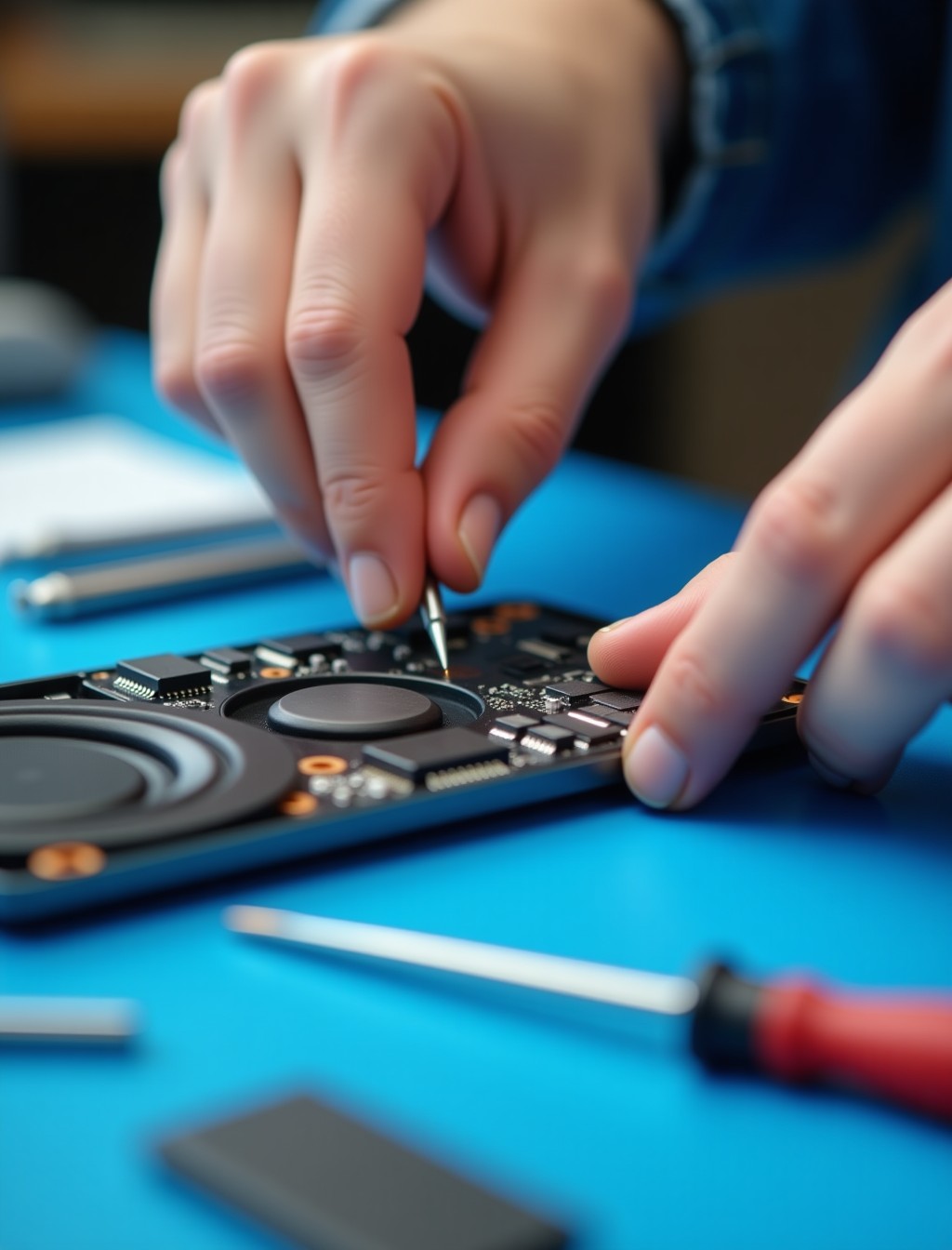
If music sounds thin, calls cut out, or your iPad has gone completely silent, the fault usually sits in the speaker assembly rather than a setting buried in the sound menu. Debris in the speaker grille, a corroded connector, or a worn out driver are the most common culprits, and each shows up slightly differently depending on how it happened. At Milaaj, our technicians isolate the exact cause before recommending a fix, so you are not paying to replace a part that was never the problem in the first place.
Sound issues can also come from the microphone, the headphone routing, or a software glitch rather than the speaker itself, which is why a proper diagnostic matters more than swapping parts on a guess. Getting this wrong means paying for a part that was never the cause while the actual fault stays unresolved.
Whether the silence started after a spill, developed gradually as dust built up, or appeared out of nowhere, we can identify the cause before any work begins.
Signs Your iPad Speaker Needs Attention
These are the most common symptoms our technicians see when the speaker hardware, rather than a setting, is actually at fault.
- No sound at all during calls, videos, or music playback. This is the clearest sign of a failed speaker driver or a disconnected speaker assembly.
- Audio that cuts in and out unpredictably. A loose connector or a partially damaged speaker unit often causes intermittent sound rather than total silence.
- Distorted, crackling, or static sound at any volume. This points to physical damage inside the speaker itself, often from moisture or a blown driver.
- Sound stuck routing to headphones or Bluetooth even when nothing is connected. This can be a hardware fault at the port, though it is worth ruling out a software glitch first.
- Rattling or buzzing noise at higher volumes. This usually means something has worked loose inside the speaker housing or the driver itself is damaged.
- Muffled sound as if something is blocking the grille. Dust, lint, or debris trapped in the speaker mesh is one of the most common and easily fixed causes.
Common Causes of iPad Audio and Speaker Problems in Dubai
Knowing what caused the issue helps us choose the right fix and helps you avoid the same problem happening again down the line.
- Liquid exposure. Even a small spill can corrode the speaker’s internal components or leave residue that muffles sound permanently if not cleaned properly.
- Dust and debris buildup. Speaker grilles sit exposed to the environment, and over time dust and pocket lint can block sound output almost entirely.
- Physical damage from a drop. A hard knock can dislodge the speaker unit or damage the ribbon connector linking it to the logic board.
- Software glitches misrouting audio. Occasionally an iPadOS update or a stuck Bluetooth connection sends audio somewhere other than the built in speaker.
- Wear from years of heavy use. Speaker drivers, like any mechanical component, degrade gradually after years of use at high volume.
Speaker, Microphone, or Headphone Routing: What’s Actually Faulty?
Sound complaints often get blamed on the speaker when the real fault sits somewhere else entirely, whether that is the microphone, a software setting, or a Bluetooth connection, so it helps to narrow things down before booking a repair.
Likely a Speaker Issue
- No sound during music or video playback, but the microphone still works fine on calls
- Crackling or static that only happens through the built in speaker, not headphones
- Muffled sound with visible dust or debris in the speaker grille
- Sound that improves or worsens depending on how the iPad is tilted or tapped
Likely a Different Component
- No sound and no microphone pickup at the same time, which usually points to a connector or board level issue
- An issue that only happens in one specific app, which usually points to a software setting rather than hardware
- Sound problems that started right after a screen or battery repair, which can mean a connector was knocked loose
- Audio that only misbehaves over Bluetooth, which is almost always a pairing or software issue rather than the speaker
If we find the fault sits somewhere other than the speaker during diagnosis, we will tell you plainly rather than replacing a part that was never broken.
all ipad models
iPad Speaker Replacement for Every Model in Dubai
Speaker configuration varies across the iPad range, with some models using a single speaker and Pro models using a multi speaker array for fuller, more directional sound.
- iPad Pro (11-inch and 13-inch): including the latest M5 chip models with quad speaker audio, plus the earlier M4 generation.
- iPad Air (11-inch and 13-inch): including the current M4 generation and earlier M3 and M2 models with dual speakers.
- iPad mini: including the current A17 Pro generation and earlier mini models.
- iPad (standard): including the current 11th generation A16 model and earlier generations.
- Older and discontinued iPad models: speaker units are still sourced and repaired where parts availability allows it.
step by step process
Our iPad Loudspeaker Repair Process in Dubai
Every speaker repair follows the same structured sequence, whether one speaker is affected or the entire audio array on a Pro model needs attention.
1
Free diagnostic check. We confirm whether the fault sits in the speaker, the connector, or somewhere in software before quoting anything.
2
Careful disassembly. The back panel or screen is opened with the right tools to reach the speaker assembly without disturbing nearby components.
3
Speaker replacement. The faulty speaker unit is replaced with a genuine or premium grade part matched to your exact iPad model, on Pro models this can mean one or more of the array.
4
Sound testing across sources. We test music, calls, and video playback at multiple volumes to confirm clear, balanced audio from every speaker.
5
Final quality check. We confirm the fix holds under normal use before handing the iPad back to you.
why milaaj
Why Choose Milaaj for iPad Audio Repair in Dubai
Sound faults are easy to misdiagnose, and getting it wrong the first time means paying for one repair, finding the issue persists, and paying again for the right fix.
- 35,000+ customers served across the UAE, with iPad and iPhone audio repairs handled regularly.
- Certified technicians experienced with single and multi speaker iPad configurations across every generation.
- Genuine and premium grade parts used for every speaker replacement, never mismatched components.
- Up to 12 months parts and labor warranty on completed speaker repairs.
- Free diagnostics with no obligation to proceed once you know what is actually wrong.
- Free pickup and delivery across Dubai, so a silent iPad does not mean a trip across the city.
- Data privacy practiced on every device, with no unnecessary access to your files during repair.
- 24/7 support available in Arabic, English, Urdu, Hindi, Malayalam, and Tamil.
Related Repairs
- iPad Water Damage Repair Dubai – Liquid exposure is one of the most common causes of speaker failure, making this a natural companion page for customers unsure of the root cause.
- iPad Charging Port Repair Dubai – Physical drops that damage a speaker often affect the charging port too, making this a relevant bundled repair link.
- iPad Button Repair Dubai – Volume button faults are sometimes mistaken for speaker issues, so this is a useful cross link for diagnosis clarity.
- iPad Trade In / Buyback – Relevant for older iPads where repeated audio issues make replacement the more practical option.
FAQs
Frequently Asked Questions About iPad Speaker Repair
Can an iPad speaker be fixed without replacing the whole device?
Yes, in almost all cases a faulty speaker can be replaced on its own without affecting the screen, battery, or logic board unless those were damaged in the same incident. The speaker sits as its own component connected by a short cable, which keeps the repair contained.
How much does it cost to fix iPad speaker issues in Dubai?
Cost depends on which iPad model you have and how many speakers are affected, since Pro models with quad speaker arrays cost more to repair than single speaker models. We give a clear quote after a free diagnostic so there are no surprises before you decide whether to proceed.
Will repairing the speaker affect my microphone?
No, the speaker and microphone are separate components, and our technicians take care not to disturb the microphone while replacing a faulty speaker.
Does the iPad Pro’s quad speaker system cost more to repair?
It can, since a fault might affect one speaker or several depending on the cause, and quad speaker arrays involve more components than a single speaker setup. Diagnosis tells us exactly how many units need attention.
How long does an iPad speaker repair take?
Most single speaker replacements are completed same day once parts are confirmed in stock, though multi speaker repairs on Pro models can take slightly longer depending on how many units need replacing.
Can dust or water damage really cause speaker problems?
Yes, both are among the most common causes we see, since the speaker grille sits exposed to the environment on every iPad model.
Why does my iPad sound quieter than it used to?
Gradual volume loss over months or years is often a sign of a worn speaker driver or a buildup of dust inside the housing, rather than a sudden fault. It is worth a diagnostic even if the sound has not cut out completely.
iPad Silent or Sound Cutting Out?
A silent or crackling iPad does not need to stay that way. Book your iPad speaker repair in Dubai with Milaaj and our technicians will confirm exactly what is wrong before any work begins.
Contact us
Get Your iPad Sound Working Again
With free pickup across Dubai, genuine parts, and up to 12 months warranty on the repair, you can get back to clear calls and full volume music without replacing the whole device. Get in touch and we will take care of the rest.