


An iPad that refuses to charge can quickly become frustrating, especially when you rely on it for work, study, or entertainment. Although Apple devices are known for reliability, many users eventually face the issue of iPad won’t charge, often without warning. Sometimes the device shows no charging icon, while other times it charges intermittently or stops charging altogether.
Fortunately, an iPad won’t charge problem is rarely permanent. In fact, most charging failures are caused by fixable issues such as accessories, software glitches, or minor hardware faults. Therefore, understanding the root cause is the first and most important step toward a safe solution. In this complete guide, we explain why an iPad won’t charge, what mistakes to avoid, and how professional repair solutions restore charging safely and efficiently.
Why iPad Won’t Charge Is a Common Issue
First and foremost, iPads rely on a delicate charging system that includes the cable, adapter, charging port, battery, and internal power circuitry. Consequently, a failure in any one of these components can trigger an iPad won’t charge issue.
Moreover, frequent usage, software updates, dust buildup, and even environmental factors can contribute to charging problems over time. Therefore, identifying whether the issue is external or internal is crucial before attempting any fix.
Common Causes When an iPad Won’t Charge
Faulty Charging Cable or Adapter
In many cases, the most common reason an iPad won’t charge is a damaged cable or power adapter. Over time, cables fray internally, even if they look fine on the outside. As a result, power delivery becomes inconsistent or stops entirely.
Additionally, using low-quality or uncertified chargers can lead to charging failure. Therefore, always test your iPad with an original or Apple-certified charger before assuming a device fault.
Dirty or Blocked Charging Port
Another frequent cause is dust, lint, or debris stuck inside the charging port. Although it may seem minor, even small obstructions can prevent proper contact between the cable and the port.
Consequently, the iPad may show “not charging” or charge only when the cable is held at an angle. If your iPad won’t charge, inspecting the port is an essential early step.
Software Glitches After Updates
Sometimes, an iPad won’t charge due to software-related issues rather than hardware damage. After iPadOS updates, background processes may interfere with power management.
Moreover, system bugs can cause the battery indicator to freeze, making it appear as though the iPad is not charging when it actually is. Therefore, software troubleshooting should never be overlooked.
Battery Health Degradation
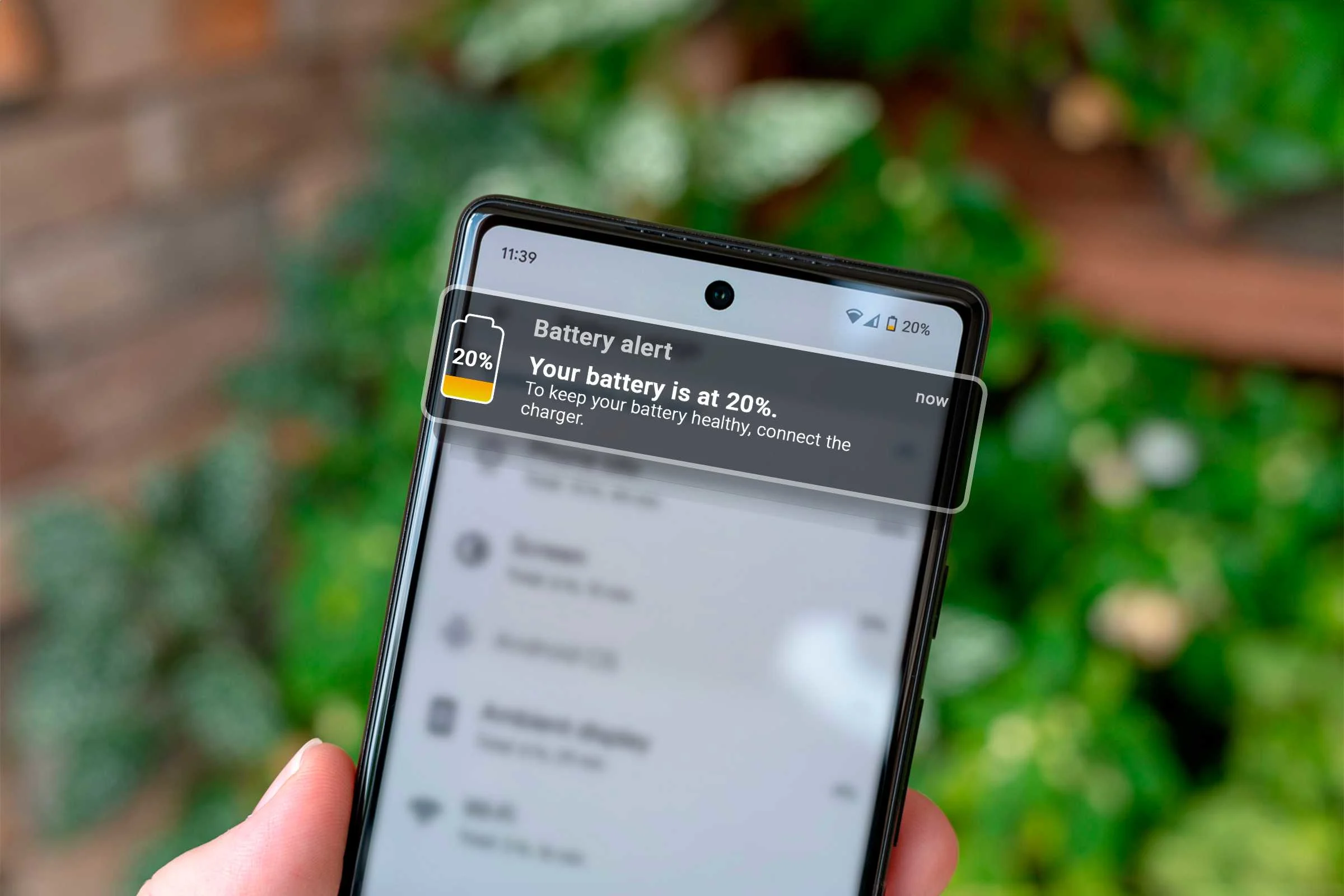
Over time, lithium-ion batteries naturally degrade. As a result, an aging battery may struggle to accept or hold a charge. If your iPad won’t charge past a certain percentage or drains quickly even while plugged in, battery wear is likely the cause.
Additionally, overheating and excessive charging cycles can accelerate battery degradation.
Charging Port or Power IC Damage
If the iPad has been dropped or exposed to moisture, internal damage may occur. In such cases, the charging port or power IC (integrated circuit) may fail, preventing proper charging.
Therefore, when basic troubleshooting fails, professional inspection becomes necessary to avoid further damage.
Risks of Ignoring an iPad Won’t Charge Problem
Although it may be tempting to continue using a faulty charger or wiggle the cable, ignoring an iPad won’t charge issue can make things worse.
For example:
- Battery damage may worsen
- Charging port pins may bend or break
- Internal circuits may short-circuit
- Data loss risk increases if the device shuts down completely
Thus, early action is always safer and more cost-effective.
Step-by-Step Fixes for iPad Won’t Charge Issues
Check and Replace Charging Accessories
First, try a different charging cable and adapter. Ideally, use an Apple-certified charger. If the iPad starts charging normally, the problem is solved.
Additionally, avoid charging from weak power sources such as laptops or car chargers, as they may not provide sufficient power.
Clean the Charging Port Safely
If your iPad won’t charge, inspect the charging port under good lighting. Using a soft brush or wooden toothpick, gently remove visible debris.
However, never use metal objects, water, or compressed air directly, as this may damage the port.
Restart and Update the iPad
Sometimes, a simple restart can fix temporary charging glitches. Moreover, updating to the latest iPadOS version can resolve software-related power issues.
Therefore, always ensure your device is running updated software.
Reset iPad Settings
If charging problems persist, resetting settings (without erasing data) can help. This clears system conflicts while keeping your files safe.
As a result, many users find their iPad won’t charge issue resolved without hardware repair.
Avoid DIY Hardware Repairs
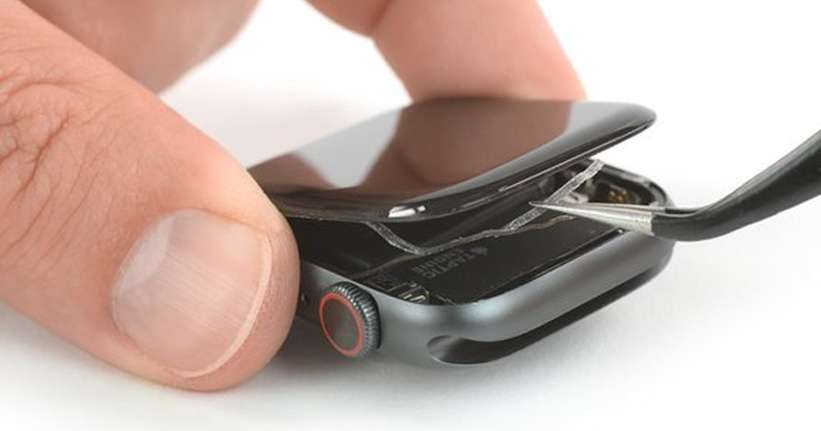
Although online tutorials may suggest opening the iPad, DIY repairs often cause further damage. Since iPads are tightly sealed, improper handling can damage internal components.
Thus, professional repair is always the safer option for hardware-related issues.
When to Seek Professional Repair for iPad Won’t Charge
If your iPad won’t charge despite trying all basic fixes, professional diagnosis is essential. Experts can accurately identify whether the issue lies in the battery, charging port, or internal circuitry.
Moreover, professional repairs prevent unnecessary part replacements and reduce long-term costs.
iPad Charging Repair at Milaaj Mobile Repair
For users seeking reliable service, Milaaj mobiles and laptop repair Al Barsha offers expert iPad charging repair solutions using high-quality parts and advanced diagnostic tools.
Why Choose Professional Repair?
- Low-cost solutions compared to device replacement
- Fast repair turnaround, often within hours
- Convenient service with expert handling
- Premium-quality replacement parts
- Safe repairs without data loss
Additionally, technicians carefully test charging performance after repair to ensure long-lasting results.
How to Prevent iPad Charging Issues in the Future
To reduce the chances of facing an iPad won’t charge issue again, follow these tips:
- Use original or certified chargers
- Avoid charging in dusty or humid environments
- Do not force the cable into the port
- Keep software updated
- Avoid overcharging overnight regularly
As a result, your iPad will maintain better charging performance and battery health.
FAQs: iPad Won’t Charge
Why does my iPad show “Not Charging” even when plugged in?
This usually happens due to weak power sources, faulty cables, dirty charging ports, or software glitches.
Can a bad battery cause an iPad won’t charge issue?
Yes. Battery degradation can prevent the iPad from accepting or holding a charge properly.
Is it safe to clean the iPad charging port at home?
Light cleaning is safe if done gently. However, aggressive cleaning or metal tools can cause damage.
How long does professional iPad charging repair take?
Most charging-related repairs are completed within a few hours, depending on the issue.
Will iPad charging repair erase my data?
No. Professional charging repairs focus on hardware and do not affect user data.
Should I replace my iPad if it won’t charge?
Not necessarily. In most cases, charging issues are repairable at a much lower cost than replacement.
Final Thoughts on iPad Won’t Charge Problems
In conclusion, an iPad won’t charge issue can feel alarming, but it is often manageable with the right approach. While some problems stem from simple accessories or software glitches, others require professional attention.
Therefore, instead of risking further damage with unsafe DIY methods, choosing expert repair ensures safety, convenience, and long-term reliability. With timely action and proper care, your iPad can return to smooth, uninterrupted charging.
Other Services:
- Need other iPad repairs? Check out Milaaj’s iPad repair services in Dubai.
- Looking to upgrade? Learn about selling your used iPad in Dubai.
- Data loss concerns? Visit Milaaj’s data recovery services.
- For Apple users, check Apple trade-in options in Dubai.
📍 Visit Any Milaaj Branch in Dubai
🔹 Bur Dubai
Milaaj Mobile and Laptop Repair Dubai
📞 055 258 8477
🔗 Google Maps
🔹 Al Barsha
Milaaj Mobiles and Laptop Repair Al Barsha
📞 052 596 2846
🔗 Google Maps
🔹 Al Barsha 3
Milaaj Mobiles and Gaming Store
📞 052 3405 814
🔗 Google Maps
🔹 Al Nuaimiya
Milaaj Mobiles and Laptops Ajman
📞 055 788 9654
🔗 Google Maps
Shop Locations: Al Barsha | Bur Dubai | Reef Mall, Salah Al Din | Al Nuaimiya, Ajman
Email: support@milaaj.com
Operating Hours: Monday – Sunday

Leave a Reply