

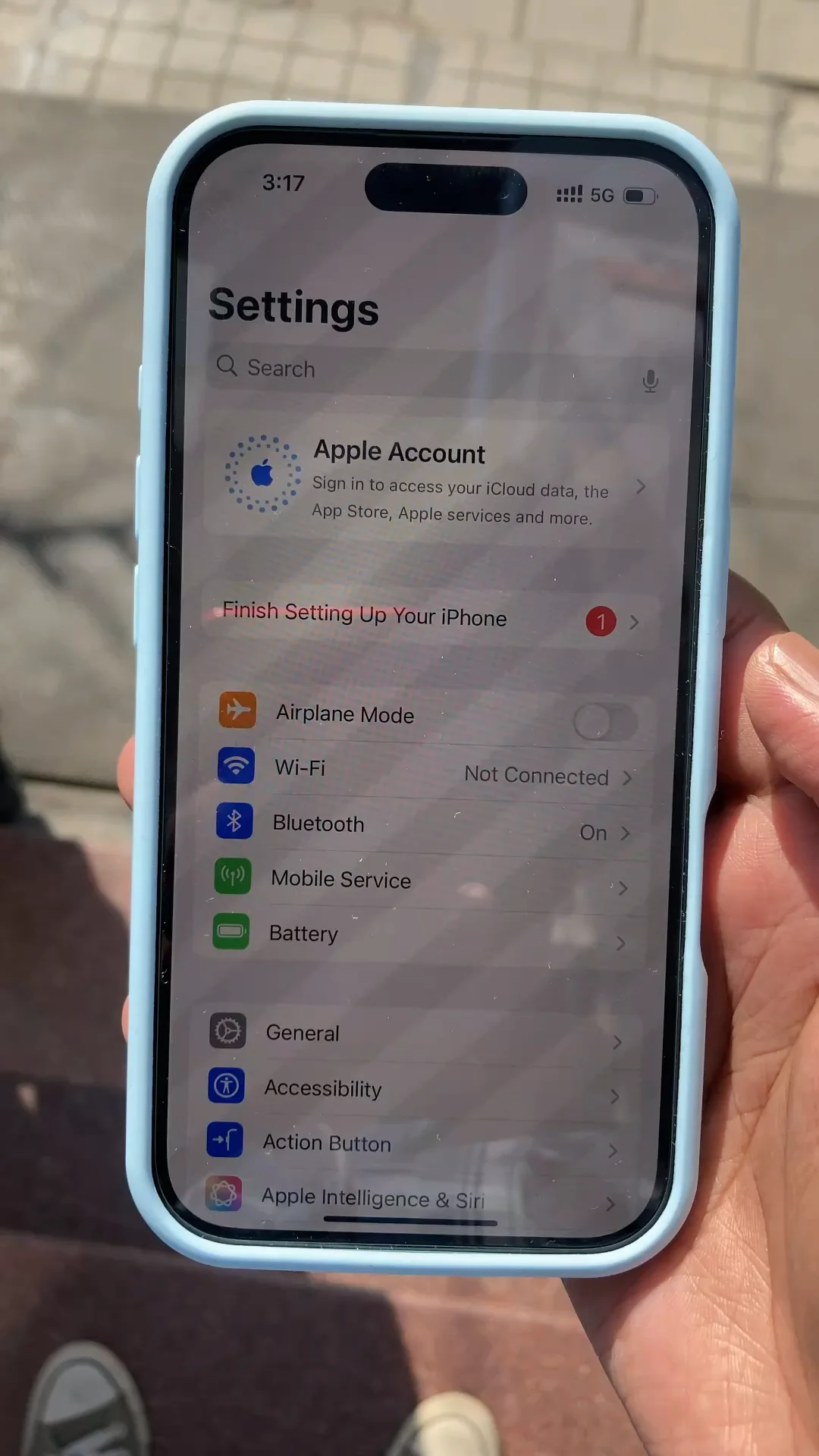
The iPhone 16 Pro is known for its powerful performance and advanced display technology. However, even premium devices can develop problems over time. One of the most frustrating issues users report is a flickering display. If you’re searching for how to fix iPhone 16 Pro flickering screen issue, you’re not alone.
Screen flickering can affect visibility, strain your eyes, and interrupt daily use. Fortunately, most flickering problems are fixable when diagnosed correctly. In this guide, we’ll explain why flickering happens, what you should avoid, and how professional repair solutions restore your iPhone’s screen safely and effectively.
What Causes iPhone 16 Pro Flickering Screen Issues?
Before understanding how to fix iPhone 16 Pro flickering screen issue, it’s important to know what causes it. In many cases, the problem is a combination of software and hardware factors.
Common Reasons iPhone 16 Pro Screen Starts Flickering
- iOS software bugs or update glitches
- Display driver conflicts
- Loose or damaged display connectors
- OLED panel defects
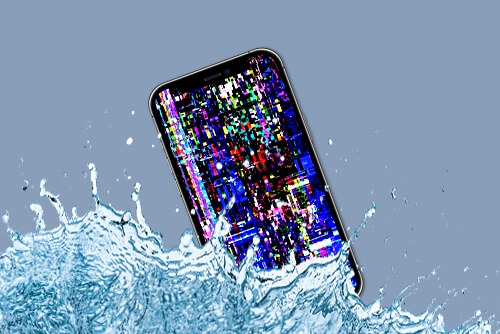
- Water or moisture exposure
- Internal hardware stress after drops
Moreover, flickering may start subtly and worsen over time if not addressed early.
Signs Your iPhone 16 Pro Has a Flickering Screen Problem
Recognizing symptoms early helps prevent further damage.
Common Flickering Screen Symptoms
- Brightness pulsing up and down
- Horizontal or vertical flicker lines
- Screen flashing during app use
- Flickering increases when brightness is low
- Screen blinks when unlocking the phone
If these symptoms appear, learning how to fix iPhone 16 Pro flickering screen issue becomes essential.
How to Fix iPhone 16 Pro Flickering Screen Issue Using Basic Checks
Before considering professional repair, some safe initial steps can be tried.
Restart and Update the Device
- Restart the iPhone to clear temporary glitches
- Check for the latest iOS update
- Ensure apps are updated
Sometimes, a simple software refresh resolves minor flickering. However, if the issue persists, deeper investigation is required.
Why Software Glitches Cause iPhone 16 Pro Screen Flickering
Software problems are a frequent cause of display instability.
iOS-Related Display Conflicts
- Incomplete system updates
- Beta software bugs
- Corrupted system files
- App-level compatibility issues
Therefore, diagnosing whether flickering is software-based or hardware-based is a critical step in how to fix iPhone 16 Pro flickering screen issue.
How to Fix iPhone 16 Pro Flickering Screen Issue Caused by Display Settings
Certain display features may contribute to flickering.
Settings That Can Trigger Screen Flicker
- Auto-brightness conflicts
- True Tone calibration errors
- ProMotion refresh rate instability
- Accessibility display filters
Adjusting or resetting these settings may temporarily improve the issue. However, recurring flicker often points to hardware faults.
Hardware Problems Behind iPhone 16 Pro Screen Flickering
If software fixes fail, hardware issues are likely responsible.
Common Hardware Causes of Flickering Display
- Loose display flex cable
- OLED panel damage
- Logic board connection faults
- Power regulation instability
Although the phone may still function, the display cannot remain stable without proper repair.
Why DIY Screen Fixes Often Make Flickering Worse
Many users attempt online fixes after searching how to fix iPhone 16 Pro flickering screen issue, but DIY solutions can be risky.
DIY Mistakes to Avoid
- Pressing the screen forcefully
- Installing unverified apps
- Opening the phone without tools
- Ignoring internal connector damage
As a result, DIY attempts often lead to permanent screen or logic board damage.
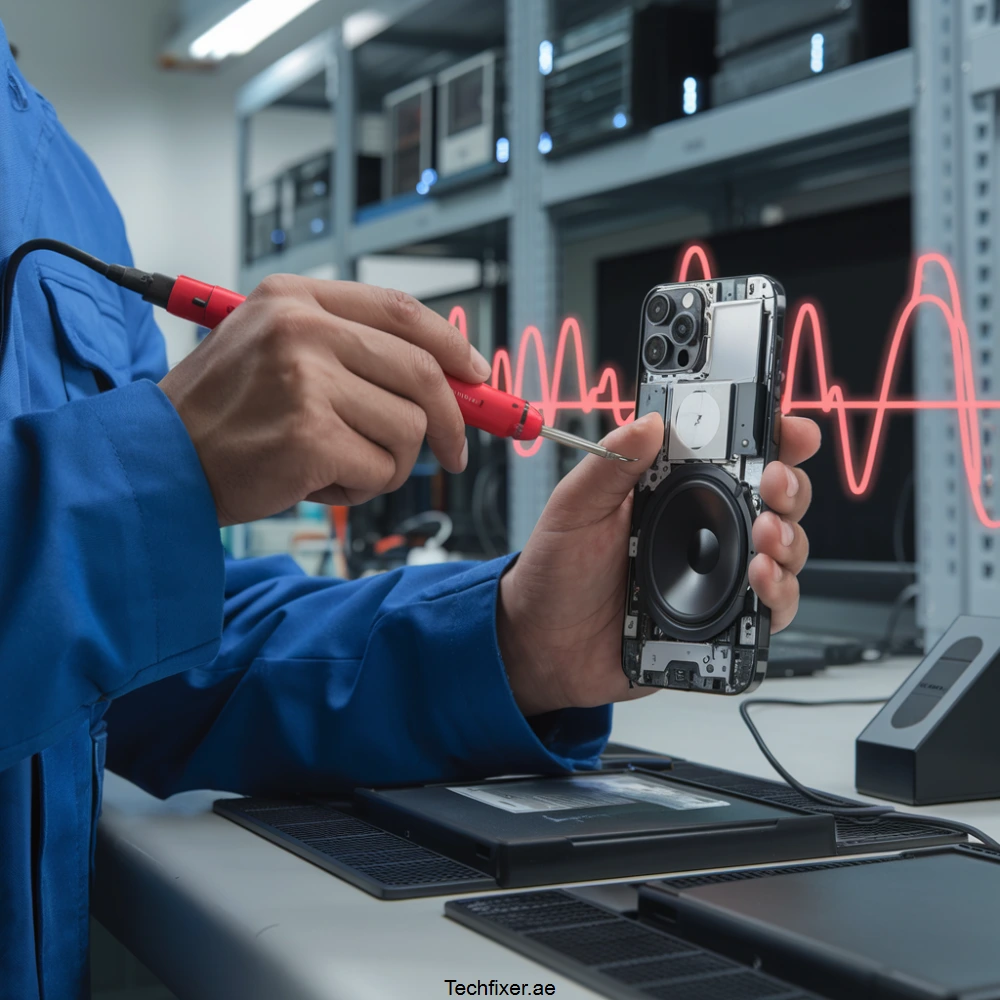
How Repair Shops Diagnose iPhone 16 Pro Flickering Screen Issues
Professional repair shops use precise diagnostic methods.
Expert Diagnostic Process
- Display performance testing
- Connector and flex cable inspection
- Logic board voltage testing
- OLED panel analysis
Therefore, technicians determine the exact cause before suggesting any fix.
How to Fix iPhone 16 Pro Flickering Screen Issue with Professional Repair
Once diagnosed, experts apply targeted repair solutions.
Professional Screen Stabilization Methods
- Reseating or replacing display connectors
- OLED panel replacement when required
- Logic board micro-repair
- Power line stabilization
These solutions ensure long-term screen stability rather than temporary fixes.
Can Screen Flickering Be Fixed Without Screen Replacement?
In some cases, yes.
When Replacement Is Not Required
- Software-related flickering
- Loose internal connectors
- Minor power supply irregularities
However, severe OLED damage usually requires display replacement to fully resolve the issue.
Milaaj Mobile Repair – Trusted iPhone 16 Pro Screen Repair Experts
Milaaj mobiles and laptop repair Al Barsha specializes in advanced iPhone screen diagnostics and flickering display repairs using professional tools and proven techniques.
Why Choose Professional iPhone Screen Repair?
- Accurate diagnosis before replacement
- Data-safe repair procedures
- Advanced repair equipment
- High repair success rate
Moreover, technicians focus on fixing the root cause rather than masking the problem.
Benefits of Professional iPhone 16 Pro Flickering Screen Repair
Long-Term Solution
Professional repair ensures the flickering does not return.
Cost-Effective
Repairing the issue is far more affordable than replacing the entire device.
Time-Saving
Most flickering screen repairs are completed quickly once diagnosed.
Device Safety
Your iPhone remains protected from unnecessary damage.
How to Prevent iPhone 16 Pro Screen Flickering in the Future
Once you’ve learned how to fix iPhone 16 Pro flickering screen issue, prevention becomes equally important.
Expert Prevention Tips
- Avoid drops and pressure on the screen
- Keep the phone away from moisture
- Use original chargers and accessories
- Install stable iOS updates only
- Avoid extreme temperature exposure
As a result, your iPhone display stays stable and reliable.
When Should You Seek Professional Repair Immediately?
Visit a repair shop if:
- Flickering worsens over time
- Screen becomes unresponsive
- Lines appear permanently
- Phone heats up during flickering
- Display turns black intermittently
Delaying repair may increase damage severity.
FAQs About iPhone 16 Pro Flickering Screen Issue
Is iPhone 16 Pro screen flickering a serious issue?
Yes, it often indicates underlying software or hardware problems.
Will flickering damage my iPhone permanently?
If ignored, it can lead to complete display failure.
Can software updates fix flickering?
Sometimes, but persistent flickering usually requires professional repair.
Final Thoughts: iPhone 16 Pro Flickering Screen Issue
Dealing with a flickering display can be stressful, especially on a premium device. Fortunately, understanding how to fix iPhone 16 Pro flickering screen issue helps you act quickly and safely. Whether the cause is software instability or hardware damage, professional diagnosis and repair offer the most reliable solution.
Instead of risking further damage with DIY methods, expert repair restores your iPhone’s display clarity, stability, and usability. Therefore, early action is always the smartest choice.
Other Services:
- Need other iPhone repairs? Check out Milaaj’s iPhone repair services in Dubai.
- Looking to upgrade? Learn about selling your used iPhone in Dubai.
- Data loss concerns? Visit Milaaj’s data recovery services.
- For Apple users, check Apple trade-in options in Dubai.
📍 Visit Any Milaaj Branch in Dubai
🔹 Bur Dubai
Milaaj Mobile and Laptop Repair Dubai
📞 055 258 8477
🔗 Google Maps
🔹 Al Barsha
Milaaj Mobiles and Laptop Repair Al Barsha
📞 052 596 2846
🔗 Google Maps
🔹 Al Barsha 3
Milaaj Mobiles and Gaming Store
📞 052 3405 814
🔗 Google Maps
🔹 Al Nuaimiya
Milaaj Mobiles and Laptops Ajman
📞 055 788 9654
🔗 Google Maps
Shop Locations: Al Barsha | Bur Dubai | Reef Mall, Salah Al Din | Al Nuaimiya, Ajman
Email: support@milaaj.com
Operating Hours: Monday – Sunday
Leave a Reply