

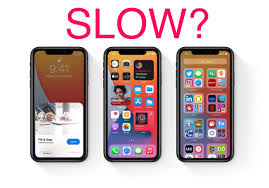
Many users panic when they notice their iPhone slow after iOS update, especially when apps freeze, battery drains quickly, or the device lags while switching between tasks. Even though Apple designs updates to improve performance, certain issues can cause temporary or long-term slowdowns. In this comprehensive guide, we will explore why your iPhone becomes slow after an iOS update, the most effective performance repair solutions, and how technicians diagnose deeper issues when simple fixes don’t work. This guide also includes expert insights from Milaaj, a trusted service provider for Apple device repairs.
Why Is Your iPhone Slow After iOS Update? Understanding the Root Causes
To begin with, identifying the root causes helps you understand why your iPhone slow after iOS update happens. While updates are meant to enhance performance, several factors can lead to lag and delays.
iPhone Slow After iOS Update Because of System Re-Indexing
Right after updating, your iPhone starts re-indexing files, photos, messages, and app data. This process can temporarily make your iPhone slow after iOS update, which usually resolves itself after a few hours.
App Incompatibility Causing iPhone Performance Issues
Some apps may not be optimized for the new iOS version. Consequently, this can lead to app crashes, freezing, and an overall feeling that your iPhone is slow after iOS update.
Low Storage Triggering Slow iPhone After Update
Transitioning to a new iOS requires additional storage. If your internal memory is almost full, your iPhone slow after iOS update becomes inevitable due to limited processing space.
Battery Health Decline After iOS Update
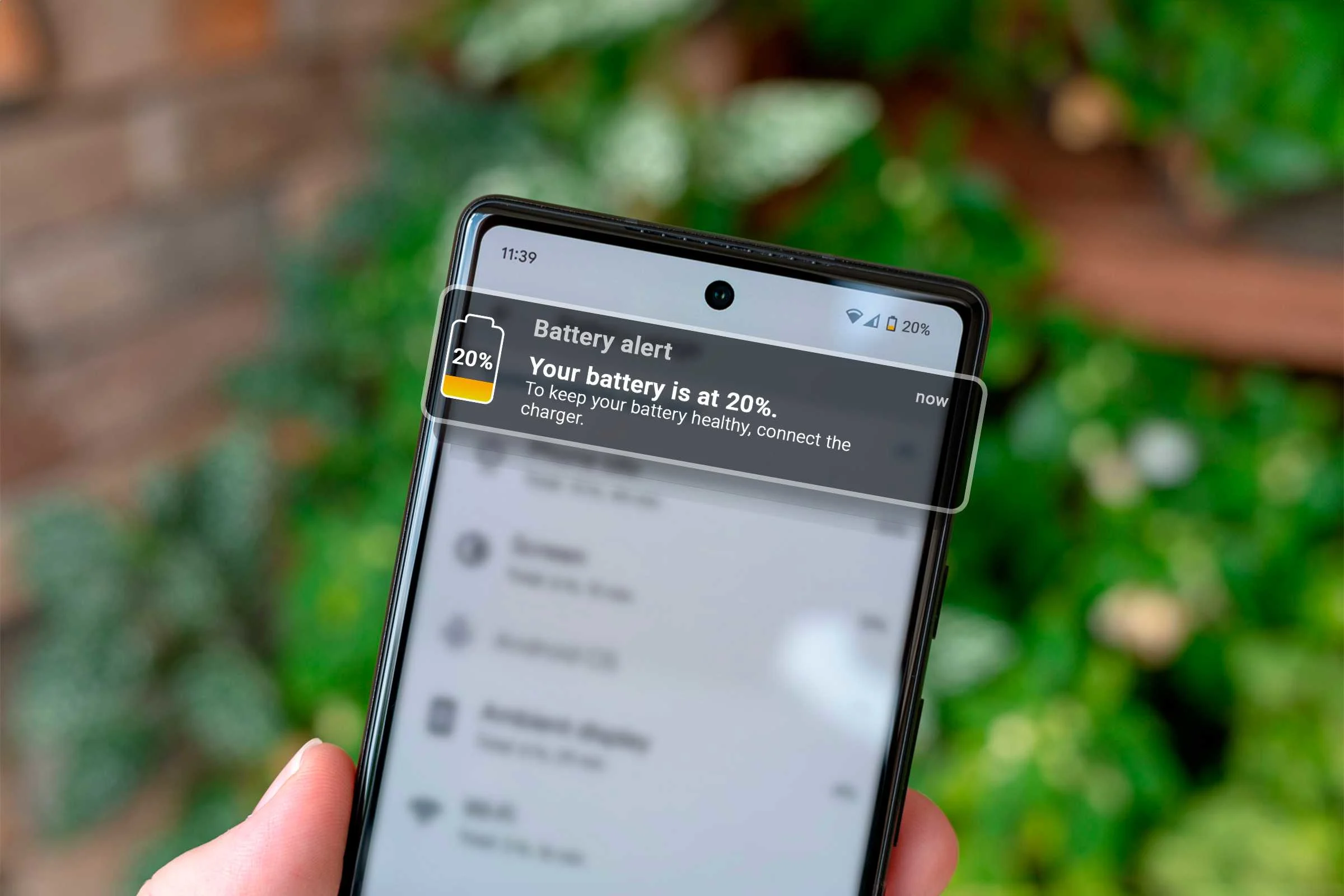
A poorly performing battery can trigger throttling. Apple restricts performance to protect failing batteries, making your iPhone slow after iOS update until the battery is replaced.
Background Processes Increasing Lag
Even after an update, apps continue running in the background while recalibrating. This often contributes to temporary iPhone slow after iOS update symptoms.
Quick Fixes to Improve iPhone Performance After iOS Update
The good news is many issues causing your iPhone slow after iOS update can be solved using simple steps. Additionally, these solutions help boost performance instantly.
Restart Your Device to Fix Slow iPhone After Update
Restarting clears temporary system cache and can noticeably improve speed if your iPhone is slow after iOS update.
Check Storage and Clear Space
To efficiently reduce lag after an update, free at least 20% of your storage. Removing unused apps and large files can relieve the iPhone slow after iOS update problem.
Install App Updates to Prevent Lag
Make sure all apps are updated. Older versions often malfunction with new iOS systems, contributing to iPhone slow after iOS update complaints.
Disable Background App Refresh
Turning off this setting frees up RAM and immediately boosts performance. It is one of the easiest fixes for iPhone slow after iOS update issues.
Turn Off Unnecessary Animations
Disabling motion effects and transitions can also improve responsiveness and reduce the lag associated with an iPhone slow after iOS update.
Advanced Performance Repair Solutions for Slow iPhone After Update
If simple steps do not reduce lag, advanced solutions may be required. These methods address deeper software problems that cause an iPhone lag after iOS update.
Reset All Settings to Fix System Conflicts
This reset does not erase your data but removes conflicting settings responsible for your iPhone lag after iOS update problems.
Update Again Using iTunes/Finder
Sometimes the update downloaded incorrectly. Reinstalling the iOS through a computer often resolves persistent iPhone lag after iOS update issues.
Perform a Clean iOS Restore
A factory reset removes corrupted files entirely, providing a fresh start. This method is highly effective for permanently fixing iPhone lag after iOS update problems.
Replace Battery If Throttling Occurs
If battery health is below 80%, performance throttling is triggered. Replacing the battery can instantly speed up a slow iPhone after update.
iPhone Slow After iOS Update? When It’s a Hardware Issue
Although software issues cause most slowdowns, hardware factors can also contribute to an iPhone lag after iOS update.
Old Storage Chips Affected by New iOS
Older devices with worn-out storage ICs may struggle after new updates, resulting in iPhone lag after iOS update symptoms.
Overheating After Update Slows Down iPhone
Excessive heat triggers system-level throttling, making your iPhone lag after iOS update until it cools down.
Internal Damage or Faulty Components
Previously unnoticed damage might become noticeable after updates, making your iPhone lag after iOS update more severe.
How Technicians Diagnose and Repair Slow iPhone After iOS Update
When your efforts fail, professional diagnosis becomes necessary. Experts follow advanced repair pathways to treat severe iPhone lag after iOS update problems.
Professional Diagnostics and Performance Testing
Technicians run system-level diagnostics to locate the exact cause of your iPhone lag after iOS update, from RAM overloads to app failures.
Software Repair Using Professional Tools
Repair shops use specialized software to remove corrupted files and recalibrate performance settings, effectively speeding up devices suffering from iPhone lag after iOS update issues.
Component-Level Repairs for Performance Restoration
If IC components or the battery are faulty, technicians repair or replace them, which often solves persistent iPhone lag after iOS update behavior.
Reliable Fixes From Trained Apple Device Technicians
With the right tools and expertise, technicians restore full performance even when your iPhone lag after iOS update appears beyond repair.
Preventing iPhone Slow Issues After Future iOS Updates
To avoid repeating the iPhone lag after iOS update situation, follow these preventive tips.
Keep Your Device Storage Optimized
Consistently maintaining storage improves performance and prevents future iPhone lag after iOS update cases.
Update Apps Before Updating iOS
App compatibility ensures smooth performance after installing iOS updates, reducing the chances of an iPhone lag after iOS update.
Maintain Battery Health
Replacing aging batteries early prevents throttling and stops the cycle of iPhone lag after iOS update.
Avoid Installing Updates Immediately
Waiting a few days allows Apple to fix bugs, helping you avoid problems like an iPhone lag after iOS update.
Why Choose Milaaj mobiles and laptop repair Al Barsha for iPhone Performance Repair?
When your device remains slow even after trying everything, professional help is essential. Milaaj mobiles and laptop repair Al Barsha provides expert solutions for fixing all types of iPhone lag after iOS update issues through:
- Accurate diagnostics
- Professional software repair
- Battery replacements
- Component-level repairs
- Fast turnaround time
- Trusted Apple device specialists
Their experienced technicians ensure your iPhone performs at peak speed again.
FAQs
1. Why is my iPhone slow after an iOS update?
Your device may lag due to system re-indexing, low storage, outdated apps, battery throttling, or bugs introduced during the update.
2. How long does it take for an iPhone to settle after an iOS update?
Re-indexing can take a few hours, during which performance may be slower than usual.
3. Can a weak battery cause iPhone slow performance after an update?
Yes. Apple throttles performance to protect old or weak batteries, which can make your iPhone slow after iOS updates.
4. Will resetting settings fix an iPhone slow after iOS update issue?
Often, yes. Resetting all settings removes conflicting configurations without deleting your data.
5. Can technicians fix slow iPhone issues after updates?
Absolutely. Experts perform advanced software repairs, battery replacements, and diagnostic checks to fix deep performance problems.
6. Does reinstalling iOS help with slow performance?
Reinstalling via iTunes/Finder fixes corrupted system files and often restores full speed.
7. When should I visit a repair shop?
If your device remains slow after all troubleshooting, visit professionals like Milaaj for expert diagnosis.
Conclusion
Experiencing an iPhone slow after iOS update is frustrating, but it’s also extremely common. Fortunately, most slowdowns are temporary and can be fixed through simple troubleshooting steps. For deeper issues, technician support ensures reliable and long-lasting solutions. Whether your device is lagging, freezing, or performing poorly, understanding the causes and repair methods helps you restore your iPhone to optimal performance.
Other Services:
- Need other iPhone repairs? Check out Milaaj’s iPhone repair services in Dubai.
- Looking to upgrade? Learn about selling your used iPhone in Dubai.
- Data loss concerns? Visit Milaaj’s data recovery services.
- For Apple users, check Apple trade-in options in Dubai.
📍 Visit Any Milaaj Branch in Dubai
🔹 Bur Dubai
Milaaj Mobile and Laptop Repair Dubai
📞 055 258 8477
🔗 Google Maps
🔹 Al Barsha
Milaaj Mobiles and Laptop Repair Al Barsha
📞 052 596 2846
🔗 Google Maps
🔹 Al Barsha 3
Milaaj Mobiles and Gaming Store
📞 052 3405 814
🔗 Google Maps
🔹 Al Nuaimiya
Milaaj Mobiles and Laptops Ajman
📞 055 788 9654
🔗 Google Maps
Shop Locations: Al Barsha | Bur Dubai | Reef Mall, Salah Al Din | Al Nuaimiya, Ajman
Email: support@milaaj.com
Operating Hours: Monday – Sunday
Leave a Reply