

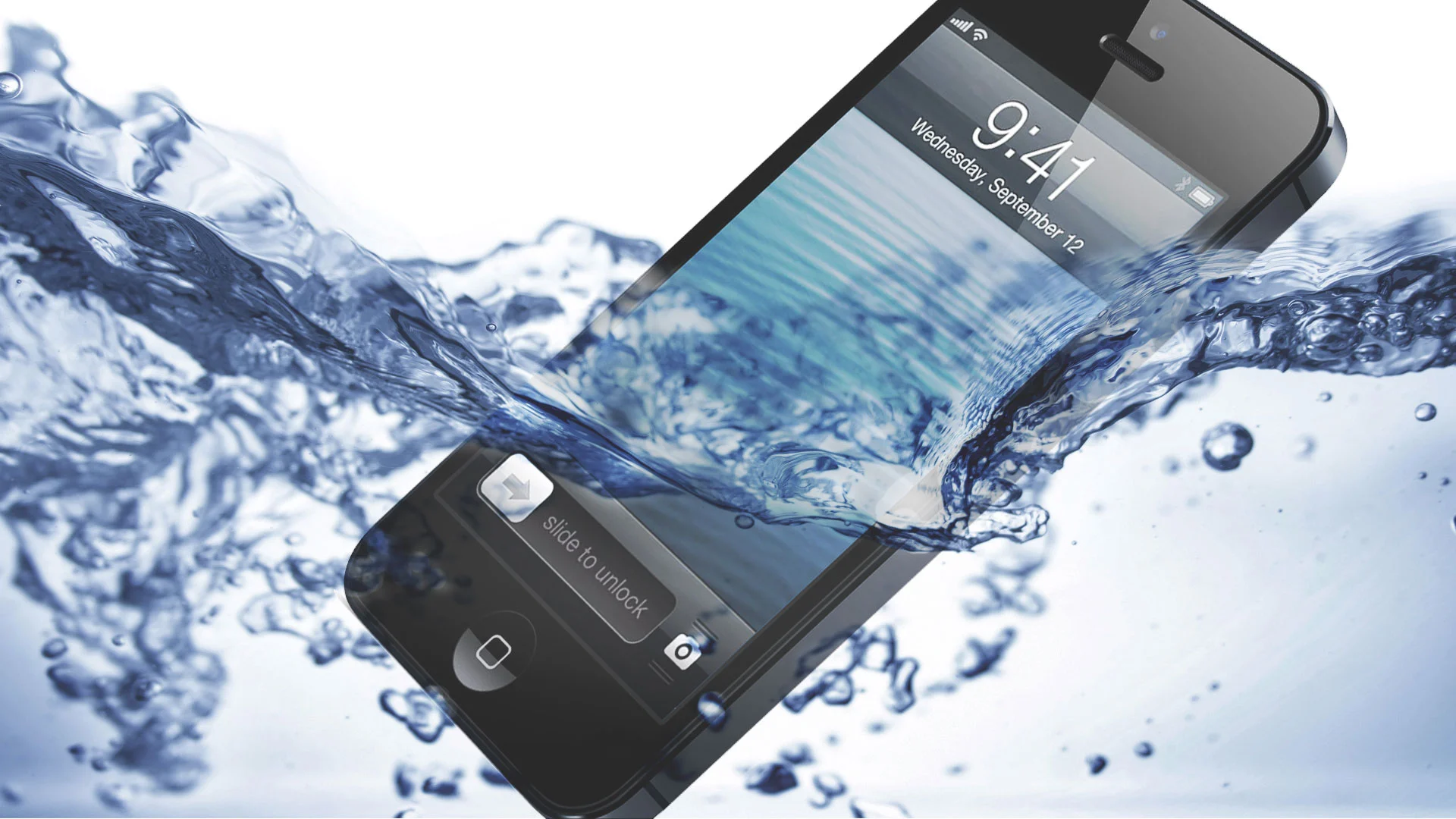
Water accidents happen in seconds, but the damage they cause to an iPhone can last forever—unless you act quickly. Whether your device slipped into the sink, got splashed by rain, fell into a pool, or suffered moisture exposure, iPhone water damage repair must be handled carefully and immediately. Although modern iPhones come with water-resistant ratings, they are not waterproof, and even small amounts of liquid can corrode the internal components.
In this complete guide, you’ll learn what to do right after water exposure, what mistakes to avoid, and how experts handle iPhone water damage repair safely. Additionally, we’ll explain when you should seek professional help—especially from trusted repair centers like Milaaj Mobiles and Laptop Repair Al Barsha.
Why iPhone Water Damage Repair Must Be Done Quickly
Even though today’s iPhones offer protection against splashes and accidental contact, water damage repair becomes necessary when liquid enters the internal components. Because water spreads fast, it can immediately reach sensitive areas like the logic board, display connectors, charging port, and battery.
Furthermore, corrosion begins within minutes. And although the iPhone may still turn on briefly, the internal deterioration continues, leading to sudden shutdowns, overheating, display flickering, or total device failure.
Therefore, iPhone water damage repair isn’t just about drying the device—it involves preventing long-term corrosion.
Common Signs You Need iPhone Water Damage Repair Immediately
When your device gets wet, many symptoms may appear. However, even if there are no visible signs, internal damage may still be present.
Water Damage Repair Indicators: Display Issues
iPhone screens often show:
- Flickering
- Green or black lines
- Dark patches
- No display, but notifications still work
These symptoms indicate moisture in the display connectors.
Water Damage Repair Signs: Overheating & Fast Battery Drain
Liquid causes short circuits, leading to:
- Sudden heating
- Rapid battery loss
- Inability to charge properly
Water Damage Repair Symptoms: Audio & Microphone Failure
Because water enters speaker grills easily, you may experience:
- Distorted sound
- Muffled audio
- Microphone not working during calls
Severe Water Damage Repair Clues: iPhone Won’t Turn On
When corrosion reaches the logic board, the iPhone may die completely.
What to Do Immediately Before Starting iPhone Water Damage Repair
Once your iPhone gets wet, your response can save it—or damage it beyond repair. Therefore, follow these emergency steps carefully.
1. Turn Off the iPhone (Critical Step in Water Damage Repair)
Press and hold the power button and shut it down.
Moreover, do not attempt to restart it.
2. Remove the Case and Wipe the Exterior
Use a clean dry cloth.
However, avoid pressing buttons to prevent pushing water inside.
3. Remove the SIM Card Tray
This allows moisture to escape faster.
4. Keep the iPhone Upright
Holding it upside down helps prevent water from reaching deeper components.
5. Do NOT Use Heat for Water Damage Repair
Avoid:
- Hairdryers
- Ovens
- Sunlight
Heat accelerates corrosion and damages chips.
6. Avoid Rice—It Does NOT Fix Water Damage
Although rice absorbs some moisture, it does not remove internal water.
Professional water damage repair is still required.
How Experts Perform iPhone Water Damage Repair (Professional Process)
Even if the phone seems to work after drying, unseen corrosion continues spreading. Hence, professional diagnosis is essential.
Here’s how technicians safely conduct iPhone water damage repair:
Step 1 — Internal Inspection Using Microscopes
Technicians open the device and examine:
- Connectors
- Logic board
- Battery terminals
- Charging point
Additionally, moisture mapping is performed to detect hidden water.
Step 2 — Ultrasonic Cleaning for Water Damage
This advanced technique removes:
- Corrosion
- Mineral deposits
- Rust
This step is the heart of proper iPhone water damage repair.
Step 3 — Logic Board Component Testing
Because water may burn individual components:
- IC chips
- Tristar
- Power IC
- Audio IC
Each part is checked with diagnostic tools.
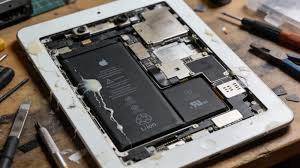
Step 4 — Battery Replacement (If Required)
Batteries exposed to water are unsafe.
Therefore, a professional will replace them if needed.
Step 5 — Full Performance Testing
After cleaning and repair, the iPhone undergoes:
- Charging test
- Display test
- Network stability check
- Speaker/mic diagnostics
Why Professional iPhone Water Damage Repair Is Better Than DIY
Although basic drying helps, true water damage repair requires professional expertise.
Professionals Use Advanced Tools
Including:
- Micro-soldering instruments
- Thermal cameras
- Ultrasonic cleaners
- Moisture meters
They Prevent Long-Term Damage
Certified repair experts stop:
- Slow corrosion
- Future short circuits
- Repeated device crashing
DIY Attempts Can Make Water Damage Worse
Mistakes include:
- Turning the phone on too early
- Using heat
- Pressing buttons
- Forcing charging
Therefore, relying on professional technicians is the safest approach.
When to Visit Milaaj Mobiles and Laptop Repair Al Barsha
If your iPhone still shows issues even after drying, it’s time for professional water damage repair.
Milaaj specializes in:
- Advanced water damage restoration
- Logic board repair
- Ultrasonic cleaning
- Corrosion removal
- Micro-soldering for dead iPhones
Moreover, their team provides fast, reliable, and safe service for all models.
FAQs About iPhone Water Damage Repair
1. Can my iPhone recover from water damage?
Yes, but only with timely and proper repair. Water damage repair success depends on how fast you act.
2. Is it safe to charge the phone after water exposure?
No. Charging can cause short circuits.
3. Does putting the iPhone in rice fix water damage?
No. Rice doesn’t remove water trapped inside internal components.
4. How long does professional water damage repair take?
Most repairs take between 1–24 hours depending on the severity.
5. Will Apple repair water-damaged iPhones?
Apple does not cover liquid damage under warranty. Independent repair centers are usually your best option.
Conclusion
In conclusion, dealing with iPhone water damage repair requires quick and correct action. While basic first-aid steps can help reduce internal corrosion, professional repair is essential to ensure your device becomes fully functional again.
Whether your iPhone is overheating, refusing to turn on, or showing display problems after water exposure, the safest choice is to seek expert help—especially from experienced specialists like Milaaj Mobiles and Laptop Repair Al Barsha.
Other Services:
- Need other iPhone repairs? Check out Milaaj’s iPhone repair services in Dubai.
- Looking to upgrade? Learn about selling your used iPhone in Dubai.
- Data loss concerns? Visit Milaaj’s data recovery services.
- For Apple users, check Apple trade-in options in Dubai.
📍 Visit Any Milaaj Branch in Dubai
🔹 Bur Dubai
Milaaj Mobile and Laptop Repair Dubai
📞 055 258 8477
🔗 Google Maps
🔹 Al Barsha
Milaaj Mobiles and Laptop Repair Al Barsha
📞 052 596 2846
🔗 Google Maps
🔹 Al Barsha 3
Milaaj Mobiles and Gaming Store
📞 052 3405 814
🔗 Google Maps
🔹 Al Nuaimiya
Milaaj Mobiles and Laptops Ajman
📞 055 788 9654
🔗 Google Maps
Shop Locations: Al Barsha | Bur Dubai | Reef Mall, Salah Al Din | Al Nuaimiya, Ajman
Email: support@milaaj.com
Operating Hours: Monday – Sunday
Leave a Reply