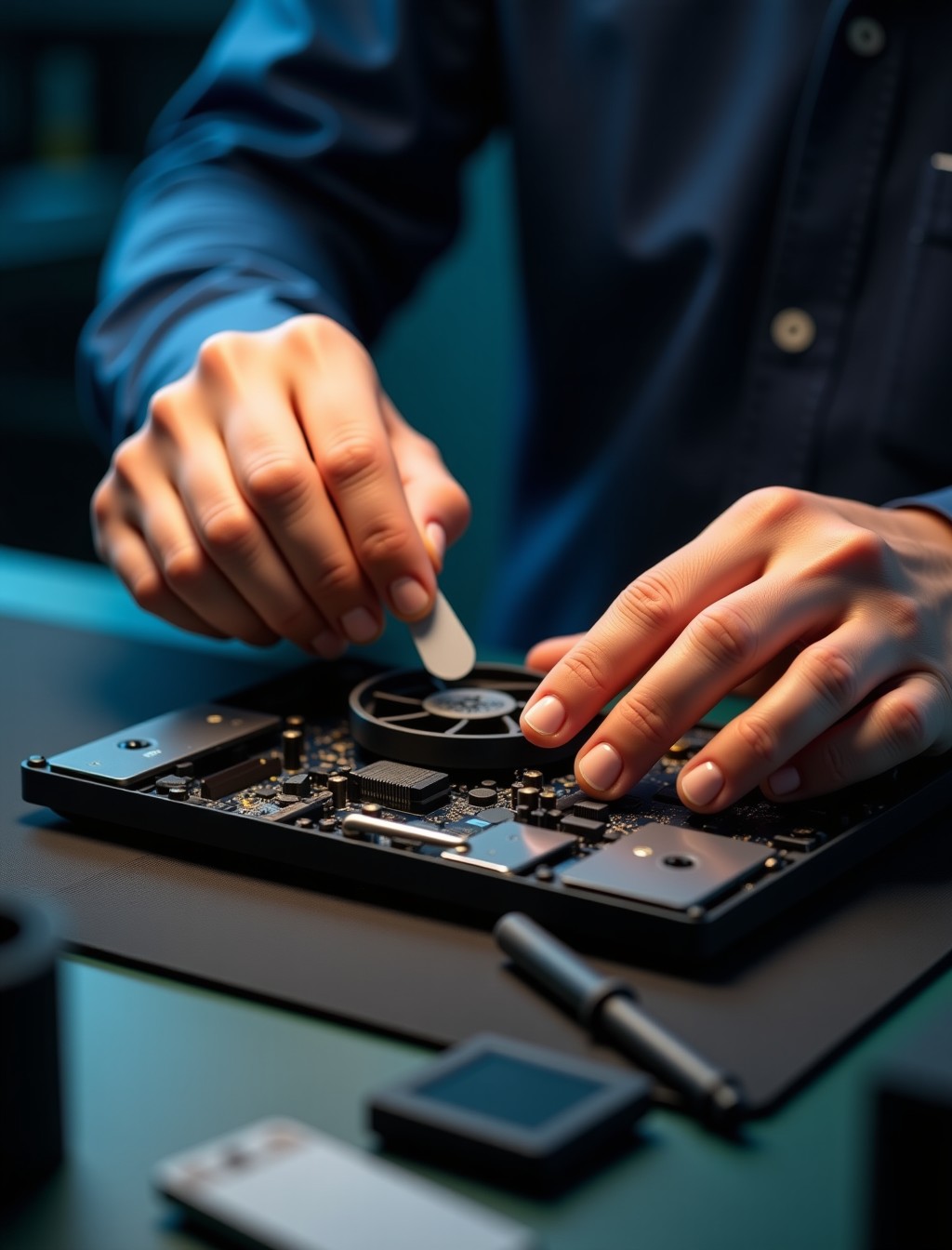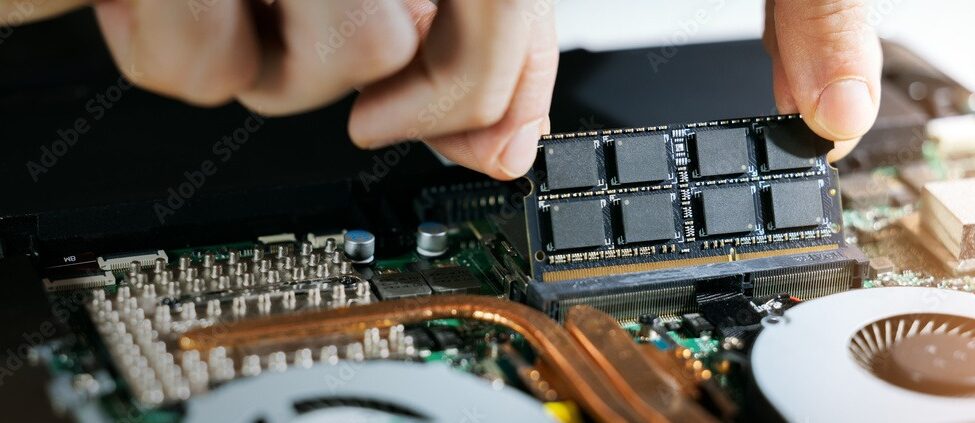
A laptop that runs hot to the touch, shuts down unexpectedly, or has a fan grinding and rattling is telling you its cooling system needs attention. Dust and lint build up inside the vents over months of normal use, gradually restricting airflow until the fan has to work harder just to keep temperatures under control. Left unaddressed, an overworked cooling system puts real strain on the processor and other internal components, and the problem tends to worsen the longer it continues.
Milaaj offers laptop fan repair in Dubai across every major brand, addressing both the fan itself and the surrounding cooling system as needed. Our technicians identify the actual cause of overheating during a free diagnostic before recommending any fix, backed by up to 12 months warranty on parts and labor. Book a free pickup or bring your device to our Al Barsha location for an honest assessment.
Signs Your Laptop Fan Needs Repair
These signs usually mean it is time for laptop cooling fan repair in Dubai rather than continuing to work around the noise or heat.
- Laptop runs unusually hot: the bottom or keyboard area feels noticeably warmer than normal during everyday tasks, not just heavy workloads.
- Grinding, rattling, or buzzing noises: unusual sounds from the fan point to worn bearings or debris caught in the blades. This tends to get louder over time rather than resolving on its own.
- Fan runs constantly at high speed: a fan that never slows down, even during light use, suggests the system is struggling to manage heat effectively.
- Unexpected shutdowns under load: the laptop powers off suddenly during demanding tasks like video editing or gaming, a common thermal protection response to overheating.
- No airflow from the vents: little to no warm air coming from the exhaust vents when the fan is clearly running points to a blocked airflow path. This is often accompanied by a rising internal temperature.
- Performance throttling: the laptop slows down noticeably during sustained use, which is often the system deliberately reducing performance to manage heat.
Fan Failure vs Thermal Paste: Two Different Causes of Overheating
Not every overheating problem is actually caused by the fan, and understanding this distinction matters before booking laptop cooling system repair in Dubai. The fan moves air through the laptop, but heat transfer from the processor to the heat sink relies on a thin layer of thermal paste, and this paste dries out and loses effectiveness over several years of use.
This means a laptop can overheat even with a perfectly healthy, spinning fan, if the thermal paste has degraded and stopped conducting heat efficiently. The two problems often get lumped together as a fan issue, but they need different fixes: a fan replacement addresses airflow and mechanical noise, while a thermal paste application addresses the actual heat transfer from the processor. Milaaj checks both during every fan-related diagnostic, so the real cause gets addressed rather than just the symptom, and you are not paying for a part swap that would not have solved the problem anyway.
step by step process
How We Repair Your Laptop Fan in Dubai
Curious how professional cooling fan repair for laptops in Dubai actually works? Here is our process from diagnosis to handover.
1
Free diagnostic
we test fan operation, airflow, and internal temperatures under load to identify whether the fan, the thermal paste, or both need attention.
2
Data safety check
we log your device’s condition and follow standard data privacy practices throughout, since this repair does not touch your storage.
3
Deep cleaning
we clear dust and debris from the fan, heat sink, and vents, which alone resolves many overheating cases.
4
Fan replacement if needed
if the fan itself has failed mechanically, we install a genuine/OEM or premium-grade replacement matched to your exact model.
5
Thermal paste reapplication
if heat transfer is the issue, we remove the old, dried paste and apply a fresh, high-quality thermal compound.
6
Testing
we monitor temperatures under load after the repair to confirm the cooling system is performing as it should before handover.
all major brands
Cooling Fan Repair for All Laptop Brands in Dubai
Cooling system design varies across manufacturers, and our technicians stock fan parts across the brands people in Dubai actually use.
- Apple MacBook
- Dell
- HP
- Lenovo
- Asus
- Acer
- MSI, and other major brands
why milaaj
Why Dubai Residents Choose Milaaj for Laptop Repairs
If you are comparing options for reliable laptop cooling system repair in Dubai, here is what comes standard with every visit to Milaaj.
- Certified technicians: every fan repair is carried out by trained, certified technicians who check both the fan and thermal paste condition as standard. That thoroughness catches the real cause rather than just the obvious symptom.
- Up to 12 months warranty: fan repairs are backed by up to 12 months of parts and labor warranty, depending on the part selected. Any recurring overheating within that window is addressed at no extra cost.
- Free pickup and delivery: we collect and return your laptop anywhere in Dubai at no extra charge, so an overheating laptop does not mean losing a day of work.
- Free, no-obligation diagnostics: we always test under load before quoting, so you know the real cause before committing to a fix.
- Multilingual support: our team communicates in Arabic, English, Urdu, Hindi, Malayalam, and Tamil, so language is never a barrier to understanding your options.
- 24/7 support: questions about your repair or device are answered around the clock, not just during business hours.
- A trusted track record: over 35,000 customers and 17,200+ devices repaired, with a 4.9 rating from more than 400 Google reviews and a 98% positive review rate.
Related Repairs
- Laptop Motherboard Repair – a natural cross-link, since prolonged overheating is a leading cause of motherboard stress and failure.
- Laptop Battery Replacement – relevant since excessive heat can accelerate battery wear and swelling.
- Laptop USB Port Repair – relevant when overheating has caused board-level damage extending to nearby ports.
- Data Recovery – a soft cross-link for customers concerned about data safety during any hardware repair, even though fan repair does not touch stored data.
- Trade-In/Buyback – relevant for older laptops where recurring overheating is one of several ageing issues, offering an alternative to repair.
FAQs
Frequently Asked Questions About Laptop Fan Repair
Can cleaning alone fix my overheating laptop?
Often, yes, if dust buildup is the main cause. Our free diagnostic checks this first, and cleaning-only fixes are never upsold into a full fan replacement.
Why does my laptop still overheat after a fan cleaning?
This usually points to degraded thermal paste rather than the fan itself. Heat transfer from the processor relies on the paste staying effective, and it dries out over several years of use.
Will fan repair affect my data?
No. This repair does not involve your laptop’s storage, and our technicians follow strict data privacy practices throughout the process.
Is it dangerous to keep using a laptop that overheats?
Over time, yes. Sustained high temperatures put stress on the processor, motherboard, and battery, and can shorten the lifespan of these components.
How often should thermal paste be replaced?
There is no fixed schedule, but laptops several years old that were not previously serviced often benefit from a fresh application, especially if overheating persists after cleaning.
Do you repair fans on all laptop brands?
Yes, alongside major brands like Dell, HP, and Lenovo, we repair cooling systems on Asus, Acer, MSI, Apple MacBook, and other manufacturers.
Can gaming laptops be repaired the same way as regular laptops?
Yes, though gaming laptops often have more complex dual-fan cooling systems. Our technicians assess the specific design of your model during the diagnostic.
Is it worth cleaning my laptop’s fan myself?
Compressed air through the external vents is generally safe and can help with minor buildup. Opening the laptop yourself to access the fan directly carries more risk and is best left to a professional diagnostic.
Laptop Overheating or Fan Making Noise?
An overheating laptop only gets more disruptive the longer it is left, and sustained heat puts real strain on the components around the fan. Looking for expert laptop cooling fan replacement services in Dubai for any brand? Book a free diagnostic with Milaaj and get an honest answer before anything is replaced.
Contact us
Get Your Laptop Fan Fixed Today
With free pickup and delivery across Dubai, thorough diagnosis of both fan and thermal paste condition, and up to 12 months warranty on parts and labor, keeping your laptop cool does not have to disrupt your work. Contact Milaaj today to schedule your repair.