

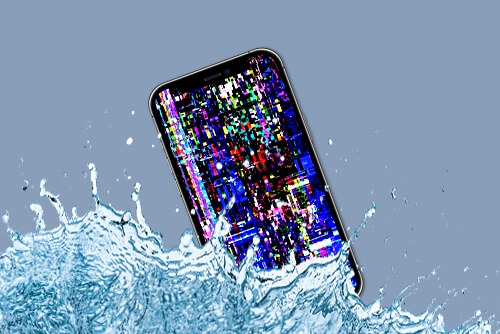
It’s a scenario that feels like slow motion: your brand-new iPhone 17 slips from your hand and plunges into a pool, a sink, or heaven forbid the ocean. Even though the iPhone 17 boasts an impressive IP68 water resistance rating, allowing it to withstand submersion up to 6 meters for 30 minutes, it is not “waterproof.” Over time, seals degrade, and a single drop at the wrong angle can lead to liquid ingress and possibly require water damage data recovery iPhone 17 services. When that happens, your first instinct is panic, especially if you have irreplaceable photos or work documents that aren’t backed up.
However, your very next moves will determine whether you get your files back or turn your device into a permanent paperweight. This guide covers the critical “don’ts” of water damage data recovery iPhone 17 and explains why professional intervention is your best bet for a successful rescue.
The Golden Rule: What NOT to Do When Your iPhone 17 Gets Wet
When liquid meets the high-performance A19 Pro chip and the sensitive logic board of an iPhone 17, chemistry takes over. Water isn’t just “wet”; it carries minerals and ions that create electrical bridges where they shouldn’t exist. If you want to maximize your chances of water damage data recovery iPhone 17, avoid these common mistakes at all costs.
1. DO NOT Try to Power It On for water damage data recovery iPhone 17
This is the most frequent mistake. If the phone turned off, leave it off. If it’s still on, power it down immediately. Pressing buttons sends a signal through the circuits. If water is bridging two points on the motherboard, that electrical pulse will cause an instant short circuit, potentially frying the NAND flash memory chip where your data lives.
2. DO NOT Plug It into a Charger
“I just want to see if it still charges” is a sentence that leads to data loss. Introducing external power into a wet device is like throwing gasoline on a fire. Liquid inside the lightning or USB-C port can cause a massive surge that bypasses safety fuses and destroys the power management IC.
3. DO NOT Use the “Rice Trick” for water damage data recovery iPhone 17
Despite the internet myths, rice is for sushi, not for water damage data recovery iPhone 17. Rice does not “pull” moisture out of a sealed device. Worse, the starch and dust from the rice can enter the ports and combine with the water to create a corrosive paste that accelerates damage. Use silica gel packets if you have them, but even then, they only dry the surface.
4. DO NOT Use a Hairdryer or Heat Source
Extreme heat is a silent killer for the iPhone 17’s OLED display and battery. High temperatures can melt the internal adhesives that were meant to keep water out, allowing the liquid to spread deeper. Additionally, heat can warp the delicate silicon components on the logic board.
Why Professional Data Recovery is Essential for Liquid Damage
Unlike a cracked screen, water damage is progressive. Even if the phone “dries out” and seems to work, the minerals left behind (calcium, magnesium, and salts) begin to oxidize the copper traces on the motherboard. This process, known as corrosion, can continue for weeks until a vital connection snaps.
Precision Cleaning and Ultrasonics for water damage data recovery iPhone 17
Professional technicians don’t just “dry” a phone. They disassemble the iPhone 17 down to the logic board and use ultrasonic cleaners filled with specialized chemicals. These machines vibrate at high frequencies to strip away microscopic corrosion that a toothbrush or cloth could never reach.
Microsoldering and “Donor” Boards for water damage data recovery iPhone 17
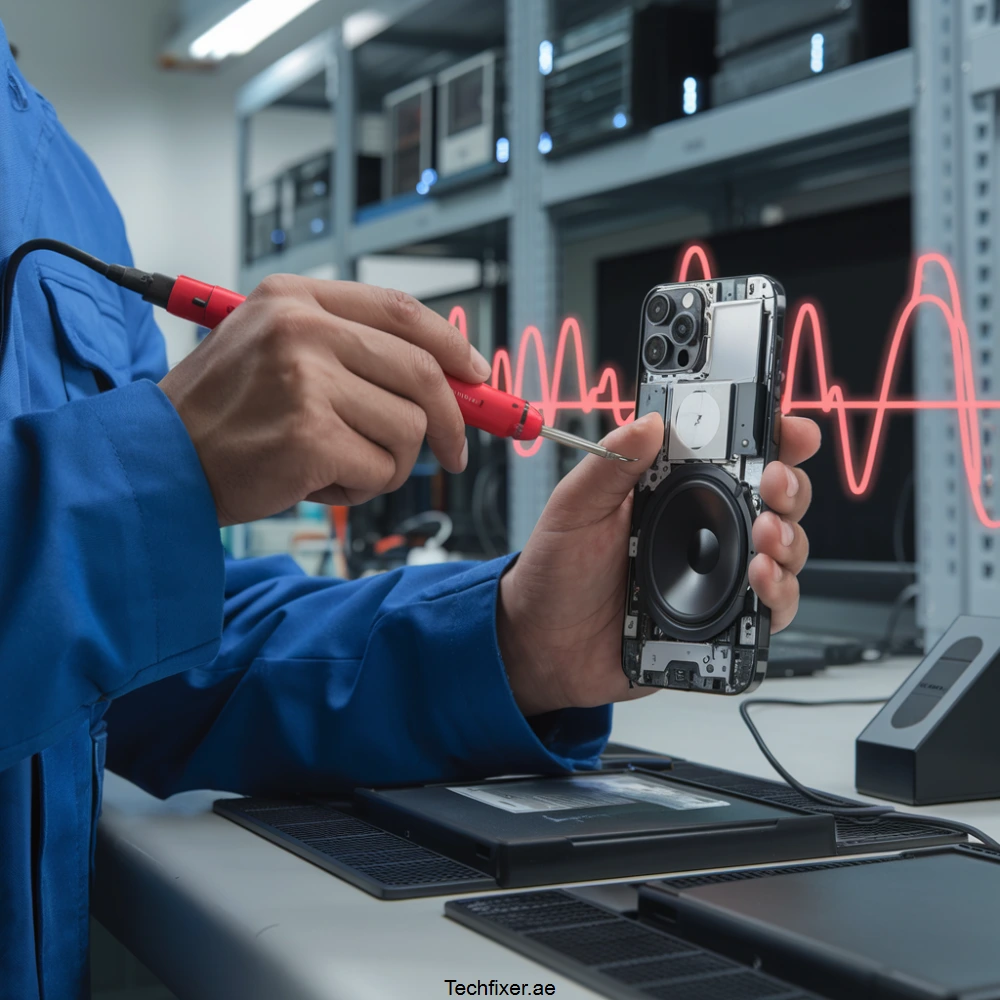
If the water has already caused a short, a data recovery expert might perform microsoldering. This involves working under a microscope to replace individual capacitors or resistors that are barely larger than a grain of sand. In extreme cases, they may even perform a “chip-off” recovery, moving your encrypted memory chip to a working “donor” board just long enough to extract your files.
Milaaj Mobile and Laptop Repair Al Barsha: Your Recovery Experts
When your digital life is on the line, you need a name that Al Barsha residents have trusted for years. Milaaj Mobile and Laptop Repair Al Barsha isn’t just a repair shop; we are a dedicated tech rescue center. We understand that “emergency” means right now, and our team is equipped with forensic-grade tools to handle the complexities of the iPhone 17.
Why Bring Your Wet iPhone 17 to Milaaj?
- Speedy Repairing: We know that for water damage, every hour counts. We prioritize liquid ingress cases to stop corrosion before it becomes permanent.
- Low Price & Transparency: We offer honest diagnostics and competitive pricing. You’ll know exactly what the recovery looks like before we start, with no hidden “surprise” fees.
- Ultimate Convenience: Located right in the heart of Al Barsha, we are easily accessible. Can’t come to us? We offer free pickup and delivery for residents near Mall of the Emirates and Al Barsha Pond Park.
- Unmatched Part Quality: If your phone needs a new battery or screen to facilitate data access, we use only OEM-quality parts to ensure system stability during the backup process.
- Expertise You Can Trust: Our technicians are certified experts in logic board repair. Whether it’s a simple cleaning or a complex microsoldering job, your data is in the safest hands in Dubai.
FAQs: water damage data recovery iPhone 17
1. Is the iPhone 17 waterproof?
No, it is water-resistant (IP68). This resistance is not permanent and can weaken due to drops, age, or exposure to soaps and salt water. Treat any submersion as a potential risk.
2. Can I recover data if my iPhone 17 won’t turn on?
Yes. As long as the NAND flash storage chip is not physically cracked or severely corroded, professional recovery services can usually bypass the damaged parts of the phone to extract your data.
3. Does salt water damage phones faster than fresh water?
Absolutely. Salt water is highly conductive and extremely corrosive. If your iPhone 17 falls into the sea, the corrosion process starts almost instantly. You should seek professional help immediately.
4. How long does the data recovery process take?
For water damage, it typically takes 24 to 48 hours. This allows for a deep ultrasonic cleaning, careful drying, and a 25-point diagnostic inspection to ensure a stable data transfer.
5. Will Apple’s warranty cover water damage?
Standard Apple warranties generally do not cover liquid damage. If you don’t have AppleCare+, you will likely face high out-of-warranty replacement costs, which often don’t include data recovery.
Summary: water damage data recovery iPhone 17
If your iPhone 17 gets wet, remember: Speed is your best friend, and heat is your worst enemy. Turn the device off, dry the outside gently with a lint-free cloth, and remove the SIM tray to allow some airflow.
Consequently, the most effective way to ensure a successful water damage data recovery iPhone 17 is to skip the home remedies and head straight to a specialist. At Milaaj, we combine years of experience with a 99% success rate to give you the best possible chance of seeing your photos and files again.
Other Services:
- Need other Data Recovery repairs? Check out Milaaj’s data recovery repair services in Dubai.
- Looking to upgrade? Learn about selling your used iPhone in Dubai.
- Data loss concerns? Visit Milaaj’s data recovery services.
- For Apple users, check Apple trade-in options in Dubai.
📍 Visit Any Milaaj Branch in Dubai
🔹 Bur Dubai
Milaaj Mobile and Laptop Repair Dubai
📞 055 258 8477
🔗 Google Maps
🔹 Al Barsha
Milaaj Mobiles and Laptop Repair Al Barsha
📞 052 596 2846
🔗 Google Maps
🔹 Al Barsha 3
Milaaj Mobiles and Gaming Store
📞 052 3405 814
🔗 Google Maps
🔹 Al Nuaimiya
Milaaj Mobiles and Laptops Ajman
📞 055 788 9654
🔗 Google Maps
Shop Locations: Al Barsha | Bur Dubai | Reef Mall, Salah Al Din | Al Nuaimiya, Ajman
Email: support@milaaj.com
Operating Hours: Monday – Sunday
Leave a Reply