

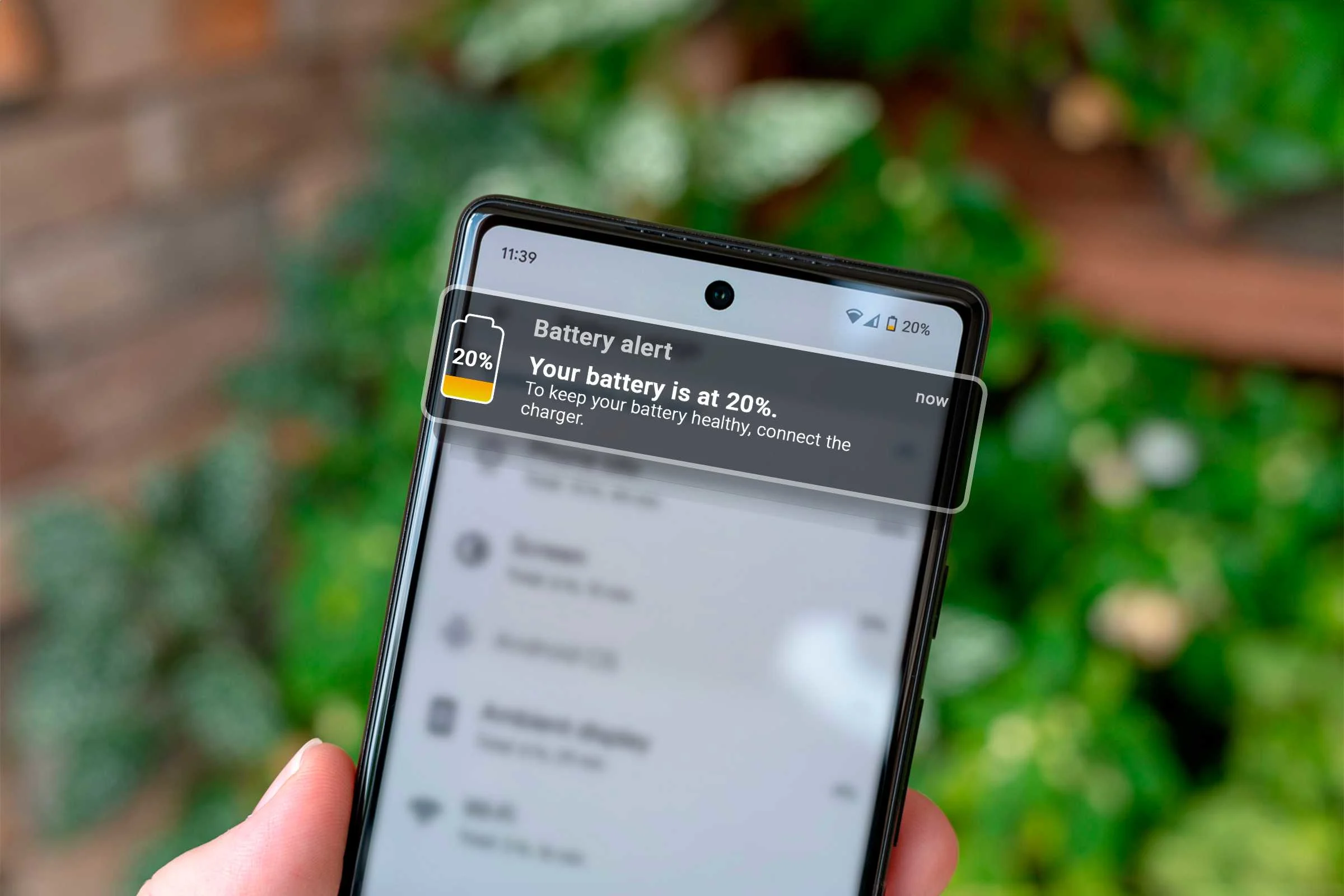
Your Samsung Galaxy is a marvel of engineering. Whether you own the latest Galaxy S26 Ultra with its high-refresh-rate AMOLED display or a trusty A-series model, these devices are designed to handle heavy multitasking and high-end photography. However, many users find that after just a year or two, their phone struggles to make it through a single afternoon. Often, it’s a few unnoticed habits like the 5 Habits Killing Your Samsung Battery that are to blame.
It is easy to blame the software or the hardware, but the reality is often found in our daily routines. There are 5 habits that are silently killing your Samsung’s battery life, and most of us are guilty of at least one. By identifying these common mistakes, you can significantly extend your device’s longevity and avoid the frustration of a mid-day shutdown.
1. Charging to 100% for 5 Habits Killing Your Samsung Battery
For years, we were told to charge our phones to the max and only plug them in when they were about to die. In 2026, we know that this is one of the most damaging habits for modern Lithium-Ion (Li-ion) batteries.
Samsung batteries are most comfortable in the “sweet spot” between 20% and 80%. Consequently, pushing your battery to 100% creates high voltage stress that accelerates chemical aging. Similarly, letting the battery drop to 0% can lead to deep discharge, which can eventually prevent the battery from holding a charge at all.
Pro Tip: Use “Protect Battery” for 5 Habits Killing Your Samsung Battery
Samsung has a built-in feature to fight this habit. Navigate to Settings > Battery > Protect Battery. When enabled, your phone will stop charging at 80% or 85%, effectively doubling the lifespan of your battery cycles.
2. Using High-Brightness in Direct Sunlight fro 5 Habits Killing Your Samsung Battery
We have all been there trying to read a text message under the scorching Dubai sun. To compensate, we crank the brightness to 100%. While the Samsung Super Retina XDR or Dynamic AMOLED displays are beautiful, they are the single biggest power consumers in your phone.
Extreme brightness doesn’t just drain the battery quickly; it generates significant internal heat. Heat is the natural enemy of battery health. When the internal temperature rises, the battery’s internal resistance increases, causing it to work harder and degrade faster.
3. Leaving Unused Connections “Always On” for 5 Habits Killing Your Samsung Battery
It is incredibly convenient to leave Wi-Fi, Bluetooth, GPS, and 5G enabled at all times. However, when these antennas are on, they are constantly “scanning” for a signal. If you are in an area with a weak 5G signal, your phone will pump more power into the antenna to maintain a connection.
This “constant searching” is a silent killer. Specifically, GPS is a major culprit as it frequently pings satellites to update your location for weather apps or social media trackers. Turning these off when you are at home or in a stable environment can save hours of battery life over a week.
4. Ignoring Your “Sleeping Apps” Settings for 5 Habits Killing Your Samsung Battery
Samsung’s One UI comes with a powerful feature called Background Usage Limits. Many users ignore this, allowing hundreds of apps to run background processes, sync data, and send notifications.
Every time an app pings a server in the background, it “wakes up” the processor. If you have 50 apps doing this throughout the hour, your battery never gets a chance to enter a deep sleep state. This leads to “ghost drainage,” where you lose 10-15% of your battery overnight while the phone is sitting idle.
How to Fix It:
Go to Settings > Battery > Background usage limits. Here, you can move rarely used apps into Deep Sleeping Apps. These apps will never run in the background, ensuring they only use power when you actually open them.
5. Charging Your Phone While Gaming (Heat Stress)
Gaming on a Samsung is a high-performance task that already pushes the A-Series or Snapdragon 8 Gen series chips to their thermal limits. If you plug in a fast charger while playing a graphics-intense game, you are creating a “thermal sandwich.”
The heat from the fast-charging current combined with the heat from the GPU creates a dangerous environment for the battery cells. High heat triggers electrolytic crystallization a process where the liquid inside your battery starts to solidify, permanently reducing the amount of energy it can store.
Milaaj Mobile and Laptop Repair Al Barsha: Your Battery Restoration Experts
If you have already noticed your Samsung’s performance dipping or the back panel feels slightly swollen, it might be time for professional intervention. Milaaj mobile and laptop repair Al Barsha specializes in restoring Samsung devices to their factory-fresh endurance.
Why Residents Trust Milaaj for Samsung Repairs:
- Low Price Guarantee: We believe in fair pricing. We provide original-quality battery replacements at a fraction of the cost you’ll find in the malls.
- Speedy Repairing: You don’t have to leave your phone with us for days. Most Samsung battery replacements are completed in under 45 minutes.
- Ultimate Convenience: Located right in Al Barsha, we offer free pickup and delivery services. We will collect your phone, fix it, and bring it back while you continue your day.
- Part Quality: We use only genuine or OEM-grade batteries. This ensures your phone still supports fast charging and accurately displays battery health metrics.
- Expert Diagnostics: Sometimes it’s not the battery it could be a faulty charging port or a motherboard short. Our technicians perform a full diagnostic to ensure we fix the root cause of the drain.
FAQs about 5 Habits Killing Your Samsung Battery
1. Is fast charging bad for my Samsung?
Not necessarily. Modern Samsung phones use “Smart Charging” to manage the current. However, if the phone gets very hot during fast charging, it can accelerate wear. Using a certified Samsung charger is essential to maintain safety.
2. Should I close all my apps manually?
Actually, no! Android is designed to keep apps in RAM for quick access. Frequently closing and re-opening apps uses more power than letting them sit idle. Only close apps that are “misbehaving” or draining excess power.
3. Does “Dark Mode” really save battery?
Yes! Because Samsung uses AMOLED screens, black pixels are actually “off” and consume zero power. Using a dark theme can improve your battery life by as much as 10-15% daily.
4. How do I know if my battery is physically damaged?
Look for a slight bulge in the back cover or screen. If your phone feels hot while doing basic tasks like texting, or if the percentage jumps from 20% to 5% instantly, the battery likely has a failed cell.
5. Can I use a cheap charger from a grocery store?
We strongly advise against it. Non-certified chargers often have unstable voltage regulation, which can fry the Charging IC on your motherboard or lead to battery swelling.
Summary: 5 Habits Killing Your Samsung Battery
Your Samsung Galaxy is designed to last for years, but its “heart” the battery needs a little bit of care. By avoiding these 5 habits that are silently killing your Samsung’s battery life, you are not just saving money on repairs; you are ensuring your device is ready when you need it most.
If your battery has already seen better days, don’t settle for living with a power bank. Trust the experts at Milaaj to bring your phone back to life. Whether it’s a quick battery swap or a deep thermal cleaning, we are here to help.
Is your Samsung battery draining too fast? Contact Milaaj mobile and laptop repair Al Barsha today for a free battery health check and get your power back!
Other Services:
- Need other mobile repairs? Check out Milaaj’s mobile repair services in Dubai.
- Looking to upgrade? Learn about selling your used laptop in Dubai.
- Data loss concerns? Visit Milaaj’s data recovery services.
📍 Visit Any Milaaj Branch in Dubai
🔹 Bur Dubai
Milaaj Mobile and Laptop Repair Dubai
📞 055 258 8477
🔗 Google Maps
🔹 Al Barsha
Milaaj Mobiles and Laptop Repair Al Barsha
📞 052 596 2846
🔗 Google Maps
🔹 Al Barsha 3
Milaaj Mobiles and Gaming Store
📞 052 3405 814
🔗 Google Maps
🔹 Al Nuaimiya
Milaaj Mobiles and Laptops Ajman
📞 055 788 9654
🔗 Google Maps
Shop Locations: Al Barsha | Bur Dubai | Reef Mall, Salah Al Din | Al Nuaimiya, Ajman
Email: support@milaaj.com
Operating Hours: Monday – Sunday

Leave a Reply