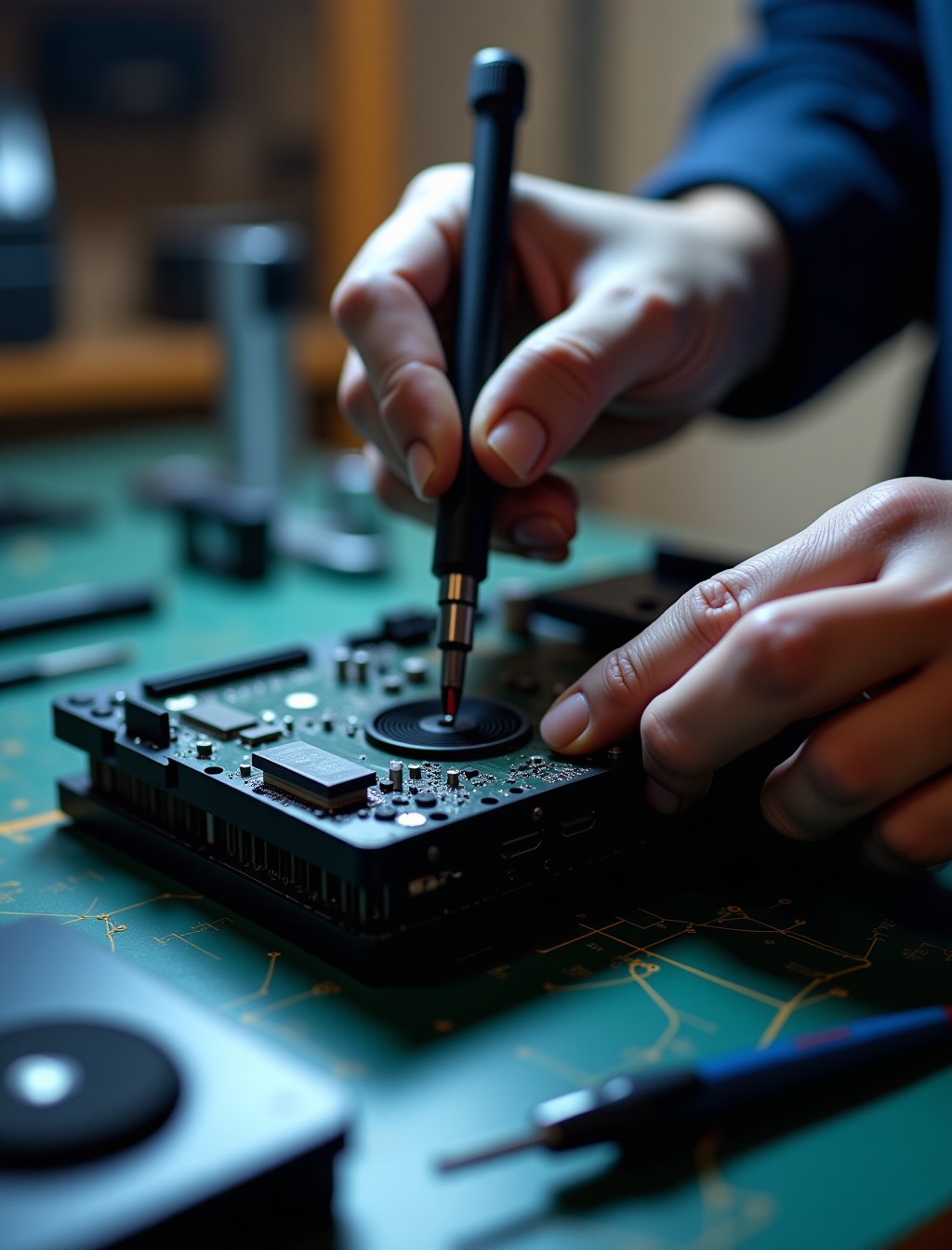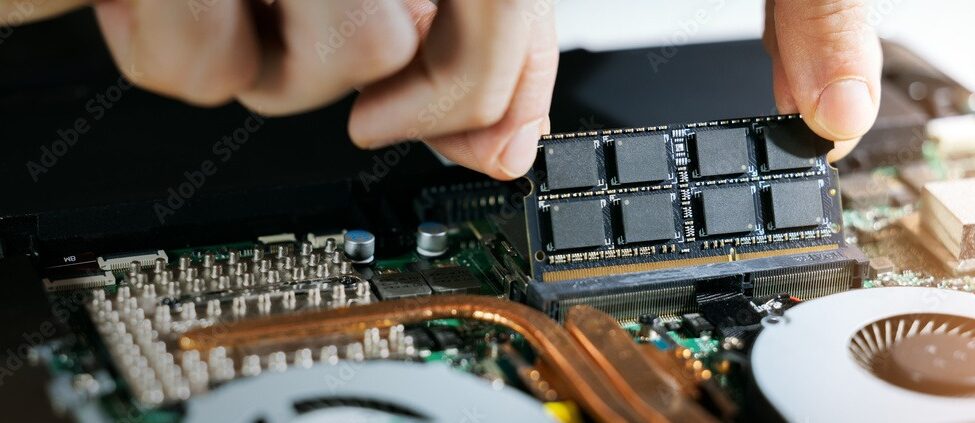
A console that shuts down mid game, a fan that sounds like a jet engine, or a device that feels hot to the touch usually points to a cooling system struggling to keep up. Consoles pull air through constantly to cool their internal components, and dust, dried thermal paste, and a struggling fan can all reduce how well that system works over time. This constant airflow is also what makes consoles more prone to dust buildup than most other electronics in the home. At Milaaj, our technicians identify exactly what has gone wrong with the cooling system before recommending a repair, since a quick clean and a genuine fan replacement are very different jobs.
Not every overheating symptom means the same thing. Sometimes the console is simply throttling performance to manage heat safely, and other times it is genuinely at risk of damage from repeated thermal stress. Knowing the difference matters, especially in a climate like Dubai’s where ambient heat already adds extra load to any cooling system, even before dust or wear are factored in.
Whether the issue developed gradually as dust built up, appeared after moving the console to a new spot, or showed up out of nowhere, we can identify the cause before any work begins.
Signs Your Console Is Overheating
These are the symptoms our technicians see most often when the cooling system is genuinely struggling.
- Console shuts down unexpectedly during gameplay, often with an on screen warning about temperature. This is the clearest sign of a system that has reached an unsafe temperature and shut down to protect itself.
- Fan running loudly and constantly, even during light use. A fan working overtime to compensate for reduced cooling efficiency is one of the earliest warning signs.
- Console feels noticeably hot to the touch on the exterior. While consoles do run warm during normal use, excessive heat on the casing points to a struggling cooling system underneath.
- Game freezes, crashes, or graphical glitches during longer play sessions. This can point to thermal throttling or, in more serious cases, an unstable component reacting to excess heat.
- Performance noticeably drops the longer a game session runs. This pattern often points to the system reducing performance specifically to manage rising internal temperature.
Quick Checks Before Booking a Repair
A few simple checks can improve cooling and rule out the most common non-repair causes before assuming a fault.
- Check where the console is placed. An enclosed cabinet, a spot against a wall, or a console lying on its side without clearance can all restrict airflow and trap heat..
- Clean the external vents and dust catchers. Visible dust buildup on the outside of the console is often a sign of more significant buildup inside as well..
- Make sure the room is not excessively warm. High ambient temperature, especially indoors during Dubai’s hotter months, adds extra load to any cooling system..
- Check for a pending firmware update. Manufacturers occasionally release updates that improve fan behavior and thermal management..
- Give the console a break during long sessions. Extended continuous use naturally raises internal temperature, and a short pause can help it recover..
Thermal Throttling or a Real Overheating Fault? What’s Actually Wrong
Not all heat related symptoms carry the same level of risk, so it helps to know which pattern you are dealing with.
- Gradual performance drops, longer loading times, and occasional graphical stutter during long sessions usually indicate thermal throttling, a built in safety feature that reduces performance to manage heat rather than a fault.
- Sudden shutdowns with an on screen temperature warning indicate the system has reached a genuinely unsafe temperature, which points to a more serious cooling system problem.
- A constantly loud fan that never seems to succeed in cooling the console down suggests the fan itself may be failing or struggling against a blockage it cannot overcome.
Our technicians confirm which pattern applies to your console during the free diagnostic, so you know whether you are dealing with a safety feature working as intended or a genuine fault that needs repair.
Common Causes of Console Overheating in Dubai
Understanding what causes overheating helps explain why some fixes are quick and others take more work.
- Dust accumulation inside the console. Dust builds up on the fan blades and heatsink over time, insulating components and blocking airflow that would normally carry heat away.
- Dried out thermal paste or thermal putty. The compound that transfers heat from the processor to the cooling system degrades over years of use, becoming far less effective at moving heat away from sensitive components.
- A failing or struggling fan. A fan that spins slower than it should, or has failed entirely, cannot move enough air to keep the system cool regardless of how clean everything else is.
- Poor placement and restricted airflow. Enclosed spaces, walls too close to vents, or the console lying in a position that blocks intake or exhaust all contribute to heat buildup.
- Elevated ambient temperature. Warm rooms, particularly during Dubai’s hottest months, place additional load on a cooling system that is already working to manage internal heat.
all platforms
Overheating Repair Across PlayStation, Xbox, and Nintendo Switch
Cooling system design varies across gaming platforms, which affects both the symptoms and the repair.
- PlayStation: PS5 uses a liquid metal compound on the main processor for efficient heat transfer, while a separate thermal putty covers surrounding memory chips and dries out over time, making thorough cleaning and reapplication a precise, component specific job.
- Xbox: uses a vapor chamber cooling design that relies on a secure, evenly seated mounting to work effectively, and a loose or improperly seated cooler is a common cause of thermal issues.
- Nintendo Switch: as a handheld device, the Switch can run noticeably hot to the touch during handheld play, particularly during demanding games, and its more compact cooling system has less room to compensate for dust buildup compared to larger consoles.
- Regardless of platform, cooling system repair requires careful, component specific work rather than a generic fix.
step by step process
Our Console Cooling System Repair Process in Dubai
Every overheating repair follows a careful sequence to restore proper cooling.
1
Free diagnostic check. We assess fan performance, internal dust levels, and thermal paste condition to confirm the specific cause before quoting anything.
2
Careful disassembly. The console is opened to access the cooling system, fan, and heatsink without disturbing other internal components.
3
Deep cleaning and thermal paste replacement. Dust is thoroughly removed and degraded thermal paste or putty is replaced with fresh, high quality compound.
4
Fan testing and replacement if needed. The fan is tested under load, and replaced with a genuine or premium grade part if it is found to be failing.
5
Final quality check. We confirm stable temperatures and quiet operation under normal use before handing the console back to you.
why milaaj
Why Choose Milaaj for Console Thermal Paste Replacement in Dubai
Cooling system work requires precision, especially around sensitive components like the processor and memory chips.
- 35,000+ customers served across the UAE, with gaming console repairs handled regularly across PlayStation, Xbox, and Nintendo.
- Certified technicians experienced with cooling system repair, thermal paste replacement, and fan diagnostics across every major console.
- Genuine and premium grade parts used for every cooling system repair, never mismatched components.
- Up to 12 months parts and labor warranty on completed overheating repairs.
- Free diagnostics with no obligation to proceed once you know what is actually wrong.
- Free pickup and delivery across Dubai, so an overheating console does not mean a trip across the city.
- Data privacy practiced on every device, with no unnecessary access to your saved games or accounts.
- 24/7 support available in Arabic, English, Urdu, Hindi, Malayalam, and Tamil.
Related Repairs
- Gaming Console Motherboard Repair Dubai – Repeated overheating can eventually stress solder joints and lead to board level damage, making this a relevant cross link for more advanced cases.
- Gaming Console Disc Drive Repair Dubai – Consoles that run hot can develop secondary disc drive issues, making this a useful companion page.
- Gaming Console Software Repair Dubai – Performance issues that look like thermal throttling can sometimes trace back to a software fault instead, making this a useful next step if hardware diagnosis comes back clear.
- Gaming Console Trade In / Buyback – Relevant for older consoles where repeated overheating and repair cost approaches the value of a replacement.
FAQs
Frequently Asked Questions About Gaming Console Overheating Repair
Can I clean my console myself to fix overheating?
External vent cleaning is safe to do yourself, but internal dust and thermal paste replacement require careful disassembly, and getting it wrong can risk further damage. We recommend professional cleaning once external cleaning alone does not resolve the issue, especially given how sensitive the surrounding components are.
Is it dangerous to keep using a console that overheats and shuts down?
Occasional protective shutdowns are the system working as designed, but repeated overheating over time can stress solder joints and components, making it worth addressing sooner rather than later.
How much does it cost to fix an overheating console?
Cost depends on whether the fix is a cleaning and thermal paste replacement or a fan replacement, since these involve different levels of work. We give a clear quote after a free diagnostic so there are no surprises before you decide whether to proceed.
Does Dubai’s climate make console overheating worse?
Yes, higher ambient temperatures, especially indoors without air conditioning, add extra load to any cooling system and can make an already struggling console overheat more frequently.
How long does an overheating repair take?
Most cooling system repairs are completed within a day or two once the specific cause is confirmed, though availability can vary for less common console models where original parts are harder to source.
Will an overheating repair improve my console’s performance?
In many cases yes, since resolving thermal throttling allows the system to run at its intended performance level rather than reducing itself to manage excess heat.
How often should a console be professionally cleaned to prevent overheating?
This depends heavily on usage and environment, but a console showing early signs like rising fan noise is a reasonable trigger to book a cleaning rather than waiting for shutdowns to start. Regular use in a dusty environment may call for more frequent attention than a clean, well ventilated setup.
Console Overheating or Shutting Down Mid-Game?
A console that overheats, shuts down, or runs loud does not need to stay that way. Book your gaming console overheating repair in Dubai with Milaaj and our technicians will confirm exactly what is wrong before any work begins.
Contact us
Get Your Console Running Cool Again
With free pickup across Dubai, genuine parts, and up to 12 months warranty on the repair, you can get back to stable, quiet performance without replacing the whole console. Get in touch and we will take care of the rest.