

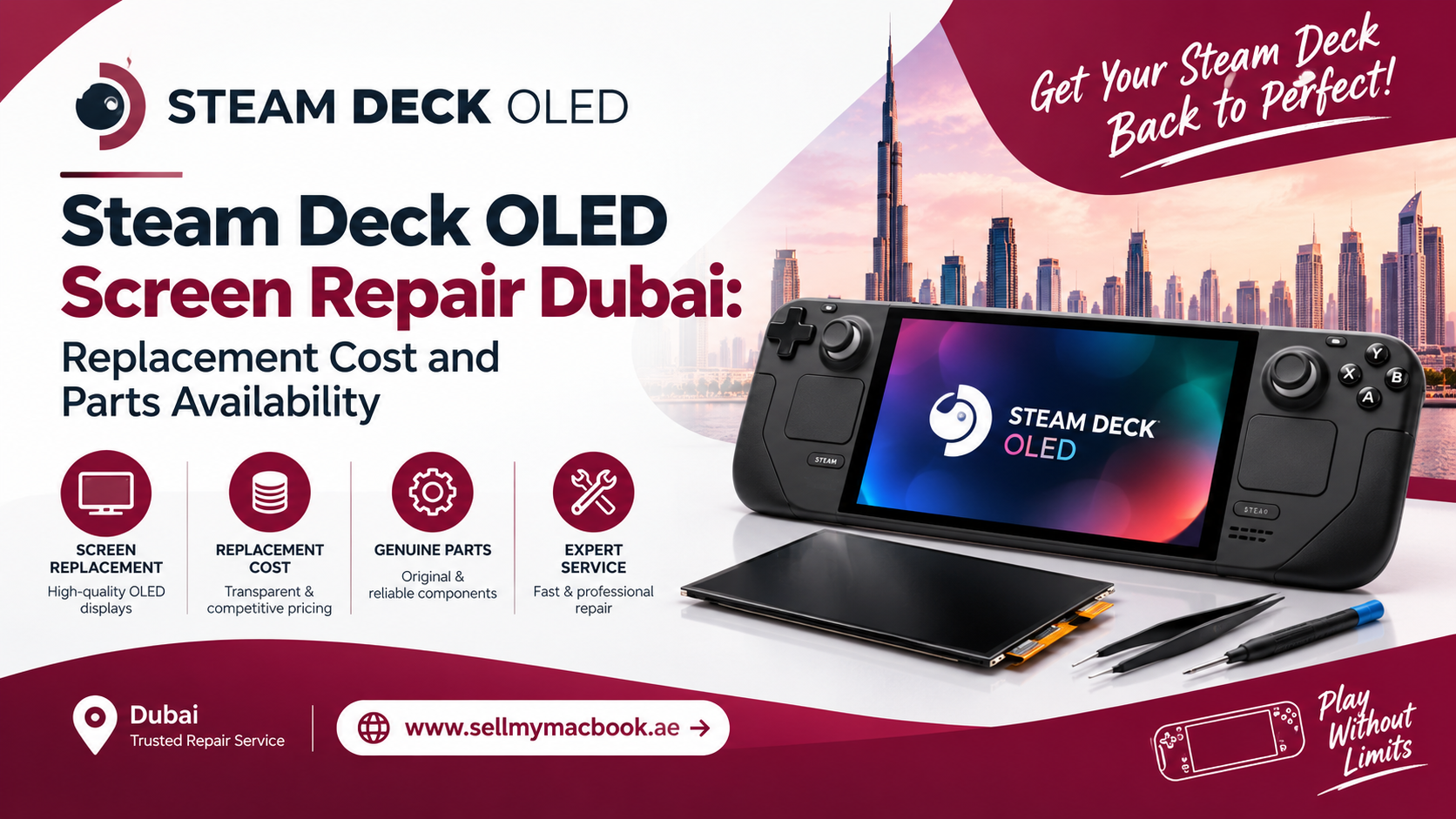
Quick Answer
If your Steam Deck OLED’s screen is cracked, flickering, or showing dead pixels, repair is almost always worth it over replacing the entire console. Steam Deck OLED screen repair Dubai typically takes a few hours to a day, depending on part availability, and costs significantly less than buying a new unit. Since the OLED panel is a specialized component, choosing a repair shop with genuine parts and real handheld console experience matters more than usual.
Key Takeaways
- Steam Deck OLED uses a different screen assembly than the original LCD model, so parts aren’t always interchangeable.
- Common damage includes cracked glass, dead pixels, and flickering caused by drops, pressure damage, or loose connectors.
- Genuine or high-quality OLED replacement panels are harder to source in Dubai than standard LCD parts, so always confirm part quality before booking.
- Professional repair preserves your original data, save files, and SteamOS setup completely.
- DIY repair carries real risk, since the OLED panel is delicate and directly connected to sensitive internal ribbon cables.
If you game on your Steam Deck OLED daily, you already know how frustrating it feels the moment that gorgeous HDR display starts flickering, cracking, or showing dead pixels. Thankfully, this isn’t a reason to panic or start shopping for a replacement console. In this guide, we’ll walk through everything about Steam Deck OLED screen repair Dubai, including common causes of damage, realistic repair costs, and how easy it actually is to find genuine parts locally.
Why the Steam Deck OLED Screen Is Different From the Original Model
Valve’s Steam Deck OLED introduced a completely redesigned display compared to the original LCD version. Instead of a standard LCD panel, it uses a 7.4-inch HDR OLED screen with deeper blacks, better contrast, and a higher refresh rate. Consequently, this means the screen assembly, connectors, and internal mounting all differ from the original model. Therefore, if you’re searching for repair parts, it’s essential to confirm that whoever handles your device understands this distinction, since OLED and LCD components are not interchangeable.
Common Causes of Steam Deck OLED Screen Damage
Accidental Drops
Unsurprisingly, this remains the most common cause of screen damage. Since the Steam Deck OLED is a handheld device, it’s more exposed to drops compared to a stationary console, especially during intense gaming moments.
Pressure Damage From Bags or Cases
Additionally, carrying your Steam Deck in a backpack without proper padding can cause pressure cracks, even without a direct drop. This is particularly common among gamers who travel frequently with their device.
Manufacturing Defects or Dead Pixels
Sometimes, screen issues aren’t caused by damage at all. Dead pixels or discoloration can occasionally appear due to manufacturing inconsistencies, especially in OLED panels, which are more sensitive to this kind of defect than standard LCD screens.
Loose or Damaged Ribbon Cables
Furthermore, internal ribbon cables connecting the screen to the motherboard can loosen or become damaged over time, particularly if the device has been previously opened or repaired incorrectly.
Signs Your Steam Deck OLED Needs Screen Repair
Visible Cracks on the Display
If you can see physical cracks across the screen, even if the device still functions, this requires immediate professional attention to prevent further internal damage.
Flickering or Dimming Display
Random flickering, inconsistent brightness, or sudden dimming often points to a loose connector or failing panel, rather than a software issue.
Dead or Stuck Pixels
Small black or discolored spots that don’t change regardless of what’s displayed usually indicate dead pixels, a hardware issue that software updates cannot fix.
Touch Responsiveness Issues
If your screen’s touch functionality becomes unreliable or stops working in certain areas, this often signals damage to the digitizer layer beneath the glass.
Steam Deck OLED Screen Replacement Cost in Dubai
Now, let’s talk numbers, since that’s likely why you’re here. The cost of Steam Deck OLED screen repair Dubai depends on a few key factors:
- Part Authenticity: Genuine Valve-sourced or high-grade compatible OLED panels cost more than generic alternatives, but they last significantly longer and maintain proper color accuracy.
- Labor and Technical Expertise: Since OLED panels require precise handling during installation, skilled technicians charge accordingly for this specialized work.
- Parts Availability: If a technician already has the correct panel in stock, repair costs and turnaround time are both lower compared to ordering parts specifically for your device.
- Warranty Coverage: Repairs backed by warranty support typically cost slightly more but offer genuine peace of mind afterward.
Generally speaking, repairing your Steam Deck OLED screen remains considerably more affordable than purchasing a new console outright, making it the smarter financial choice in almost every situation.
Are OLED Replacement Parts Easily Available in Dubai?
This is a fair concern, since Steam Deck OLED is a relatively newer, more specialized device compared to mainstream smartphones or laptops. However, Dubai’s growing gaming hardware repair scene has adapted quickly, and reputable repair centers now stock or can source genuine OLED panels within a reasonable timeframe. Therefore, while availability isn’t as instant as it might be for something like an iPhone screen, experienced technicians can usually source the correct part without excessive delays.
What Happens During Professional Screen Repair
Step 1: Diagnosis and Inspection
First, a technician thoroughly inspects your Steam Deck OLED to confirm whether the screen itself, the digitizer, or an internal connector is actually responsible for the issue.
Step 2: Careful Disassembly
Next, the device is carefully opened, since Steam Deck OLED’s internal layout requires precision to avoid damaging surrounding components like the battery or motherboard.
Step 3: Removing the Damaged Panel
The cracked or malfunctioning OLED panel is then carefully detached from its ribbon cable connections, ensuring no additional internal damage occurs during removal.
Step 4: Installing the New OLED Screen
A genuine or high-quality replacement panel is then precisely installed, with all ribbon cables and connectors reattached securely to ensure proper functionality.
Step 5: Testing and Calibration
Finally, the device undergoes thorough testing, checking touch responsiveness, color accuracy, and refresh rate performance before being handed back to you.
Is It Worth Repairing Instead of Buying a New Steam Deck OLED?
Absolutely, in the vast majority of cases. Since the rest of your device’s internal components, including the processor, battery, and storage, typically remain unaffected by screen damage, replacing just the display is significantly more cost-effective than purchasing an entirely new unit. Therefore, unless your Steam Deck has additional underlying issues, professional screen repair almost always makes more financial sense.
How to Prevent Future Screen Damage
- Use a proper hard-shell carrying case, especially when traveling or storing your device in a backpack.
- Apply a tempered glass screen protector to add an extra layer of impact resistance.
- Avoid placing heavy objects on top of your Steam Deck, even when it’s inside a case.
- Handle the device with both hands during gameplay to reduce accidental drops.
- Store your Steam Deck away from extreme heat or direct sunlight, which can stress OLED panels over time.
By following these simple precautions, you can significantly reduce the chances of needing screen repair again in the future.
Why Professional Repair Matters for OLED Technology
While some tech-savvy gamers might consider attempting a DIY screen replacement, OLED panels are genuinely more delicate than standard LCD screens, and improper handling can easily damage the panel beyond repair. Additionally, since the screen connects directly to sensitive internal ribbon cables, even small mistakes during disassembly can lead to costly additional damage. Therefore, trusting experienced professionals ensures your Steam Deck OLED is repaired safely and correctly the first time.
A Quick Word From Milaaj Mobile and Laptop Repair Al Barsha
If you’re dealing with a cracked or malfunctioning Steam Deck OLED screen, Milaaj Mobile and Laptop Repair Al Barsha offers reliable, professional repair services you can genuinely trust. While widely recognized for mobile and laptop repairs, their technical expertise extends seamlessly to handheld gaming console repairs as well.
Here’s why customers across Al Barsha consistently choose Milaaj:
- Low Price: Transparent, budget-friendly pricing with absolutely no hidden charges.
- Speed Repairing: Fast turnaround times, so you’re not left without your handheld for days.
- Convenience: Simple walk-in service with flexible scheduling options.
- Part Quality: Only genuine or high-grade OLED components are used for lasting durability.
- Skilled Technicians: Experienced professionals who handle delicate display assemblies with genuine precision.
Whether it’s a cracked Steam Deck screen, a damaged phone display, or a slow laptop, Milaaj Mobile and Laptop Repair Al Barsha ensures every device receives expert-level care and attention.
Final Thoughts
At the end of the day, a damaged Steam Deck OLED screen doesn’t mean your gaming sessions have to end permanently. Whether it’s a cracked panel, dead pixels, or flickering caused by a loose connector, professional repair can restore your device to full working condition without the expense of buying a new one. So, if you’re dealing with display issues, don’t hesitate to book proper Steam Deck OLED screen repair Dubai service and get back to gaming comfortably.
Frequently Asked Questions (FAQs)
1. How much does Steam Deck OLED screen repair typically cost in Dubai?
Costs vary based on part quality and availability, but repair is almost always significantly cheaper than replacing the entire console.
2. Can I use my original LCD Steam Deck screen as a replacement for the OLED model?
No, the OLED and LCD models use different screen assemblies that aren’t interchangeable with each other.
3. How long does Steam Deck OLED screen repair usually take?
Most repairs can be completed within a few hours to a day, depending on part availability and device condition.
4. Will I lose my saved games or data during screen repair?
No, since this repair focuses solely on the display assembly, your saved data and SteamOS setup remain completely unaffected.
5. Does repairing my Steam Deck OLED void its warranty?
If your device is still under Valve’s official warranty, it’s best to check warranty terms first, since third-party repairs may affect coverage depending on the circumstances.
Other Services:
- Need other laptop repairs? Check out Milaaj’s laptop repair services in Dubai.
- Overheating issues? Explore MacBook repair in Dubai for similar cooling solutions.
- Looking to upgrade? Learn about selling your used laptop in Dubai.
- Data loss concerns? Visit Milaaj’s data recovery services.
- For Apple users, check Apple trade-in options in Dubai.
📍 Visit Any Milaaj Branch in Dubai
🔹 Bur Dubai
Milaaj Mobile and Laptop Repair Dubai
📞 055 258 8477
🔗 Google Maps
🔹 Al Barsha
Milaaj Mobiles and Laptop Repair Al Barsha
📞 052 596 2846
🔗 Google Maps
🔹 Reef Mall (Salah Al Din)
Milaaj Service Center Reef Mall
📞 052 3405 814
📍 1st Floor, Shop 16, Deira
🔗 Google Maps
🔹 Al Nuaimiya
Milaaj Mobiles and Laptops Ajman
📞 055 788 9654
🔗 Google Maps
Shop Locations: Al Barsha | Bur Dubai | Reef Mall, Salah Al Din | Al Nuaimiya, Ajman
Email: support@milaaj.com
Operating Hours: Monday – Sunday
Leave a Reply