

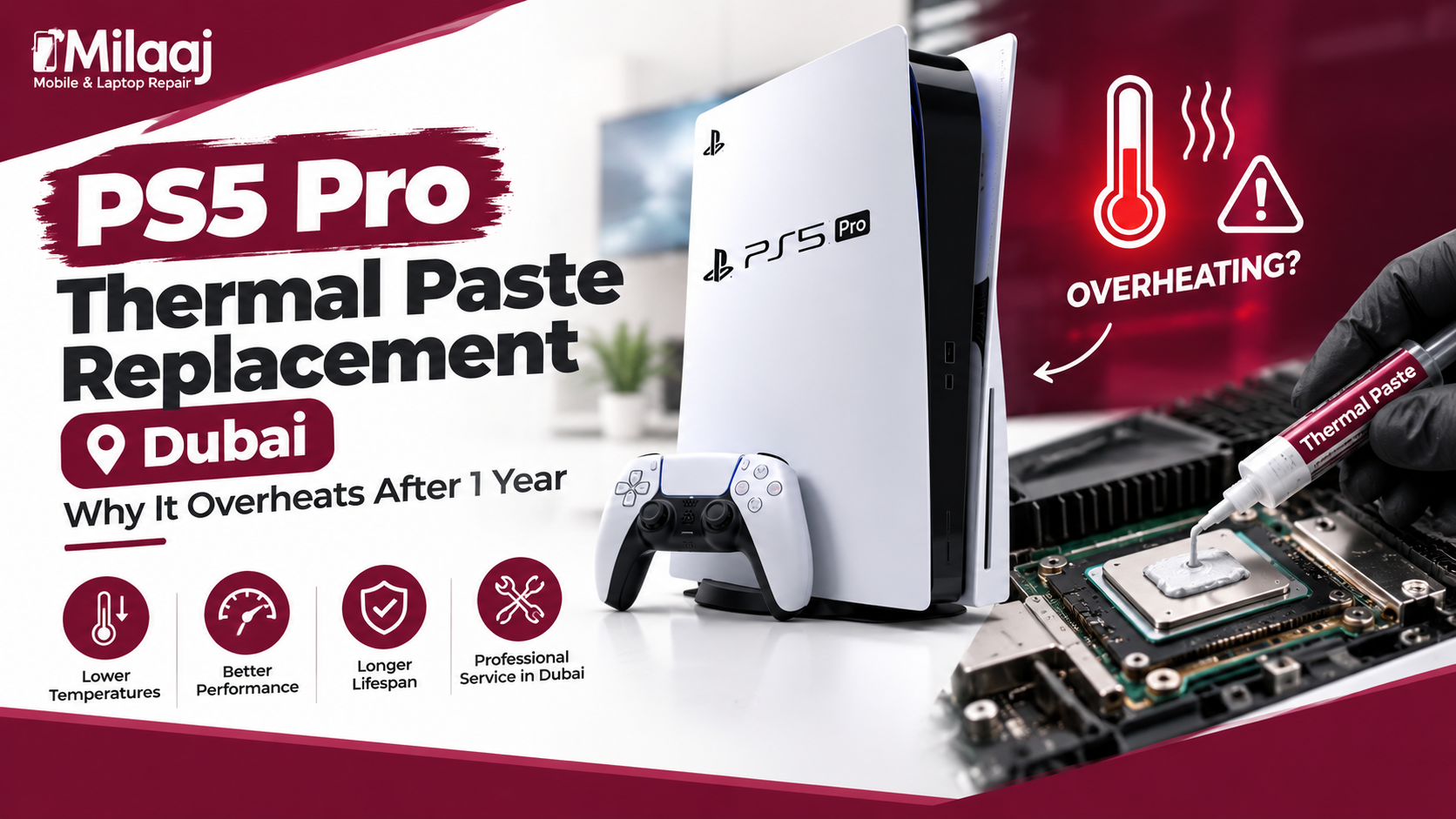
If your PS5 Pro has suddenly started sounding like a jet engine taking off, or your games are stuttering more than they used to, you’re not imagining things. This is one of the most common issues gamers face after about a year of regular use. In this guide, we’ll break down exactly why this happens and everything you need to know about PS5 Pro thermal paste replacement Dubai, including causes, symptoms, and what the repair process actually involves.
Why Does the PS5 Pro Overheat After Just One Year?
Thermal Paste Naturally Dries Out Over Time
Every gaming console, including the PS5 Pro, relies on thermal paste to transfer heat away from the processor and onto the heatsink. However, thermal paste isn’t designed to last forever. Over time, it dries out, cracks, and loses its ability to conduct heat efficiently. Consequently, your console starts retaining more heat than it should, leading to overheating issues.
Dubai’s Climate Speeds Up the Process
Dubai’s hot and humid climate genuinely accelerates this deterioration. Since indoor temperatures often stay warmer compared to cooler regions, your PS5 Pro’s internal components work harder to stay cool. Therefore, thermal paste degrades faster here than it might in a more temperate environment, which explains why so many Dubai gamers search for PS5 Pro thermal paste replacement Dubai services within just twelve months of purchase.
Dust Accumulation Inside the Console
Additionally, dust particles settle inside the console’s cooling system over time, clogging fans and vents. This restricts proper airflow, forcing the thermal paste and heatsink to work even harder to manage temperature. As a result, overheating issues often appear sooner than expected.
Heavy Gaming Sessions Without Breaks
Furthermore, if you’re someone who games for hours without breaks, your console’s internal temperature stays elevated for longer periods. This consistent heat stress speeds up thermal paste breakdown significantly compared to casual, occasional use.
Common Signs Your PS5 Pro Needs Thermal Paste Replacement
1. Loud, Constant Fan Noise
If your console’s fan sounds noticeably louder than when you first bought it, that’s usually the clearest sign that internal temperatures are rising beyond normal levels.
2. Random Shutdowns During Gameplay
Sometimes, your PS5 Pro might shut down unexpectedly mid-game. This is often a built-in safety mechanism triggered by excessive heat buildup.
3. Game Lag or Frame Drops
Overheating can force your console to throttle performance automatically, which results in noticeable lag, stuttering, or reduced frame rates during gameplay.
4. Hot Exterior Casing
If the console’s outer casing feels unusually hot to the touch, even during light gaming sessions, it’s a strong indicator that internal cooling isn’t functioning properly anymore.
5. Console Freezing Unexpectedly
In more severe cases, overheating can cause your PS5 Pro to freeze entirely, forcing a manual restart, which can be frustrating during intense gaming moments.
What Happens During a Thermal Paste Replacement Service
Step 1: Diagnosis and Temperature Check
First, a technician assesses your console’s current temperature levels and confirms whether thermal paste degradation is indeed the root cause, rather than a faulty fan or blocked vent.
Step 2: Careful Disassembly
Next, the console is carefully opened to access the processor and heatsink. Since PS5 Pro internals are compact and delicate, this step requires precision and experience.
Step 3: Removing Old Thermal Paste
The old, dried-out thermal paste is thoroughly cleaned off both the processor and heatsink surfaces using specialized cleaning solutions to ensure a completely fresh surface.
Step 4: Applying High-Quality Thermal Paste
A fresh, high-performance thermal paste is then applied precisely, ensuring optimal heat transfer between the processor and heatsink moving forward.
Step 5: Reassembly and Dust Cleaning
During reassembly, technicians typically clean out accumulated dust from vents and fans as well, further improving overall airflow and cooling efficiency.
Step 6: Performance Testing
Finally, the console undergoes stress testing to confirm that temperatures remain stable during extended gaming sessions before it’s handed back to you.
Benefits of Timely Thermal Paste Replacement
Improved Performance and Stability
Once fresh thermal paste is applied, your console can maintain consistent performance without unexpected throttling or frame drops, significantly improving your overall gaming experience.
Extended Console Lifespan
Moreover, addressing overheating issues early prevents long-term damage to sensitive internal components, ultimately extending your PS5 Pro’s lifespan.
Quieter Operation
Since the cooling system no longer has to work overtime, fan noise typically reduces significantly after a proper thermal paste replacement.
Cost-Effective Solution
Compared to replacing an entire motherboard or purchasing a new console altogether, thermal paste replacement remains a genuinely affordable and practical solution.
How Often Should You Get Thermal Paste Replaced?
Generally, most gaming consoles benefit from thermal paste replacement every twelve to eighteen months, especially in warmer climates like Dubai. However, if you notice early overheating symptoms sooner, it’s always better to address the issue immediately rather than waiting, since prolonged overheating can potentially damage other internal components.
Tips to Prevent Future Overheating Issues
- Keep your console in a well-ventilated, open area, avoiding enclosed cabinets.
- Clean external vents regularly using compressed air.
- Avoid placing your PS5 Pro near direct sunlight or heat sources.
- Take short breaks during extremely long gaming sessions.
- Schedule preventive maintenance checks annually, even without visible symptoms.
By following these simple habits, you can significantly delay future thermal paste degradation and overall overheating problems.
Why Professional Service Matters for This Repair
While some tech-savvy users attempt DIY thermal paste replacement, PS5 Pro internals are genuinely sensitive, and incorrect paste application or improper reassembly can cause more harm than good. Therefore, trusting experienced professionals ensures the job is done correctly, safely, and with long-lasting results.
A Quick Word From Milaaj Mobile and Laptop Repair Al Barsha
If you’re dealing with an overheating PS5 Pro and searching for reliable help, Milaaj Mobile and Laptop Repair Al Barsha is a name worth trusting. While widely known for mobile and laptop repairs, their commitment to quality service reflects exactly what gamers need for their console repair needs too.
Here’s why customers across Al Barsha consistently choose Milaaj:
- Low Price: Honest, budget-friendly pricing with absolutely no hidden charges.
- Speed Repairing: Fast turnaround times, so your console doesn’t sit idle for days.
- Convenience: Simple walk-in service and flexible scheduling to suit your routine.
- Part Quality: Only premium, high-performance thermal paste and components are used.
- Skilled Technicians: Experienced professionals who handle delicate internals with genuine care and precision.
Whether it’s an overheating console, a cracked phone screen, or a slow-performing laptop, Milaaj Mobile and Laptop Repair Al Barsha ensures every device receives professional, reliable attention.
Final Thoughts
At the end of the day, an overheating PS5 Pro isn’t something to ignore, especially once it starts affecting your gaming experience. Whether it’s loud fan noise, random shutdowns, or noticeable lag, these symptoms usually point back to one common culprit — worn-out thermal paste. So, if your console is approaching that one-year mark and showing warning signs, don’t wait until it gets worse. Booking PS5 Pro thermal paste replacement Dubai sooner rather than later can save you from bigger, more expensive repairs down the line.
Frequently Asked Questions (FAQs)
1. How do I know if my PS5 Pro needs thermal paste replacement?
Loud fan noise, random shutdowns, frame drops, and a hot exterior casing are all common signs that your console needs fresh thermal paste.
2. Is thermal paste replacement expensive for the PS5 Pro?
Not at all. It’s generally a much more affordable fix compared to replacing major internal components or the entire console.
3. How long does the thermal paste replacement process take?
Most services can be completed within a few hours, depending on the console’s condition and technician availability.
4. Can overheating permanently damage my PS5 Pro?
Yes, if left unaddressed for too long, consistent overheating can potentially damage the processor or other sensitive internal components over time.
5. Does thermal paste replacement void my console’s warranty?
If your console is still under official warranty, it’s best to consult an authorized service center first to avoid any warranty complications.
Other Services:
- Need other laptop repairs? Check out Milaaj’s laptop repair services in Dubai.
- Overheating issues? Explore MacBook repair in Dubai for similar cooling solutions.
- Looking to upgrade? Learn about selling your used laptop in Dubai.
- Data loss concerns? Visit Milaaj’s data recovery services.
- For Apple users, check Apple trade-in options in Dubai.
📍 Visit Any Milaaj Branch in Dubai
🔹 Bur Dubai
Milaaj Mobile and Laptop Repair Dubai
📞 055 258 8477
🔗 Google Maps
🔹 Al Barsha
Milaaj Mobiles and Laptop Repair Al Barsha
📞 052 596 2846
🔗 Google Maps
🔹 Reef Mall (Salah Al Din)
Milaaj Service Center Reef Mall
📞 052 3405 814
📍 1st Floor, Shop 16, Deira
🔗 Google Maps
🔹 Al Nuaimiya
Milaaj Mobiles and Laptops Ajman
📞 055 788 9654
🔗 Google Maps
Shop Locations: Al Barsha | Bur Dubai | Reef Mall, Salah Al Din | Al Nuaimiya, Ajman
Email: support@milaaj.com
Operating Hours: Monday – Sunday

Leave a Reply