

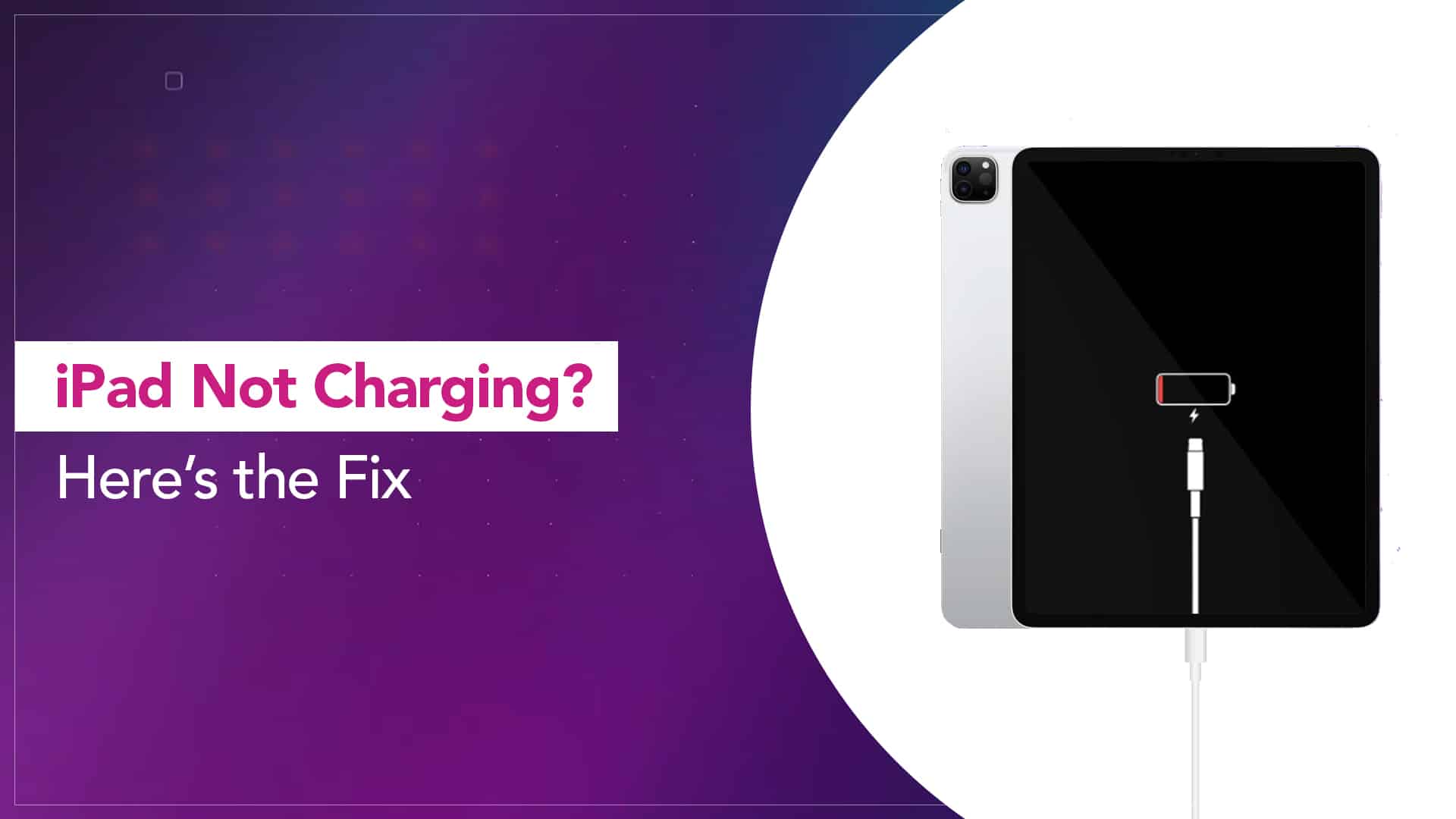
Apple iPads are designed to deliver reliable performance, long battery life, and smooth charging. However, many users suddenly face a frustrating issue: iPad charging intermittently, where the device charges on and off, stops unexpectedly, or refuses to charge consistently. As a result, productivity drops, battery health suffers, and daily usage becomes inconvenient.
Fortunately, iPad charging intermittently is a common problem with proven solutions. Therefore, understanding the root causes and applying the right fixes can restore stable charging safely. In this detailed guide, we explain why an iPad charges inconsistently, what mistakes to avoid, and how professional repair solutions provide long-term results.
Why Is Your iPad Charging Intermittently?
First and foremost, identifying why your iPad charging intermittently occurs is essential. Although the issue may seem random, it usually stems from a few common factors.
In most cases, iPad charging problems develop gradually due to wear, dirt buildup, or power fluctuations. Moreover, software updates and low-quality accessories can also trigger unstable charging behavior. Therefore, recognizing the early signs can prevent more serious damage later.
Common Signs of iPad Charging On and Off
Before diving into solutions, it’s important to recognize the symptoms. Typically, users experiencing iPad charging intermittently notice:
- Charging icon appearing and disappearing repeatedly
- Battery percentage not increasing while plugged in
- Charging stops when the cable moves slightly
- iPad only charges at a specific angle
- Device heats up during charging
Although these symptoms may seem minor at first, ignoring them can lead to charging port failure or battery damage.
iPad Charging Intermittently Due to Cable or Adapter Issues
One of the most common causes of iPad charging intermittently is a faulty cable or adapter. Over time, charging cables bend, fray, or lose internal connections.
Moreover, low-quality or non-certified chargers often deliver inconsistent power. As a result, your iPad struggles to maintain a steady charging connection. Therefore, always inspect your cable for visible damage and test with an original or certified charger.
Key takeaway: Even if a cable appears fine, internal wire damage can still cause intermittent charging.
Dirty or Damaged Charging Port Causing iPad Charging Problems
Another major reason for iPad charging intermittently is a dirty or damaged charging port. Dust, lint, and debris gradually accumulate inside the port, blocking proper contact between the cable and charging pins.
Furthermore, repeated plugging and unplugging weakens internal connectors. Consequently, the charging connection becomes unstable.
While gentle cleaning may help temporarily, improper tools can damage internal pins. Therefore, professional cleaning is always safer and more effective.
Software Bugs That Make iPad Charging Intermittently
Although hardware issues are common, software glitches should not be overlooked. In some cases, iPad charging intermittently starts after an iPadOS update.
For example:
- Background processes drain power faster than charging input
- Power management bugs disrupt charging cycles
- System conflicts prevent stable charging recognition
Restarting the device or updating to the latest iPadOS version may help. However, persistent issues usually indicate an underlying hardware fault combined with software stress.
Battery Health Issues and iPad Charging Inconsistency
Over time, lithium-ion batteries naturally degrade. As battery health declines, power regulation becomes unstable. Consequently, the iPad may stop and start charging repeatedly.
If your iPad is older or frequently used while charging, battery wear becomes more likely. Moreover, overheating accelerates battery degradation, further worsening intermittent charging.
Therefore, battery diagnostics are crucial when troubleshooting iPad charging intermittently problems.
Overheating and Power Fluctuations During Charging
Additionally, overheating plays a major role in charging interruptions. When the iPad gets too warm, the system automatically limits charging to protect internal components.
This means:
- Charging pauses until temperature drops
- Charging resumes briefly, then stops again
- Battery health declines faster over time
Using the iPad heavily while charging or charging in hot environments significantly increases this risk.
Safe DIY Fixes to Try Before Professional Repair
Before seeking professional help, there are a few safe steps you can try. However, avoid aggressive DIY methods that could worsen the damage.
Safe troubleshooting steps:
- Try a different certified charging cable and adapter
- Restart your iPad to clear software glitches
- Clean the charging port gently using compressed air
- Remove the case to reduce heat buildup
- Avoid charging while using heavy apps
If the issue persists after these steps, then professional repair becomes the safest option.
Mistakes to Avoid When iPad Charging Intermittently
While frustration may tempt quick fixes, certain mistakes can cause permanent damage.
Avoid:
- Using sharp objects to clean the charging port
- Charging with cheap or counterfeit accessories
- Ignoring overheating warnings
- Continuing to bend or twist the charging cable
- Delaying repair when symptoms worsen
Therefore, acting early protects both battery health and charging components.
When Professional Repair Is Needed for iPad Charging Issues
If your iPad charging intermittently continues despite basic troubleshooting, professional diagnosis is essential. Expert technicians can accurately identify whether the issue involves:
- Charging port damage
- Battery degradation
- Power IC (charging chip) failure
- Internal connector issues
Moreover, professional tools ensure repairs are completed without risking data loss.
How Experts Fix iPad Charging Intermittently Safely
Professional repair involves a structured and safe approach. First, technicians perform a complete charging diagnostics test. Next, they isolate the exact fault and apply the correct repair method.
Professional repair methods include:
- Precision charging port cleaning or replacement
- Battery health testing and replacement if needed
- Power circuit repairs
- Software optimization and calibration
As a result, charging stability is restored without compromising device performance.
Milaaj Mobile Repair – Trusted iPad Charging Solutions
When reliable service matters, Milaaj mobiles and laptop repair Al Barsha offers expert solutions for iPad charging issues.
Why choose Milaaj?
- Low price repair options without hidden costs
- Fast repairing, often completed the same day
- High-quality parts for long-lasting performance
- Convenient service with expert diagnostics
- Professional handling to protect battery and data
Therefore, instead of risking DIY damage, professional repair ensures safe, durable results.
How to Prevent iPad Charging Intermittently in the Future
Prevention is always better than repair. Fortunately, adopting a few habits can help avoid future charging problems.
Best prevention tips:
- Use original or certified chargers only
- Keep the charging port clean and dry
- Avoid charging in hot environments
- Stop using damaged cables immediately
- Schedule periodic battery health checks
By following these steps, you can significantly reduce the risk of iPad charging intermittently issues.
Final Thoughts: Restore Stable Charging Safely
In conclusion, iPad charging intermittently is a common but fixable problem. While minor issues may resolve with simple troubleshooting, persistent charging interruptions usually require professional attention.
Rather than risking battery damage or data loss, choosing expert repair ensures safety, convenience, and long-lasting results. With timely action, quality parts, and proper maintenance, your iPad can regain stable charging performance and remain reliable for years to come.
If your iPad charging intermittently disrupts daily use, addressing the issue early is the smartest solution.
Other Services:
- Need other iPad repairs? Check out Milaaj’s iPad repair services in Dubai.
- Looking to upgrade? Learn about selling your used iPad in Dubai.
- Data loss concerns? Visit Milaaj’s data recovery services.
- For Apple users, check Apple trade-in options in Dubai.
📍 Visit Any Milaaj Branch in Dubai
🔹 Bur Dubai
Milaaj Mobile and Laptop Repair Dubai
📞 055 258 8477
🔗 Google Maps
🔹 Al Barsha
Milaaj Mobiles and Laptop Repair Al Barsha
📞 052 596 2846
🔗 Google Maps
🔹 Al Barsha 3
Milaaj Mobiles and Gaming Store
📞 052 3405 814
🔗 Google Maps
🔹 Al Nuaimiya
Milaaj Mobiles and Laptops Ajman
📞 055 788 9654
🔗 Google Maps
Shop Locations: Al Barsha | Bur Dubai | Reef Mall, Salah Al Din | Al Nuaimiya, Ajman
Email: support@milaaj.com
Operating Hours: Monday – Sunday




Leave a Reply