

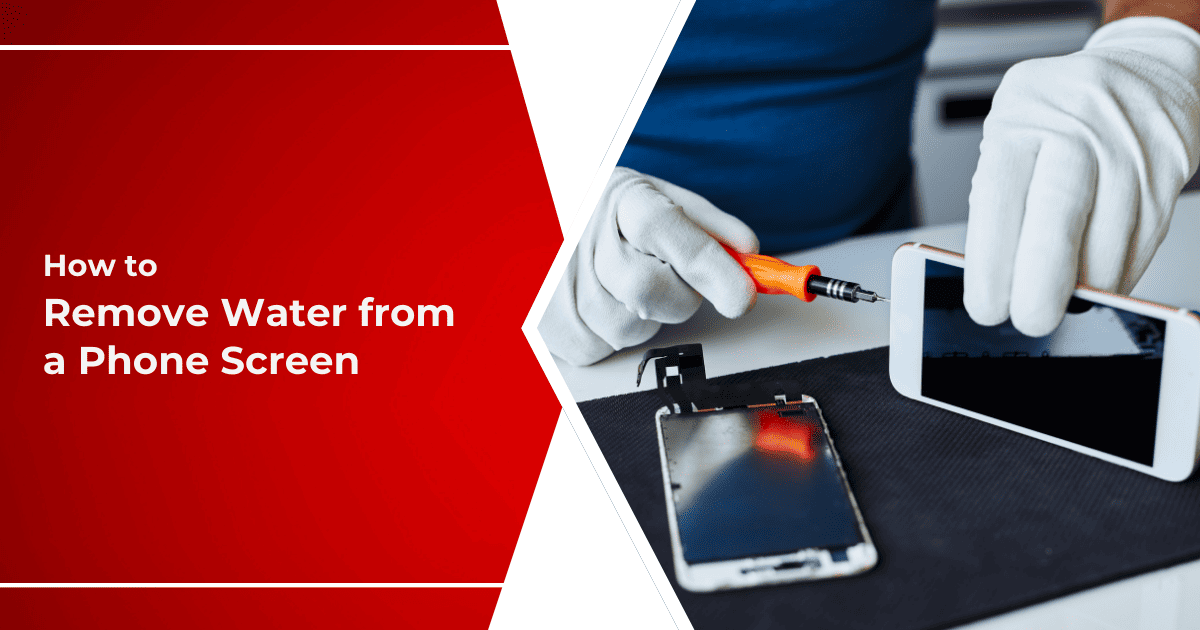
Smartphones are part of everyday life, yet they remain vulnerable to liquid exposure. While many users panic after spilling water on their phone, they often overlook a more serious issue Android liquid damage under the screen. Unlike obvious surface damage, moisture trapped beneath the display can silently destroy internal components over time. As a result, delayed action frequently leads to permanent screen failure or data loss.
However, all hope is not lost. Android liquid damage under the display is often repairable when addressed quickly and professionally. Therefore, understanding the causes, symptoms, risks, and repair methods is crucial. In this detailed guide, we explain how liquid gets under the display, what warning signs to watch for, which mistakes to avoid, and how expert technicians restore Android devices safely and effectively.
What Is Android Liquid Damage Under the Screen?
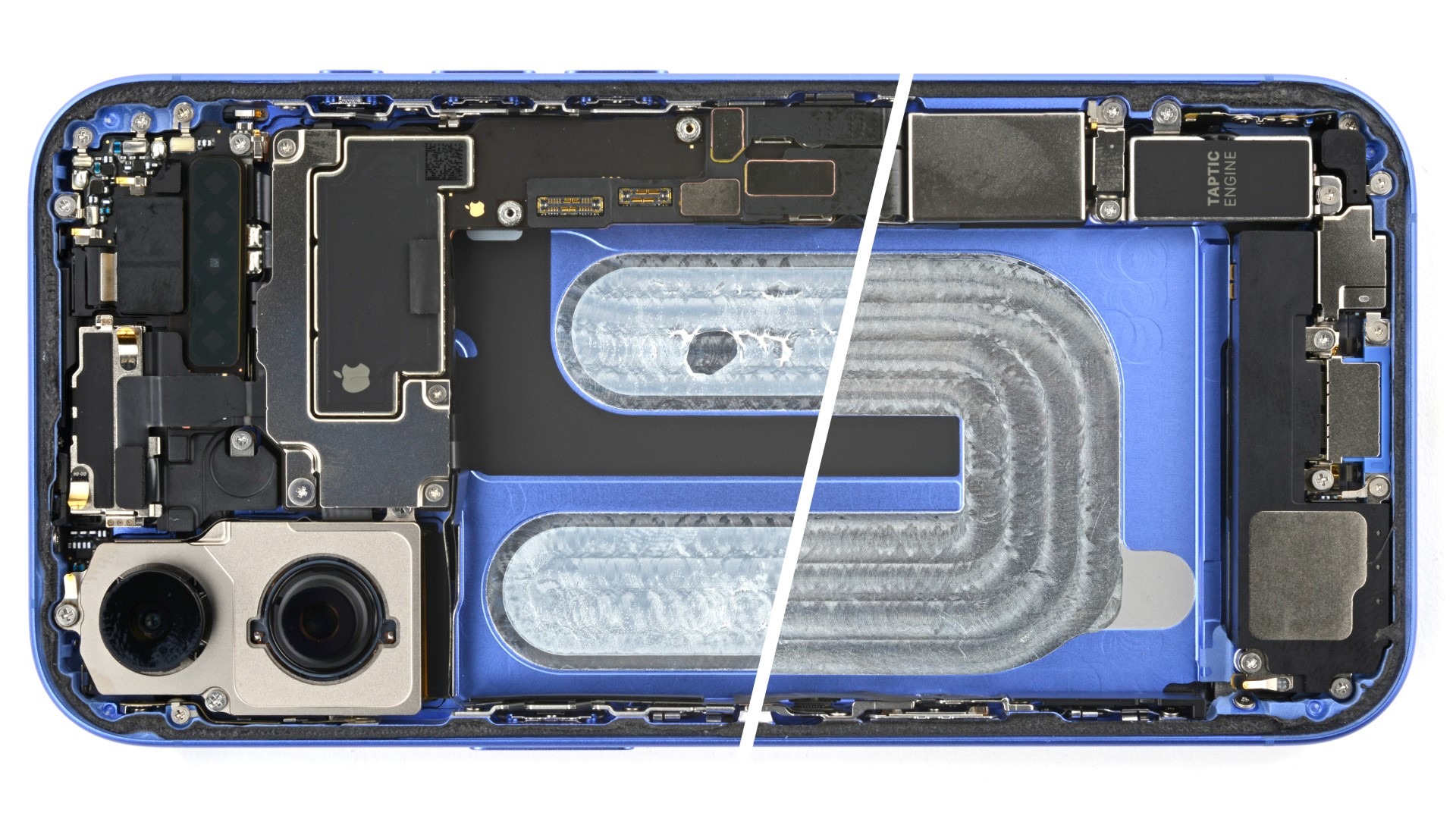
Android liquid damage under the screen occurs when moisture seeps between the display layers or reaches internal components beneath the panel. Unlike spills on the surface, this type of damage is not always visible immediately. Consequently, users continue using the phone, unaware of the growing internal corrosion.
Over time, moisture reacts with metal contacts and circuits. As a result, screen quality deteriorates, touch response fails, and the device may stop functioning entirely. That is why early detection and repair are essential.
Common Causes of Android Liquid Damage Under the Screen
Understanding how liquid enters your device helps prevent future damage.
Spills and Accidental Exposure
Even a small spill can travel through speaker grills, charging ports, or button gaps. Eventually, liquid reaches the screen assembly.
Humidity and Steam
Using phones in bathrooms or kitchens exposes them to steam. Over time, condensation forms inside the device, leading to Android liquid damage under the display.
Rain and Pocket Moisture
Light rain or sweat may not seem harmful. However, repeated exposure allows moisture to accumulate under the display.
Improper Drying After Water Contact
Many users attempt quick fixes. Unfortunately, improper drying traps moisture inside, worsening internal damage.
Symptoms of Liquid Damage Under an Android Screen
Unlike cracked screens, liquid damage shows subtle warning signs.
Visual Screen Changes
- Dark spots or blotches
- Discoloration or rainbow lines
- Flickering or dim display
- Uneven brightness
Touchscreen Problems for Android Liquid Damage Under the Screen
- Delayed response
- Ghost touches
- Partial touch failure
Performance and Hardware Issues
- Sudden shutdowns
- Overheating
- Charging problems
- Speaker or camera failure
Because these symptoms worsen gradually, users often ignore them. Therefore, early inspection is critical.
Why Android Liquid Damage Under the Screen Is Dangerous
Although the phone may still work initially, moisture continues spreading internally.
Hidden Corrosion
Liquid corrodes connectors and chips beneath the screen. As a result, damage progresses even when the phone appears dry.
Risk to Data for Android Liquid Damage Under the Screen
If corrosion reaches storage or logic components, data recovery becomes difficult or impossible.
Increased Repair Costs
Delaying repair often leads to full screen replacement or motherboard repair, which costs more.
Therefore, immediate professional attention prevents long-term damage.
Mistakes to Avoid After Android Liquid Damage Under the Screen Damage
Many users unintentionally make the situation worse.
Avoid These Common Errors
- Charging the phone while wet
- Using hair dryers or heat guns
- Shaking the phone aggressively
- Opening the device without tools
- Placing the phone in rice
Although these methods seem helpful, they often push moisture deeper inside. Instead, proper diagnosis is required.
Immediate Steps to Take After Liquid Exposure
While professional repair is ideal, quick action helps limit damage.
What You Should Do
- Power off the device immediately
- Remove the case and SIM tray
- Keep the phone upright
- Avoid pressing buttons
These steps reduce electrical damage until expert repair begins.
Professional Repair Methods for Android Liquid Damage Under the Screen
Experienced technicians use advanced procedures to restore devices safely.
Professional Diagnostic Process
- Internal inspection under magnification
- Moisture detection and corrosion mapping
- Screen and connector testing
Repair Techniques Used
- Ultrasonic cleaning to remove corrosion
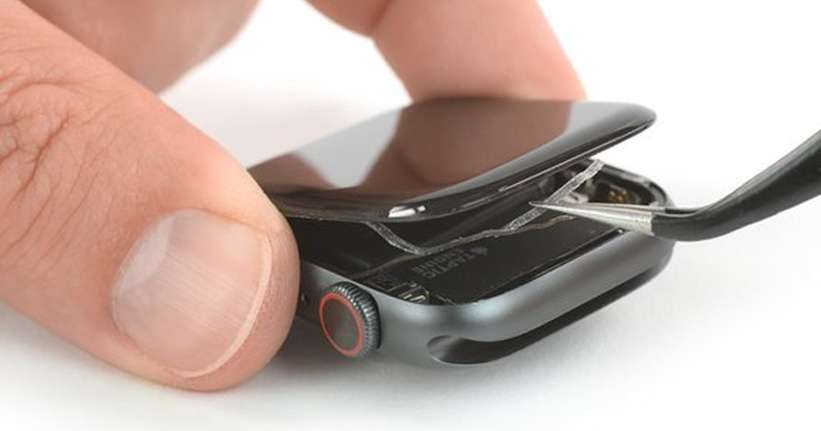
- Display separation and internal drying
- Connector and circuit restoration
- Screen replacement when necessary
As a result, professionals stop corrosion and restore functionality without risking data.
Can Android Liquid Damage Under the Screen Be Repaired Without Screen Replacement?
Yes, in many cases. If moisture has not damaged the display layers permanently, technicians can clean and dry the internal components successfully. However, if dark spots or pixel damage persist, screen replacement becomes unavoidable.
Therefore, early repair increases the chance of saving the original display.
Data Safety After Liquid Damage
Data loss is one of the biggest concerns for users.
Is Data Recoverable?
In most cases, yes. If the motherboard remains intact, professionals can recover data even if the screen fails. Consequently, timely repair protects valuable information.
Why Choose Professional Repair Instead of DIY?
DIY attempts often worsen damage due to lack of tools and expertise.
Benefits of Professional Repair
- Accurate diagnostics
- Safe moisture removal
- High success rate
- Protection of internal data
Therefore, professional repair ensures long term reliability.
Why Choose Milaaj Mobile Repair for Android Liquid Damage
When facing Android liquid damage under the screen, choosing the right repair center matters. Milaaj mobiles and laptop repair Al Barsha provides expert solutions for liquid damaged Android devices using industry-standard techniques.
Key Advantages
- Low price: Cost-effective repair options
- Speed repairing: Same-day service for most liquid damage cases
- Convenience: Clear communication and hassle-free service
- Part quality: High-quality replacement parts when required
As a result, customers receive reliable repairs with long-lasting results.
Preventing Android Liquid Damage Under the Screen
Prevention is always better than repair.
Protective Measures
- Use water-resistant cases
- Avoid humid environments
- Keep phone away from liquids
- Dry device immediately after exposure
By following these habits, users significantly reduce future risks.
FAQs About Android Liquid Damage Under the Screen
Can Android liquid damage under the screen spread?
Yes. Moisture spreads internally over time if not treated.
How long does liquid damage repair take?
Most repairs are completed within a few hours to one day.
Is liquid damage covered under warranty?
Usually not. Professional repair is required.
Can the phone work temporarily after liquid damage?
Yes, but corrosion continues internally, leading to eventual failure.
Conclusion: Android Liquid Damage Under the Screen
In conclusion, Android liquid damage under the screen is a serious issue that should never be ignored. Although the damage may not appear immediately, hidden moisture slowly destroys internal components. Fortunately, with quick action and professional repair, most devices can be restored safely without data loss.
Ultimately, understanding the causes, recognizing early symptoms, avoiding common mistakes, and choosing expert repair ensures your Android phone remains functional, reliable, and protected for the long term.
Other Services:
- Need other mobile phone repairs? Check out Milaaj’s mobile repair services in Dubai.
- Looking to upgrade? Learn about selling your used mobile in Dubai.
- Data loss concerns? Visit Milaaj’s data recovery services.
📍 Visit Any Milaaj Branch in Dubai
🔹 Bur Dubai
Milaaj Mobile and Laptop Repair Dubai
📞 055 258 8477
🔗 Google Maps
🔹 Al Barsha
Milaaj Mobiles and Laptop Repair Al Barsha
📞 052 596 2846
🔗 Google Maps
🔹 Al Barsha 3
Milaaj Mobiles and Gaming Store
📞 052 3405 814
🔗 Google Maps
🔹 Al Nuaimiya
Milaaj Mobiles and Laptops Ajman
📞 055 788 9654
🔗 Google Maps
Shop Locations: Al Barsha | Bur Dubai | Reef Mall, Salah Al Din | Al Nuaimiya, Ajman
Email: support@milaaj.com
Operating Hours: Monday – Sunday
Leave a Reply