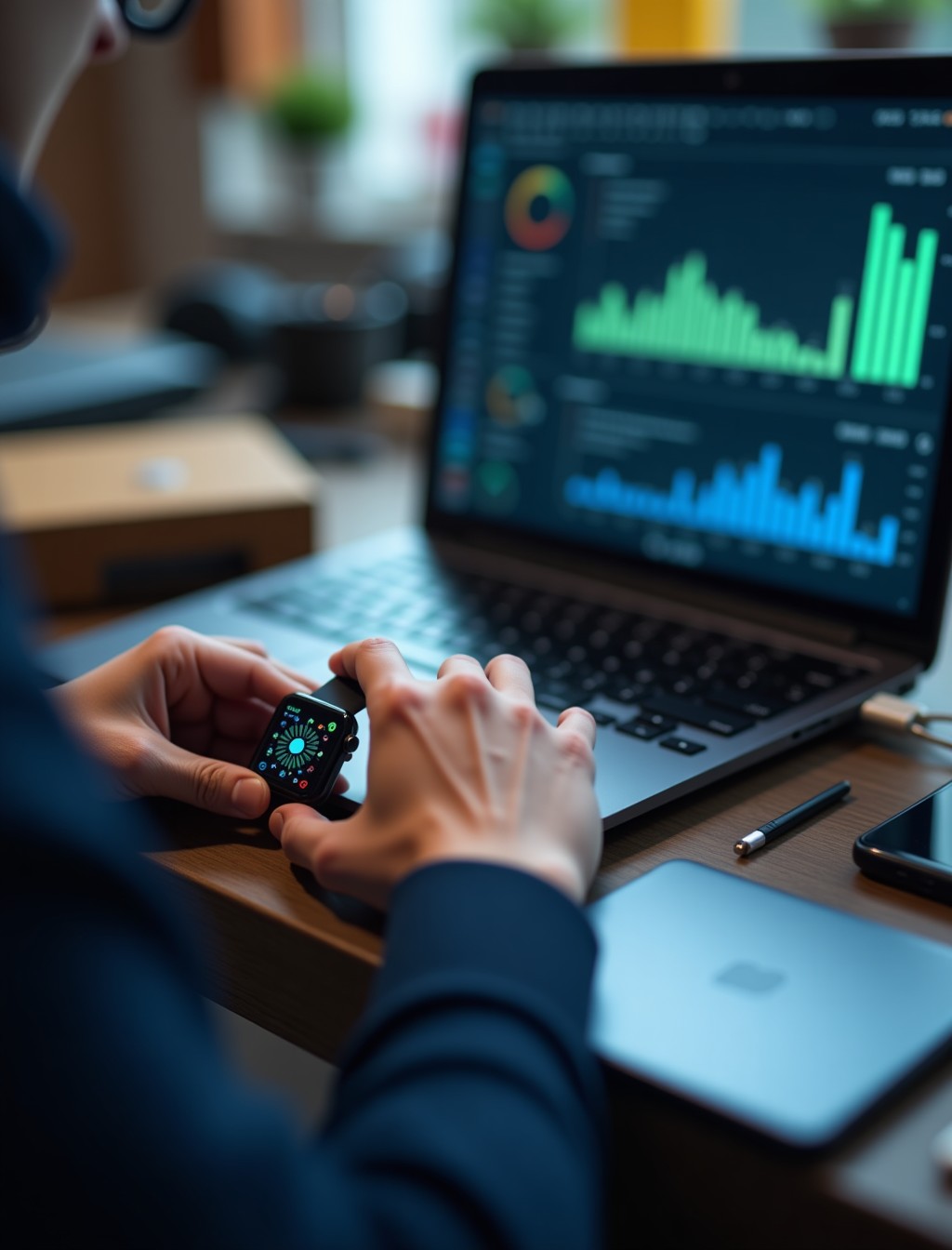
An Apple Watch stuck on the Apple logo, one that will not pair with your iPhone, or an app that keeps crashing usually points to a software fault rather than a hardware failure. These issues can be just as disruptive as a cracked screen, but the fix is completely different and often faster once the cause is confirmed. Pairing problems in particular are unique to how the watch depends on your iPhone, which makes diagnosis a little different from a standalone device. At Milaaj, our technicians run a proper diagnostic first to confirm the problem is genuinely software before touching anything else.
Software faults on an Apple Watch range from a simple stuck update to a pairing issue with your iPhone or deeper firmware corruption that needs a full restore. Treating a minor glitch the same way as a serious fault usually wastes time and money, so we match the fix to what is actually wrong rather than defaulting to the most drastic option.
Whether the issue appeared after a watchOS update, started after your watch and iPhone stopped syncing properly, or came out of nowhere, we can identify the cause before any work begins.
Signs Your Apple Watch Has a Software Problem
These are the symptoms our technicians see most often when the fault sits in software rather than hardware.
- Stuck on the Apple logo or caught in a restart loop. This usually points to a corrupted system file or a watchOS update that never completed properly.
- Watch will not pair or stay paired with your iPhone. This can trace back to a corrupted pairing profile rather than a fault with either device’s hardware.
- Apps freezing, crashing, or closing unexpectedly. If this happens across multiple apps rather than just one, the underlying watchOS installation is likely the cause.
- A watchOS update that fails, stalls, or will not install. This can leave the watch in a partially updated state that causes further instability.
- Extremely slow performance that did not improve after a restart. Corrupted cache files or a nearly full storage drive are common culprits behind this kind of slowdown.
- Health and fitness data not syncing to your iPhone correctly. This often traces back to a software sync issue rather than a sensor fault.
Common Causes of Apple Watch Software and Pairing Issues in Dubai
Knowing what triggered the fault helps us choose the right level of fix, from a simple reset to a full restore.
- A failed or interrupted watchOS update. Losing connection to your iPhone or running low on battery mid update can leave core system files incomplete.
- A corrupted pairing profile between your Apple Watch and iPhone. This can develop after an iPhone software update, a failed unpair and re-pair attempt, or general profile corruption over time.
- Insufficient storage during an update or restore. watchOS needs a certain amount of free space to update safely, and running out mid process often causes lasting instability.
- Corrupted firmware after a previous repair or unauthorized software modification. This can leave the device in a state that standard troubleshooting cannot resolve.
- A corrupted iCloud backup used during a restore. Restoring from a damaged backup can reintroduce the exact fault you were trying to fix in the first place.
Software Issue or Hardware Fault? How We Tell the Difference
Many customers assume a black screen or a frozen watch means expensive hardware damage, when the actual fault is often much simpler and cheaper to fix.
Likely a Software Issue
- The watch still powers on and shows some response, such as a logo, a spinning wheel, or partial display activity
- The problem started right after an update, a restore, or a re-pairing attempt
- Multiple unrelated functions are affected at once, such as apps crashing alongside sync issues
- The watch has no history of drops, spills, or visible physical damage
Likely a Hardware Fault
- The watch shows no response at all, even after a full charge and a forced restart
- The issue appeared immediately after a drop, spill, or visible impact
- A specific physical function fails consistently, such as one button or the speaker, while everything else works
- The screen shows physical damage such as cracks, discoloration, or dead pixels
If diagnosis points to hardware rather than software, we will tell you plainly and point you toward the right repair instead of running unnecessary software fixes.
Apple Watch Pairing, Update, and Restore Problems Explained
These three issues often get lumped together as general software glitches, but each has its own likely cause and fix.
- Pairing issues. If your watch will not connect to your iPhone, or keeps disconnecting, this often traces back to Bluetooth interference, an outdated iOS or watchOS version, or a corrupted pairing profile that needs to be reset.
- Update issues. A watchOS update that stalls or fails partway can leave the system in an unstable state, and forcing a restart mid update can sometimes make the problem worse rather than better.
- Restore issues. Restoring from a backup should return your watch to normal, but a corrupted backup can reintroduce the same fault, which is why we check backup integrity before relying on it.
all series
Apple Watch Software Support for Every Series in Dubai
Software behavior and update compatibility vary across the Apple Watch range, so the right fix depends on which model and watchOS version you are running.
- Apple Watch Ultra 3, Ultra 2, and Ultra: running the current watchOS release with full feature support.
- Apple Watch Series 11, Series 10, and Series 9: fully supported on the current watchOS release.
- Apple Watch Series 8 and Series 7: supported on recent watchOS versions, though some newer features may not be available.
- Apple Watch SE 3 and SE 2: fully supported on the current watchOS release.
- Older Apple Watch models no longer receiving watchOS updates: we can still troubleshoot and restore these to their last supported software version.
step by step process
Our Apple Watch Software Troubleshooting and Restore Process in Dubai
Every software repair follows a structured sequence designed to fix the fault without putting your data at unnecessary risk.
1
Free diagnostic check. We run a full assessment to confirm the fault is software related and identify its likely cause before recommending anything.
2
Data and pairing review. Before any deeper fix, we check your pairing status and take steps to preserve your data where possible.
3
Targeted software fix. Depending on severity, this can range from a simple reset or re-pairing to a full watchOS reinstall or restore.
4
System verification. Once restored, we confirm the watch boots cleanly, pairs correctly, and updates install without issue.
5
Final quality check. We test apps, syncing, and connectivity before handing the watch back to you fully functional.
why milaaj
Why Choose Milaaj for Apple Watch watchOS Repair in Dubai
Software faults are often mistaken for hardware failure, and getting the diagnosis right the first time saves you an unnecessary repair.
- 35,000+ customers served across the UAE, with Apple Watch and iPhone software issues resolved regularly.
- Certified technicians experienced in diagnosing and restoring every Apple Watch generation still in daily use.
- Data privacy practiced on every device, with no unnecessary access to your personal files or accounts.
- Up to 12 months parts and labor warranty, covering any hardware component if diagnosis reveals one alongside the software fault.
- Free diagnostics with no obligation to proceed once you know what is actually wrong.
- Free pickup and delivery across Dubai, so a software fault does not mean a trip across the city.
- 24/7 support available in Arabic, English, Urdu, Hindi, Malayalam, and Tamil.
Related Repairs
- Apple Watch Charging Issues Repair Dubai – Some charging glitches trace back to a software fault rather than hardware, making this a useful cross link for related diagnosis.
- Apple Watch Water Damage Repair Dubai – Liquid exposure can cause software instability that looks identical to a firmware fault, so this is a relevant companion page.
- Apple Watch Digital Crown Repair Dubai – A crown that spins without effect can sometimes trace back to a software fault rather than hardware, making this a useful next step if software diagnosis comes back clear.
- Apple Watch Trade In / Buyback – Relevant for older Apple Watches no longer receiving software updates where a repeated software issue makes replacement worth considering.
FAQs
Frequently Asked Questions About Apple Watch Software Repair
Will I lose my data during a software repair?
We take steps to preserve your data wherever the fault allows it, though some deeper restores require wiping the watch. We always explain this clearly before proceeding, and where wiping is unavoidable we talk you through your backup options first so there are no surprises.
Why won’t my Apple Watch pair with my new iPhone?
This is often caused by an outdated iOS or watchOS version, a leftover pairing profile from the previous phone, or a Bluetooth conflict. Our diagnostic identifies the exact cause rather than guessing, so the fix actually resolves it the first time.
Can a stuck update always be fixed without losing data?
Not always, since severe firmware corruption sometimes requires a full restore that erases the watch. Our diagnostic tells us which path is genuinely needed before we touch anything, so you are never guessing at the outcome beforehand.
Does a slow Apple Watch always mean it needs a software repair?
Not necessarily, since a full storage drive or an aging battery can also cause noticeable slowdown without any deeper software fault. Diagnosis rules out the simpler causes before recommending anything more involved.
How long does an Apple Watch software repair take?
Most straightforward software fixes are completed same day, though a full restore involving backup verification can take longer depending on the situation.
Can old Apple Watch models that no longer get updates still be repaired?
Yes, we can troubleshoot and restore older Apple Watches to their last supported watchOS version even though Apple has stopped releasing new updates for them.
Can a bad Wi-Fi or Bluetooth connection cause the same symptoms as a real software fault?
Yes, connectivity issues on either the watch or the paired iPhone can look identical to a deeper software problem. Our diagnostic checks connectivity first, since it is often the simpler and faster fix.
Apple Watch Stuck, Frozen, or Won’t Pair?
A frozen screen, a stuck update, or a watch that will not pair does not mean it needs replacing. Book your Apple Watch software repair in Dubai with Milaaj and our technicians will confirm exactly what is wrong before any work begins.
Contact us
Get Your Apple Watch Running Smoothly Again
With free diagnostics, careful data handling, and up to 12 months warranty where hardware is involved, you can get back to using your Apple Watch normally without unnecessary guesswork. Get in touch and we will take care of the rest.