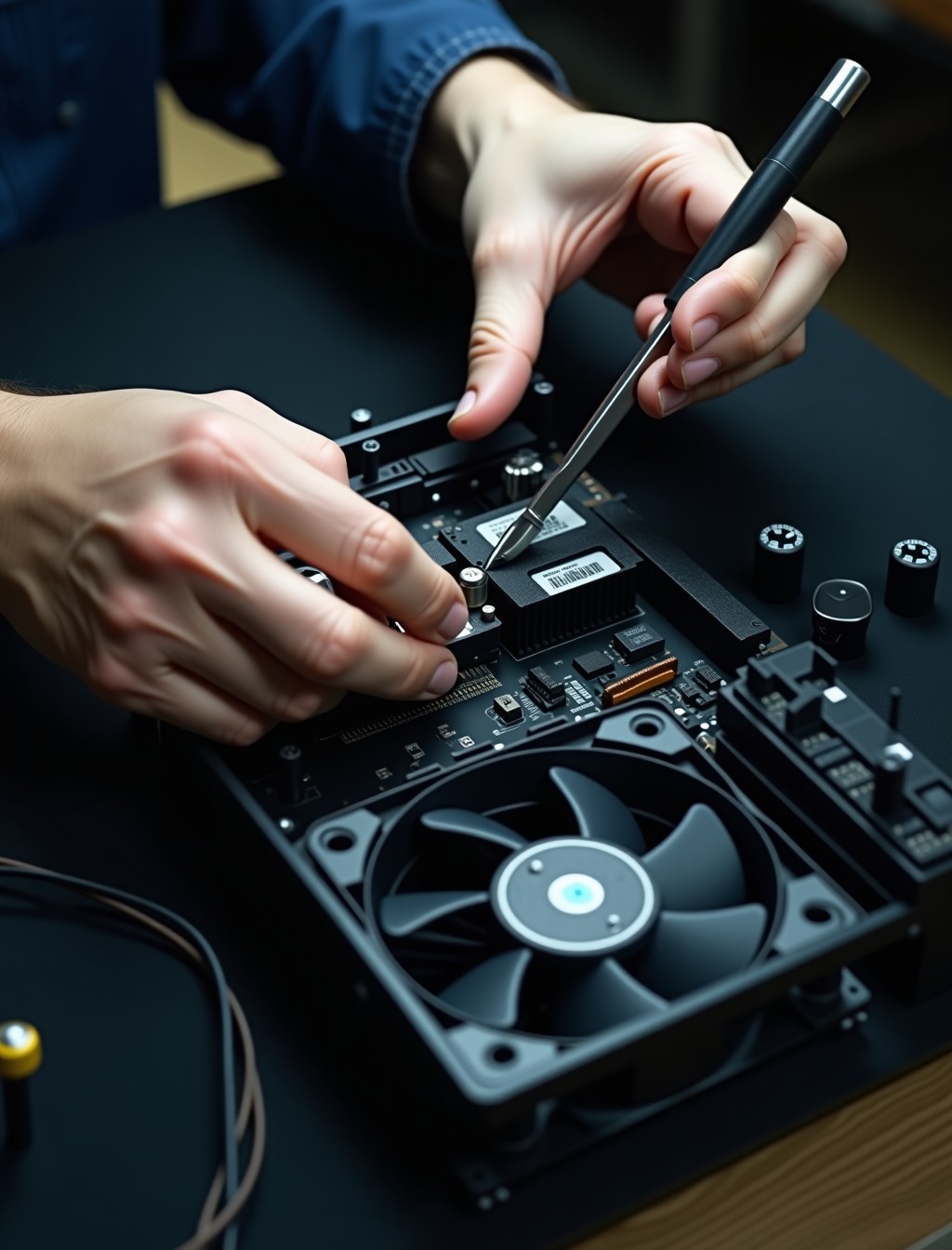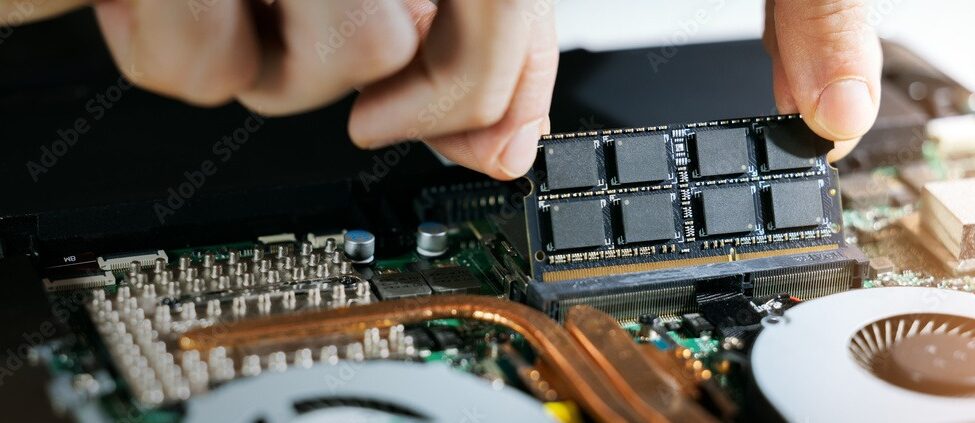
A desktop that keeps overheating, throttling under load, or filling the room with a whining or grinding noise usually has a cooling problem before it has anything else. Dubai’s climate does not help either, since ambient heat and dust both push a struggling fan closer to failure faster than in cooler, cleaner environments.
Milaaj’s computer fan repair service in Dubai covers CPU fans, case fans, GPU fans, and the fans built into power supply units, since each one fails differently and each one puts a different part of your PC at risk. We diagnose which fan is actually the problem before recommending anything.
Left alone, a failing fan rarely stays a small issue. Sustained overheating shortens the life of the CPU, GPU, and even the motherboard around it, so a fan that looks like a minor annoyance today can turn into a much larger repair bill if it is ignored for months.
Dust is the single biggest factor we see across Dubai homes and offices, since fine sand and construction dust work their way into cases faster here than in most cities. A PC that has never been opened for cleaning is one of the most common reasons a fan starts working harder than it should.
Signs Your Computer Fan Needs Repair
Fan problems are usually audible or thermal before they cause an actual shutdown. Watch for these warning signs.
- Loud grinding or rattling noise: Often a worn bearing inside the fan motor, which only gets louder over time.
- PC feels hot to the touch and throttles performance: Games or heavy tasks slow down noticeably as the system tries to protect itself from excess heat.
- Fan spins at full speed constantly: A sign the system is struggling to cool itself even at idle, often due to a dust-clogged heatsink.
- Random shutdowns during demanding tasks: A thermal safety cutoff triggered by internal temperatures reaching unsafe levels.
- One fan visibly not spinning at all: Easy to check by opening the case or listening closely near each fan location.
- Burning dust smell shortly after startup: Usually harmless residual dust burning off a fan motor, but worth a check if it persists.
- Noticeably louder than when the PC was new: Bearings wear gradually, so a fan that has crept from quiet to noisy over months is often close to failing outright.
step by step process
Our Cooling and Fan Service Process
We treat cooling issues as a system-wide check, not just a single part swap.
1
Free diagnostics and thermal check
We monitor temperatures across the CPU, GPU, and case while the PC runs under load.
2
Physical inspection
Every fan, heatsink, and vent is checked for dust buildup, worn bearings, or physical damage.
3
Cleaning and re-pasting where needed
Dust removal and fresh thermal paste often resolve overheating issues on their own.
4
Fan replacement where required
Faulty fans are replaced with parts matched to your system’s original specifications.
5
Airflow and case configuration review
We check whether your case layout is helping or working against proper cooling.
6
Post-repair stress testing
The system runs under sustained load again to confirm temperatures stay within safe limits.
Most fan issues do not require touching your storage drive or reinstalling anything, so your files, programs, and settings stay exactly as you left them. The only exception is a case where prolonged overheating has already caused instability elsewhere, in which case we flag that separately during diagnostics rather than folding it silently into the cooling fix.
Which Fan Is Failing? CPU vs Case vs GPU
Desktops run several fans at once, and each one fails in a slightly different way. This table shows what our technicians look for during diagnostics.
| Fan | Common Symptom | What We Check |
|---|---|---|
| CPU fan | System throttles or shuts down only under heavy load | Fan speed curve, thermal paste condition, heatsink dust buildup |
| Case fan | Overall internal temperatures run high even at idle | Intake and exhaust airflow, dust filters, fan orientation |
| GPU fan | Graphics stutter or artifact only during gaming or rendering | GPU fan curve, card temperature under load, dust on the heatsink fins |
| PSU fan | Buzzing or rattling noise from the rear of the case | Fan bearing condition, internal PSU temperature, airflow clearance |
If more than one fan shows symptoms at once, it usually points to a case airflow problem rather than several fans failing at the same time, which our diagnostics will confirm either way. Poor cable routing, missing dust filters, and cases with too few intake points are common culprits behind that kind of system-wide heat buildup.
all brands
Desktop and Gaming PC Brands We Cool and Repair
We service cooling systems across every major brand and build type common in Dubai homes and offices.
- Dell and HP desktops: OptiPlex Micro and Plus, HP Pavilion, ProDesk, and EliteDesk towers with standard case and CPU fan configurations.
- Lenovo and Acer PCs: ThinkCentre and Aspire desktops, along with Predator Orion gaming towers built for higher airflow.
- Custom-built PCs: Air and liquid cooling setups from Noctua, Corsair, and NZXT fitted in self-built and system-integrator machines.
- Gaming PCs and prebuilt rigs: Alienware Aurora, HP Omen, and boutique builds from iBUYPOWER and NZXT running multi-fan configurations to cool current Intel Core Ultra and AMD Ryzen platforms under sustained load.
- All-in-one desktops: Compact internal fans that need careful handling due to limited space and tightly packed components.
why milaaj
Why Dubai Trusts Milaaj for Cooling Repairs
Beyond fixing the fault, here is what keeps customers coming back for their next repair too.
- Real repair experience: Over 4 years fixing devices across Dubai, with 17,200+ repairs completed to date.
- Trusted by thousands: 35,000+ customers served, backed by a 4.9 rating from 400+ Google reviews and 98% positive feedback.
- Free, no-obligation diagnostics: You will know the fault and the cost before you commit to anything.
- Genuine and premium-grade parts: Every replacement fan meets OEM or premium-grade standards, never generic substitutes.
- Warranty you can rely on: Up to 12 months parts-and-labor warranty on completed repairs.
- Convenient pickup and delivery: Free collection and drop-off anywhere in Dubai.
- Support in your language: Our team assists customers in Arabic, English, Urdu, Hindi, Malayalam, and Tamil.
- Always reachable: 24/7 support for questions before, during, and after your repair.
Related Repairs
- Computer Motherboard Repair Dubai – sustained overheating from a failing fan is a common contributor to board damage, making this a relevant next step for users with a long-ignored cooling issue.
- Computer Power Supply Repair Dubai – a buzzing or rattling PSU fan is often the first visible sign of a failing power supply, so this page is a natural related-service link.
- Computer Water Damage Repair Dubai – liquid exposure can damage fan motors and bearings directly, making this a relevant cross-link for spill-related cases.
- Computer SSD Upgrade Dubai – customers addressing performance and heat issues together are often good candidates for a storage upgrade during the same visit.
FAQs
Frequently Asked Questions About Computer Fan Repair
How much does it cost to fix a computer fan in Dubai?
Cost depends on whether the fix is a clean and re-paste job or a full fan replacement. We confirm this with a free diagnostic and give you a clear quote before starting any work.
Can I just clean the fan myself instead of replacing it?
Sometimes, yes, if dust buildup is the only issue. If the bearing is worn or the motor is failing, cleaning alone will not fix the noise or the overheating, which our diagnostic will confirm. We can also advise on safe basic maintenance you can do yourself between visits.
Why is my gaming PC louder than it used to be?
Usually dust buildup on the fans and heatsinks, or a fan bearing starting to wear out under the higher heat load that gaming produces. Both are quick to check during a free diagnostic.
Does overheating actually damage my PC long term?
Yes. Sustained high temperatures shorten the lifespan of the CPU, GPU, and surrounding components, so fixing a cooling issue early is usually cheaper than repairing the damage it causes later.
How long does it take to fix a noisy or overheating fan?
Cleaning and re-pasting is often same-day. A fan replacement depends on parts availability for your specific model, and we will give you a realistic estimate after diagnostics.
Will fixing the fan affect my files or settings?
No. Fan and cooling repairs are entirely separate from your storage drive, so your files, programs, and settings are not touched during this repair.
Does the UAE climate make fan problems worse in Dubai?
Yes, noticeably. Fine dust and higher ambient temperatures both push fans and thermal paste to wear out faster here than in cooler, less dusty climates, which is why we see more cooling-related repairs than almost any other single category.
PC Overheating or Making Noise?
An overheating PC is not something to leave for later. Beyond the noise and the slowdowns, sustained heat quietly shortens the life of components that are far more expensive to replace than a fan. A same-day cleaning visit today is almost always cheaper than the CPU or motherboard repair that follows a year of unchecked heat stress.
Contact us
Keep Your PC Running Cool
Bring your desktop or gaming PC to Milaaj for a free thermal diagnostic, or book our pickup and delivery service and we will collect it from anywhere in Dubai. Our certified technicians will identify exactly which fan or airflow issue is causing the problem and fix it properly.