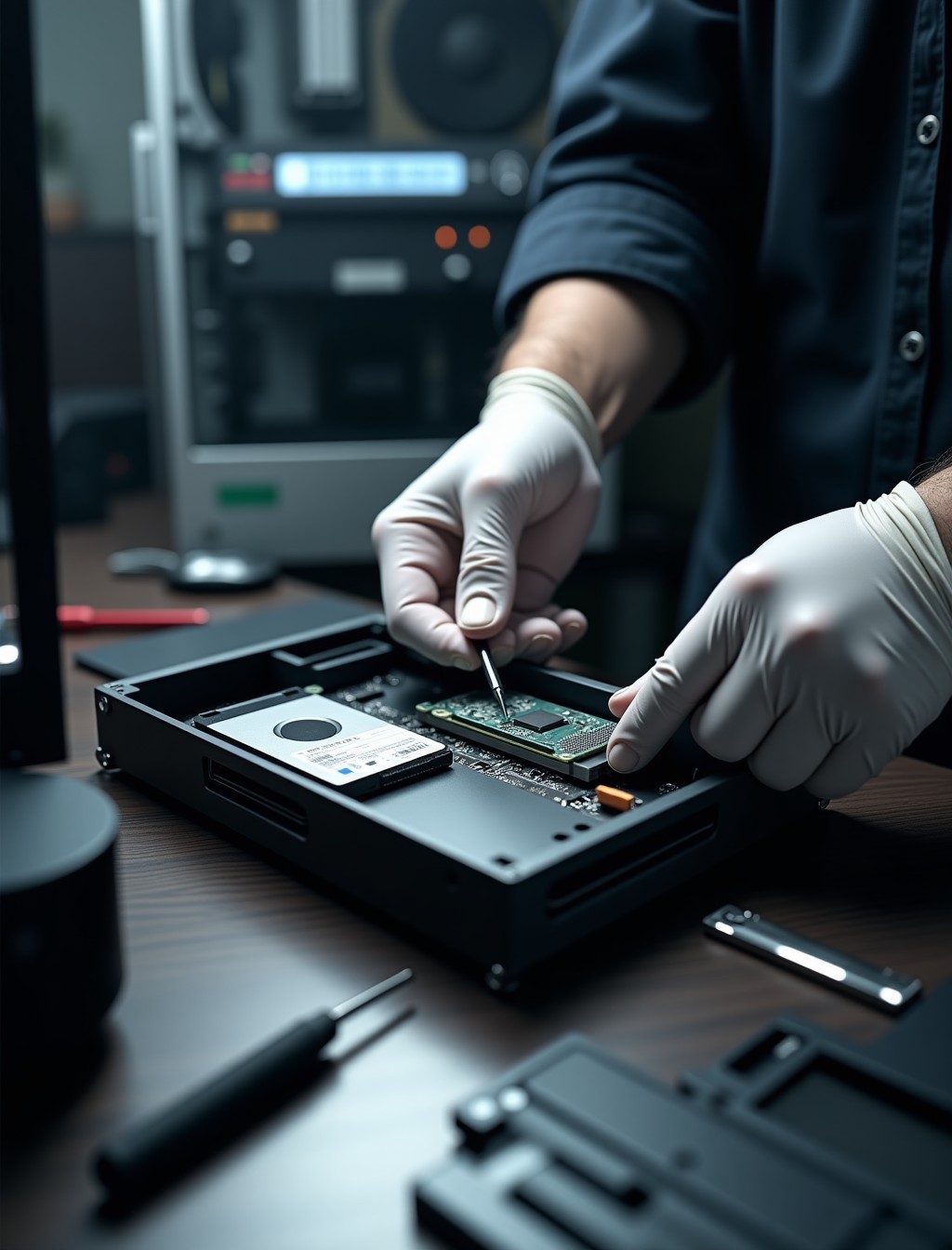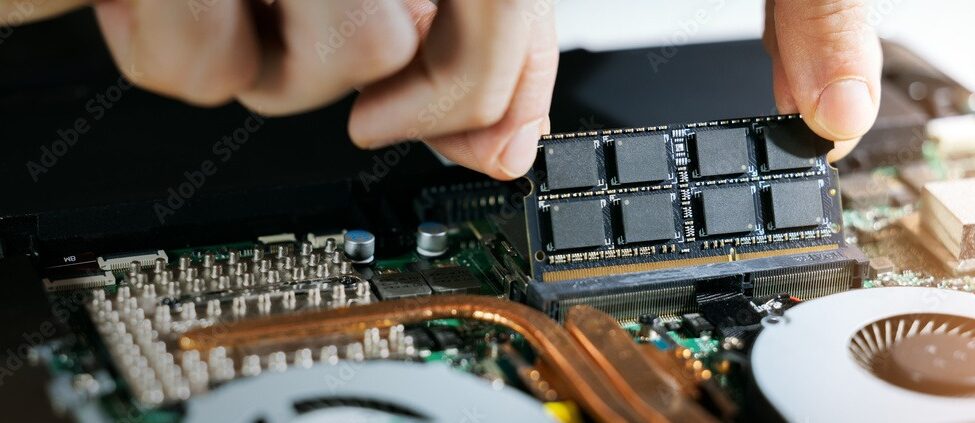
If your desktop takes minutes to boot, freezes while opening basic programs, or grinds to a halt the moment you open more than a few applications at once, the hard drive is very often the actual bottleneck, not the processor or the RAM. A traditional spinning hard drive is now the slowest part of almost any PC still running one, no matter how capable the rest of the hardware is.
Milaaj’s computer SSD upgrade service in Dubai replaces or adds a solid-state drive to your desktop or gaming PC, cloning your existing setup so you keep everything exactly as it was, just noticeably faster. Unlike a laptop, a desktop tower usually has room to keep your old hard drive in place as extra storage rather than removing it entirely.
The performance difference is not subtle. Boot times that took over a minute often drop to under fifteen seconds, and programs that used to hang while loading open almost instantly once everything is running from an SSD instead of a mechanical drive.
This is also one of the more cost-effective upgrades available for an aging PC. A processor or graphics card upgrade often means replacing far more of the system, while moving to solid-state storage transforms how the whole machine feels for a fraction of that cost.
Signs Your PC Could Use Faster Storage
If several of these sound familiar, a storage bottleneck is likely a bigger factor than people usually assume.
- Boot time creeping past a minute: A clear sign the drive can no longer keep up, since this is one of the most storage-dependent tasks a PC performs.
- Programs freeze briefly when opening or saving files: The drive is struggling to keep pace with requests from the rest of the system.
- Windows updates take hours instead of minutes: A slow drive turns what should be a quick background task into a major slowdown.
- Clicking or grinding noise from inside the case: A mechanical hard drive nearing the end of its life, which is worth addressing before it fails outright.
- File transfers crawl even over a fast connection: The drive itself, not your network, is often the actual limiting factor.
- PC feels slower than it used to, despite no other changes: Aging mechanical drives degrade gradually, so the slowdown often creeps up unnoticed.
step by step process
How We Migrate You to a Solid-State Drive
We treat this as a migration, not just a swap, since getting your data across intact matters more than the hardware itself.
1
Free consultation and drive assessment
We check your current drive, available slots, and what capacity and speed actually make sense for how you use the PC.
2
Full data backup before any work begins
Your files are backed up before we touch the original drive, as a safeguard regardless of how routine the upgrade is.
3
Drive cloning
Your operating system, programs, and files are cloned directly to the new SSD, so you do not have to reinstall anything.
4
Physical installation
The SSD is fitted and connected, keeping your old drive in place as secondary storage where the case allows for it.
5
Boot configuration and verification
We confirm the PC boots correctly from the new drive and that everything transferred without issue, checking startup programs and settings along the way.
6
Performance testing
Boot times and read and write speeds are tested to confirm the upgrade delivered the expected improvement.
Cloning is the part most people worry about unnecessarily. It is a routine, well-tested process for us, and the backup step beforehand means there is always a safety net even in the rare case something needs to be redone.
NVMe vs SATA SSD: Which Is Right for Your PC?
Not every desktop can use every SSD type, and the right choice depends on your motherboard and what you actually need the speed for.
| NVMe SSD | SATA SSD | |
|---|---|---|
| Speed | Significantly faster, connects directly to the motherboard via an M.2 slot | Still far faster than a hard drive, but capped by the SATA interface |
| Compatibility | Requires a free M.2 slot on the motherboard, not present on every desktop | Works in almost any desktop with a spare SATA port and cable |
| Best for | Gaming, video editing, and any task involving large file transfers | General use, office work, and budget-conscious upgrades |
| Typical cost | Higher per gigabyte than SATA | More affordable per gigabyte for larger capacities |
If you are not sure which your motherboard supports, that is exactly what our free consultation covers. Fitting an NVMe drive into a system without a compatible slot simply is not possible, so confirming this first avoids buying the wrong part and having to return it or start the process over.
all brands
Desktop and Gaming PC Brands We Upgrade
We fit SSDs across every major brand and build type common in Dubai homes and offices.
- Dell and HP desktops: OptiPlex Micro and Plus, HP Pavilion, ProDesk, and EliteDesk towers, including models with limited internal drive bays.
- Lenovo and Acer PCs: ThinkCentre and Aspire desktops, along with Predator Orion gaming towers.
- Custom-built PCs: ASUS, MSI, and Gigabyte motherboards with varying numbers of M.2 slots and SATA ports.
- Gaming PCs and prebuilt rigs: Alienware Aurora, HP Omen, and boutique builds from iBUYPOWER and NZXT, where an NVMe upgrade often delivers the biggest gaming load-time improvement.
- All-in-one desktops: Compact internal layouts where drive access requires more careful disassembly than a standard tower.
why milaaj
Why Dubai Trusts Milaaj for Storage Upgrades
Beyond fitting the drive, here is what keeps customers coming back for their next upgrade too.
- Real repair experience: Over 4 years fixing and upgrading devices across Dubai, with 17,200+ jobs completed to date.
- Trusted by thousands: 35,000+ customers served, backed by a 4.9 rating from 400+ Google reviews and 98% positive feedback.
- Free, no-obligation consultation: You will know exactly which drive fits your PC and what it costs before you commit to anything.
- Genuine and premium-grade parts: Every SSD fitted meets OEM or premium-grade standards, never generic substitutes.
- Warranty you can rely on: Up to 12 months parts-and-labor warranty on completed upgrades.
- Convenient pickup and delivery: Free collection and drop-off anywhere in Dubai.
- Support in your language: Our team assists customers in Arabic, English, Urdu, Hindi, Malayalam, and Tamil.
- Always reachable: 24/7 support for questions before, during, and after your upgrade.
Related Repairs
- Computer RAM Upgrade Dubai – customers addressing storage speed are often good candidates for a memory upgrade in the same visit, especially for multitasking-heavy use.
- Computer Software Repair Dubai – some slowdowns turn out to be a software or malware issue rather than a storage bottleneck, worth ruling out first.
- Computer Fan Repair Dubai – customers already having their PC opened for an upgrade are a good opportunity to check cooling and dust buildup at the same time.
- Data Recovery – relevant for customers with an already failing hard drive who need files recovered before or during the migration to a new SSD.
FAQs
Frequently Asked Questions About Computer SSD Upgrades
Will I lose my files or need to reinstall Windows?
No. We clone your existing drive directly to the new SSD, so your operating system, programs, and files transfer across exactly as they were, without a fresh install or any need to reconfigure your settings afterward.
How much does it cost to move to a faster drive in Dubai?
Cost depends on the capacity and type of drive, NVMe or SATA, that fits your needs and your PC. We confirm this during a free consultation and give you a clear quote before any work begins.
Can I keep my old hard drive as extra storage?
In most desktop towers, yes. Unlike a laptop with a single drive bay, a desktop usually has room to keep the original hard drive installed alongside the new SSD for extra storage, giving you speed and capacity without having to choose between the two.
What size SSD should I get?
It depends on how you use the PC. A smaller drive is often enough if you mainly need faster boot times and keep large files on the old hard drive, while gamers and creative professionals usually benefit from more capacity, particularly if you install several large games at once.
Is a faster drive worth it on an older PC?
Often, yes, particularly if the rest of the hardware is still capable. Storage is frequently the actual bottleneck on an aging PC, so a switch to solid-state can meaningfully extend its useful life at a fraction of the cost of a new system, and it usually pays for itself in patience saved within the first week.
How long does the switch to solid-state take?
Most jobs, including cloning and testing, are completed the same day, though exact timing depends on how much data needs to transfer.
Slow PC With Long Boot Times?
A storage bottleneck is one of the most cost-effective problems to fix on an otherwise capable PC, and the improvement is immediate and obvious from the very first boot. It is often the single upgrade that makes the biggest difference for the least cost of anything you could do to an aging system.
Contact us
Speed Up Your PC Today
Bring your desktop or gaming PC to Milaaj for a free consultation, or book our pickup and delivery service and we will collect it from anywhere in Dubai. Our certified technicians will recommend the right drive for your system and handle the entire migration safely.