

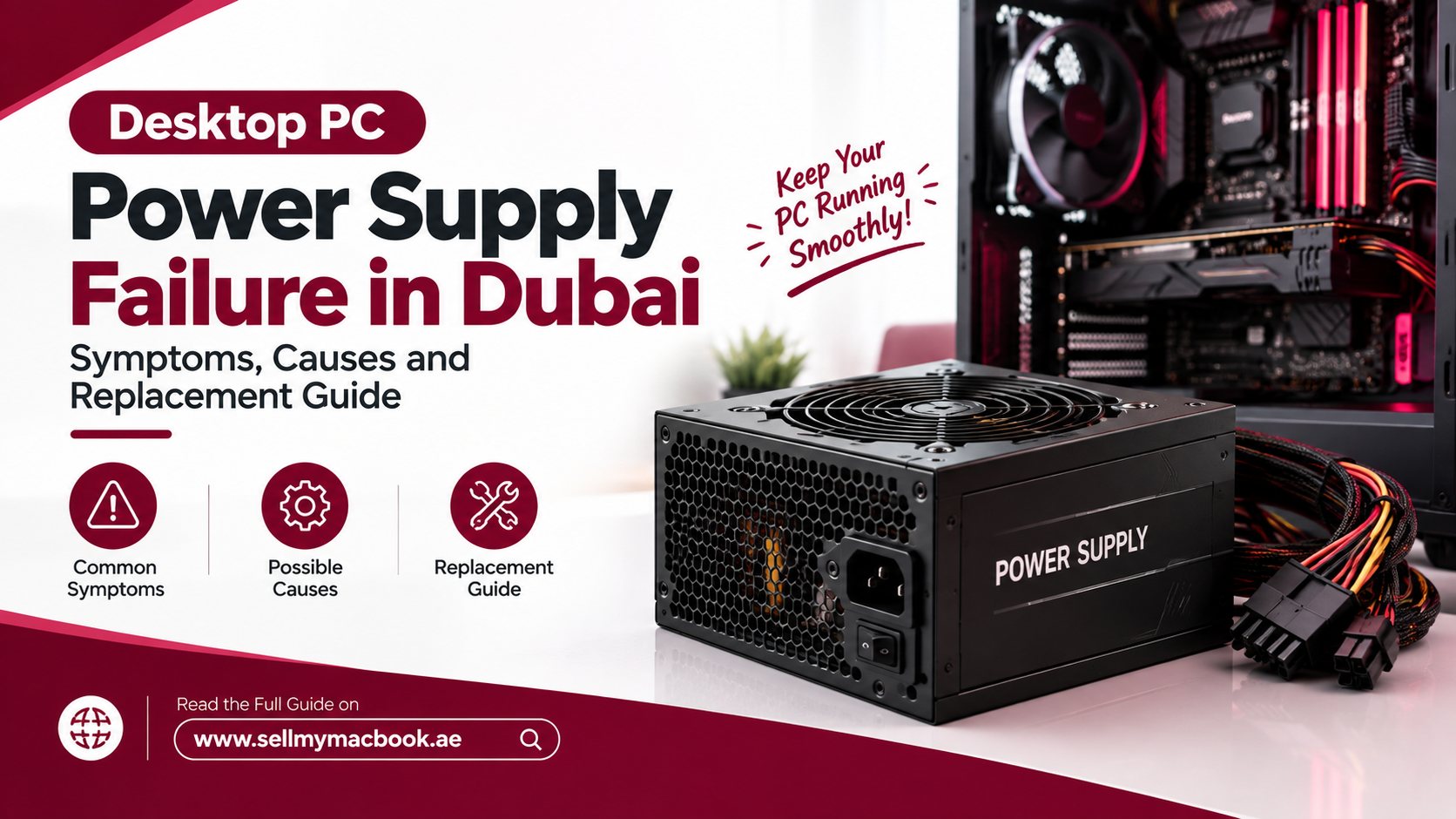
You hit the power button, and nothing happens. Not a beep, not a fan spin, not even that familiar hum you never really noticed until it disappeared. Before you assume your entire computer has died, take a breath, because this is one of the most common desktop problems out there, and it’s often fixable without touching your storage, your data, or anything you actually care about. Let’s talk about desktop PC power supply failure Dubai, what causes it, and exactly how to deal with it properly.
What Does a Power Supply Actually Do?
The power supply unit, commonly called the PSU, converts the electricity coming from your wall outlet into the specific voltages your motherboard, graphics card, and drives actually need to run. It sits quietly doing this essential job every single time you turn your computer on, which is exactly why nobody thinks about it, right up until it fails and takes your entire system down with it.
Common Symptoms of Desktop PC Power Supply Failure Dubai
Recognizing the warning signs early can save you from a sudden, inconvenient shutdown at the worst possible moment.
Random Shutdowns and Restarts
If your computer powers off unexpectedly during normal use, especially under load like gaming or video editing, that’s a classic early symptom. A failing PSU often struggles to maintain stable voltage once demand increases, causing the system to shut down abruptly as a protective measure.
The Computer Won’t Turn On At All
This is the most obvious sign of desktop PC power supply failure Dubai homes and offices alike. No lights, no fan movement, no response whatsoever when you press the power button. Before panicking, it’s worth checking your wall outlet and power cable first, since sometimes the issue is embarrassingly simple, but if those check out fine, the PSU itself is the likely culprit.
Burning Smell or Unusual Noises
A burning odor coming from your PC tower is never something to ignore. Combined with buzzing, clicking, or grinding noises from inside the case, this usually signals that internal components within the power supply have already started failing, and continuing to use the machine at this point genuinely risks damaging other hardware too.
Blue Screens and Random Crashes During Heavy Use
Inconsistent voltage delivery can trigger blue screens or sudden crashes, particularly when your graphics card or processor demands more power during intensive tasks. If these crashes happen more frequently under load than during light browsing, the power supply deserves serious suspicion.
What Causes Desktop PC Power Supply Failure Dubai
While PSUs fail everywhere eventually, a few factors make desktop PC power supply failure Dubai somewhat more common than in milder climates.
Voltage Fluctuations and Power Surges
Inconsistent voltage from the grid, occasional surges, and power fluctuations place real stress on internal PSU components over time. Without proper surge protection, these fluctuations gradually wear down capacitors and internal circuitry far faster than consistent, stable power would.
Dust, Heat and Poor Ventilation
Dubai’s climate brings genuine heat challenges, and dust accumulation inside a PC case restricts airflow considerably. Since PSUs rely on internal fans to stay cool, trapped heat combined with reduced airflow accelerates component wear, making desktop PC power supply failure noticeably more common in poorly ventilated setups during the hottest months.
Age and Component Wear
Like any electronic component, PSUs degrade naturally over years of continuous use. Capacitors lose efficiency, fans wear out, and internal components simply age past their reliable lifespan, typically somewhere between five and ten years depending on usage and build quality.
Low-Quality or Underpowered PSUs
Budget power supplies cut corners on internal components and often lack proper safeguards against voltage spikes. Additionally, a PSU that’s undersized for your system’s actual power draw runs under constant strain, dramatically shortening its expected lifespan compared to a properly rated unit.
How to Confirm It’s Actually the Power Supply
Before assuming the worst, a few basic checks help narrow things down. Try a different power outlet and cable first, since these are the cheapest and quickest variables to rule out. If you have access to a spare PSU, or a friend willing to lend one temporarily, swapping it in remains the most reliable way to confirm the diagnosis yourself. Many repair shops also use dedicated PSU testers, which check output voltages directly without needing to install the unit into a full system, giving a quick and genuinely reliable answer.
Repair or Replace: What Actually Makes Sense
Here’s the honest answer: power supplies are almost never repaired, they’re replaced. Unlike a laptop battery or a hinge, PSUs contain high-voltage capacitors that make internal repair both impractical and genuinely dangerous without specialized training. The good news is that replacement is usually straightforward and considerably cheaper than most other component failures, since a solid mid-range PSU costs a fraction of what a new graphics card or motherboard would run you.
Choosing the Right Replacement PSU
Getting the replacement right matters just as much as diagnosing the original desktop PC power supply failure Dubai correctly. Match the wattage to your system’s actual power draw, factoring in your graphics card and processor specifically, rather than guessing. Look for units with proper certification ratings, since these indicate better efficiency and generally more reliable internal components. Finally, prioritize reputable brands with solid warranty coverage, since a slightly higher upfront cost on a quality PSU almost always pays for itself by avoiding another failure a year or two down the line.
Fast, Reliable PSU Replacement
If you’re dealing with a computer that won’t turn on and suspect desktop PC power supply failure Dubai, Milaaj Mobile and Laptop Repair Al Barsha offers proper diagnosis and replacement handled by technicians who test before they guess. Pricing stays transparent and reasonably low, so you’re never left wondering whether you overpaid for a component that costs relatively little to begin with. Turnaround is fast, with most PSU replacements completed within a day once the correct part is confirmed. The process stays convenient from diagnosis to pickup, with clear communication throughout, and only genuine, properly rated power supplies get installed, since cutting corners here risks damaging the rest of your system down the line.
How to Prevent Future Power Supply Failure
Once your system is back up and running, a few simple habits meaningfully extend your new PSU’s lifespan. Use a proper surge protector or, ideally, a UPS unit, especially given how much voltage fluctuation affects desktop PC power supply failure rates across Dubai. Clean the dust out of your case every few months using compressed air, paying particular attention to the PSU’s intake fan. Finally, avoid overloading a budget PSU with power-hungry components it wasn’t rated to handle, since matching your hardware to appropriately sized power delivery from the start prevents a huge share of failures before they ever happen.
Frequently Asked Questions
How do I know if it’s my PSU or my motherboard failing?
A PSU tester or a known-working spare PSU is the most reliable way to isolate the issue. If swapping in a different power supply resolves the problem, the original PSU was the cause rather than the motherboard.
Can a failing power supply damage other components?
Yes, unfortunately. A failing PSU delivering unstable voltage can potentially damage your motherboard, graphics card, or storage drives, which is exactly why addressing symptoms early rather than continuing to use a suspect PSU matters so much.
How much does PSU replacement typically cost in Dubai?
Costs vary based on wattage and build quality, but replacement generally costs far less than repairing or replacing other major components like a graphics card or motherboard, making it one of the more affordable desktop repairs available.
Is desktop PC power supply failure more common in Dubai than elsewhere?
Voltage fluctuations and heat-related stress do make PSU failure somewhat more common locally compared to milder, more stable power environments, particularly in systems without proper surge protection or adequate case ventilation.
How long should a good power supply last?
A quality PSU from a reputable brand typically lasts between five and ten years under normal use, though poor ventilation, voltage instability, or an underpowered unit can shorten that lifespan considerably.
Desktop PC power supply failure Dubai feels alarming the moment your screen goes dark, but it’s genuinely one of the more straightforward desktop issues to diagnose and fix. Catch the symptoms early, get a proper diagnosis rather than guessing, and a reasonably priced replacement usually has your system back to normal faster than you’d expect.
Other Services:
- Need other laptop repairs? Check out Milaaj’s laptop repair services in Dubai.
- Overheating issues? Explore MacBook repair in Dubai for similar cooling solutions.
- Looking to upgrade? Learn about selling your used laptop in Dubai.
- Data loss concerns? Visit Milaaj’s data recovery services.
- For Apple users, check Apple trade-in options in Dubai.
📍 Visit Any Milaaj Branch in Dubai
🔹 Bur Dubai
Milaaj Mobile and Laptop Repair Dubai
📞 055 258 8477
🔗 Google Maps
🔹 Al Barsha
Milaaj Mobiles and Laptop Repair Al Barsha
📞 052 596 2846
🔗 Google Maps
🔹 Reef Mall (Salah Al Din)
Milaaj Service Center Reef Mall
📞 052 3405 814
📍 1st Floor, Shop 16, Deira
🔗 Google Maps
🔹 Al Nuaimiya
Milaaj Mobiles and Laptops Ajman
📞 055 788 9654
🔗 Google Maps
Shop Locations: Al Barsha | Bur Dubai | Reef Mall, Salah Al Din | Al Nuaimiya, Ajman
Email: support@milaaj.com
Operating Hours: Monday – Sunday

Leave a Reply