

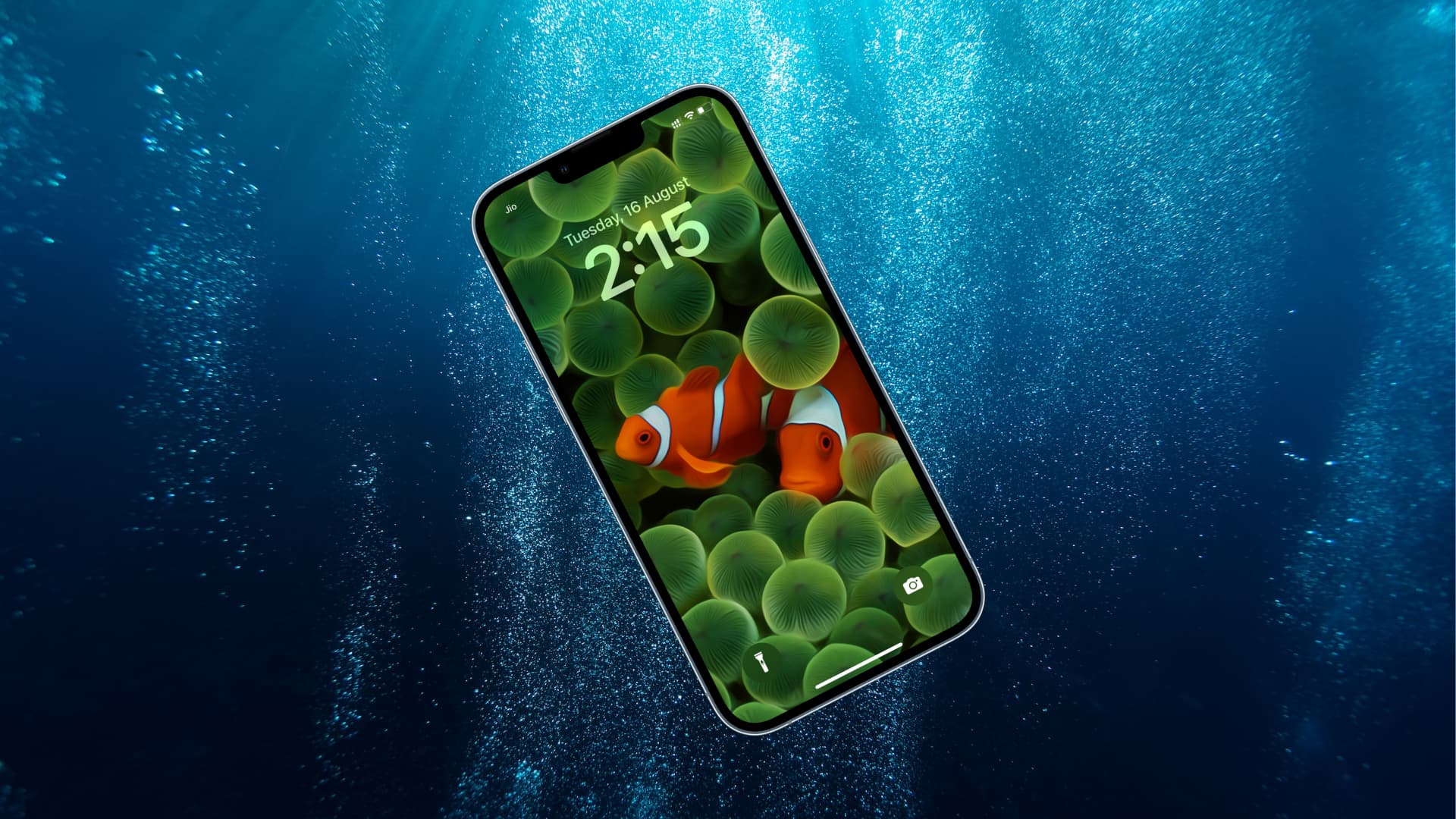
Water exposure is one of the most serious threats to modern smartphones. If you are searching for how to detect and fix iPhone 15 water damage issue, you are certainly not alone. Despite Apple’s advanced water-resistant design, the iPhone 15 is not fully waterproof. As a result, accidental spills, rain exposure, humidity, or submersion can still cause internal damage.
Although water damage may seem obvious at first, many cases remain hidden and worsen over time. Therefore, understanding how to detect and fix iPhone 15 water damage issue early is crucial to prevent permanent hardware failure or data loss. Fortunately, with the right steps and timely professional repair, your device can often be saved.
In this detailed guide, we will explain how to identify water damage symptoms, what immediate actions to take, effective repair methods, and when expert intervention becomes essential.
Why Water Damage Is Dangerous for iPhone 15
First of all, water does not simply stop working once it dries. Instead, moisture triggers corrosion on the logic board, connectors, battery terminals, and display circuits. Consequently, the iPhone 15 may develop problems days or even weeks after exposure.
Moreover, minerals and salts left behind by water create conductive paths. Therefore, short circuits and power failures become more likely over time. That is why learning how to detect and fix iPhone 15 water damage issue as early as possible is extremely important.
Common Causes of Detect and fix iPhone 15 water damage
Before discussing repair, it is essential to understand how water damage occurs in the first place.
Frequent Sources of Water Exposure
- Accidental drops into water
- Rain or sweat exposure
- Liquid spills (coffee, juice, soda)
- Bathroom humidity and steam
- High-humidity environments
Even though the iPhone 15 has water resistance, seals can weaken due to drops or wear. As a result, moisture can easily seep inside.
How to Detect iPhone 15 Water Damage Issue Early
Detecting water damage quickly increases the chances of successful repair. Therefore, you should look for both visible and hidden warning signs.
1. Check the Liquid Contact Indicator (LCI)
Apple installs a Liquid Contact Indicator inside every iPhone. Normally, it appears white or silver. However, if it turns red, water exposure has occurred.
You can find the LCI inside the SIM tray slot using a flashlight. This is one of the simplest ways to detect an iPhone 15 water damage issue.
2. Look for Display Abnormalities
If water reaches the screen, visual problems often appear.
Common display symptoms include:
- Flickering or dim screen
- Touch not responding
- Black spots or color patches
- Ghost touches
Therefore, screen issues after liquid exposure strongly indicate internal moisture damage.
3. Audio and Speaker Problems for Detect and fix iPhone 15 water damage
Water frequently damages speakers and microphones.
Watch out for:
- Distorted or muffled sound
- Low volume
- Microphone not working during calls
These symptoms usually worsen if corrosion spreads.
4. Battery and Charging Issues
Another major sign of water damage is abnormal battery behavior.
For example:
- Phone not charging
- Rapid battery drain
- Overheating
- Sudden shutdowns
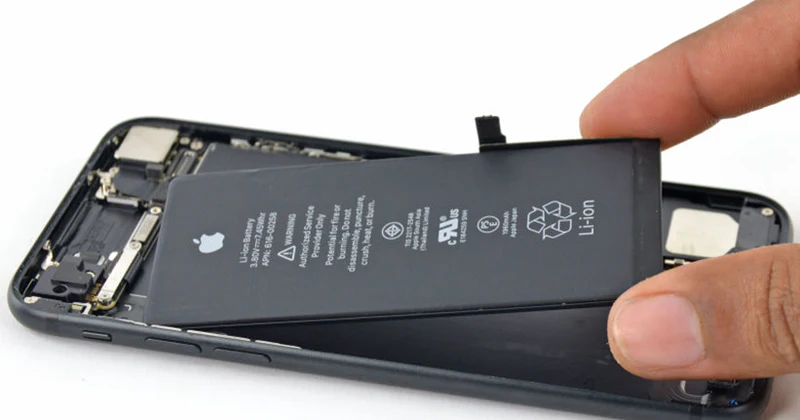
Because the battery connector sits close to vulnerable components, water exposure often affects power circuits.
5. Random Restarts or No Power for Detect and fix iPhone 15 water damage
In severe cases, the iPhone 15 may restart randomly or refuse to turn on. This usually indicates logic board damage caused by corrosion or short circuits.
At this stage, immediate repair is critical.
What to Do Immediately After Water Exposure
Once water exposure occurs, your actions in the first few minutes can determine whether the phone survives.
Step-by-Step Immediate Actions
- First, power off the iPhone immediately
- Remove the SIM tray
- Gently wipe external moisture
- Keep the phone upright
- Avoid charging or turning it on
Most importantly, do not use a hair dryer, heat gun, or rice. Heat can push moisture deeper, while rice does not remove internal corrosion.
How to Fix iPhone 15 Water Damage Issue Safely
Fixing water damage depends on the severity and how quickly the phone is treated.
1. Professional Internal Inspection
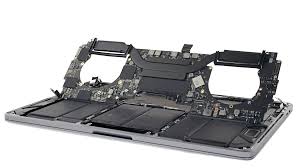
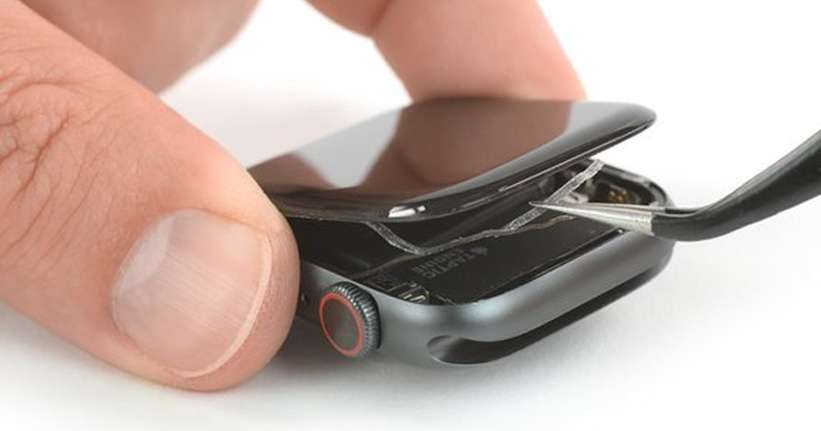
Technicians open the device and inspect internal components under magnification. This step helps determine whether corrosion is limited or widespread.
2. Ultrasonic Cleaning Process
One of the most effective repair methods involves ultrasonic cleaning. This process removes corrosion using specialized cleaning solutions and sound waves.
As a result, microscopic damage is eliminated before it spreads further.
3. Logic Board Repair and Micro-Soldering
If corrosion damages logic board components, technicians perform micro-soldering repairs. This involves repairing or replacing tiny chips, connectors, and circuits.
This advanced step is often necessary to fully fix an iPhone 15 water damage issue.
4. Battery and Display Replacement
Sometimes, components like the battery or display become permanently damaged. In such cases, replacing them restores full functionality.
High-quality parts are essential to ensure long-term reliability.
5. Data Recovery in Severe Cases
If the phone cannot boot, technicians may perform data recovery using advanced techniques such as NAND chip extraction. This ensures your photos, contacts, and files are not lost.
Why DIY Water Damage Repairs Are Risky
Although online tutorials may suggest DIY fixes, they often cause more harm than good.
Common DIY Mistakes
- Using heat to dry the phone
- Charging while moisture is present
- Applying chemicals
- Opening the phone without proper tools
Therefore, DIY methods frequently worsen corrosion and reduce the chances of recovery.
When Professional Repair Becomes Necessary
You should seek professional repair if:
- The phone does not turn on
- Charging fails
- Touchscreen stops working
- Audio issues persist
- LCI indicator turns red
Delaying repair allows corrosion to spread, increasing repair costs and data loss risk.
Expert iPhone 15 Water Damage Repair at Milaaj
Milaaj mobiles and laptop repair Al Barsha specializes in diagnosing and fixing advanced iPhone 15 water damage issues using industry-grade tools and expert repair techniques.
Why Choose Professional Repair?
- Accurate water damage diagnosis
- Advanced ultrasonic cleaning
- Logic board-level repair
- Safe data recovery methods
- High-quality replacement parts
As a result, devices receive long-lasting repairs rather than temporary fixes.
How Long Does Water Damage Repair Take?
Repair time depends on severity. Minor corrosion may be resolved within hours, while severe logic board damage can take longer. However, early repair significantly reduces downtime.
Can iPhone 15 Water Damage Be Prevented?
Although accidents happen, preventive steps reduce risk.
Prevention Tips
- Use a waterproof case
- Avoid charging near liquids
- Keep phone away from steam
- Dry immediately after rain exposure
- Schedule inspections after liquid contact
By following these steps, you lower the chances of serious water damage.
FAQs About Detect and fix iPhone 15 water damage
1. How can I tell if my iPhone 15 has water damage?
Check the Liquid Contact Indicator (LCI), look for screen flickering, audio distortion, charging issues, or random shutdowns.
2. Can an iPhone 15 recover from water damage?
Yes, if treated quickly. Professional cleaning and repair can often restore full functionality.
3. Should I charge my iPhone 15 after water exposure?
No. Charging a wet phone can cause short circuits and worsen internal damage.
4. Does putting an iPhone in rice fix water damage?
No. Rice does not remove internal moisture or corrosion and may delay proper repair.
5. When should I seek professional repair for iPhone 15 water damage?
If your phone won’t turn on, won’t charge, or shows display or audio issues after water exposure, seek professional help immediately.
Final Thoughts: Detect and fix iPhone 15 water damage
In conclusion, learning how to detect and fix iPhone 15 water damage issue can save your device, data, and money. While water damage may start silently, it quickly escalates if ignored. Therefore, recognizing early symptoms, acting fast, and avoiding harmful DIY fixes are crucial.
Most importantly, professional repair offers the safest and most effective solution. With expert diagnostics, advanced cleaning, and logic board repair, even severely water-damaged iPhone 15 devices can often be restored successfully.
Other Services:
- Need other iPhone repairs? Check out Milaaj’s iPhone repair services in Dubai.
- Looking to upgrade? Learn about selling your used iPhone in Dubai.
- Data loss concerns? Visit Milaaj’s data recovery services.
- For Apple users, check Apple trade-in options in Dubai.
📍 Visit Any Milaaj Branch in Dubai
🔹 Bur Dubai
Milaaj Mobile and Laptop Repair Dubai
📞 055 258 8477
🔗 Google Maps
🔹 Al Barsha
Milaaj Mobiles and Laptop Repair Al Barsha
📞 052 596 2846
🔗 Google Maps
🔹 Al Barsha 3
Milaaj Mobiles and Gaming Store
📞 052 3405 814
🔗 Google Maps
🔹 Al Nuaimiya
Milaaj Mobiles and Laptops Ajman
📞 055 788 9654
🔗 Google Maps
Shop Locations: Al Barsha | Bur Dubai | Reef Mall, Salah Al Din | Al Nuaimiya, Ajman
Email: support@milaaj.com
Operating Hours: Monday – Sunday
Leave a Reply