

The gaming landscape of 2026 is more immersive than ever, with titles pushing the boundaries of ray tracing and AI-driven environments. Whether you are climbing the ranks in a competitive shooter or exploring vast open worlds on your ASUS ROG, MSI Stealth, or Razer Blade, your hardware is under immense pressure. However, the high-performance components inside these machines generate incredible amounts of heat, and in the unique climate of the UAE, this can lead to a sudden drop in frame rates. If you have noticed your fans screaming like a jet engine or your screen stuttering during an intense boss fight, you are likely in need of Gaming Laptop Repair Al Barsha.
Living in Al Barsha puts you at the heart of Dubai’s gaming community, but the fine desert dust and high humidity are the silent enemies of your high-end rig. A gaming laptop is a precision instrument, and unlike a standard office laptop, it requires specialized maintenance to keep its NVIDIA RTX 50-series or AMD Radeon GPU running at peak efficiency. This comprehensive guide will explore why thermal management is the “holy grail” of gaming longevity and how professional optimization can make your laptop perform better than the day you unboxed it.
The Thermal Challenge: Why Gaming Laptops Struggle in Dubai
To understand the necessity of Gaming Laptop Repair Al Barsha, we first need to look at the physics of 2026 hardware. Modern processors now utilize 2nm architecture, which allows for incredible speed but creates extreme “heat density” in a very small area.
The Impact of UAE Dust on Cooling Fans for Gaming Laptop Repair Al Barsha
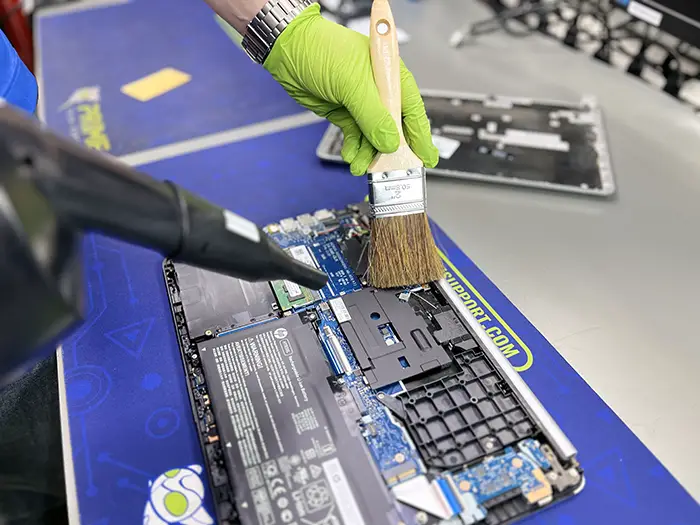
In Dubai, the air contains microscopic particles of sand that can bypass even the best dust filters. Over time, these particles settle on your cooling fans and heat sinks, forming a “carpet” that prevents air from escaping. When your fans are clogged, your GPU cannot breathe. This leads to “Thermal Throttling,” where your system intentionally slows down its clock speeds to prevent the delicate silicon from melting. A professional deep clean is often the first step in restoring your “FPS” (Frames Per Second).
The Degradation of Factory Thermal Paste for Gaming Laptop Repair Al Barsha
Most manufacturers use a standard thermal paste that is designed to last about a year under normal conditions. However, “normal conditions” do not include the intense gaming sessions and the ambient heat of the Middle East. Over 12 to 18 months, this paste becomes brittle and loses its ability to transfer heat from the chip to the copper heat pipes. Once this happens, your Intel Core Ultra or Ryzen 9 CPU will run 10 to 20 degrees hotter than it should, leading to system crashes and lag.
The Secret to Peak Performance: GPU Optimization
While cleaning the hardware is vital, the software side of Gaming Laptop Repair Al Barsha is where the real magic happens. In 2026, simply “updating drivers” is no longer enough to stay competitive.
Undervolting and Power Limit Tuning for Gaming Laptop Repair Al Barsha
Expert technicians can perform “Undervolting,” a process where we reduce the voltage sent to your GPU without decreasing its performance. This reduces the heat output significantly, allowing the chip to maintain its “Boost Clock” for longer periods. By fine-tuning the power limits, we ensure that your laptop provides maximum power when you are gaming but stays cool and quiet when you are just browsing the web.
VRAM and Memory Timing Adjustments for Gaming Laptop Repair Al Barsha
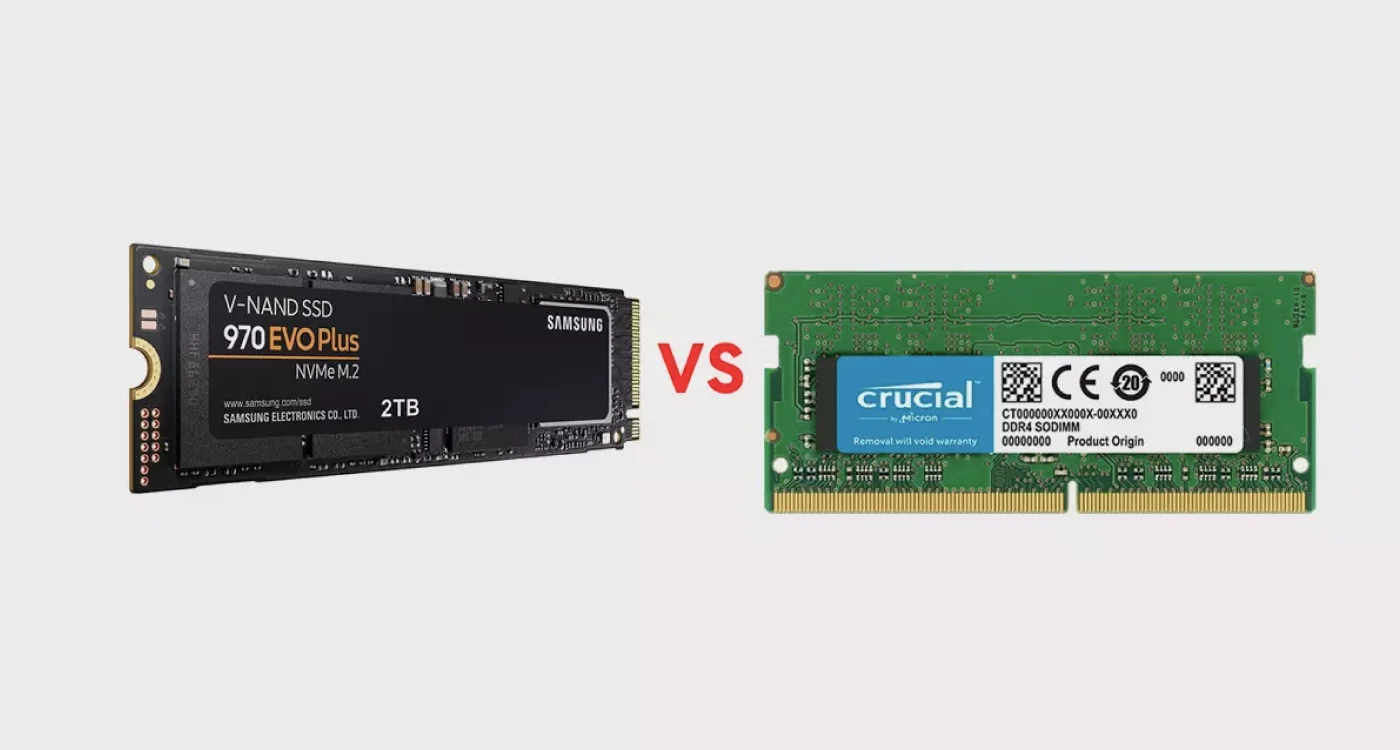
Modern games rely heavily on Video RAM (VRAM). Optimization involves checking the health of your memory chips and ensuring that the timings are synced correctly with the motherboard’s firmware. This eliminates “Micro-Stuttering”—those tiny, annoying pauses that can ruin a competitive gaming experience.
5 Signs Your Gaming Rig Needs an Urgent Service
How do you know if your laptop is just “tired” or if it is approaching a critical failure? Watch for these indicators that you need Gaming Laptop Repair Al Barsha.
- Sudden FPS Drops: You start a game at 120 FPS, but after ten minutes, it drops to 40 FPS. This is a classic sign of thermal throttling.
- The “Toaster” Keyboard: If the area above your keyboard feels too hot to touch, the heat is not being exhausted correctly and is instead soaking into the chassis.
- Random System Reboots: If your laptop shuts down without warning during a heavy load, the BIOS is engaging a “Critical Thermal Cutoff” to protect the hardware.
- Artifacting on Screen: Seeing strange colors, lines, or “flickering” pixels indicates that your GPU memory is overheating or degrading.
- Unusual Fan Noise: A grinding or rattling sound means a fan bearing is failing due to dust accumulation, which will eventually stop the cooling altogether.
Milaaj Mobile and Laptop Repair Al Barsha: The Gamer’s Choice
When you have invested thousands of Dirhams in a high-end gaming machine, you cannot trust it to a general repair shop. Milaaj mobile and laptop repair Al Barsha has built a dedicated lab specifically for gaming hardware. We understand the nuances of Liquid Metal cooling, high-refresh-rate displays, and complex motherboard layouts.
Why We Are the Leaders in Gaming Repair:
- Low Price for Premium Tuning: We believe every gamer deserves a smooth experience. We offer a low price for our “Gaming Health Check” and thermal repasting packages, providing a cost-effective alternative to a total hardware replacement.
- Speed Repairing for Zero Downtime: We know that a weekend without your rig is a weekend of missed raids and tournaments. Our speed repairing protocol ensures that most thermal refreshes and fan replacements are completed within 3 to 5 hours.
- Ultimate Convenience in Al Barsha: Located right in the heart of the community, we are easily accessible. For those in the middle of a gaming marathon, we offer laptop pickup and delivery across Dubai, ensuring your laptop gets expert care while you stay in the zone.
- Superior Part Quality: We only use the best materials. From Thermal Grizzly Kryonaut to original OEM replacement fans, our part quality ensures your laptop maintains its “Pro” status and factory performance.
- Advanced Liquid Metal Handling: Many 2026 laptops, like the ASUS ROG Zephyrus, use liquid metal. This material is highly conductive and dangerous if handled incorrectly. Our technicians are certified in liquid metal application and “re-sealing” to prevent motherboard shorts.
The Pro-Grade Maintenance Workflow
If you bring your machine to us for Gaming Laptop Repair Al Barsha, here is the rigorous process your laptop undergoes:
1. The Thermal Benchmark for Gaming Laptop Repair Al Barsha
We start by running a heavy “Stress Test” (like 3DMark or FurMark) to document your current peak temperatures and clock speeds. This gives us a baseline to measure our success.
2. Ultrasonic Cleaning & Dust Extraction for Gaming Laptop Repair Al Barsha
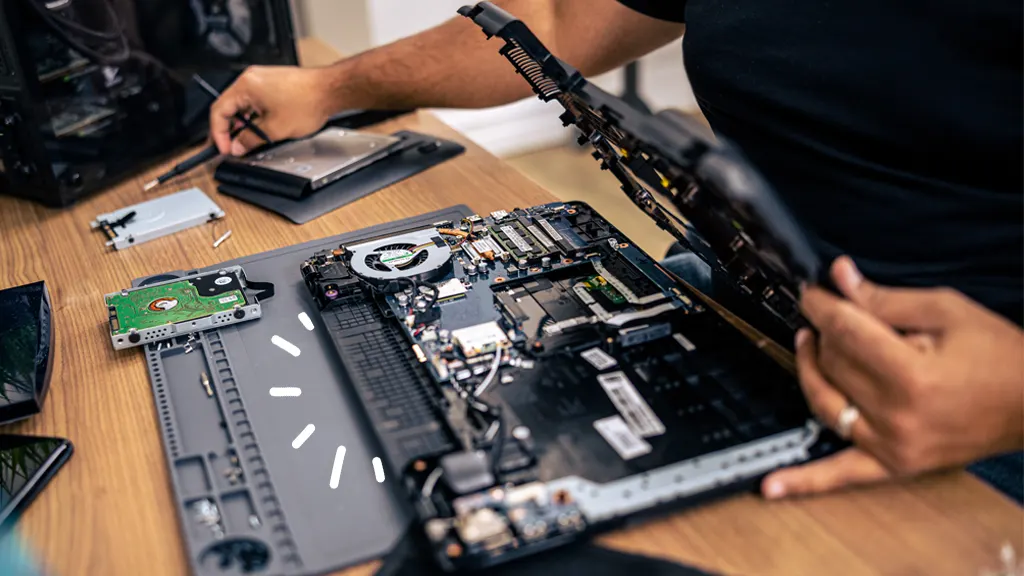
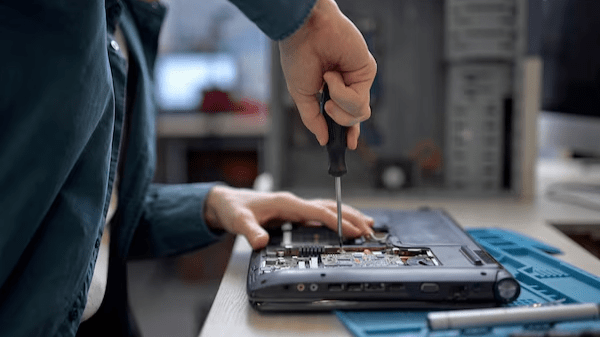
We strip the laptop down to the motherboard. Fans and heat sinks are cleaned using Ultrasonic technology to remove microscopic grime that compressed air simply can’t reach.
3. Precision Thermal Repasting for Gaming Laptop Repair Al Barsha
We remove the old, dried factory paste and apply a fresh layer of high-conductivity material. If your laptop supports it, we also replace the thermal pads on your VRAM and VRM chips to ensure the entire power delivery system stays cool.
4. GPU BIOS & Driver Optimization for Gaming Laptop Repair Al Barsha
We don’t just fix the hardware. We audit your GPU BIOS and Windows settings to disable “Vampire Processes” that steal your CPU cycles, ensuring 100% of your laptop’s power goes into your game.
FAQs About Gaming Laptop Repair Al Barsha
1. Does undervolting my GPU void the warranty?
Generally, no. Software undervolting is a safe and common practice in 2026. However, we perform these optimizations within safe limits to ensure your hardware remains within the manufacturer’s operating specifications.
2. How often should I get my gaming laptop serviced in Al Barsha?
Due to the dust and heat in the UAE, we recommend a professional internal cleaning and thermal refresh every 6 to 8 months for heavy gamers.
3. Can you fix a gaming laptop that is “Artifacting”?
If the artifacting is caused by heat, a thermal refresh will fix it. If the chip has already suffered permanent heat damage, we offer GPU “Reballing” and chip-level repair services to restore the board.
4. Why is liquid metal better than traditional thermal paste?
Liquid metal has a significantly higher thermal conductivity rating. In high-end 2026 laptops, it can drop temperatures by an additional 10°C to 15°C compared to standard paste, allowing for higher overclocking.
5. Will my laptop be quieter after the repair?
Yes! When your GPU is optimized and your fans are clean, the system doesn’t have to work as hard to stay cool, meaning your fans will spin at lower, quieter speeds during gameplay.
Summary: Gaming Laptop Repair Al Barsha
Your gaming laptop is a masterpiece of engineering designed to provide thousands of hours of entertainment. However, without the right care, the intense environment of Dubai can cut that lifespan short. Understanding the importance of Gaming Laptop Repair Al Barsha is the key to protecting your investment and maintaining your competitive edge.
In 2026, being a “Pro” gamer means more than just having high skill; it means having a high-performance machine that doesn’t fail you in the heat of battle. From the microscopic application of thermal paste to the delicate balancing of GPU voltages, professional maintenance is the secret weapon every gamer needs.
Is your gaming laptop lagging or getting too hot to handle? Contact Milaaj today for a professional performance audit and get back to peak FPS!
Other Services:
- Need other Mac Book repairs? Check out Milaaj’s Laptop repair services in Dubai.
- Looking to upgrade? Learn about selling your used laptop in Dubai.
- Data loss concerns? Visit Milaaj’s data recovery services.
- For Apple users, check Apple trade-in options in Dubai.
📍 Visit Any Milaaj Branch in Dubai
🔹 Bur Dubai
Milaaj Mobile and Laptop Repair Dubai
📞 055 258 8477
🔗 Google Maps
🔹 Al Barsha
Milaaj Mobiles and Laptop Repair Al Barsha
📞 052 596 2846
🔗 Google Maps
🔹 Al Barsha 3
Milaaj Mobiles and Gaming Store
📞 052 3405 814
🔗 Google Maps
🔹 Al Nuaimiya
Milaaj Mobiles and Laptops Ajman
📞 055 788 9654
🔗 Google Maps
Shop Locations: Al Barsha | Bur Dubai | Reef Mall, Salah Al Din | Al Nuaimiya, Ajman
Email: support@milaaj.com
Operating Hours: Monday – Sunday
Leave a Reply