

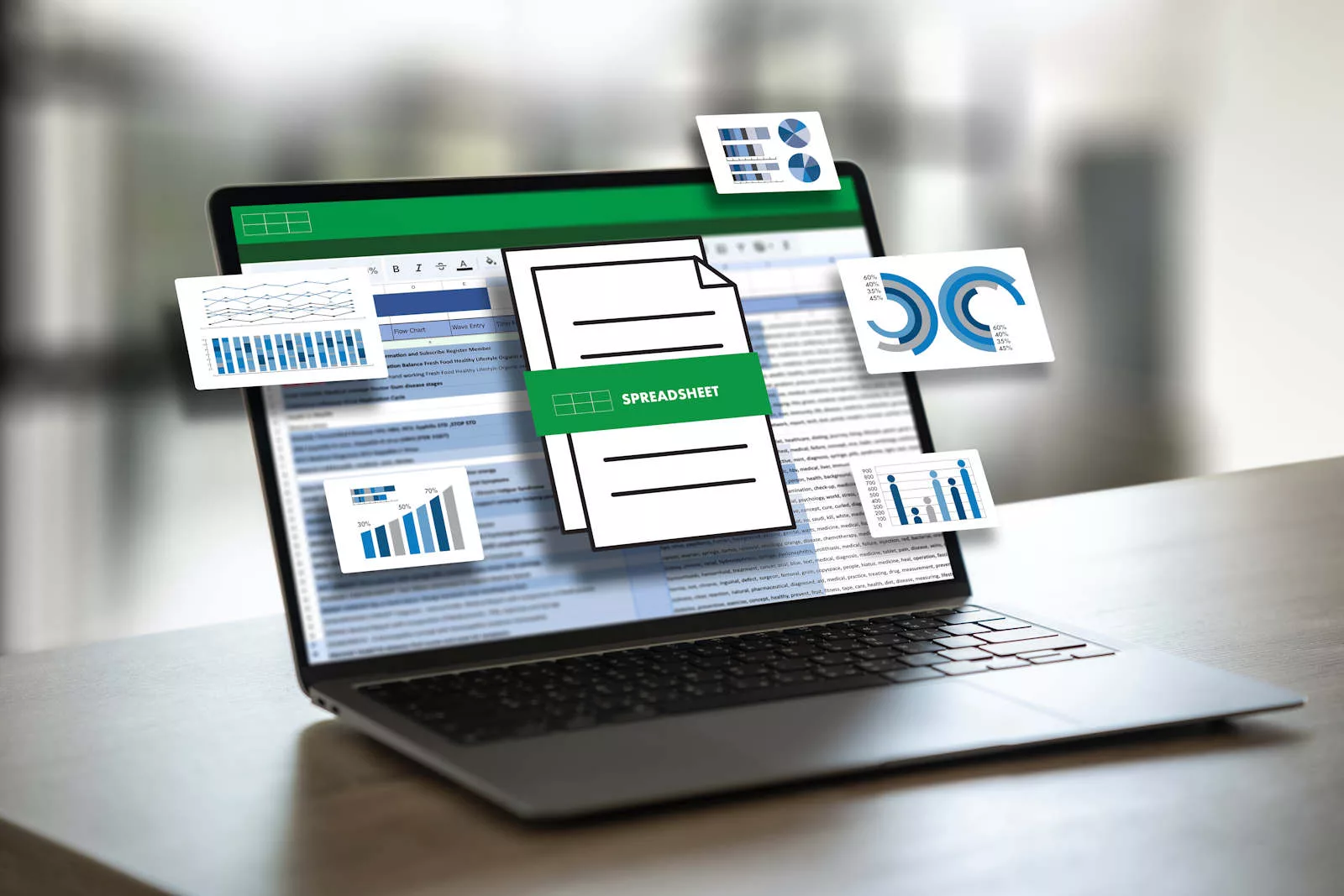
In today’s digital-first business environment, your laptop is not just a device it is your primary work tool, communication hub, and productivity system. Whether you are an entrepreneur, freelancer, corporate professional, or remote worker, understanding how to choose a laptop for business is essential for long-term efficiency and performance.
However, with constant upgrades in processors, AI-powered features, and evolving hardware standards in 2026, selecting the right laptop can feel overwhelming. This guide simplifies everything so you can confidently decide how to choose a laptop for business based on real-world performance, portability, security, and future-proofing.
Why Knowing How to Choose a Laptop for Business Matters
Choosing the wrong device can lead to slow performance, frequent crashes, poor multitasking, and unexpected repair costs. On the other hand, the right business laptop improves productivity, handles multiple applications smoothly, and ensures reliable performance for years.
In 2026, modern business software, AI tools, cloud platforms, and video conferencing apps demand higher efficiency. That is why learning how to choose a laptop for business is more important than ever for professionals who rely on speed and stability.
Performance: The Most Important Factor in Business Laptops
When learning how to choose a laptop for business, performance should always be the top priority. A laptop’s speed depends mainly on its processor, RAM, and storage technology.
Processor (CPU) for Business Workloads
Modern business laptops in 2026 commonly use Intel Core Ultra, Intel i5/i7 (13th–14th gen), AMD Ryzen 5/7 (7000+ series), or Apple M-series chips. These processors are optimized for multitasking, video meetings, spreadsheets, and cloud applications.
For heavy users, AI-assisted workflows and business analytics, higher-end processors provide better long-term stability and speed.
RAM for Smooth Multitasking
RAM is critical for handling multiple applications at once. Based on 2026 standards:
- 16GB RAM is the minimum recommended for business use
- 32GB RAM is ideal for heavy multitasking and long-term usage
- 8GB RAM is no longer suitable for professional workloads
DDR5 and LPDDR5X memory are now standard in most modern business laptops, offering faster speed and better efficiency compared to older generations.
Storage: SSD is a Must in 2026
When deciding how to choose a laptop for business, storage type matters more than capacity.
- NVMe SSD is now the standard for business laptops
- 512GB SSD is ideal for most users
- 1TB SSD is recommended for large files and long-term storage
HDD-based laptops are outdated and significantly slower for business tasks.
Portability: Work Without Restrictions
Portability plays a major role in how to choose a laptop for business, especially for professionals who travel or work remotely.
Weight and Design
Modern business ultrabooks are designed to be lightweight (under 1.5 kg) while maintaining durability. A slim and portable design ensures easy mobility between meetings, offices, and travel.
Screen Size and Comfort
- 13–14 inches: Best for portability and travel
- 15–16 inches: Better for productivity and multitasking
Many 2026 business laptops now use 16:10 displays, offering more vertical workspace for documents and spreadsheets.
Battery Life: Essential for Mobile Professionals
Battery performance is a key part of how to choose a laptop for business. A reliable business laptop should offer:
- 8 to 12 hours of real-world usage
- Fast charging support
- Efficient power management
New-generation processors and OLED displays have significantly improved battery efficiency in 2026 business laptops.
Security Features for Business Users
Security is a major consideration when learning how to choose a laptop for business, especially when handling sensitive company or client data.
Biometric Authentication
Fingerprint sensors and facial recognition systems provide fast and secure login options while reducing unauthorized access risks.
TPM and Hardware Security
A Trusted Platform Module (TPM 2.0 or higher) is now standard in business laptops. It helps encrypt sensitive data and protects against cyber threats.
Privacy Features
Modern business laptops also include webcam shutters and AI-based threat detection for enhanced security.
Connectivity and Ports
A well-equipped business laptop should include multiple connectivity options such as:
- USB-C / Thunderbolt ports
- USB-A ports
- HDMI output
- Wi-Fi 6 or Wi-Fi 7 support
These features ensure smooth workflow integration with external monitors, projectors, and storage devices.
Operating System Choice
Choosing the right operating system is an important part of how to choose a laptop for business.
- Windows: Most widely used in business environments with strong software compatibility
- macOS: Preferred for creative professionals and Apple ecosystem users
- ChromeOS: Lightweight and cloud-focused for basic business tasks
Your choice should depend on your work tools and software ecosystem.
Durability and Build Quality
Durability is often overlooked when deciding how to choose a laptop for business, but it is crucial for long-term reliability.
Look for:
- Military-grade durability (MIL-STD-810H)
- Metal or reinforced chassis
- Spill-resistant keyboard
- Strong hinge design
These features ensure your laptop can handle daily professional use and travel conditions.
Budget Planning for Business Laptops
Budget is another important factor in how to choose a laptop for business.
Typical 2026 price ranges:
- Entry-level business laptops: AED 2,900 – AED 3,700
- Mid-range professional laptops: AED 3,700 – AED 5,500
- Premium business laptops: AED 5,500 – AED 9,200+
Instead of choosing the cheapest option, focus on long-term value, upgradeability, and reliability.
Common Mistakes to Avoid
When learning how to choose a laptop for business, avoid these mistakes:
- Choosing 8GB RAM laptops in 2026
- Buying HDD storage instead of SSD
- Ignoring battery life
- Selecting outdated processor generations
- Overpaying for unnecessary gaming features
Final Thoughts
Understanding how to choose a laptop for business in 2026 helps you make a smarter investment that improves productivity, reduces downtime, and ensures long-term reliability.
Focus on performance, portability, security, and future-proof specifications rather than just price or brand.
If your existing laptop is slowing down, overheating, or facing hardware issues, professional support can help extend its life or guide you toward the right upgrade.
You can explore services like laptop repair in Dubai, MacBook repair, or sell used laptop in Dubai for expert assistance and device solutions.
And whenever you need reliable diagnostics, upgrades, or advice on how to choose a laptop for business, Milaaj Repair Dubai is always available to help you make the right decision.
📍 Visit Any Milaaj Branch in Dubai
🔹 Bur Dubai
Milaaj Mobile and Laptop Repair Dubai
📞 055 258 8477
🔗 Google Maps
🔹 Al Barsha
Milaaj Mobiles and Laptop Repair Al Barsha
📞 052 596 2846
🔗 Google Maps
🔹 Al Barsha 3
Milaaj Mobiles , Laptops and Watches Repair Service
📞 052 3405 814
🔗 Google Maps
🔹 Al Nuaimiya
Milaaj Mobiles and Laptops Ajman
📞 055 788 9654
🔗 Google Maps
Email: support@milaaj.com
Operating Hours: Monday Sunday


Leave a Reply