

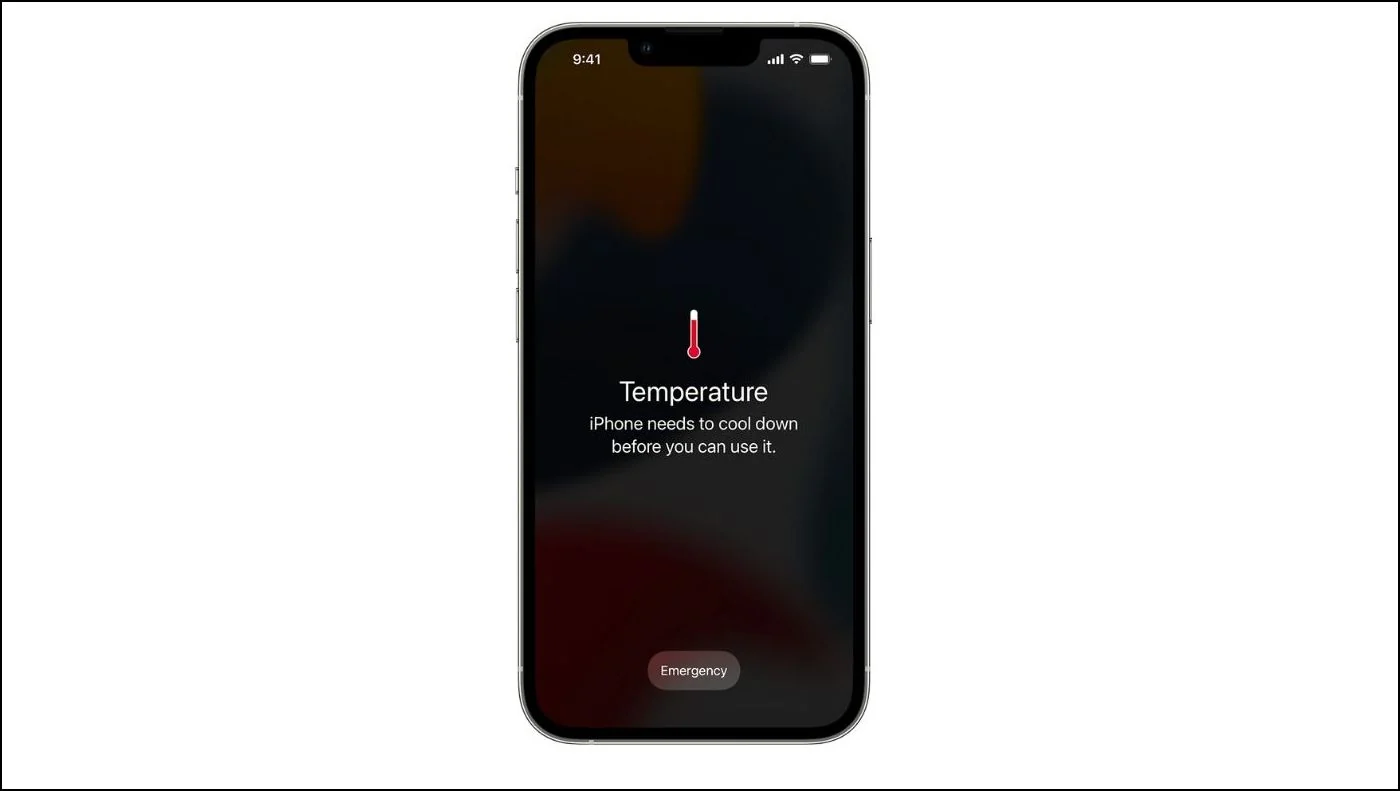
Apple designs iPhones to deliver reliable performance and efficient charging. However, many users report a concerning issue: iPhone overheating while charging, especially after updates, prolonged usage, or when using third-party accessories. Although a slightly warm device is normal, excessive heat during charging is not and should never be ignored.
Fortunately, iPhone overheating while charging can be resolved safely with the right steps. In most cases, the problem is caused by software bugs, poor charging habits, faulty cables, or internal hardware issues. Therefore, understanding the root causes and applying proven solutions can protect your device, battery health, and personal safety. This comprehensive guide explains why overheating occurs, what mistakes to avoid, and how expert repair ensures long-term results.
Why Is My iPhone Overheating While Charging?
Before applying fixes, it is important to understand why iPhone overheating while charging happens in the first place. Several internal and external factors can contribute to excessive heat buildup.
Common Reasons for iPhone Overheating During Charging
- Using non-certified or damaged charging cables
- Running heavy apps while charging
- Charging in hot environments
- Software glitches after iOS updates
- Battery degradation over time
- Internal hardware faults
Although Apple includes safety mechanisms, repeated overheating can still damage internal components. Therefore, early diagnosis is essential.
Is iPhone Overheating While Charging Dangerous?
Yes, iPhone overheating while charging can be risky if left unaddressed. Excessive heat affects battery chemistry and may cause:
- Reduced battery lifespan
- Slower charging speeds
- Unexpected shutdowns
- Screen discoloration
- Permanent internal damage
Moreover, Apple may display a temperature warning and temporarily stop charging to prevent harm. Consequently, addressing overheating early helps avoid costly repairs later.
iPhone Overheating While Charging Due to Charging Accessories
Low-Quality Chargers Cause iPhone Heating Problems
One of the most common causes of iPhone overheating while charging is the use of cheap or uncertified chargers. While they may appear to work, these accessories often deliver unstable power.
Therefore, always use:
- Apple-certified (MFi) cables
- Original or trusted brand adapters
- Proper wattage chargers recommended by Apple
As a result, power flows smoothly, reducing excess heat generation.
Damaged Charging Cables Increase Heat Buildup
Frayed or bent cables cause electrical resistance, which leads to heat buildup. Consequently, your iPhone overheats while charging, even if charging seems normal.
Signs to replace your cable include:
- Slow charging
- Loose connection
- Cable heating up
- Visible damage
Replacing a faulty cable is often the fastest and safest fix.
Software Issues That Cause iPhone Overheating While Charging
Background Apps Increase Charging Heat
Even while plugged in, background apps can push the processor harder. As a result, iPhone overheating while charging becomes more noticeable.
To reduce heat:
- Close unused apps
- Disable background app refresh
- Turn off Bluetooth and GPS when not needed
Thus, your device can focus on charging efficiently.
iOS Bugs Trigger Charging Overheating
Sometimes, iPhone overheating while charging starts after an iOS update. Software bugs may cause excessive CPU usage in the background.
Therefore:
- Check for new updates
- Restart your iPhone regularly
- Reset settings if overheating persists
These steps often stabilize power consumption and temperature.
Environmental Factors That Cause iPhone Heating During Charging
Hot Surroundings Make iPhone Overheat Faster
Charging in warm environments increases heat retention. For instance, charging under pillows, inside cars, or near windows can worsen iPhone overheating while charging.
For safe charging:
- Place the phone on a hard, flat surface
- Avoid direct sunlight
- Remove thick phone cases while charging
Consequently, heat dissipates faster and charging becomes safer.
Battery Health and iPhone Overheating While Charging
Old Batteries Cause Excessive Charging Heat
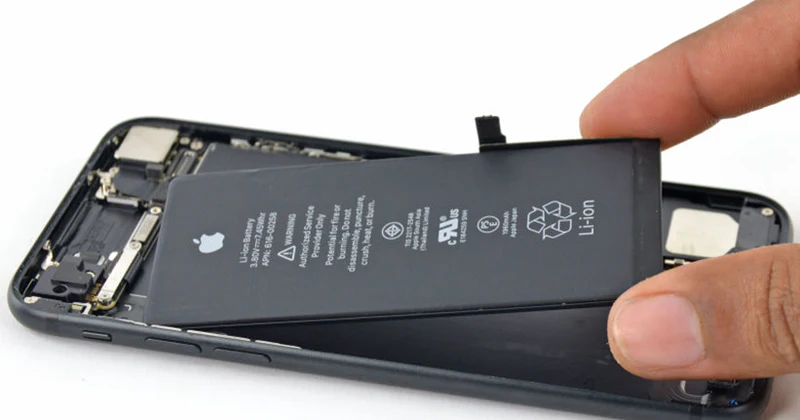
As batteries age, they lose efficiency. Therefore, older batteries generate more heat during charging, leading to iPhone overheating while charging.
Signs of battery wear include:
- Rapid battery drain
- Slow charging
- Unexpected shutdowns
- Battery health below 80%
In such cases, battery replacement is the safest long-term solution.
Safe DIY Fixes for iPhone Overheating While Charging
Before seeking professional repair, try these safe steps:
- Use original charging accessories
- Close background apps
- Remove phone case while charging
- Charge in a cool environment
- Restart your iPhone
- Update iOS regularly
If iPhone overheating while charging continues despite these steps, professional inspection becomes necessary.
What NOT to Do When iPhone Overheats While Charging
Avoid these common mistakes:
- Do not place your phone in the freezer
- Do not continue charging if it’s extremely hot
- Do not use unknown fast chargers
- Do not ignore repeated overheating warnings
Although these shortcuts may seem helpful, they often cause permanent damage.
When Professional Repair Is Necessary
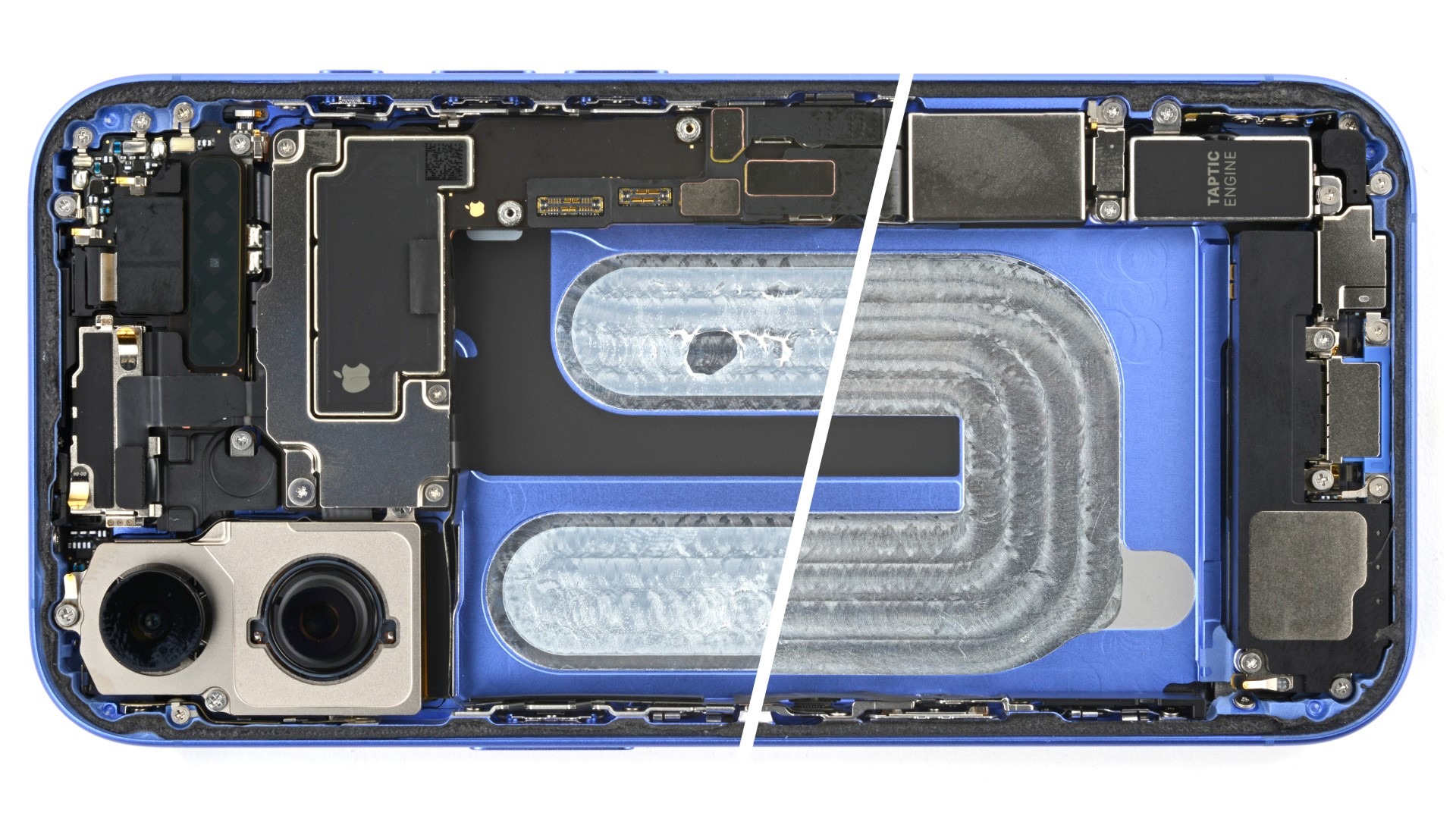
If your iPhone overheating while charging persists, internal components may be at fault. These include:
- Battery cells
- Charging IC
- Power management chip
- Logic board components
Only trained technicians can safely diagnose and repair these issues.
Why Choose Milaaj Mobile Repair for iPhone Overheating Issues
When it comes to resolving iPhone overheating while charging, professional care ensures accuracy and safety. Milaaj mobiles and laptop repair Al Barsha provides expert solutions backed by quality and experience.
Low-Cost iPhone Repair Solutions
Affordable pricing ensures overheating issues are fixed without unnecessary expenses.
Fast and Reliable Service
Most overheating diagnostics and repairs are completed quickly, minimizing downtime.
High-Quality Replacement Parts
Only premium-grade components are used to ensure durability and performance.
Convenient Location and Support
Easy access, transparent communication, and customer-focused service make repairs stress-free.
As a result, your iPhone regains safe charging performance with long-lasting results.
How Experts Fix iPhone Overheating While Charging
Professional technicians follow structured steps:
- Temperature diagnostics
- Battery health assessment
- Charging port inspection
- Power IC testing
- Software optimization
- Component replacement (if required)
Therefore, repairs target the root cause, not just symptoms.
Prevent iPhone Overheating While Charging in the Future
To avoid recurring problems:
- Always use certified chargers
- Avoid charging while gaming or streaming
- Keep iOS updated
- Replace aging batteries on time
- Avoid extreme temperatures
Consequently, your iPhone remains safe, efficient, and reliable.
Conclusion: Fix iPhone Overheating While Charging Safely
In conclusion, iPhone overheating while charging is a serious but solvable issue. Whether caused by accessories, software, environment, or battery health, timely action prevents long-term damage.
Moreover, professional repair services offer safe diagnostics, fast solutions, and lasting performance. With proper care and expert support, your iPhone can charge efficiently without heating, ensuring both safety and longevity.
Other Services:
- Need other iPhone repairs? Check out Milaaj’s iPhone repair services in Dubai.
- Looking to upgrade? Learn about selling your used iPhone in Dubai.
- Data loss concerns? Visit Milaaj’s data recovery services.
- For Apple users, check Apple trade-in options in Dubai.
📍 Visit Any Milaaj Branch in Dubai
🔹 Bur Dubai
Milaaj Mobile and Laptop Repair Dubai
📞 055 258 8477
🔗 Google Maps
🔹 Al Barsha
Milaaj Mobiles and Laptop Repair Al Barsha
📞 052 596 2846
🔗 Google Maps
🔹 Al Barsha 3
Milaaj Mobiles and Gaming Store
📞 052 3405 814
🔗 Google Maps
🔹 Al Nuaimiya
Milaaj Mobiles and Laptops Ajman
📞 055 788 9654
🔗 Google Maps
Shop Locations: Al Barsha | Bur Dubai | Reef Mall, Salah Al Din | Al Nuaimiya, Ajman
Email: support@milaaj.com
Operating Hours: Monday – Sunday
Leave a Reply