

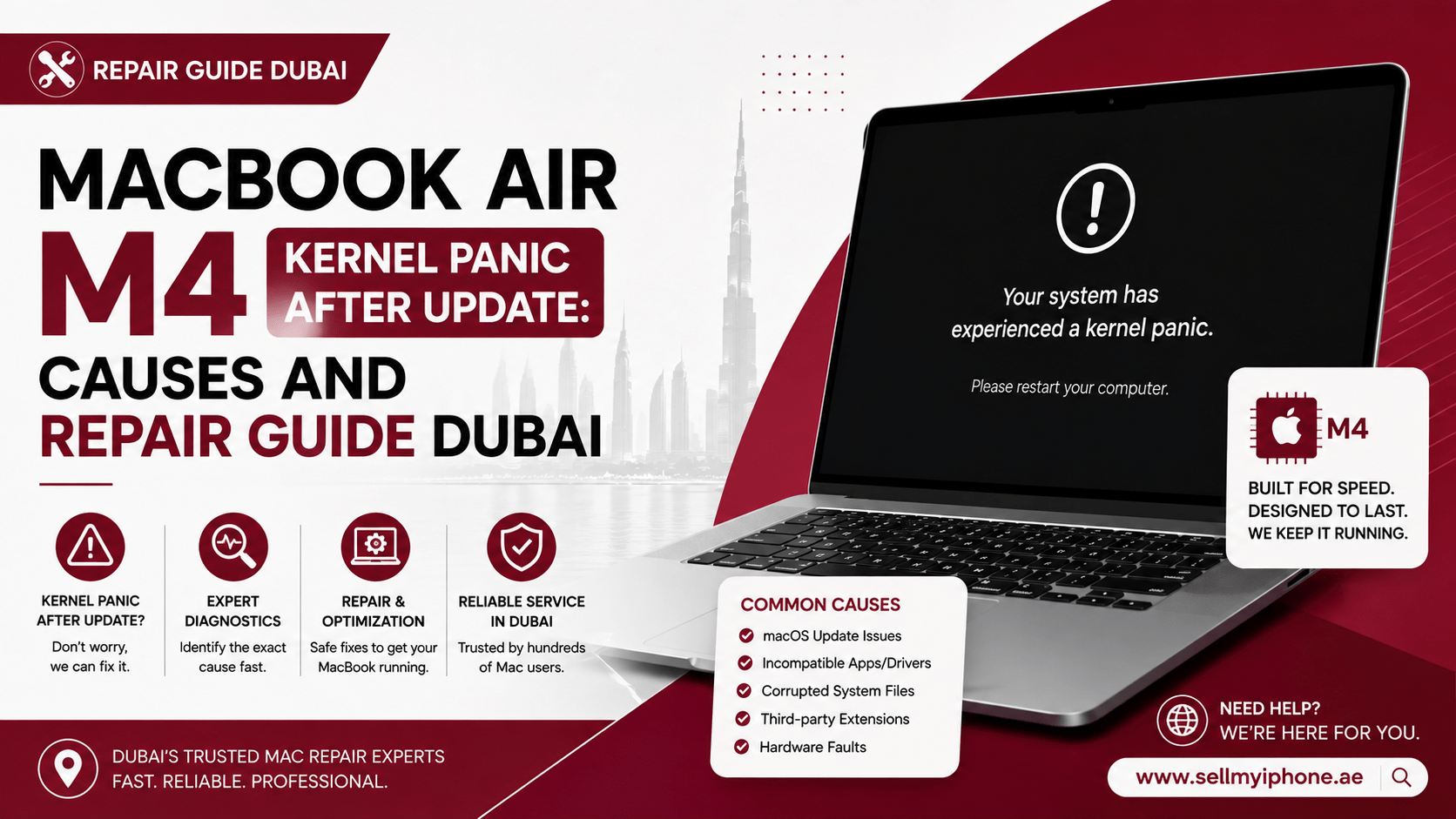
Few technical issues spark concern faster than seeing your screen go completely black before a multi-language error message appears on your display. When your lightweight Apple Silicon machine continuously restarts, understanding the core reasons behind a MacBook Air M4 kernel panic after update: causes and repair guide Dubai situation will help you regain full control over your productivity.
The M4 series chip delivers incredible performance-per-watt efficiency, but even cutting-edge Apple Silicon architecture isn’t totally immune to low-level system crashes. A kernel panic is essentially macOS triggering an emergency safety shutdown when it hits an unrecoverable low-level system error. If you just applied a new macOS update and suddenly face unpredictable reboot loops, this MacBook Air M4 kernel panic after update: causes and repair guide Dubai manual walks you through root causes, step-by-step diagnostic fixes, and local professional repair alternatives.
What Exactly Is a macOS Kernel Panic?
To handle a crashing Mac effectively, you first need to recognize what happens under the hood when a panic triggers. The kernel sits at the very heart of the Darwin operating system, acting as a direct bridge between your software applications and physical hardware components like CPU cores, unified memory, and power management ICs.
When an app crashes in normal user space, macOS simply force-closes the app without affecting the rest of your open files. However, when an invalid memory access occurs inside kernel space or a hardware driver fails to respond, the operating system executes a immediate panic to protect your storage from data corruption. If this happens right after installing a major software patch, reviewing a MacBook Air M4 kernel panic after update: causes and repair guide Dubai breakdown is the fastest way to determine whether software incompatibility or hardware failure is at play.
Primary Causes of Kernel Panics on M4 MacBook Air
System crashes on Apple Silicon rarely happen without a specific trigger. In most cases following an update, the crash traces back to incompatible background extensions, corrupted update files, or thermal and voltage anomalies.
1. Incompatible Legacy Driver or Kernel Extension (kext)
System updates frequently update low-level security framework policies. If you run third-party drivers for specialized audio interfaces, VPNs, or system monitoring tools, an outdated extension running deep inside kernel space can crash the entire system during startup.
2. Corrupted System Update Manifest
During an over-the-air (OTA) macOS software update, a temporary Wi-Fi drop or power fluctuation can corrupt system files. The new macOS build might boot up initially, but as soon as the kernel calls a broken system binary, it triggers a total system reboot.
3. Peripheral and Dongle Signal Interference
Apple Silicon M4 chips feature highly sensitive USB-C and Thunderbolt signaling controllers. Uncertified USB hubs, external SSD docks, or display adapters can cause voltage spikes or unexpected interrupts, making your Mac crash as soon as the updated system loads new bus drivers.
4. Logic Board and Power Delivery Hardware Anomalies
While software is usually the culprit, physical faults like power rail leaks, micro-soldering defects, or liquid contact on the logic board can mimic software update crashes. Whenever a hardware error happens, reading a comprehensive MacBook Air M4 kernel panic after update: causes and repair guide Dubai resource ensures you do not waste time attempting software fixes on a damaged board.
DIY Troubleshooting: How to Fix Kernel Panics Step-by-Step
Before seeking hands-on repair, perform these proven diagnostic steps to isolate and clear software-level conflicts.
1.Disconnect All External Peripherals:Eliminate external hardware conflicts.
Unplug all USB-C hubs, external hard drives, secondary displays, and power adapters. Boot your MacBook Air using only its built-in battery power and display to verify if an external device is generating system interrupts.
2.Boot Your M4 Mac into Safe Mode:Isolate background launch items.
Shut down your Mac completely. Press and hold the Touch ID / Power button until you see “Loading startup options”. Select your startup volume, hold down the Shift key, and click “Continue in Safe Mode”. Safe Mode prevents non-essential third-party kernel extensions from loading during bootup.
3.Run Disk Utility First Aid:Repair disk permission glitches.
While in Safe Mode or macOS Recovery, open Applications > Utilities > Disk Utility. Choose “Show All Devices,” select your main system drive (Macintosh HD), and click First Aid. This utility checks and repairs corrupted file structures across your APFS container.
4.Inspect Crash Logs in Console:Check for repeating fault processes.
Open the Console app from Utilities and navigate to Crash Reports or Panic Reports. Search for lines containing “panic” or “kext” to identify which specific app or driver caused the reboot. Uninstalling the flagged software often solves the problem immediately.
5.Perform a macOS Reinstall or DFU Restore:Deep firmware level recovery.
If the crashes persist, boot into macOS Recovery by holding the power button at startup, selecting Options, and clicking “Reinstall macOS”. For severe bootloader corruption, connect your MacBook Air to a second Mac using Apple Configurator to perform a complete DFU firmware revive.
If your device continues to reboot repeatedly despite completing these steps, this MacBook Air M4 kernel panic after update: causes and repair guide Dubai guide recommends professional hardware diagnostics.
When Is it Time for Professional Hardware Repair?
While software conflicts explain most post-update issues, hardware components can also fail unexpectedly. In the hot, humid climate of the UAE, microscopic thermal strain or internal dust accumulation can weaken power rails on the M4 logic board.
Professional repair becomes mandatory if you experience:
- Reboots occurring inside Recovery Mode or Apple Diagnostics screens.
- Kernel panics accompanied by noticeable logic board coil whine or excessive heat.
- Persistent crashes occurring immediately after pressing the power button.
- Panic logs citing internal power management ICs (PMIC) or NAND storage read errors.
Having a dedicated service center examine your device ensures that micro-soldering defects are addressed before severe data loss occurs. Following a MacBook Air M4 kernel panic after update: causes and repair guide Dubai reference helps you ask repair specialists the right questions regarding logic board diagnostics.
Expert Laptop Services with Milaaj Mobile Repair
When your primary work machine crashes unexpectedly, finding a trustworthy local repair facility is vital for getting back on track fast. For reliable hardware diagnostics and logic board repairs in the UAE, Milaaj mobile and laptop repair Al Barsha offers specialized technical support for modern Apple Silicon hardware.
Here is what makes choosing a professional workshop beneficial for M4 MacBook repairs:
- Low Price Guarantee: Clear, upfront pricing on all micro-soldering, board repairs, and component replacements without surprise diagnostic charges.
- Speed Repairing: Understanding how essential your laptop is, certified technicians conduct rapid same-day diagnostics to fix software reboots and hardware faults quickly.
- Ultimate Convenience: Situated centrally in Al Barsha for effortless walk-ins, alongside convenient device pickup and delivery options across Dubai.
- Uncompromising Part Quality: Every replacement component—from power ICs to internal flex cables—is thoroughly tested to meet strict OEM performance standards.
Comparing Software vs. Hardware Kernel Panic Symptoms
To help you quickly determine your next step, compare these common symptoms and recommended actions:
| Symptom Pattern | Primary Root Cause | Recommended Action |
| Crash happens only when opening a specific app | Incompatible software build | Update or remove the app in Safe Mode |
Panic log repeatedly references a .kext file | Legacy third-party driver | Remove background startup extensions |
| Random reboot occurs while idle on desktop | Corrupted macOS installation files | Reinstall macOS via Recovery Mode |
| Reboots occur instantly during boot logo | Corrupted firmware / DFU state | Perform DFU Revive or Seek Pro Fix |
| Laptop shuts down continuously under light load | Logic board or battery hardware fault | Book expert micro-soldering repair |
By following this MacBook Air M4 kernel panic after update: causes and repair guide Dubai comparison matrix, you can instantly narrow down whether your MacBook needs a quick settings tweak or specialized workshop intervention.
Frequently Asked Questions (FAQ)
Will fixing a kernel panic delete my personal files on my Mac?
No, standard troubleshooting like booting into Safe Mode, running Disk Utility First Aid, or reinstalling macOS over your existing drive preserves all your personal files, documents, and settings intact. However, full DFU factory wipes or drive formatting will erase data, making regular Time Machine backups essential.
Why did the kernel panic start only after updating macOS?
New macOS updates frequently revise security permissions, deprecate legacy background drivers, and update kernel extensions. If an older app or driver on your Mac tries to execute restricted memory code on the updated operating system, macOS triggers a protective panic restart.
Can an overheating laptop trigger a kernel panic on Apple Silicon?
Yes. If internal dust blocks heat dissipation or if power delivery components overheat under intense workloads, the M4 processor may trigger a protective thermal panic to prevent permanent silicon degradation.
How can I read my Mac’s panic log to find the cause?
You can open the Console app in your Utilities folder and check under Crash Reports. Look at the top few lines of the .panic file to find the process name or kernel extension listed immediately after “Panicked task” or “terminated due to”.
Final Thoughts
Encountering a MacBook Air M4 kernel panic after update: causes and repair guide Dubai situation can feel overwhelming, but most crashes stem from straightforward software incompatibilities that you can fix at home. By disconnecting accessories, checking Safe Mode, and running Disk Utility, you can resolve the majority of reboot loops safely. When hardware faults are involved, relying on qualified local specialists ensures your MacBook Air M4 gets back to running smoothly.
For step-by-step visual guidance on managing startup items and clearing background launch extensions that trigger startup crashes, check out How to Fix Kernel Panic on MacBook Pro. This video provides clear instructions on disabling background software conflicts that commonly lead to recurring kernel panics.
Other Services:
- Need other AirPods repairs? Check out Milaaj’s apple airpods repair services in Dubai.
- Looking to upgrade? Learn about selling your used device in Dubai.
- For Apple users, check Apple trade-in options in Dubai.
📍 Visit Any Milaaj Branch in Dubai
🔹 Bur Dubai
Milaaj Mobile and Laptop Repair Dubai
📞 055 258 8477
🔗 Google Maps
🔹 Al Barsha
Milaaj Mobiles and Laptop Repair Al Barsha
📞 052 596 2846
🔗 Google Maps
🔹 Al Barsha 3
Milaaj Mobiles and Gaming Store
📞 052 3405 814
🔗 Google Maps
🔹 Al Nuaimiya
Milaaj Mobiles and Laptops Ajman
📞 055 788 9654
🔗 Google Maps
Shop Locations: Al Barsha | Bur Dubai | Reef Mall, Salah Al Din | Al Nuaimiya, Ajman
Email: support@milaaj.com
Operating Hours: Monday – Sunday




Leave a Reply