

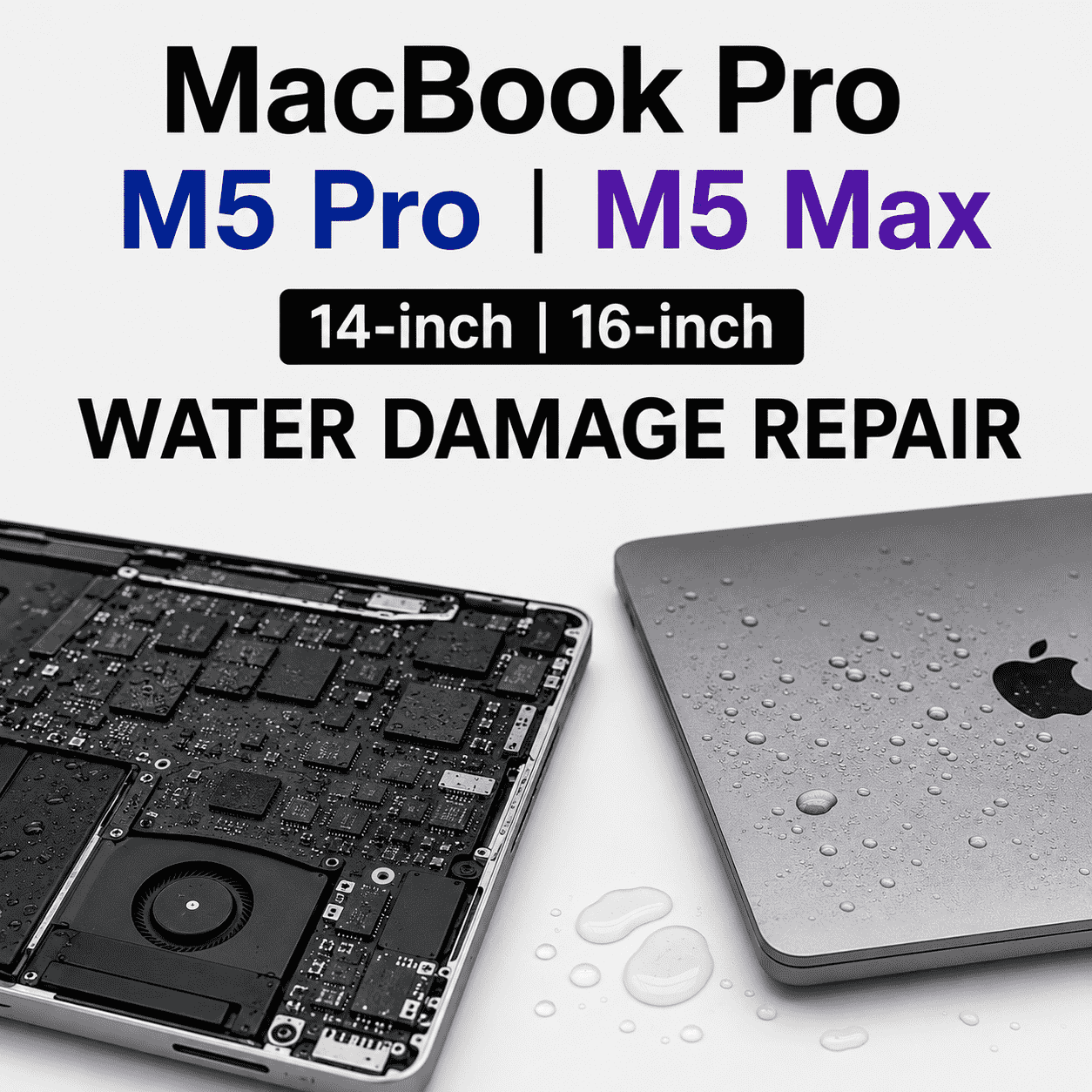
Apple’s MacBook Pro lineup has always been known for cutting-edge performance, and the MacBook Pro M5 Max continues that tradition. With an incredibly powerful Apple Silicon processor, improved thermal architecture, advanced AI capabilities, and exceptional battery efficiency, it has quickly become a favorite among creative professionals, developers, engineers, and business users.
However, alongside these technological advancements comes an important concern that many owners overlook: MacBook Pro M5 Max liquid spill incidents can be far more serious than they appear.
Many people assume that a small coffee spill or a few drops of water are harmless if the laptop continues working. Unfortunately, modern MacBooks are far more densely integrated than older laptops. Consequently, liquid damage can spread rapidly across critical components and create expensive failures long after the initial spill.
Even more importantly, the new internal chip layout found in the M5 Max generation may increase the risks associated with water exposure. Therefore, understanding how liquid damage affects these devices can help you act quickly and potentially save your MacBook from permanent damage.
In this guide, we’ll explain why a MacBook Pro M5 Max liquid spill is such a serious issue, how the latest internal architecture changes the repair process, warning signs to watch for, and what you should do immediately after a spill.
Understanding the MacBook Pro M5 Max Architecture
The MacBook Pro M5 Max is one of Apple’s most advanced laptops to date.
Key features include:
- Apple M5 Max processor
- Unified memory architecture
- Advanced AI acceleration
- High-speed SSD storage
- Mini-LED display technology
- Enhanced thermal management
- Compact motherboard design
While these improvements deliver outstanding performance, they also result in extremely dense component placement.
As a result, liquids can reach multiple critical circuits faster than ever before.
Therefore, a MacBook Pro M5 Max liquid spill should always be treated as an emergency.
Why Water Damage Is More Dangerous in Modern MacBooks
Components Are Packed Closer Together
Older laptops often had more internal space between components.
Modern MacBooks are different.
Apple continuously reduces internal space to improve:
- Performance
- Portability
- Battery capacity
- Cooling efficiency
Consequently, even a small amount of liquid can spread across multiple circuits simultaneously.
This means a minor spill can quickly become a major repair.
Unified Memory Increases Risk
One of the biggest innovations in Apple Silicon devices is Unified Memory Architecture.
Instead of separate memory modules, memory is integrated directly into the system design.
As a result, liquid reaching the logic board can affect:
- Processor functions
- Memory systems
- Graphics performance
- AI processing components
Therefore, a MacBook Pro M5 Max liquid spill may impact several core systems at once.
Higher Component Density
The M5 Max motherboard contains highly concentrated electronic components.
Because components sit closer together, liquids can bridge circuits more easily.
Consequently, short circuits can occur within seconds of exposure.
What Actually Happens During a Liquid Spill?
Many users expect immediate failure after water exposure.
However, liquid damage often follows a different timeline.
Initial Contact
The liquid enters through:
- Keyboard openings
- Trackpad gaps
- Speaker vents
- Port openings
At this stage, the MacBook may still appear normal.
Short Circuit Formation
As the liquid spreads, electrical pathways may form between circuits.
This can cause:
- Random shutdowns
- Display glitches
- Charging issues
- Logic board failures
Corrosion Development
Even if the laptop continues working, corrosion may begin almost immediately.
Over time, corrosion can destroy:
- Connectors
- Capacitors
- Power circuits
- Data lines
Consequently, delayed repairs often become more expensive.
Common Liquids That Cause Damage
Not all liquids affect laptops equally.
Water
Although water appears harmless, it still causes oxidation and corrosion.
Coffee
Coffee introduces:
- Acids
- Sugars
- Minerals
These substances can accelerate internal damage.
Soft Drinks
Sugary beverages leave sticky residues that continue causing problems long after the spill.
Energy Drinks
These liquids often contain conductive ingredients that increase short-circuit risks.
Juice
Fruit juices can create severe corrosion because of their acidic nature.
Therefore, every MacBook Pro M5 Max liquid spill deserves professional attention regardless of the liquid involved.
Signs Your MacBook Has Liquid Damage
Unexpected Shutdowns
Sudden power loss often indicates internal electrical problems.
Keyboard Malfunctions
Affected keys may:
- Stop responding
- Double-type
- Register incorrect inputs
Charging Problems
Liquid damage frequently affects charging circuits.
Consequently, charging irregularities are a common warning sign.
Overheating
Damaged power components can cause excessive heat generation.
Display Issues
Users may notice:
- Flickering
- Vertical lines
- Black screens
- Bright spots
Strange Noises
Electrical damage sometimes produces clicking or buzzing sounds.
Therefore, unusual behavior after a spill should never be ignored.
Why DIY Fixes Often Make Things Worse
Many users search for quick online solutions.
Unfortunately, DIY approaches frequently increase damage.
Rice Doesn’t Repair Electronics
Contrary to popular belief, placing a MacBook in rice does not remove internal corrosion.
Continued Usage Increases Risk
Turning the laptop back on too soon can trigger additional short circuits.
Partial Drying Is Misleading
Even when surfaces appear dry, moisture often remains trapped inside.
Consequently, professional inspection remains essential.
What To Do Immediately After a MacBook Pro M5 Max Liquid Spill
Step 1: Power Off Immediately
Shut down the laptop as quickly as possible.
Step 2: Disconnect Power
Remove all charging cables and accessories.
Step 3: Avoid Pressing Keys
Additional interaction may spread liquid further.
Step 4: Position the Laptop Properly
Allow excess liquid to drain away from sensitive areas.
Step 5: Seek Professional Diagnostics
The sooner technicians inspect the device, the better the chances of successful recovery.
Therefore, acting quickly after a MacBook Pro M5 Max liquid spill is critical.
Why Fast Repair Improves Recovery Rates
Time plays a major role in water damage recovery.
Within the First Few Hours
Technicians can often remove liquid before severe corrosion develops.
Within the First Day
Many damaged components remain salvageable.
After Several Days
Corrosion becomes increasingly destructive.
As a result, repair costs may rise significantly.
Therefore, delaying service is rarely a good idea.
Can a Water-Damaged M5 Max Logic Board Be Repaired?
In many cases, yes.
Professional technicians use advanced techniques such as:
- Ultrasonic cleaning
- Component-level repair
- Corrosion removal
- Microsoldering
- Circuit reconstruction
Consequently, logic board repair is often possible without replacing the entire motherboard.
This can dramatically reduce repair costs.
Data Recovery After Liquid Damage
Many users worry about losing important files.
Fortunately, professional technicians can often recover:
- Photos
- Videos
- Business documents
- Design projects
- Client files
- Personal data
Therefore, even severely damaged devices may still yield recoverable information.
How to Prevent Future Liquid Damage
Use a Stable Workspace
Keep beverages away from your laptop whenever possible.
Invest in Protective Accessories
Protective covers can reduce exposure risks.
Avoid Working Near Pools or Kitchens
High-moisture environments increase accident potential.
Use Spill-Proof Containers
Secure drink containers provide additional protection.
Back Up Data Regularly
Frequent backups help minimize potential losses.
Consequently, prevention remains the most cost-effective strategy.
Professional MacBook Liquid Damage Repair in Dubai
For users dealing with a MacBook Pro M5 Max liquid spill, immediate professional attention can significantly improve recovery outcomes. Milaaj mobile and laptop repair Al Barsha provides comprehensive diagnostics and advanced repair solutions for liquid-damaged MacBooks.
Moreover, customers benefit from affordable pricing that helps reduce overall repair costs. In addition, fast turnaround times allow professionals and students to return to work quickly. Furthermore, experienced technicians use advanced diagnostic tools and high-quality replacement components to ensure dependable repairs. Meanwhile, convenient service options simplify the entire repair process. As a result, customers receive reliable repairs, expert workmanship, and long-lasting value.
Why Professional Repairs Matter
Modern Apple Silicon devices are incredibly sophisticated.
Consequently, repairing them requires:
- Specialized tools
- Board-level expertise
- Precision equipment
- Advanced diagnostics
Therefore, professional service remains the safest and most effective option.
Moreover, technicians can identify hidden damage that might otherwise go unnoticed.
Final Thoughts
A MacBook Pro M5 Max liquid spill is far more serious than many users realize. Thanks to the new chip layout, unified memory architecture, and highly integrated motherboard design, liquids can affect multiple critical systems almost immediately.
Nevertheless, water damage does not automatically mean total device failure. When addressed quickly, professional diagnostics and component-level repairs can often restore functionality while preserving valuable data.
Therefore, if your MacBook Pro M5 Max experiences any form of liquid exposure, avoid DIY fixes, power the device down immediately, and seek professional assistance as soon as possible. Acting quickly can significantly reduce repair costs, improve recovery chances, and extend the life of your premium Apple laptop.
Frequently Asked Questions
1. Why is a MacBook Pro M5 Max liquid spill more dangerous than older MacBooks?
The M5 Max uses a highly integrated design with densely packed components, increasing the risk of widespread damage.
2. Can a MacBook survive water damage?
Yes. Many liquid-damaged MacBooks can be repaired if professional treatment occurs quickly.
3. Should I put my MacBook in rice?
No. Rice does not remove internal corrosion or repair electronic components.
4. How soon should I seek repair after a spill?
Immediately. Fast action significantly improves recovery success rates.
5. Can liquid damage affect the M5 Max chip itself?
Yes. Liquids can affect multiple critical components, including processor-related circuits.
6. Will my data be lost after water damage?
Not necessarily. Professional technicians can often recover important files.
7. Can coffee damage a MacBook more than water?
Yes. Coffee contains acids and residues that may accelerate corrosion.
8. What are common signs of liquid damage?
Unexpected shutdowns, charging issues, keyboard problems, overheating, and display abnormalities.
9. Is logic board repair possible after a liquid spill?
In many cases, professional board-level repair techniques can restore functionality.
10. Is repairing cheaper than replacing a MacBook Pro M5 Max?
Often yes. Component-level repair can be significantly less expensive than full device replacement.
Other Services:
- Need other Mac Book repairs? Check out Milaaj’s MacBook repair services in Dubai.
- Looking to upgrade? Learn about selling your used laptop in Dubai.
- Data loss concerns? Visit Milaaj’s data recovery services.
- For Apple users, check Apple trade-in options in Dubai.
📍 Visit Any Milaaj Branch in Dubai
🔹 Bur Dubai
Milaaj Mobile and Laptop Repair Dubai
📞 055 258 8477
🔗 Google Maps
🔹 Al Barsha
Milaaj Mobiles and Laptop Repair Al Barsha
📞 052 596 2846
🔗 Google Maps
🔹 Al Barsha 3
Milaaj Mobiles and Gaming Store
📞 052 3405 814
🔗 Google Maps
🔹 Al Nuaimiya
Milaaj Mobiles and Laptops Ajman
📞 055 788 9654
🔗 Google Maps
Shop Locations: Al Barsha | Bur Dubai | Reef Mall, Salah Al Din | Al Nuaimiya, Ajman
Email: support@milaaj.com
Operating Hours: Monday – Sunday




Leave a Reply