

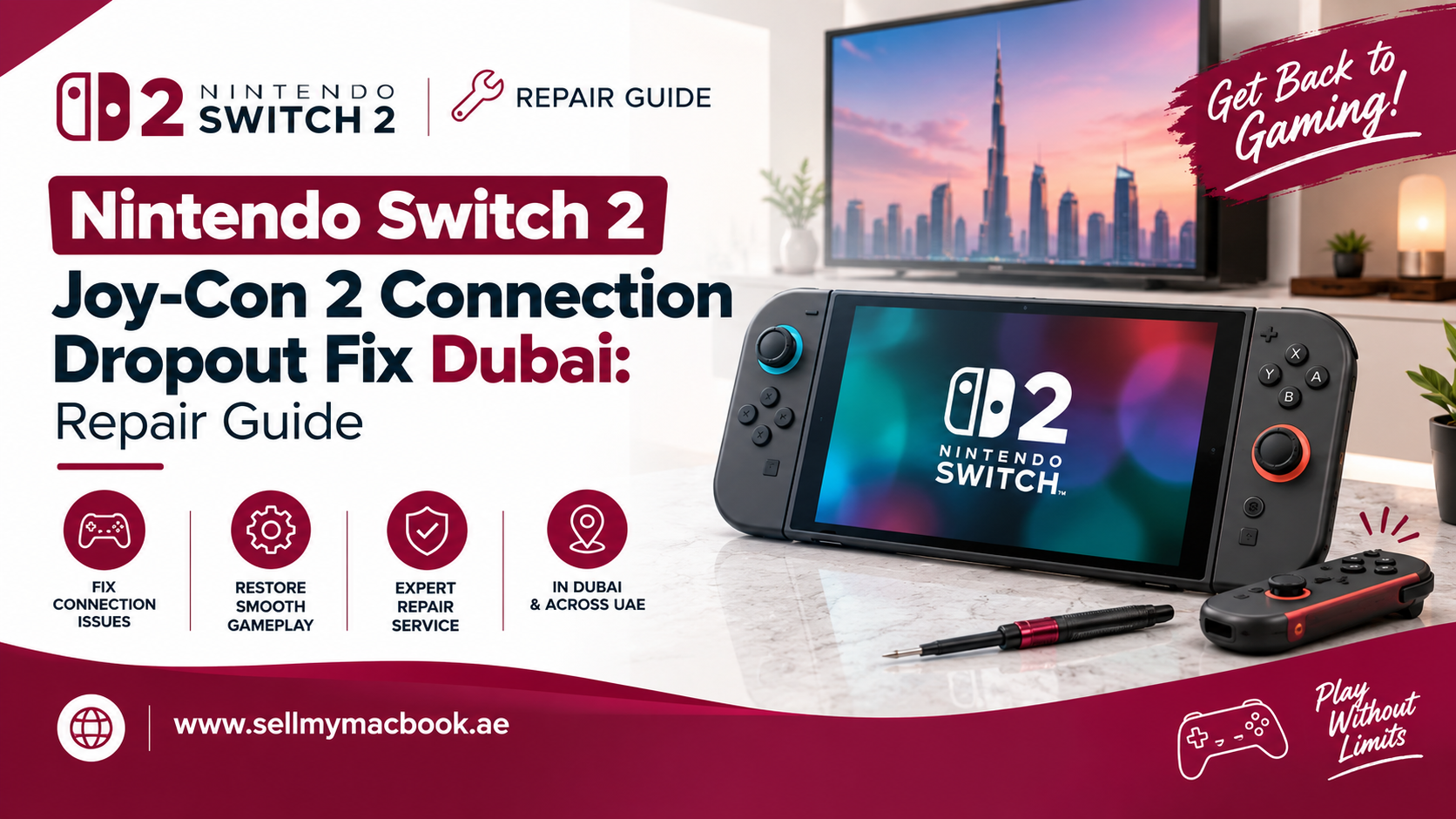
Quick Answer
If your Joy-Con 2 keeps disconnecting mid-game, the issue usually comes down to Bluetooth interference, a worn-out connector, or a software glitch rather than a completely dead controller. Try re-pairing and updating your system first. If dropouts continue, the fault is likely hardware-related, and professional Nintendo Switch 2 Joy-Con 2 connection dropout fix Dubai service can resolve it quickly, often within a few hours.
Key Takeaways
- Most Joy-Con 2 dropouts are caused by Bluetooth interference, low battery, or outdated firmware, not permanent hardware failure.
- Re-pairing, restarting the console, and updating system software fixes a large portion of reported cases.
- Persistent dropouts, especially from one specific Joy-Con, usually point to a failing internal antenna or rail connector.
- Professional repair preserves your save data and console settings completely.
- DIY disassembly risks further damage, since the Joy-Con 2’s internal components are compact and delicate.
If you’ve been enjoying your Nintendo Switch 2 and suddenly notice your Joy-Con randomly disconnecting mid-match, you’re definitely not imagining it. This has become one of the more common complaints among Switch 2 owners, and thankfully, it’s usually fixable. In this guide, we’ll walk through everything about Nintendo Switch 2 Joy-Con 2 connection dropout fix Dubai, including common causes, troubleshooting steps, and what professional repair actually involves.
Why Does Joy-Con 2 Keep Disconnecting?
Bluetooth Interference From Nearby Devices
One of the most common causes behind connection dropouts is simple Bluetooth interference. Since Joy-Con 2 connects wirelessly, nearby devices like routers, smart speakers, or even other Bluetooth controllers can disrupt the signal, especially in crowded apartment buildings common across Dubai.
Low Battery Levels
Sometimes, the issue isn’t the connection itself but rather a Joy-Con running critically low on battery. As power drops, wireless performance can become noticeably unstable, causing intermittent dropouts during gameplay.
Outdated System or Controller Firmware
Additionally, running outdated firmware can cause unexpected connectivity issues. Nintendo frequently releases updates specifically addressing Bluetooth stability, so skipping updates can leave your console more vulnerable to this problem.
Worn or Damaged Rail Connectors
If your Joy-Con 2 attaches to the console via its sliding rail, repeated use can gradually wear down the internal contacts. Consequently, this physical wear can cause intermittent connection issues, even when playing in handheld mode.
Internal Antenna Damage
In more serious cases, the Joy-Con’s internal wireless antenna may be damaged, often due to drops, impacts, or general wear over extended use. This typically causes consistent, rather than occasional, dropout issues.
Signs Your Joy-Con 2 Needs Professional Repair
Frequent Disconnections During Gameplay
If your Joy-Con disconnects multiple times during a single gaming session, despite trying basic troubleshooting, this strongly suggests an underlying hardware issue.
One Joy-Con Consistently Worse Than the Other
When only one specific Joy-Con experiences repeated dropouts while the other performs fine, this usually points directly to a hardware fault within that particular controller.
Dropouts Occur Even at Close Range
If disconnections happen even when the Joy-Con is attached directly to the console or held just inches away, interference alone likely isn’t the cause.
Connection Issues Persist After Updates
If you’ve already updated your system and Joy-Con firmware, yet dropouts continue, this is a clear sign the problem lies within the hardware itself.
Troubleshooting Steps Before Seeking Repair
Step 1: Restart Your Console and Joy-Con
First, always start with a simple restart. Power off your Switch 2 completely, detach the Joy-Con, and reconnect everything after a minute.
Step 2: Update System and Controller Firmware
Next, check for both system and controller software updates through your console’s settings menu, since outdated firmware often causes unexpected connectivity bugs.
Step 3: Re-Pair Your Joy-Con
If dropouts continue, manually unpair and re-pair your Joy-Con through the Bluetooth settings menu to establish a fresh, stable connection.
Step 4: Reduce Nearby Wireless Interference
Move away from routers, smart speakers, or other Bluetooth devices while gaming to rule out external interference as the root cause.
Step 5: Test With a Fully Charged Joy-Con
Charge your Joy-Con completely and test it again, since low battery levels can sometimes mimic connection dropout symptoms.
If none of these steps resolve the issue, it’s time to consider professional Nintendo Switch 2 Joy-Con 2 connection dropout fix Dubai services.
What Happens During Professional Joy-Con Repair
Step 1: Diagnostic Testing
First, a technician tests your Joy-Con across multiple environments and distances to confirm whether the issue is genuinely hardware-related rather than software or interference-based.
Step 2: Careful Disassembly
Next, the Joy-Con is carefully opened, since its internal components, including the antenna and rail connectors, are compact and require precise handling throughout the process.
Step 3: Inspecting Internal Components
The technician then inspects the internal antenna, rail contacts, and connection pathways for visible wear, damage, or loose connections.
Step 4: Repairing or Replacing Faulty Parts
Depending on the diagnosis, damaged components like the antenna module or rail connector are repaired or replaced with genuine or high-quality compatible parts.
Step 5: Testing and Quality Assurance
Finally, the repaired Joy-Con undergoes thorough connection testing across varying distances and conditions to confirm the dropout issue has been completely resolved.
Is Joy-Con Repair Worth It Compared to Buying New Ones?
Generally, yes. Since Joy-Con 2 controllers can be relatively expensive to replace individually, repairing the specific faulty component is usually far more cost-effective than purchasing an entirely new set. Therefore, unless your Joy-Con has sustained significant physical damage beyond the connection issue, professional repair almost always makes more financial sense.
How to Prevent Future Connection Dropouts
- Keep your system and controller firmware consistently updated.
- Avoid placing your console near routers or multiple Bluetooth devices during gameplay.
- Charge your Joy-Con regularly rather than letting the battery run critically low.
- Handle the rail connectors gently when attaching or detaching Joy-Con from the console.
- Store your Joy-Con in a stable, dust-free environment when not in use.
By following these simple precautions, you can significantly reduce the chances of experiencing connection dropouts again in the future.
Why Choose Professional Repair Over DIY Attempts
While it might be tempting to attempt fixing connection issues yourself, Joy-Con 2’s internal components are genuinely compact and delicate. Since the antenna and rail connectors sit close to other sensitive parts, even small mistakes during disassembly can cause further damage. Therefore, trusting experienced technicians ensures your Joy-Con is repaired safely and correctly the first time.
A Quick Word From Milaaj Mobile and Laptop Repair Al Barsha
If you’re dealing with persistent Joy-Con dropout issues, Milaaj Mobile and Laptop Repair Al Barsha offers reliable, professional repair services you can genuinely trust. While widely recognized for mobile and laptop repairs, their technical expertise extends seamlessly to gaming console and controller repairs as well.
Here’s why customers across Al Barsha consistently choose Milaaj:
- Low Price: Transparent, budget-friendly pricing with absolutely no hidden charges.
- Speed Repairing: Fast turnaround times, so you’re not left without your controllers for days.
- Convenience: Simple walk-in service with flexible scheduling options.
- Part Quality: Only genuine or high-quality compatible components are used for lasting durability.
- Skilled Technicians: Experienced professionals who handle delicate internal connections with genuine precision.
Whether it’s a Joy-Con connection issue, a cracked phone screen, or a slow laptop, Milaaj Mobile and Laptop Repair Al Barsha ensures every device receives expert-level care and attention.
Final Thoughts
At the end of the day, random Joy-Con disconnections don’t necessarily mean you need to replace your controllers entirely. Whether it’s interference, a worn rail connector, or internal antenna damage, professional repair can often resolve the issue completely without the expense of buying new Joy-Con. So, if basic troubleshooting hasn’t fixed your dropout problem, don’t hesitate to book proper Nintendo Switch 2 Joy-Con 2 connection dropout fix Dubai service and get back to uninterrupted gaming.
Frequently Asked Questions (FAQs)
1. Can Joy-Con 2 dropout issues be fixed without replacing the whole controller?
Yes, in many cases, repairing the specific faulty component, like the antenna or rail connector, resolves the issue without needing a full replacement.
2. How long does Joy-Con connection repair usually take?
Most repairs can be completed within a few hours, depending on part availability and the extent of the damage.
3. Will I lose any settings or data during Joy-Con repair?
No, since this repair focuses solely on the controller’s internal hardware, your console’s save data and settings remain completely unaffected.
4. Is it risky to try fixing Joy-Con dropout issues myself?
Yes, DIY attempts carry real risk, since the internal components are compact and delicate, making professional repair the safer option.
5. Does Joy-Con repair affect my Nintendo Switch 2 warranty?
This depends on whether your device is still under official warranty. It’s best to check your warranty terms before seeking third-party repair.
Other Services:
- Need other laptop repairs? Check out Milaaj’s laptop repair services in Dubai.
- Overheating issues? Explore MacBook repair in Dubai for similar cooling solutions.
- Looking to upgrade? Learn about selling your used laptop in Dubai.
- Data loss concerns? Visit Milaaj’s data recovery services.
- For Apple users, check Apple trade-in options in Dubai.
📍 Visit Any Milaaj Branch in Dubai
🔹 Bur Dubai
Milaaj Mobile and Laptop Repair Dubai
📞 055 258 8477
🔗 Google Maps
🔹 Al Barsha
Milaaj Mobiles and Laptop Repair Al Barsha
📞 052 596 2846
🔗 Google Maps
🔹 Reef Mall (Salah Al Din)
Milaaj Service Center Reef Mall
📞 052 3405 814
📍 1st Floor, Shop 16, Deira
🔗 Google Maps
🔹 Al Nuaimiya
Milaaj Mobiles and Laptops Ajman
📞 055 788 9654
🔗 Google Maps
Shop Locations: Al Barsha | Bur Dubai | Reef Mall, Salah Al Din | Al Nuaimiya, Ajman
Email: support@milaaj.com
Operating Hours: Monday – Sunday
Leave a Reply