

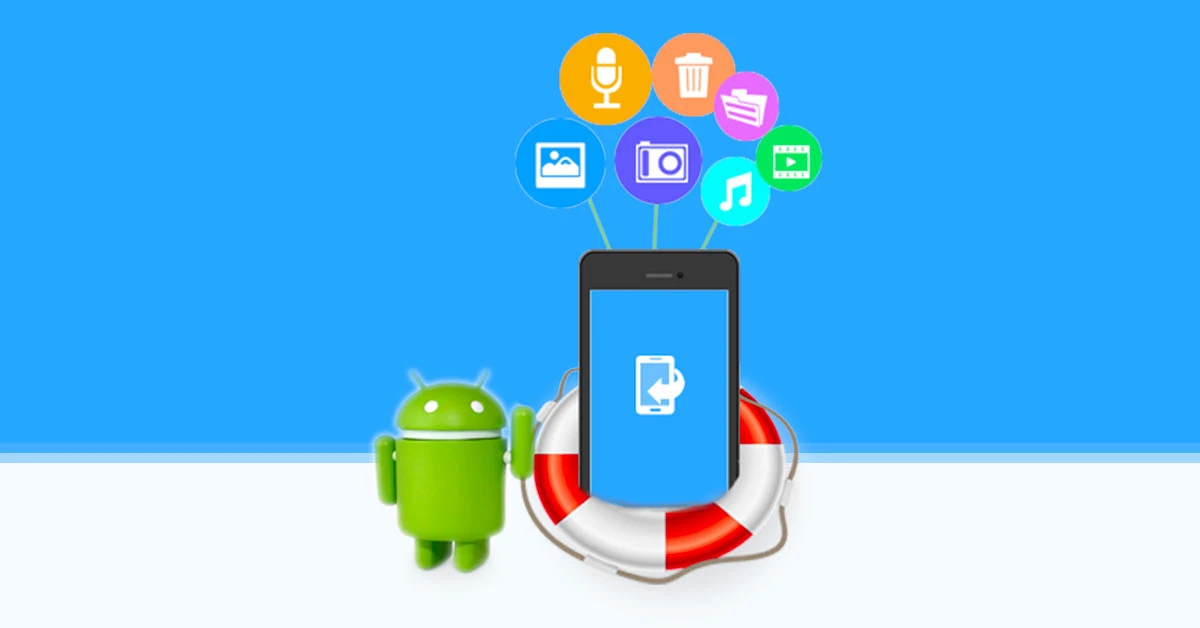
Losing important data from your Samsung smartphone can be overwhelming, especially when it happens suddenly after a factory reset or unexpected system crash. Photos, videos, contacts, messages, and business files may disappear in seconds, leaving users feeling helpless. Samsung Data Recovery After Factory Reset or System Crash is a growing concern as modern smartphones store critical personal and professional information.
Fortunately, data loss does not always mean data is gone forever. With the right knowledge and professional recovery methods, retrieving lost Samsung data is often possible. In this guide, we will explain why data loss occurs, what actions to avoid, and how expert technicians successfully recover data even after severe system failures.
What Is Samsung Data Recovery After Factory Reset or System Crash?
Samsung Data Recovery After Factory Reset or System Crash refers to the process of retrieving lost files when a Samsung phone has been reset to factory settings or crashes due to software or hardware failure. While these situations appear permanent, recovery is sometimes achievable depending on timing and device condition.
Common Data Lost in Samsung Phones
- Photos and videos
- Contacts and call logs
- WhatsApp and app data
- Documents and downloads
- Notes and saved credentials
However, recovery success depends on how the device is handled after data loss.
Why Factory Reset Causes Samsung Data Loss
A factory reset wipes user-accessible data to restore the phone to its original state. As a result, the operating system removes file references, making data invisible to the user.
What Happens During a Factory Reset
- User partitions are cleared
- System files reinstall
- File indexes are removed
- Storage sectors may remain intact
Therefore, although files seem deleted, they may still exist temporarily until overwritten.
How System Crashes Trigger Samsung Data Loss
System crashes often occur due to failed updates, corrupted firmware, malware, or hardware instability. When this happens, the phone may freeze, restart endlessly, or fail to boot.
Common Causes of Samsung System Crashes
- Interrupted software updates
- Android OS corruption
- Storage chip errors
- Overheating or power failure
As a result, users may lose access to stored data even without performing a factory reset.
Is Samsung Data Recovery After Factory Reset or System Crash Possible?
In many cases, yes. Samsung Data Recovery After Factory Reset or System Crash is often possible if action is taken quickly and correctly.
Factors That Affect Recovery Success
- Time since reset or crash
- Whether new data was written
- Storage encryption status
- Physical condition of the device
Moreover, professional tools significantly improve recovery chances compared to DIY attempts.
What to Do Immediately After Samsung Data Loss
The steps you take immediately after data loss can make or break recovery success.
Essential First Steps
- Stop using the phone immediately
- Disable mobile data and Wi-Fi
- Do not install recovery apps
- Avoid repeated restarts
Additionally, delaying professional help can reduce recovery potential.
What NOT to Do After Factory Reset or System Crash
Many users unknowingly make mistakes that permanently destroy recoverable data.
Common Mistakes to Avoid for Samsung Data Recovery After Factory Reset or System Crash
- Restoring backups over lost data
- Installing third-party recovery apps
- Repeating factory resets
- Flashing firmware without backup
Therefore, expert guidance is crucial at this stage.
Samsung Data Recovery After Factory Reset Using Professional Methods
When DIY solutions fail, professional recovery offers safer and more effective options.
Advanced Recovery Techniques Used by Experts
- Logical data extraction
- Partition reconstruction
- Android debugging access
- Chip-level data retrieval
These methods require specialized tools and technical expertise.
Recovering Samsung Data After System Crash Without Backup
Many users rely on backups, but not everyone has one available. Fortunately, professionals can still help.
How Experts Recover Data Without Backup
- Stabilize corrupted firmware
- Bypass boot loops
- Access internal storage directly
- Extract data without overwriting
As a result, users often recover critical files even without cloud backups.
Samsung Data Recovery After Factory Reset on Newer Models
New Samsung models use advanced encryption, which complicates recovery.
Challenges with Modern Samsung Devices
- Stronger file-based encryption
- Secure boot protection
- Locked bootloaders
However, authorized recovery methods and controlled environments increase success rates.
Why DIY Samsung Data Recovery Often Fails
Online tutorials may promise easy fixes, but reality is different.
Risks of DIY Data Recovery Attempts for Samsung Data Recovery After Factory Reset or System Crash
- Permanent data overwriting
- Corrupted storage sectors
- Security lock activation
- Reduced professional recovery chances
Therefore, attempting DIY recovery can do more harm than good.
Milaaj Mobile Repair – Trusted Samsung Data Recovery Specialists
Milaaj mobiles and laptop repair Al Barsha provides professional solutions for Samsung data loss caused by factory resets and system crashes, using advanced recovery tools and expert diagnostics.
Why Choose Professional Samsung Data Recovery?
- Low-price data recovery options
- Speed repairing with minimal downtime
- Convenient service for individuals and businesses
- High-quality parts used when hardware repair is required
- Expert technicians trained in Samsung recovery systems
Moreover, data protection and privacy remain top priorities.
Benefits of Professional Samsung Data Recovery Services
Affordable and Cost-Effective
Recovering data is often cheaper than losing irreplaceable files.
Fast Turnaround Time
Many recovery cases complete within hours or a few days.
Safe and Secure Handling
Professional environments prevent further data damage.
Higher Recovery Success Rate
Advanced tools dramatically improve results.
How Long Does Samsung Data Remain Recoverable?
Time plays a crucial role in Samsung Data Recovery After Factory Reset or System Crash.
Data Recovery Timeline for Samsung Data Recovery After Factory Reset or System Crash
- First 24 hours: Highest success rate
- After new data writes: Reduced chances
- Prolonged use: Possible permanent loss
Therefore, immediate action is essential.
How to Prevent Samsung Data Loss in the Future
While recovery is possible, prevention remains the best strategy.
Expert Prevention Tips
- Enable Samsung Cloud backups
- Use Google Drive regularly
- Avoid interrupting updates
- Keep storage space available
- Install trusted apps only
As a result, future data loss risks decrease significantly.
FAQs About Samsung Data Recovery After Factory Reset or System Crash
Can data be recovered after Samsung factory reset?
Yes, recovery is often possible if data has not been overwritten.
Is Samsung data recovery safe?
Professional recovery methods prioritize data safety and privacy.
Does system crash permanently delete data?
Not always; many files remain recoverable with proper tools.
Final Thoughts: Samsung Data Recovery After Factory Reset or System Crash
Experiencing data loss after a reset or crash is stressful, but Samsung Data Recovery After Factory Reset or System Crash is often achievable with the right approach. Acting quickly, avoiding risky DIY solutions, and choosing professional recovery services greatly improves your chances of success.
Instead of accepting permanent loss, expert Samsung data recovery provides a reliable, secure, and cost-effective solution. Therefore, early professional intervention remains the smartest choice.
Other Services:
- Need other mobile phone repairs? Check out Milaaj’s mobile repair services in Dubai.
- Looking to upgrade? Learn about selling your used mobile in Dubai.
- Data loss concerns? Visit Milaaj’s data recovery services.
📍 Visit Any Milaaj Branch in Dubai
🔹 Bur Dubai
Milaaj Mobile and Laptop Repair Dubai
📞 055 258 8477
🔗 Google Maps
🔹 Al Barsha
Milaaj Mobiles and Laptop Repair Al Barsha
📞 052 596 2846
🔗 Google Maps
🔹 Al Barsha 3
Milaaj Mobiles and Gaming Store
📞 052 3405 814
🔗 Google Maps
🔹 Al Nuaimiya
Milaaj Mobiles and Laptops Ajman
📞 055 788 9654
🔗 Google Maps
Shop Locations: Al Barsha | Bur Dubai | Reef Mall, Salah Al Din | Al Nuaimiya, Ajman
Email: support@milaaj.com
Operating Hours: Monday – Sunday
Leave a Reply