

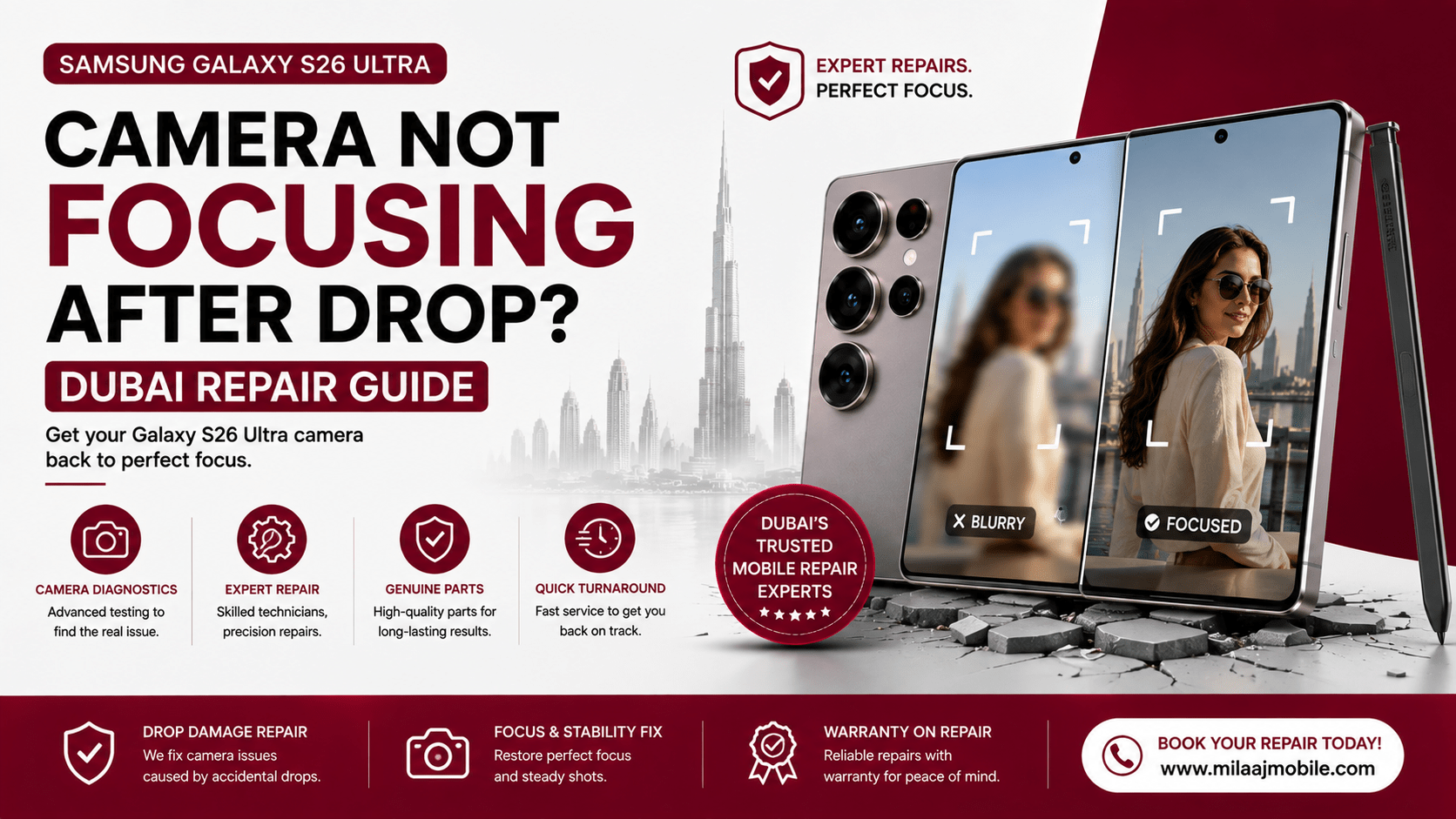
You step into the bright Dubai Marina sunlight or head toward Downtown Dubai to capture the skyline. You pull out your flagship smartphone for a quick photo. However, the camera struggles to focus. The image stays blurry, while the lens may twitch or make a soft buzzing sound. This can be frustrating, especially when distant subjects remain out of focus.
A Samsung Galaxy S26 Ultra camera not focusing after drop: Dubai repair guide can help you understand the problem and find the right solution. Samsung’s flagship camera system combines a high-resolution primary sensor, telephoto cameras, optical zoom, and Optical Image Stabilization (OIS). However, a drop can affect these delicate components. The impact may shift internal lens elements, damage the focusing mechanism, or loosen internal connectors.
Fortunately, some basic troubleshooting steps can help determine the cause. Restart the phone, clean the camera lenses, remove any case that may interfere with the camera, and test different camera modes. If the camera remains blurry after these checks, the problem may require professional inspection. In this guide, we will explain common causes of focus failure, safe troubleshooting methods, possible component repairs, and expert Samsung Galaxy S26 Ultra camera repair in Dubai.
Why Drop Impacts Break Camera Focus Mechanisms
Understanding how a physical impact affects precision camera hardware can help you decide whether your Samsung Galaxy S26 Ultra needs a simple calibration check or a complete camera module replacement.
Voice Coil Motor (VCM) and OIS Damage
Modern smartphone cameras use tiny electromagnetic components called Voice Coil Motors (VCMs). These components move the lens to achieve accurate focus. They also support Optical Image Stabilization (OIS) during photography and video recording. However, a strong drop can put excessive stress on these delicate parts. As a result, the lens may become stuck or misaligned. This can cause constant blur, focus hunting, or unusual buzzing from the camera.
Periscope Prism Dislocation and Telephoto Failure
The periscope telephoto camera uses precision optics to redirect light toward the zoom sensor. A hard impact can disturb these internal components. Even a small shift can affect image alignment and autofocus performance. Consequently, photos may appear blurry when using higher zoom levels. In some cases, the camera may repeatedly search for focus or fail when switching between zoom modes.
Dislodged Flex Connectors and Laser AF Issues
Not every camera problem is caused by damaged optics. Sometimes, a drop can loosen the camera flex connector between the camera module and the mainboard. Dust or damage around the autofocus sensor can also affect focusing accuracy. Therefore, if cleaning the lens and restarting the phone do not solve the issue, professional inspection is recommended. A technician can check the camera module, connectors, autofocus system, and OIS components to determine whether Samsung Galaxy S26 Ultra camera repair in Dubai requires calibration, connector servicing, or module replacement.
Step 1: Immediate DIY Troubleshooting Steps to Try First
Before booking a professional repair, walk through these safe, non-invasive troubleshooting steps to rule out temporary software bugs or minor mechanical jams.
Inspect and Clean Outer Glass Optics
Fine dust, pocket lint, or finger grease sitting directly over the Laser Auto-Focus window can scramble distance measurements. Wipe the entire camera glass housing thoroughly using a dry, lint-free microfiber cloth. Ensure no hairline cracks or internal dust deposits cover the laser emitter ring.
The Gentle Frame Tap Technique
If an OIS suspension coil or floating lens barrel experienced a minor mechanical stick during an impact, a gentle tap can sometimes dislodge it back into its guide track.
- Open the stock Camera app and set the zoom level to 1x.
- Hold the phone securely in one hand.
- Gently tap the top corner of the aluminum side frame against the palm of your opposite hand.
- Check if the camera motor clicks softly and restores clean auto-focus functionality.
Clear Camera App Caches and Reset System Settings
Corrupted software preferences can cause camera processing drivers to lock up when initializing hardware sensors.
- Navigate to Settings > Apps > Camera.
- Tap Storage, then select Clear Cache and Clear Data.
- Return to Settings > General Management > Reset and select Reset All Settings.
- Restart your smartphone normally and test photo capture again.
Run Samsung Hardware Diagnostics
Use Samsung’s built-in diagnostic tools to check if the operating system detects a physical camera hardware error:
- Open the Samsung Members app on your phone.
- Tap Support, then choose Phone Diagnostics.
- Select Camera to run an automated check on auto-focus motors, primary sensors, and telephoto lenses.
Step 2: Evaluating Physical Component Damage (Glass vs. Module)
If basic software resets do not fix your camera, figuring out whether you need simple lens cover glass replacement or a complete internal camera housing swap helps you budget accurately.
  REPAIR PATH A: External Camera Lens Glass Cover Replacement
  [Surface Fix]  --> Replaces shattered outer protective glass cover.
  [Best Used For]--> Clear photos, but cracked exterior glass cover.

  REPAIR PATH B: Complete Primary or Telephoto Module Replacement
  [Hardware Fix] --> Replaces internal camera sensor & OIS assembly.
  [Best Used For]--> Blurry images, buzzing OIS motors, or black screen.
External Lens Glass Cover Replacement
If your phone fell and cracked the outer protective lens glass, but the live preview remains sharp when tapping close-up objects, you only need to replace the exterior lens glass. A technician can carefully peel away cracked outer glass fragments, clear out internal dust, and seal a fresh glass cover without replacing the underlying camera sensors.
Full Optical Camera Module Replacement
If your live preview remains blurry, buzzes loudly, vibrates the screen, or displays an “Error: Camera Failed” message, the internal OIS motors or image sensors are physically damaged. Swapping the entire primary or telephoto camera module restores sharp focus, smooth image stabilization, and original camera performance.
Samsung Galaxy S26 Ultra Camera Not Focusing After Drop: Dubai Repair Guide Breakdown
Knowing typical repair costs across Dubai helps you compare repair options and choose a service level that fits your budget.
| Service Scope / Repair Type | Included Work | Estimated Dubai Cost (AED) | Service Turnaround |
| External Camera Lens Glass Replacement | Replaces outer protective glass & clears internal dust | AED 150 – AED 250 | 30 – 45 Minutes |
| Mainboard Flex Cable Re-Seating | Disassembles frame & reconnects loose flex harnesses | AED 200 – AED 300 | 1 Hour |
| Primary 200MP Camera Module Replacement | Installs fresh OEM primary sensor & OIS motor assembly | AED 550 – AED 850 | 1 – 2 Hours |
| Periscope Telephoto Zoom Module Swap | Installs new optical periscope zoom assembly | AED 450 – AED 750 | 1 – 2 Hours |
Technical Comparison: Module Swaps vs. Board-Level Component Repair
Understanding how different service centers fix damaged camera hardware helps you select the safest repair method for your device:
  STANDALONE OEM CAMERA MODULE SWAP (Specialized Workshop)
  [Targeted Fix] --> Replaces jammed OIS sensor module directly.
  [Cost & Time]  --> AED 450 - 850 | Completed same-day in 1 - 2 hours.

  MAINBOARD MICRO-SOLDERING REPAIR (Advanced Hardware Service)
  [Circuit Fix]  --> Repairs damaged camera power rails on logic board.
  [Cost & Time]  --> AED 600 - 1,100 | Completed in 24 - 48 hours.
When a smartphone camera fails after a drop, the issue is almost always a mechanical failure inside the camera module itself rather than a damaged motherboard. Reputable repair shops replace the damaged camera module directly, restoring original focus speeds, optical zoom accuracy, and video stabilization without requiring complex micro-soldering.
Why Choose Milaaj Mobile and Laptop Repair Al Barsha?
When dealing with a Samsung Galaxy S26 Ultra camera not focusing after drop: Dubai repair guide issue, selecting an experienced local repair specialist guarantees professional component installation and clear service pricing. For fast, reliable hardware solutions, Milaaj mobile and laptop repair Al Barsha provides expert repair services tailored to your daily schedule and budget.
Low Price Guarantee with Transparent Quotes
We believe in straightforward, affordable service pricing. Our repair team inspects your phone thoroughly to determine whether a simple flex cable adjustment or outer lens glass replacement can fix your issue before recommending a full camera module swap, saving you unnecessary expenses.
Express Speed Repairing
We know your smartphone is essential for taking photos, managing daily business, and staying connected across Dubai. With our express speed repairing workflow, diagnostic checks and camera module replacements are completed rapidly—getting your phone back in your hands the exact same day.
Unmatched Convenience Across Dubai
Located conveniently in Al Barsha near Mall of the Emirates, our repair workshop is quick and easy to visit. If you cannot drop off your phone in person, our free pickup and delivery service collects your device directly from your home or office anywhere in Dubai and returns it fully repaired.
Top Part Quality & Warranty Protection
We fit original-grade camera replacement modules that match Samsung’s original sensor resolution, Optical Image Stabilization response, and color calibration. Every repair includes comprehensive warranty coverage for complete peace of mind.
Preventive Steps to Protect Smartphone Cameras from Impact Damage
Taking simple daily precautions keeps your smartphone’s camera optics protected against heavy impact forces:
- Use a Protective Case with Raised Camera Bezels: Select a durable case with a raised lip around the rear camera housing to absorb direct drop impacts before force reaches the glass.
- Install Tempered Glass Camera Lens Protectors: Apply individual optical glass covers over your rear camera lenses to protect external glass rings from scratches and direct impact cracks.
- Avoid Mounting Phones on High-Vibration Handlebars: Heavy engine vibrations from motorcycles or electric scooters can wear out delicate OIS suspension springs over time; use vibration-dampening mounts whenever possible.
- Keep Your Device Away from Loose Keys: Store your phone in a dedicated pocket or bag compartment away from metal keys or coins that can scratch camera optics.
Frequently Asked Questions (FAQs)
Can a blurry smartphone camera fixed with a software update after a drop?
If physical shock damaged the internal Optical Image Stabilization springs or shifted lens elements, software updates cannot fix the issue. Mechanical component failures require physical module replacement.
Why does my camera buzz and vibrate when I open the app?
A buzzing sound or vibrating screen indicates that the Optical Image Stabilization (OIS) voice coil motor is damaged or jammed, causing the stabilizing magnet to oscillate violently as it attempts to center the lens.
Will replacing the camera module affect my stored photos or data?
No. Swapping an internal camera module is a physical hardware repair. It does not alter your internal storage drive, delete personal photos, or erase device settings.
How long does an express camera module replacement take?
A direct camera module replacement typically takes between 1 and 2 hours at a well-equipped repair workshop.
Final Thoughts: Restoring Sharp Focus and Clear Photography
Dealing with a Samsung Galaxy S26 Ultra camera not focusing after drop: Dubai repair guide issue can be frustrating, but camera focus failures do not mean your device is permanently damaged. By trying safe software resets, determining whether your phone needs simple lens glass replacement or a complete camera module swap, and working with trusted local specialists, you can restore fast, silent auto-focus and sharp image quality.
If your smartphone camera is blurry, buzzing, or unresponsive after a fall, contact a qualified repair technician today to restore your device to peak condition!
You can explore trusted Samsung repair in Dubai solutions or visit Milaaj repair services to get a quick diagnosis and fix without the hassle.
📍 Visit Any Milaaj Branch in Dubai
🔹 Bur Dubai
Milaaj Mobile and Laptop Repair Dubai
📞 055 258 8477
🔗 Google Maps
🔹 Al Barsha
Milaaj Mobiles and Laptop Repair Al Barsha
📞 052 596 2846
🔗 Google Maps
🔹 Al Barsha 3
Milaaj Mobiles , Laptops and Watches Repair Service
📞 052 3405 814
🔗 Google Maps
🔹 Al Nuaimiya
Milaaj Mobiles and Laptops Ajman
📞 055 788 9654
🔗 Google Maps
Email: support@milaaj.com
Operating Hours: Monday Sunday

Leave a Reply