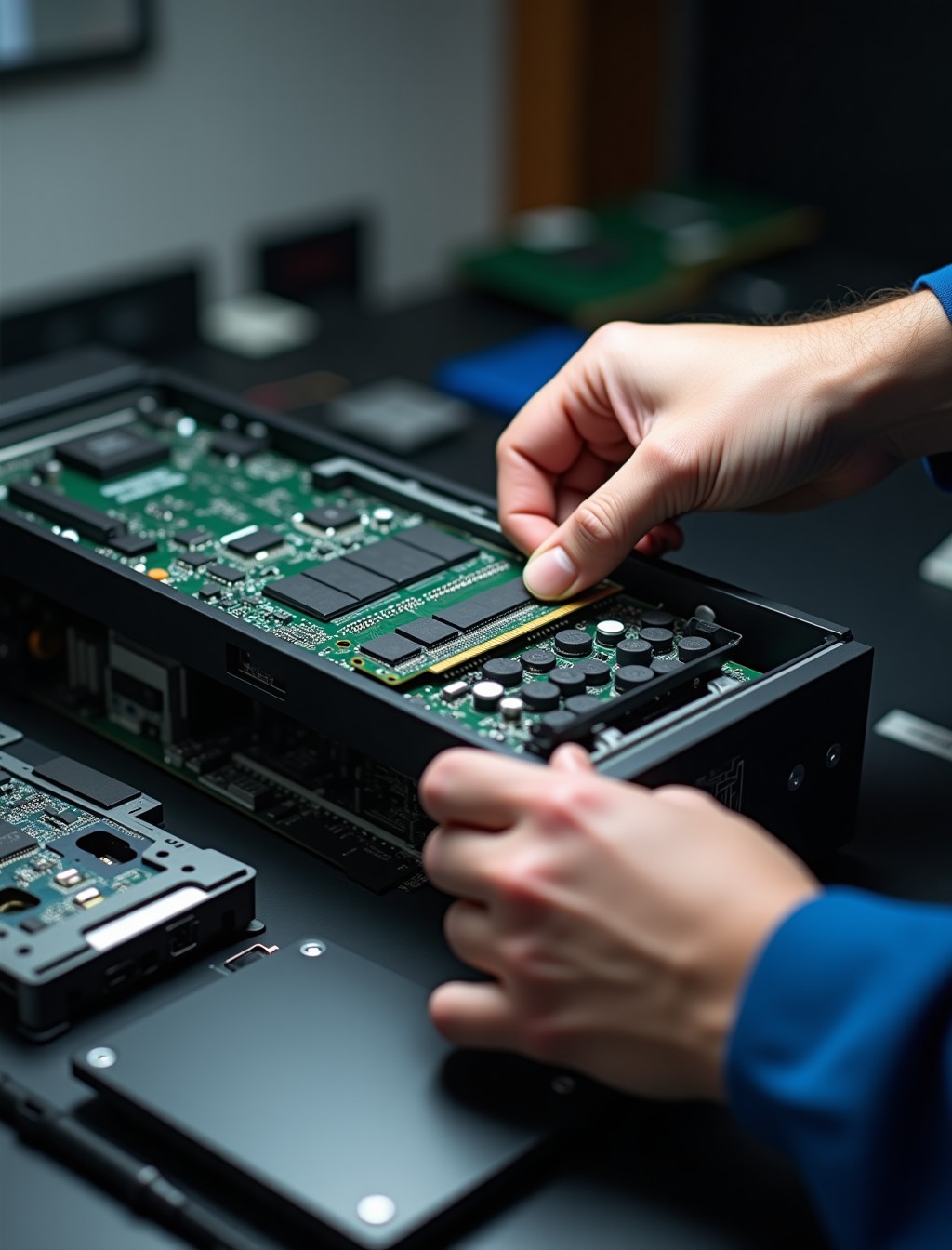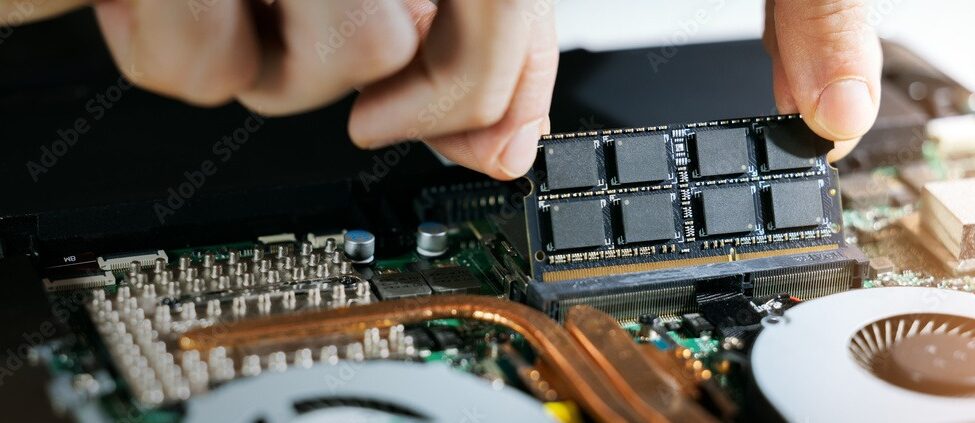
A PC that slows to a crawl the moment you have several browser tabs, a document, and a video call open at once is usually running out of memory, not losing its mind. RAM is what your system uses to juggle everything running at the same time, and once it runs out, the PC starts relying on the much slower hard drive or SSD to compensate, which is exactly when everything grinds to a halt.
Milaaj’s computer RAM upgrade service in Dubai fits additional or replacement memory modules matched to your specific motherboard, so you get a real performance gain rather than mismatched parts that cause more problems than they solve. Getting this wrong is one of the most common DIY mistakes we see, since not every module fits every system.
This kind of upgrade is also one of the more misunderstood fixes out there. It gets confused with storage constantly, even by some repair shops, so getting a proper diagnosis first matters more here than people expect. The two problems feel similar to a user but have completely different fixes, and treating one as the other means paying for an upgrade that does not actually solve anything.
Signs Your PC Needs More Memory
These are the patterns that usually point to memory as the actual bottleneck, rather than the processor or storage.
- PC slows down noticeably with multiple programs open: Task Manager or Activity Monitor typically shows memory usage near its limit when this happens.
- Browser tabs reload themselves after switching between them: A sign the system is discarding data from memory to make room for what you are actively using.
- Programs freeze briefly when you switch between them: The system is swapping data to the drive because memory is full, which is far slower than RAM itself.
- Video calls stutter when other programs are open: Memory-heavy applications like video conferencing are often the first to show symptoms.
- System slows down progressively the longer it stays on: Memory usage tends to climb over a session, so symptoms often appear hours into use rather than at startup.
- Gaming performance drops during alt-tabbing or streaming: Running a game alongside chat or streaming software pushes memory demands well beyond casual browsing.
step by step process
How We Fit Additional Memory
Getting the right module matters as much as the installation itself, so we start with your specific system, not a generic part. A module that is technically compatible but poorly matched to your existing configuration can still leave performance on the table.
1
Free consultation and compatibility check
We confirm your motherboard’s supported memory type, speed, and maximum capacity before recommending anything.
2
Current configuration review
We check whether your existing modules are running in single or dual channel, since this affects real-world performance more than raw capacity alone.
3
Genuine module sourcing
We source memory that matches your system’s specification rather than the cheapest compatible option.
4
Physical installation
Modules are fitted and seated correctly, which matters more than people expect for stability.
5
BIOS and system verification
We confirm the system recognizes the full capacity and is running at the correct speed after installation.
6
Performance testing
Multitasking and memory-heavy tasks are tested to confirm the upgrade delivered a real, noticeable improvement.
We size the upgrade to how you actually use the PC rather than defaulting to the largest capacity available. There is little point paying for more memory than your workload will ever use, and our consultation is built around finding that right balance for you.
RAM vs Storage: What’s Actually Slowing You Down?
These two get confused constantly, including by some repair shops, so it is worth getting straight before spending on the wrong fix.
Points to a Memory Limitation
- PC slows down specifically when multiple programs are open at once
- Performance is fine right after startup but degrades as you keep working
- Task Manager shows memory usage consistently near its maximum
- Closing programs immediately restores normal speed
Points to a Storage Limitation
- PC is slow even with only one or two programs open
- Boot time itself is slow, not just multitasking performance
- File transfers and saves take noticeably longer than they should
- Drive is nearly full, or it is an older mechanical hard drive rather than an SSD
Many PCs genuinely need both, particularly older systems running a mechanical hard drive with limited memory. Our free consultation checks both rather than assuming one is the fix without confirming it first. Treating the wrong one first is the most common way people end up spending twice on upgrades that should have been solved in a single visit.
all brands
Desktop and Gaming PC Brands We Upgrade
We fit memory across every major brand and configuration common in Dubai homes and offices.
- Dell and HP desktops: OptiPlex Micro and Plus, HP Pavilion, ProDesk, and EliteDesk towers, most running DDR4 with some newer models supporting DDR5.
- Lenovo and Acer PCs: ThinkCentre and Aspire desktops, along with Predator Orion gaming towers.
- Custom-built PCs: ASUS, MSI, and Gigabyte motherboards with varying maximum capacity and supported speeds depending on chipset.
- Gaming PCs and prebuilt rigs: Alienware Aurora, HP Omen, and boutique builds from iBUYPOWER and NZXT, where dual-channel configuration matters most for gaming and creative workloads.
- All-in-one desktops: Compact systems with limited memory slots, where getting the right capacity in fewer sticks matters more than on a standard tower.
Mixing DDR generations is not possible on any of these systems, since DDR4 and DDR5 modules are physically incompatible with each other’s slots. Confirming which generation your board supports is one of the first things we check, well before recommending any specific module.
why milaaj
Why Dubai Trusts Milaaj for Memory Upgrades
Beyond fitting the modules, here is what keeps customers coming back for their next upgrade too.
- Real repair experience: Over 4 years fixing and upgrading devices across Dubai, with 17,200+ jobs completed to date.
- Trusted by thousands: 35,000+ customers served, backed by a 4.9 rating from 400+ Google reviews and 98% positive feedback.
- Free, no-obligation consultation: You will know exactly which modules fit your PC and what it costs before you commit to anything.
- Genuine and premium-grade parts: Every module fitted meets OEM or premium-grade standards, never generic substitutes.
- Warranty you can rely on: Up to 12 months parts-and-labor warranty on completed upgrades.
- Convenient pickup and delivery: Free collection and drop-off anywhere in Dubai.
- Support in your language: Our team assists customers in Arabic, English, Urdu, Hindi, Malayalam, and Tamil.
- Always reachable: 24/7 support for questions before, during, and after your upgrade.
Related Repairs
- Computer SSD Upgrade Dubai – customers unsure whether the fix is memory or storage are exactly who this page is written for, making it a natural next step.
- Computer Software Repair Dubai – some slowdowns turn out to be malware or background processes rather than a hardware limitation, worth ruling out first.
- Computer Motherboard Repair Dubai – memory compatibility is tied directly to the motherboard, so board-level issues are worth checking if a new module is not recognized correctly.
- Computer Fan Repair Dubai – customers already having their PC opened for a memory upgrade are a good opportunity to check cooling and dust buildup at the same time.
FAQs
Frequently Asked Questions About Computer RAM Upgrades
How much memory does my PC actually need?
It depends on how you use it. Everyday browsing and office work are usually comfortable with 8 to 16 gigabytes, while gaming, video editing, and heavy multitasking typically benefit from 16 to 32 gigabytes or more, and some creative workloads push well beyond that.
Can I mix different brands or speeds of memory?
Technically sometimes, but it usually means the whole set runs at the slower module’s speed, and stability issues become more likely the more mismatched the parts are. We always recommend matched modules for a clean, reliable result.
Will adding more memory fix a slow hard drive?
No, and this is one of the most common misunderstandings we run into. A memory upgrade helps with multitasking specifically, while a slow boot or slow file access points to storage instead, which our free consultation will help you tell apart before you spend on the wrong fix.
How much does a memory upgrade cost in Dubai?
Cost depends on the capacity and speed that fits your motherboard. We confirm this during a free consultation and give you a clear quote before any work begins.
Is there a maximum amount of memory my PC can use?
Yes, every motherboard has a supported maximum, and older systems in particular can be more limited than people expect. We check this during the compatibility review before recommending anything, since installing more than the board supports simply will not work.
Do I need to reinstall Windows after a memory upgrade?
No. Adding or replacing memory does not affect your operating system, programs, or files in any way, so everything stays exactly as it was.
Why does my PC show less memory than I actually installed?
A small amount is normally reserved for system use and, on systems with a dedicated graphics card, sometimes for shared video memory as well. This is expected and does not mean anything is faulty or that a stick failed to install correctly.
PC Struggling With Multitasking?
Memory is one of the more affordable upgrades available, and the improvement in day-to-day multitasking is usually immediate and obvious. Unlike some upgrades, you feel the difference the moment you open your usual mix of programs again.
Contact us
Get the Most Out of Your PC
Bring your desktop or gaming PC to Milaaj for a free consultation, or book our pickup and delivery service and we will collect it from anywhere in Dubai. Our certified technicians will confirm exactly what your system supports and fit the right modules the first time.