

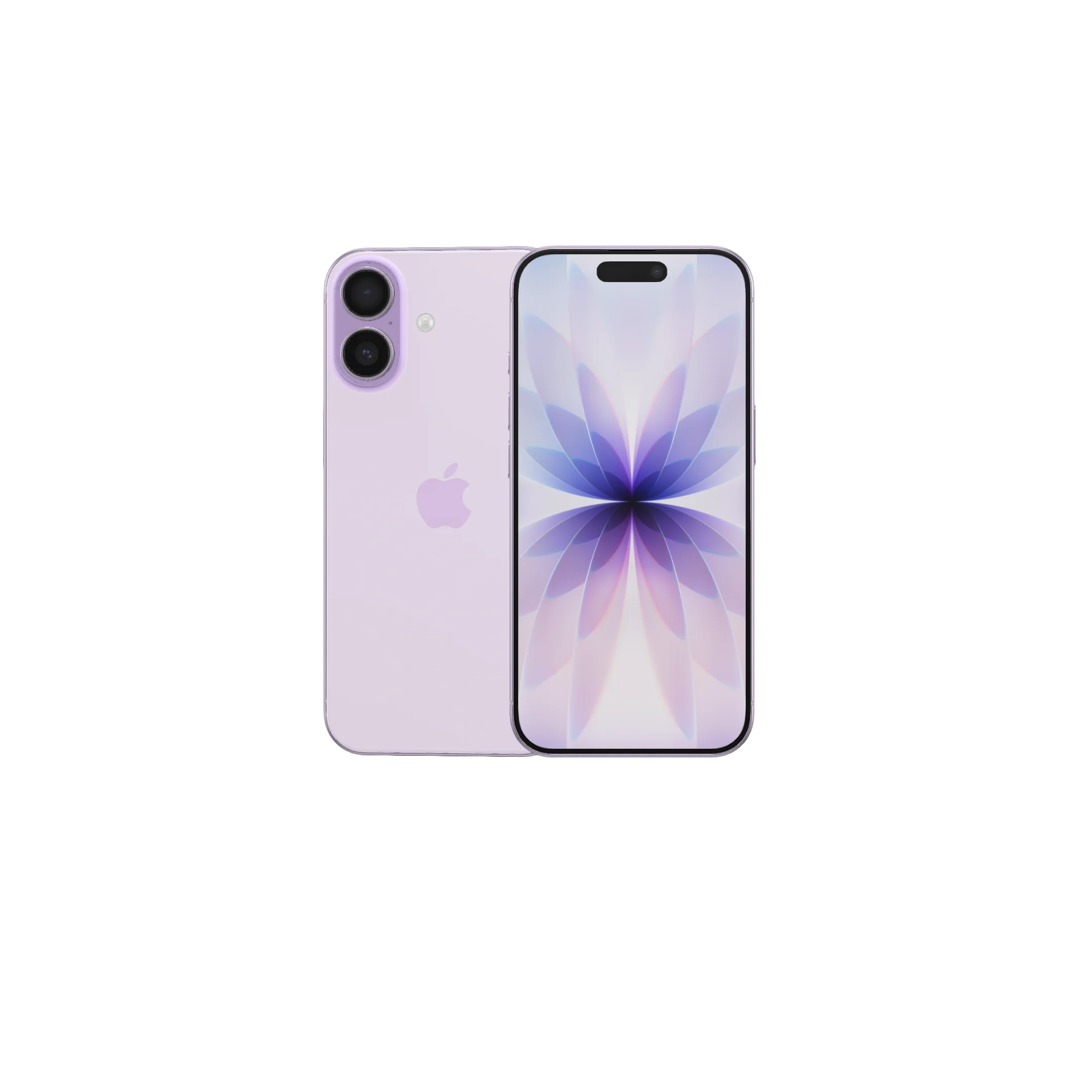
Dubai is a paradise for tech enthusiasts. Whether you walk through the bustling streets of Deira, explore modern shopping malls, or browse online marketplaces like Dubizzle, you’ll find an impressive selection of premium pre-owned gadgets. Moreover, because residents frequently upgrade to the latest devices, the second-hand smartphone market moves incredibly fast.
Sell your used iPhone 17 is one of the most sought-after smartphones in Dubai, thanks to its powerful Apple A19 chip, smoother ProMotion display, advanced camera system, and impressive performance. Consequently, many buyers are choosing a pre-owned model to enjoy premium features at a more affordable price. However, purchasing a used iPhone without performing the right checks can quickly turn what seems like a great deal into an expensive mistake.
Fortunately, with a little preparation and the right checklist, you can confidently evaluate a second-hand iPhone 17 before handing over your money. This guide explains everything you need to inspect, verify, and test so you can make a safe and informed purchase.
Why the Second-Hand iPhone 17 is Booming in Dubai
The UAE consumer market is known for embracing the latest technology. Whenever a new iPhone generation launches, thousands of residents upgrade and sell or trade in their previous flagship devices. As a result, the second-hand market is filled with well-maintained, lightly used smartphones in excellent condition. Because many of these devices are only a year old, buyers can enjoy powerful performance, excellent battery life, advanced cameras, and years of iOS updates at a significantly lower price than buying new.
However, a lower price should never mean compromising on quality. Instead, every buyer should carefully inspect both the physical condition and software features before completing the purchase. For example, checking the display, battery health, cameras, Face ID, charging port, and activation status can help you avoid costly surprises. In addition, confirming that the device has not been reported lost or stolen or blocked by a carrier provides extra peace of mind. Ultimately, following a detailed inspection checklist will help you make a confident purchase and get the best value for your money.
The Ultimate Checklist for Buying a Pre-Owned iPhone 17
1. The IMEI and Activation Lock Verification
Before you test a single button, you must verify the legal status of the phone. An iPhone that is locked to its previous owner or has been reported lost or stolen is essentially unusable, making it an expensive paperweight.
- Turn on the Device: If you see a multi-language “Hello” screen, the phone has been factory reset. Go through the initial setup steps until you reach the home screen.
- Check Activation Lock: If the phone requests an Apple ID or password that belongs to someone else, stop immediately. Insist that the seller log out of their iCloud account and turn off “Find My iPhone” under settings.
- Verify the IMEI Number: Open the phone dialer and type
*#06#to reveal the unique IMEI number. Cross-reference this number by going to Settings > General > About. Write it down and run it through official online databases to ensure the device has not been reported lost or stolen.
2. Inspecting the Hardware, Screen, and TrueDepth Camera
The physical build of the iPhone 17 series uses highly advanced engineering, but drops and impacts can cause hidden structural issues. Take the phone out of any protective case and inspect it under bright, natural light.
- Look for Fine Cracks and Dents: Check the aluminum frame and the rear glass panel for deep gouges. Significant dents on the corners often point to severe impacts that might have weakened internal components like the logic board or wireless charging coils.
- Examine the Display Glass: Look closely for faint scratches or deeper cracks. Run your finger along the edges to check for smooth integration. If the display stands slightly raised from the frame, the screen may have been replaced by a third-party shop using cheap adhesive.
- Test Face ID and Front Sensors: Set up Face ID using your own facial profile. This exercises the TrueDepth camera system, which is incredibly difficult and expensive to fix if damaged by liquid exposure or drop impacts.
3. Deep-Dive into iOS Parts and Service History
Apple builds advanced internal diagnostics directly into its operating system. This is your greatest asset when trying to spot unoriginal components.
- Navigate the Settings Menu: Go to Settings > General > About.
- Analyze the Parts History: If the device has undergone a repair, a dedicated section will appear right below the serial number. Look for the label “Genuine Apple Part” next to components like the display, battery, or camera.
- Spot the Warning Signs: If you see an “Unknown Part” notification, it means the component is either a low-quality counterfeit, a poorly recycled piece, or a part that is not functioning correctly. Be highly cautious if critical components fail to verify.
4. Testing Battery Health and Peak Performance
Batteries are consumable components that degrade over time. Because the iPhone 17 series is relatively recent, a heavily degraded battery is an immediate red flag that suggests extreme daily usage.
- Check the Capacity Percentage: Head over to Settings > Battery > Battery Health & Charging. A healthy, well-maintained device should show a maximum capacity above 85% to 90%. Anything below 80% means the device will experience shorter runtimes and performance throttling under heavy workloads.
- Monitor the Thermal Levels: Keep the phone running for a few minutes while testing features. If the rear glass becomes uncomfortably hot to the touch during simple menu navigation, it could signal an underlying short circuit or an unoriginal, deteriorating battery cell.
Common Scams and Red Flags to Avoid in Dubai
While the local tech ecosystem is generally highly regulated, open digital marketplaces still require a sharp eye. Being aware of the most frequent tricks will keep your investment secure.
| Red Flag | Potential Danger | Safe Action |
| Price is Unbelievably Low | Could be a counterfeit clone, a stolen phone, or have major internal component failures. | Compare the asking price with standard market rates across trusted local retail stores. |
| Seller Avoids Public Places | Increases the risk of a fraudulent transaction or personal safety concerns. | Insist on meeting at a busy, well-lit public space, such as a shopping mall or a metro station entrance. |
| Refusal to Let You Test the SIM | The device could be carrier-locked to an international network or have an IMEI blacklist block. | Bring your own active nano-SIM or eSIM configuration and test calling and mobile data on the spot. |
Professional Assistance: Milaaj Mobile and Laptop Repair Al Barsha
If you ever feel uncertain about performing these technical checks yourself, or if your newly purchased pre-owned device suddenly encounters an unexpected issue, turning to certified experts is the smartest move. This is exactly where Milaaj mobile and laptop repair Al Barsha comes into play. Strategically located to serve the community, they stand out as a trusted, highly rated service hub for all modern electronic devices.
They specialize in delivering a flawless customer experience built on key performance standards:
- Premium Part Quality: They source and install top-tier replacement components, ensuring that your vibrant display, high-capacity battery, and delicate camera sensors operate seamlessly without causing system warnings.
- Incredible Speed Repairing: They know how vital your phone is to your daily life. Their skilled technicians work rapidly to execute diagnostic checks and repairs, often handing your fully restored device back to you on the exact same day.
- Maximum Convenience: Located right in the heart of Al Barsha, their welcoming walk-in center makes it incredibly simple to drop off your device while running your regular daily errands around town.
- Unmatched Low Price Points: Getting professional tech support shouldn’t drain your bank account. They balance exceptional workmanship with highly competitive, affordable rates, giving you massive value over overpriced factory alternatives.
Summary Checklist for Smart Buyers
Before you make your final decision and transfer any funds, quickly run through this visual mental checklist to ensure you have covered every single angle:
- [ ] IMEI status verified as clean and unlisted.
- [ ] iCloud account completely unlinked and removed.
- [ ] TrueDepth camera and Face ID setting up smoothly.
- [ ] iOS Parts History shows zero “Unknown Part” alerts.
- [ ] Battery health checked and confirmed above 85%.
- [ ] Physical charging port and buttons responding instantly.
- [ ] Local network calls and mobile data working with a Dubai SIM.
Frequently Asked Questions (FAQs)
Can I verify if an iPhone 17 has water damage?
Yes, you can check the Liquid Contact Indicator (LCI), which is designed to show whether the iPhone has been exposed to liquid. However, the indicator’s location varies depending on the model and regional version of the device. On iPhone models with a physical SIM card tray, the LCI is typically visible inside the SIM tray slot when viewed under a bright light. If the indicator appears red, it suggests that the iPhone has come into contact with liquid. On the other hand, if it remains white or silver, there is no visible indication of liquid exposure.
Keep in mind that the LCI is only one part of the inspection process. Therefore, you should also look for signs such as corrosion around charging ports, fogging inside the camera lenses, distorted speakers, or unexpected hardware issues. Ultimately, combining these checks with a full functional test gives you greater confidence when buying a second-hand iPhone 17.
What is a normal battery health percentage for a used iPhone 17?
Given that the device has been in the market for around a year, a standard pre-owned model should typically sit anywhere between 88% and 96% maximum battery capacity. If a seller claims the phone was rarely used but the health is down in the 70s, it indicates heavy gaming, constant exposure to extreme heat, or a low-quality replacement battery.
Is a third-party repaired iPhone safe to buy?
It entirely depends on the quality of the parts and the skill of the technicians involved. A repair handled by a premium shop using high-grade components can function perfectly for years. However, if the iOS settings screen flags an “Unknown Part”, you should negotiate a lower price to account for the potential risks down the road.
Why should I choose local repair shops over official centers for post-purchase issues?
Independent hubs offer a fantastic mix of speed, affordability, and personalized service. Certified neighborhood centers provide identical diagnostic precision and utilize stellar components, but they do it at a fraction of the cost without forcing you to wait in line for days to get your device back.
📍 Visit Any Milaaj Branch in Dubai
🔹 Bur Dubai
Milaaj Mobile and Laptop Repair Dubai
📞 055 258 8477
🔗 Google Maps
🔹 Al Barsha
Milaaj Mobiles and Laptop Repair Al Barsha
📞 052 596 2846
🔗 Google Maps
🔹 Al Barsha 3
Milaaj Mobiles , Laptops and Watches Repair Service
📞 052 3405 814
🔗 Google Maps
🔹 Al Nuaimiya
Milaaj Mobiles and Laptops Ajman
📞 055 788 9654
🔗 Google Maps
Email: support@milaaj.com
Operating Hours: Monday Sunday
Leave a Reply