

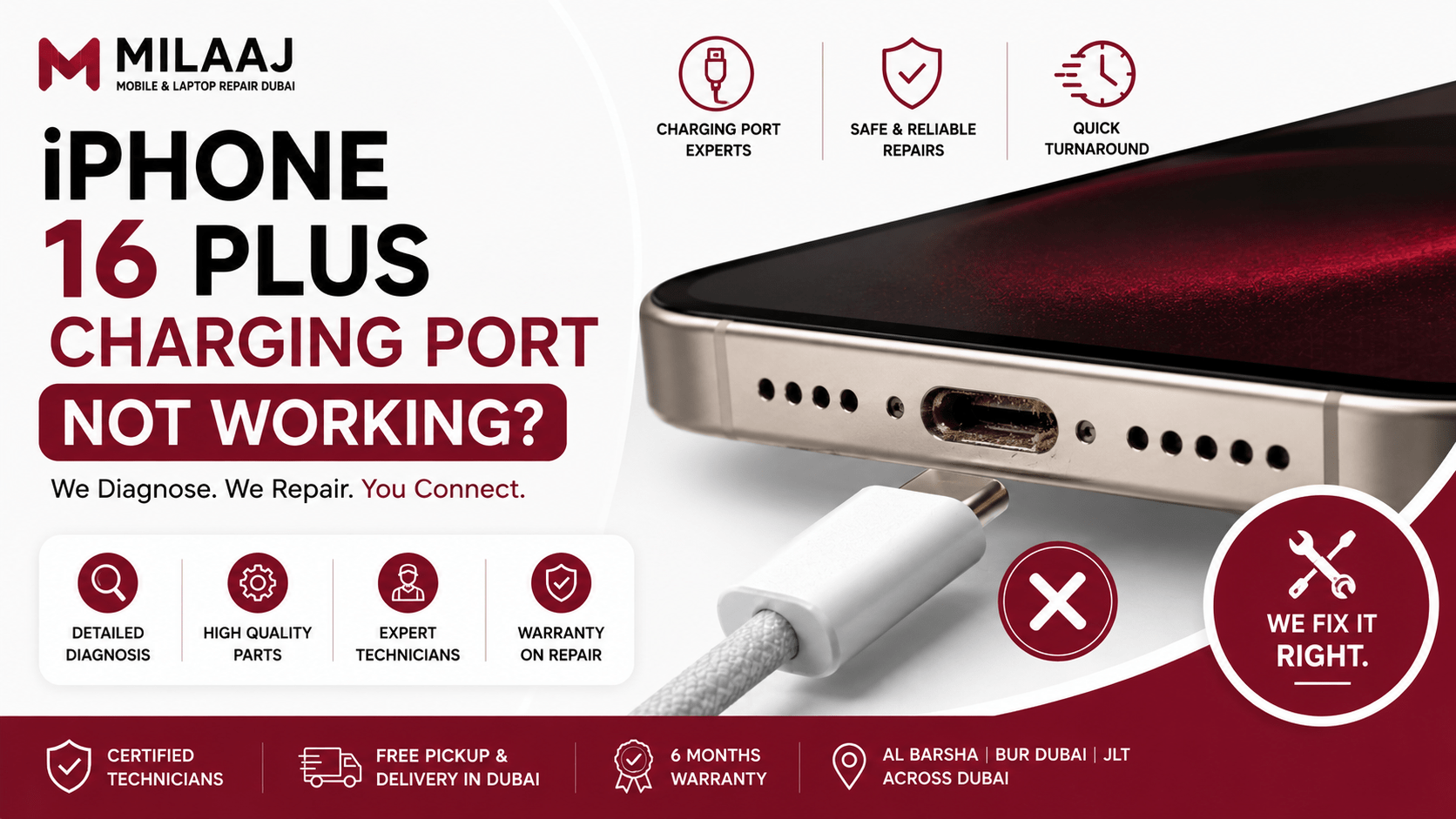
We all rely on our smartphones to navigate daily life. We use them for managing business schedules, hailing rides down Sheikh Zayed Road, and capturing memories. The iPhone 16 Plus is a truly fantastic device. It offers a massive display and excellent battery endurance. However, even the best flagship models can run into sudden hardware glitches. One of the most frustrating issues is a dead battery that refuses to power up. Finding your iPhone 16 Plus charging port not working step by step repair guide Dubai solutions becomes incredibly urgent when your phone sits completely unresponsive on your desk.
When a phone stops drawing power, it instantly cuts you off from your world. The issue might stem from a simple layer of packed lint. Alternatively, it could be a sign of physical hardware damage inside the Type-C port housing. This comprehensive local handbook walks you through the entire diagnostic path. We start with easy cleaning tricks you can safely try at home. Following that, we explain the detailed hardware replacement steps used by advanced technicians. Our guide ensures you can handle this common tech headache with absolute confidence.
Common Causes Behind iPhone 16 Plus Charging Port Failures
Understanding why your USB-C port failed is the first step toward a permanent fix. The transition away from the older Lightning style brought faster data speeds. However, it also introduced a wider open slot that easily collects external debris.
Debris Accumulation and Packed Pocket Lint
This is the single most common cause of charging failures in the UAE. The fine desert sand and regular clothing lint slip into the open USB-C slot daily. Every time you push your charger in, you compress this debris into a solid wall at the very back of the port. Eventually, this hidden barrier stops the cable plug from clicking flush against the inner power pins.
Liquid Intrusion and Electrical Corrosion
Dubai features high coastal humidity, especially during the intense summer months. Additionally, simple accidents like accidental spills or holding your device with sweaty hands can introduce moisture into the charging slot. This moisture reacts with the electrical current running through the device, creating green copper corrosion. This rust layer quickly degrades the delicate data pins.
Mechanical Fatigue and Loose Micro-Solder Joints
The Type-C charging port assembly is anchored inside the phone frame. Despite these brackets, inserting and removing cables at sharp angles creates significant physical leverage. Over several months, this constant mechanical strain can crack the tiny solder connections. These connections link the internal port directly to the main flexible printed circuit.
Step-by-Step Home Diagnostic Guide
Before you rush out to spend money at a hardware shop, you should run through a checklist. These simple steps help you rule out basic software errors or faulty external accessories.
1.Test with Multiple Authentic Accessories:Takes 1 minute.
Swap out your current charging cable and power adapter. Plug your device into a verified, original Apple USB-C cord connected to a working wall outlet. This rules out broken charging blocks.
2.Perform a Force Restart via Buttons:Takes 2 minutes.
Sometimes a deep system crash freezes the power management system. Quickly press and release Volume Up, then press and release Volume Down. Hold the side Power button firmly until the Apple logo appears.
3.Inspect and Clean the Slot Safely:Takes 5 minutes.
Turn off your device completely. Take a non-conductive tool, like a thin wooden toothpick or a plastic anti-static brush. Insert it carefully into the slot to gently scoop out any compressed gray lint or debris.
4.Check for Liquid Warning Alerts:Takes 1 minute.
Plug your cable back into the phone. Watch the display closely to see if iOS triggers a liquid detection warning. If it does, unplug the phone instantly and let it dry for several hours.
The Hidden Dangers of DIY Hardware Replacements
Many users watch online teardown videos and assume they can easily swap the port themselves. They order cheap replacement parts online and try to complete the repair on a kitchen table. However, opening a premium modern smartphone carries massive risks.
Modern screens are glued down with incredibly strong industrial adhesives. Lifting the display panel without automated heating pads can easily crack the expensive OLED matrix. Furthermore, the internal layout is incredibly complex. The charging port ribbon flex cable sits directly underneath the Taptic Engine and the main loudspeaker module. A single slip of a metal screwdriver can easily puncture the lithium-ion battery or rip surrounding 5G antenna lines. This transforms a basic port swap into a catastrophic hardware failure.
Professional Charging Port Replacement Cost and Timeline
If your phone remains completely dead after a safe home cleaning, you are likely dealing with physical hardware damage. A professional technician will need to open the phone to replace the internal charging flex assembly.
General Cost Estimates in Dubai (2026)
The total price for a professional hardware restoration reflects the complexity of the device. On average, a premium USB-C charging flex replacement for this model ranges from AED 220 to AED 350. This price varies slightly depending on whether you need a full assembly swap or targeted pin micro-soldering.
Typical Repair Timelines
You do not have to leave your phone at a workshop for days. A well-equipped laboratory can complete a full charging dock replacement in just 45 to 90 minutes. This swift process allows you to get your device back on the very same day.
Precision Mobile Hardware Restoration at Milaaj Al Barsha
Handling advanced smartphone engineering requires specialized equipment and exceptional technical skills. For residents seeking a stress-free and reliable solution, Milaaj mobile and laptop repair Al Barsha offers top-tier repair services tailored specifically for flagship devices.
Lightning-Fast Repair Speeds and Total Convenience
We understand that your smartphone is central to your personal and professional life. You cannot afford to lose access to your apps for long periods. Our modern service center in Al Barsha keeps a robust inventory of premium spare parts in stock. This preparation allows our technicians to finish standard port replacements while you wait.
Premium Grade Replacement Components
Using low-quality aftermarket ports can ruin your user experience. Cheap components often disable fast charging, drop cellular signals, or cause your microphone to sound muffled. We use only premium-grade replacement parts that match factory dimensions perfectly. This ensures your phone retains its original power delivery speeds and high-speed data transfer capabilities.
Highly Competitive Low Pricing Structures
Fixing a modern flagship phone should not force you to face exorbitant service bills. We maintain direct sourcing networks with top component manufacturers. By cutting out unnecessary middle handlers, we offer highly competitive, low pricing structures. You receive elite technical service and durable repairs without the steep markups found at standard retail counters.
Frequently Asked Questions (FAQ)
Can standard wireless charging be used permanently if my physical port breaks?
Yes, you can rely on MagSafe or Qi wireless pads to power your device. However, this is only a temporary workaround. A broken physical port often has loose internal pins. These pins can shift inside the frame, causing subtle electrical short circuits or battery drain over time.
Why does my microphone sound muffled after my phone port stops working?
The lower primary microphone is soldered directly onto the exact same ribbon flex circuit as the USB-C port. If the bottom of your phone suffers from liquid corrosion or mechanical stress, it breaks the audio traces running right next to the charging jack.
Will using a laptop charger to power my phone damage the Type-C port?
No, it will not cause damage if you use a high-quality, certified USB Power Delivery charger. Modern smartphones feature internal power chips. These chips communicate with the charger to draw only the exact wattage the battery can safely handle.
How can I tell if my cable is broken or if the phone port itself is faulty?
Look closely at how the cable sits inside the slot. If the cord plugs in firmly and clicks into place but fails to charge, the cable is likely broken. However, if the cable sags, wiggles loosely, or slides completely out of the phone, the internal port housing is physically damaged.
Does fixing the charging port delete my photos, messages, or device settings?
No, a physical port replacement will not affect your stored data. The repair is purely a hardware swap of the lower docking connector and does not involve your phone’s storage chips. However, we always recommend backing up your data to iCloud before any hardware service as a standard precaution.
If your device is still refusing to charge or showing a loose connection, you can watch this comprehensive tutorial on How to Safely Clean and Troubleshoot USB-C Smartphone Ports to learn more about identifying physical blockages. This video walk-through is highly useful. It shows the internal pins under high magnification, helping you understand how easy it is for lint or physical force to disrupt your electrical connection.

Leave a Reply