

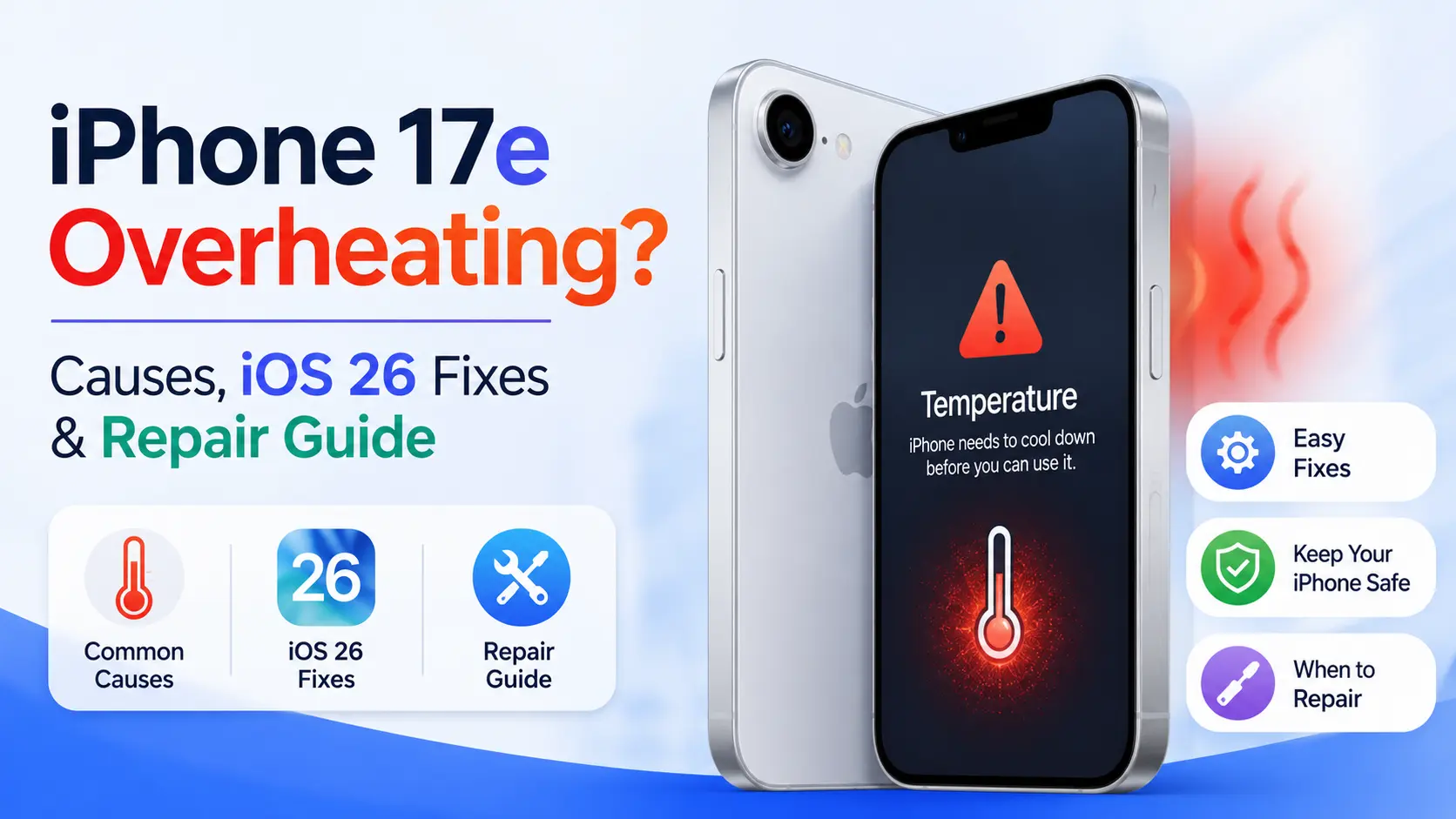
Quick Answer
The iPhone 17e may overheat due to heavy usage, charging habits, background apps, or iOS 26 performance load. In most cases, adjusting settings, updating iOS, and managing apps can fix it. If overheating continues, it may indicate a battery or hardware issue.
Key Takeaways
- iPhone 17e overheating is usually caused by workload, charging, or environment
- iOS 26 improves heat management but doesn’t eliminate overheating fully
- Gaming, 5G, and video recording are major heat triggers
- Battery health strongly impacts temperature stability
- Persistent heating may require professional repair
Why Is My iPhone 17e Overheating?
The iPhone 17e is powered by Apple’s advanced A19 chip, which is designed for high-speed performance, AI processing, and efficient multitasking. However, with more power comes more heat generation.
Overheating occurs when the device cannot effectively dissipate internal heat due to usage intensity or environmental conditions.
Common real-world causes include:
- Heavy gaming (AAA mobile titles using GPU at full load)
- Recording 4K or 8K videos for extended periods
- Using navigation apps like Apple Maps or Google Maps in sunlight
- Charging while streaming or gaming
- Weak cellular signal forcing processor overuse
- High ambient temperatures (especially in hot climates like Dubai)
- Running multiple AI-powered background processes in iOS 26
Even though Apple has improved thermal regulation in iOS 26, the iPhone 17e still generates heat under sustained performance load.
How iOS 26 Impacts iPhone 17e Temperature
iOS 26 introduces adaptive thermal intelligence, which adjusts CPU and GPU usage based on temperature. This helps reduce overheating, but it is not a complete solution.
iOS 26 features affecting heat:
- Dynamic CPU throttling during high temperature
- AI-based background task optimization
- Smarter charging heat distribution
- Reduced power consumption during standby
However, users still report overheating during:
- Long gaming sessions
- Video rendering or editing
- Continuous 5G usage
- Charging + multitasking
This means user behavior still plays a major role.
iOS 26 Fixes for iPhone 17e Overheating
If your iPhone 17e feels hot frequently, these software-level fixes can significantly reduce temperature.
1. Update iOS 26 to Latest Version
Apple frequently releases performance patches that optimize thermal behavior.
Go to:
Settings → General → Software Update
Updating ensures:
- Better background app control
- Improved battery optimization
- Reduced system-level CPU spikes
2. Reduce Background App Processing
Background processes silently increase CPU load, leading to heating.
Turn off:
- Background App Refresh
- Automatic downloads on mobile data
- Unused location permissions
This alone can reduce heat by 10–20% in some cases.
3. Disable High-Load Features Temporarily
To cool down the device faster:
- Turn off 5G → switch to LTE
- Disable Bluetooth when not needed
- Turn off AirDrop when idle
- Reduce screen brightness
These small changes reduce processor strain significantly.
4. Avoid Charging While Using the Device
This is one of the biggest overheating triggers.
Especially when:
- Gaming
- Watching videos
- Using FaceTime
- Running AI-heavy apps
Charging already generates heat; combining it with usage doubles thermal load.
5. Remove High-Performance Apps
Some apps are extremely resource-heavy:
- Mobile games (high FPS titles)
- AI editing apps
- Video rendering tools
- AR-based applications
If overheating started after installing a specific app, uninstall it and test performance.
Hardware Reasons Behind iPhone 17e Overheating
If software fixes don’t solve the issue, the problem may be hardware-related.
Common hardware causes:
- Weak or aging lithium battery
- Faulty charging IC
- Damaged thermal paste layers
- Logic board micro-damage
- Poor-quality charging accessories
- Water or moisture exposure
These issues typically require professional diagnostics.
iPhone 17e Overheating While Charging
Many users report heating during charging cycles. This is normal up to a point, but excessive heat is a warning sign.
Causes:
- Fast charging stress on battery
- Using phone during charging
- Non-original chargers
- Hot environment charging (car, sunlight, etc.)
Fixes:
- Use original USB-C charger
- Avoid usage during charging
- Remove phone case while charging
- Charge in cool environments
How to Quickly Cool Down an Overheating iPhone 17e
If your phone is already hot:
- Stop all usage immediately
- Remove case
- Turn on Airplane Mode
- Place in a cool shaded area
- Do NOT refrigerate or freeze it
Letting it cool naturally is safest for internal components.
Prevent iPhone 17e Overheating in the Future
Prevention is better than repair.
Best practices:
- Keep iOS updated regularly
- Avoid using heavy apps in direct sunlight
- Don’t multitask while charging
- Use optimized battery charging settings
- Close unused apps regularly
- Maintain at least 10–15% free storage
These habits reduce long-term thermal stress.
iPhone 17e vs Older Models (Heat Perspective)
Compared to iPhone 16 series, the iPhone 17e:
- Has improved chip efficiency
- Uses better thermal distribution system
- Runs cooler during normal tasks
- Still heats under heavy gaming loads
So while it is more efficient, it is not immune to overheating.
When iPhone 17e Overheating Becomes Serious
You should worry if:
- Device overheats within minutes of use
- It shuts down automatically due to heat
- Battery drains rapidly with heat
- Charging immediately causes high temperature
- Phone is hot even when idle
This usually indicates battery or motherboard-level issues.
Professional iPhone Repair Solution in Dubai
When software solutions don’t work, professional diagnosis becomes necessary.
At this stage, technicians check:
- Battery health and voltage stability
- Charging IC performance
- Thermal sensor behavior
- Logic board heat zones
- CPU load distribution
r reliable service, you can visit Milaaj Repairs, where advanced diagnostic tools are used to identify overheating causes accurately. Explore iPhone repair services in Dubai for expert diagnosis and repair.
If your iPhone 17e continues to overheat even after repair, it may be more cost-effective to upgrade. You can also choose to sell your iphone in Dubai through trusted buyback services and recover value for a newer device.
FAQs About iPhone 17e Overheating
Why does my iPhone 17e overheat easily?
Because of heavy apps, gaming, charging habits, or weak signal conditions.
Is overheating normal in iPhone 17e?
Light warmth is normal, but frequent or extreme heating is not.
Can 5G cause overheating?
Yes, especially in weak signal areas where the phone boosts power.
Should I worry about overheating damage?
Yes, long-term overheating can reduce battery lifespan and performance.
Conclusion
The iPhone 17e is a powerful device, but overheating can still occur due to performance load, charging behavior, or environmental heat. In most cases, iOS 26 optimizations and user adjustments are enough to fix the issue.
However, if overheating persists, it may indicate a deeper battery or hardware problem that requires expert repair.
Proper maintenance, smart usage habits, and timely diagnostics will ensure your iPhone 17e stays fast, cool, and reliable throughout 2026 and beyond.
📍 Visit Any Milaaj Branch in Dubai
🔹 Bur Dubai
Milaaj Mobile and Laptop Repair Dubai
📞 055 258 8477
🔗 Google Maps
🔹 Al Barsha
Milaaj Mobiles and Laptop Repair Al Barsha
📞 052 596 2846
🔗 Google Maps
🔹 Al Barsha 3
Milaaj Mobiles , Laptops and Watches Repair Service
📞 052 3405 814
🔗 Google Maps
🔹 Al Nuaimiya
Milaaj Mobiles and Laptops Ajman
📞 055 788 9654
🔗 Google Maps
Email: support@milaaj.com
Operating Hours: Monday Sunday


Leave a Reply